- 対象年齢4+
- カテゴリユーティリティ
- 開発元pradeep sharma
- 言語英語
- サイズ4.2 MB
App Storeの公式ページにリンクしています
Download.orgはAi Optimizerのファイルを一切ホストしていません。ボタンを押すと、pradeep sharmaが公開しているApp Storeのアプリページが開きます。ページの最終確認:2026/11/20。
スクリーンショット

概要
開発元はこのテキストをお使いの言語で提供していません。
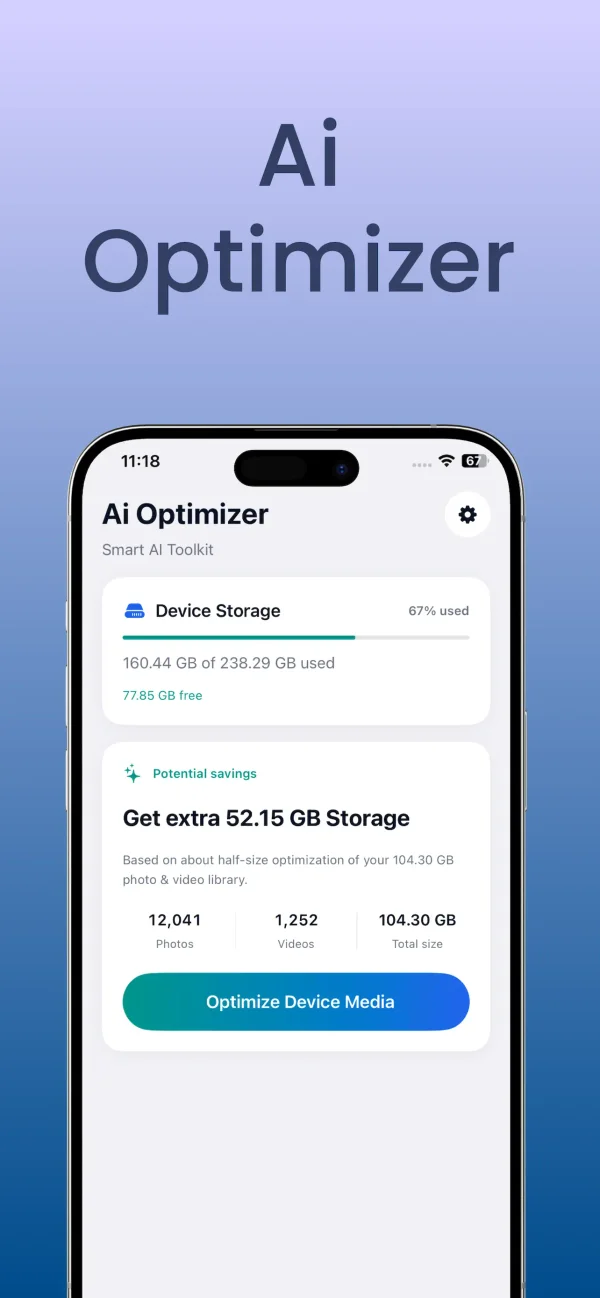
Running out of iPhone storage? Ai Optimizer uses smart AI-powered optimization to help you free up space—directly on your device, fast, private, and without uploading anything to the cloud.
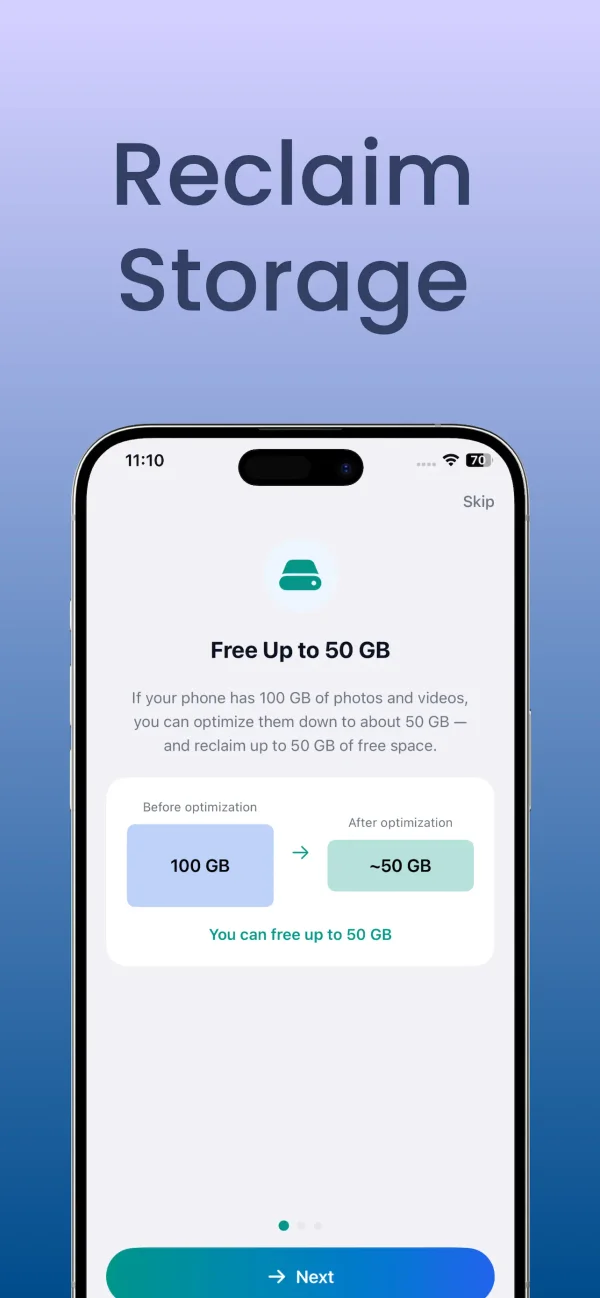
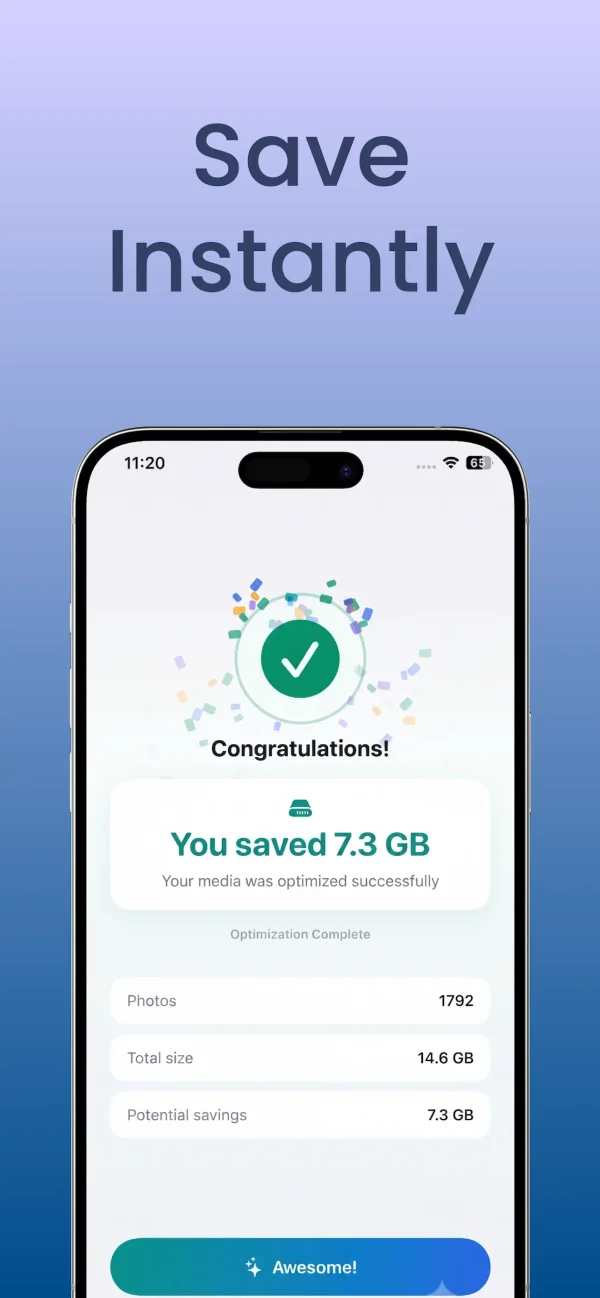
Scan your entire photo library, see how many GB you can save, and optimize media in simple batches. Keep your memories looking great while reducing file sizes by up to 50% with intelligent on-device AI optimization.
WHY AI OPTIMIZER?
• Free Up Real Storage — AI scans your library and shows potential savings before you optimize. Know exactly how much space your photos and videos are using.
• Smart AI Photo Optimization — Photos are grouped in easy batches. Optimize at your pace—start small, then work through your library batch by batch with AI-guided compression.
• AI Video Optimization — Large videos optimized one at a time, sorted by size so you save the most space first.
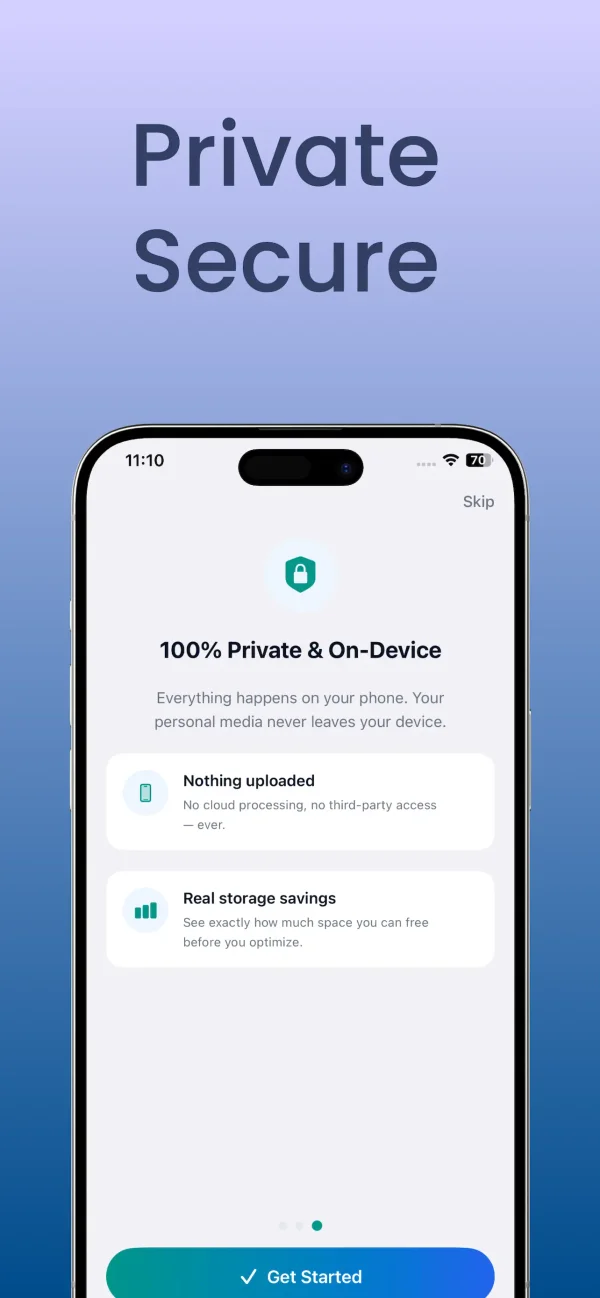
• 100% On-Device & Private — All AI optimization runs locally on your iPhone. Your photos and videos never leave your device. No servers. No cloud processing. No third-party access.
• Quality You Can Trust — AI optimization reduces file size while preserving resolution. Your photos stay sharp; your videos stay smooth.
• Simple, Clear Flow — Scan → Review savings → Optimize with AI → Optionally remove originals → Clear Recently Deleted in Photos to fully free space.
HOW IT WORKS
1. Grant photo library access (required to scan and optimize).
2. Ai Optimizer uses AI to scan your photos and videos and estimate total savings.
3. Choose a photo batch or individual video to optimize.
4. AI-optimized copies are saved to your library automatically.
5. Optionally delete originals to reclaim storage—and empty Recently Deleted in the Photos app to complete the cleanup.
PERFECT FOR
• iPhone storage full warnings
• Large photo libraries from travel, family, and screenshots
• 4K videos taking up too much space
• Anyone who wants a cleaner device without buying more iCloud storage
AI-POWERED. PRIVACY FIRST.
Ai Optimizer is built for privacy. All scanning and AI optimization runs on your phone. We do not upload, share, or store your personal media on any server. You stay in control of your library at every step.
SUPPORTED LANGUAGES
English, Chinese, Hindi, Spanish, French, Arabic, Portuguese, Russian, German, Japanese, Korean, Italian, Turkish, Indonesian, and Vietnamese.
Download Ai Optimizer today and let AI help you take back your storage—one batch at a time.
Note: Optimized copies are added to your photo library. Deleting originals is optional. To fully free storage after deletion, also clear items from Photos → Albums → Recently Deleted.
Contact us :
for app support and more information, reach out to us at : hr@mbrainapps.com
Term of Use : https://www.apple.com/legal/internet-services/itunes/dev/stdeula/
Privacy Policy : https://ai-cleanup.com/ai-optimizer-privacy-policy.html
アプリのプライバシー
このアプリのデータの取り扱いについて、pradeep sharmaがApp Storeで申告している内容です。
-
データの収集なし
開発元はこのアプリからデータを収集しません。
プライバシーの取り扱いは、ご利用の機能やお客様の年齢などに応じて異なる場合があります。
情報
- 販売元
- pradeep sharma
- カテゴリ
- ユーティリティ
- バージョン
- 1.0
- 更新日
- 2026/7/11
- リリース
- 2026/7/11
- サイズ
- 4.2 MB
- 必要条件
- iOS 16.0以降
- 対象年齢
- 4+
- 価格
- 無料
- アプリ内課金
- あり
- 言語
- 英語
- 著作権
- © Pradeep Sharma
こちらもおすすめ
-
 フォトスペースオプティマイザー写真管理とストレージ最適化
-
 Analyzer Camera Detector Pro.Xユーティリティ
-
 Phone Cleaner: Swipe to Deleteユーティリティ
-
 Bug Sound Identifier ID Insectユーティリティ
-
 解凍マスター Zip & Rar & 7z解凍エキスファイルマネージャーとzip解凍
-
 AI Optimizer: Phone Cleanerユーティリティ
-
 QR Scanner, Verify & QR Makerユーティリティ
-
 Fast Cleaner: AI Clean StorageJunk & Duplicate Photo Cleaner
-
 Clever Cleaner クリーンナップ くりーなーぐるクリーンアップ 写真重複、キャッシュクリア、メモリー最適化
-
 Neptune:デバイスと家族のセキュリティメール漏えいチェックとSmart Scan