
AI Text Expander - SmartType
Snippets, Clipboard & Kaomoji
Designed for iPhone, iPad
In-app purchases
- Age rating4+
- CategoryProductivity
- DeveloperOleksandr Momotiuk
- LanguagesSpanish+ 4 more
- Size74.4 MB
Links to the official App Store page
Download.org hosts no file of AI Text Expander - SmartType. The button opens its official App Store page, published by Oleksandr Momotiuk. Listing last checked on Nov 13, 2026.
Screenshots
About
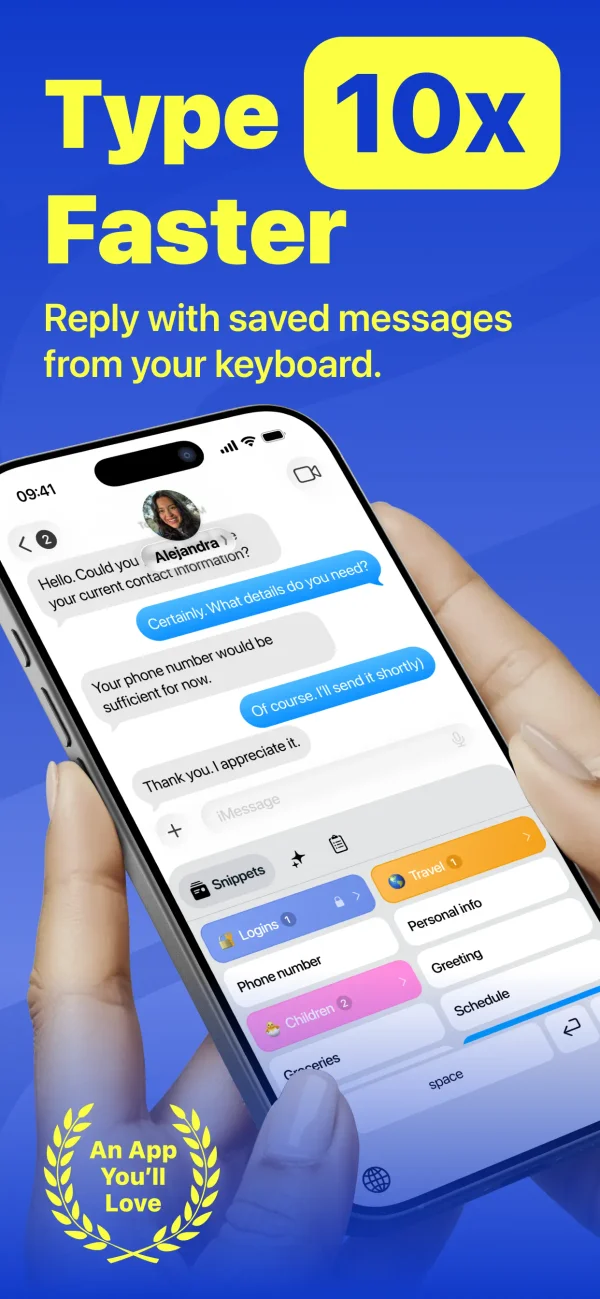
Type a few letters. Insert the full message.
SmartType is an intelligent iOS keyboard built around powerful text expansion. Turn short abbreviations into complete messages, email replies, links, addresses, contact details, and any other text you type often.
Save your text once, then reuse it wherever you type. SmartType shows relevant inline suggestions as you enter an abbreviation, so the text you need is always ready without switching apps or searching through notes.
TEXT EXPANSION
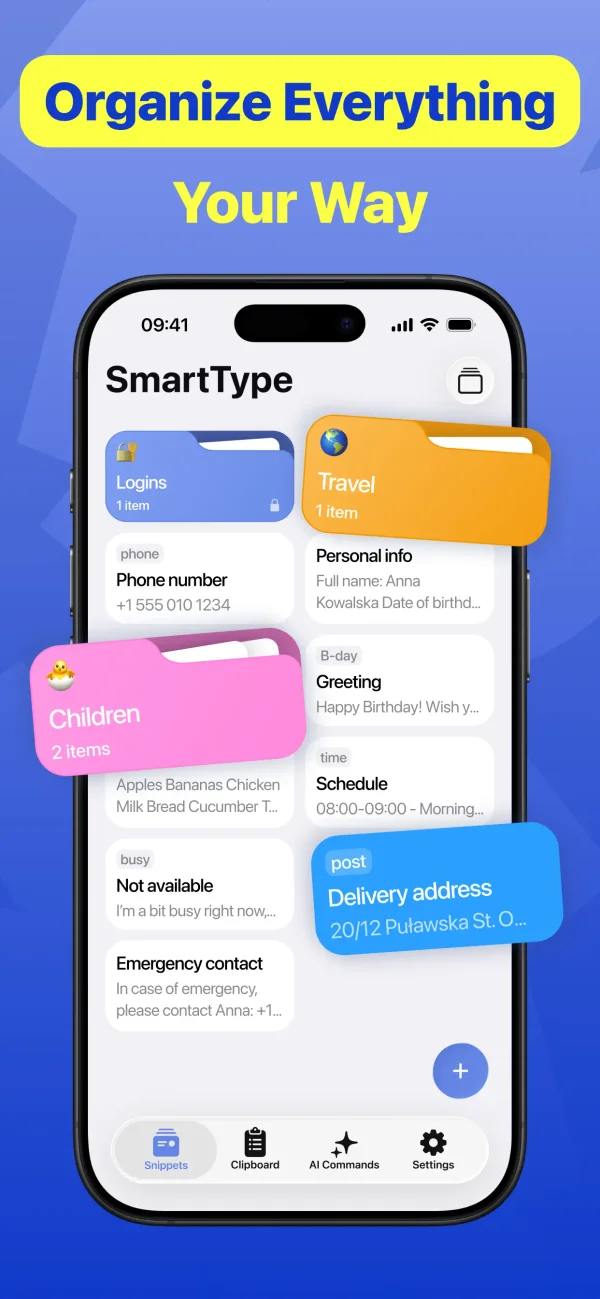
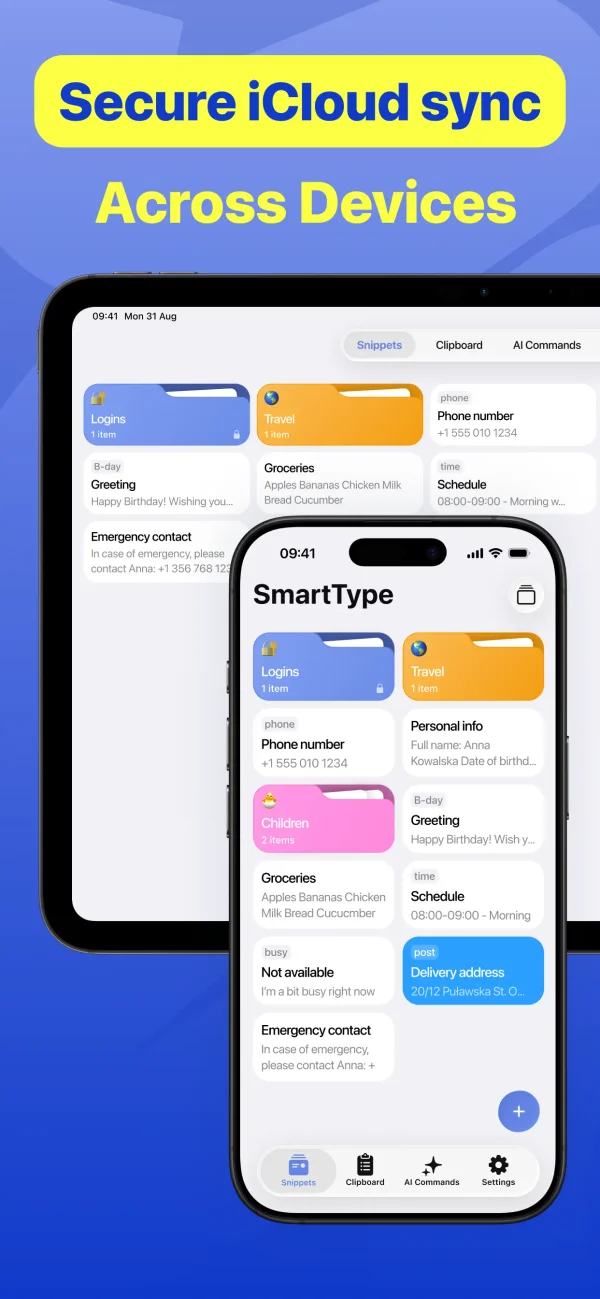
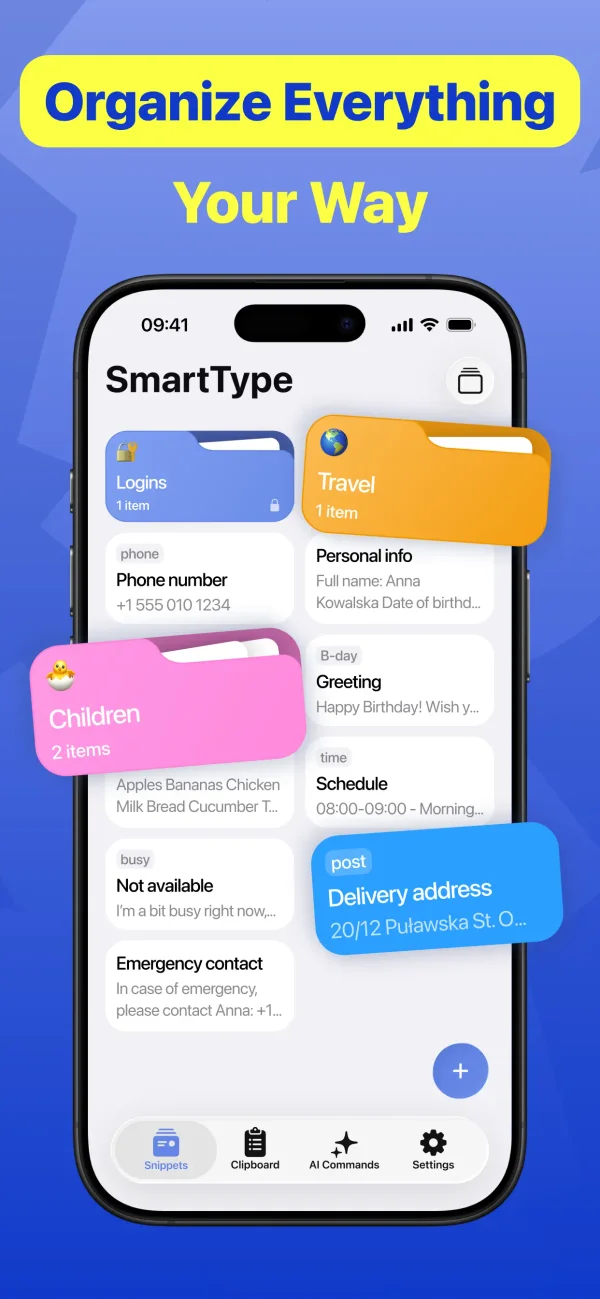
Create reusable text templates for everyday conversations and workflows. Add short abbreviations, organize your templates into folders, and find any saved item with instant search.
Use SmartType to:
• Reply to common questions
• Write emails faster
• Share links and contact details
• Enter addresses and other repeated information
• Reuse complete messages with only a few taps
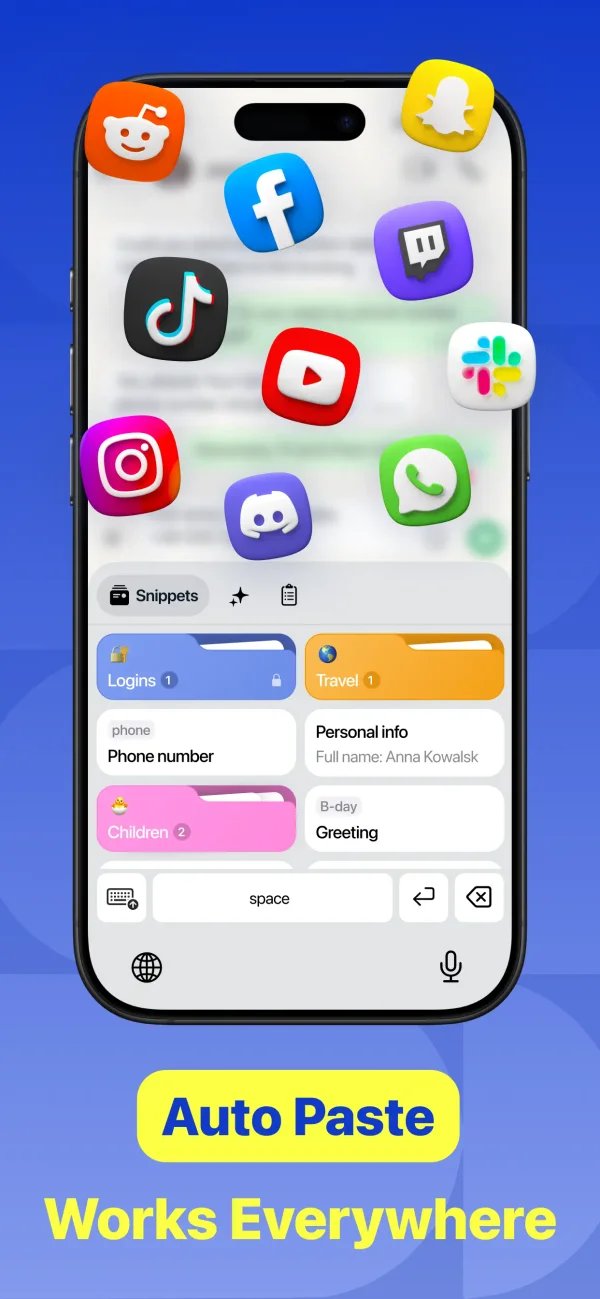
Your saved text stays available directly from the keyboard in any app that supports third-party iOS keyboards.
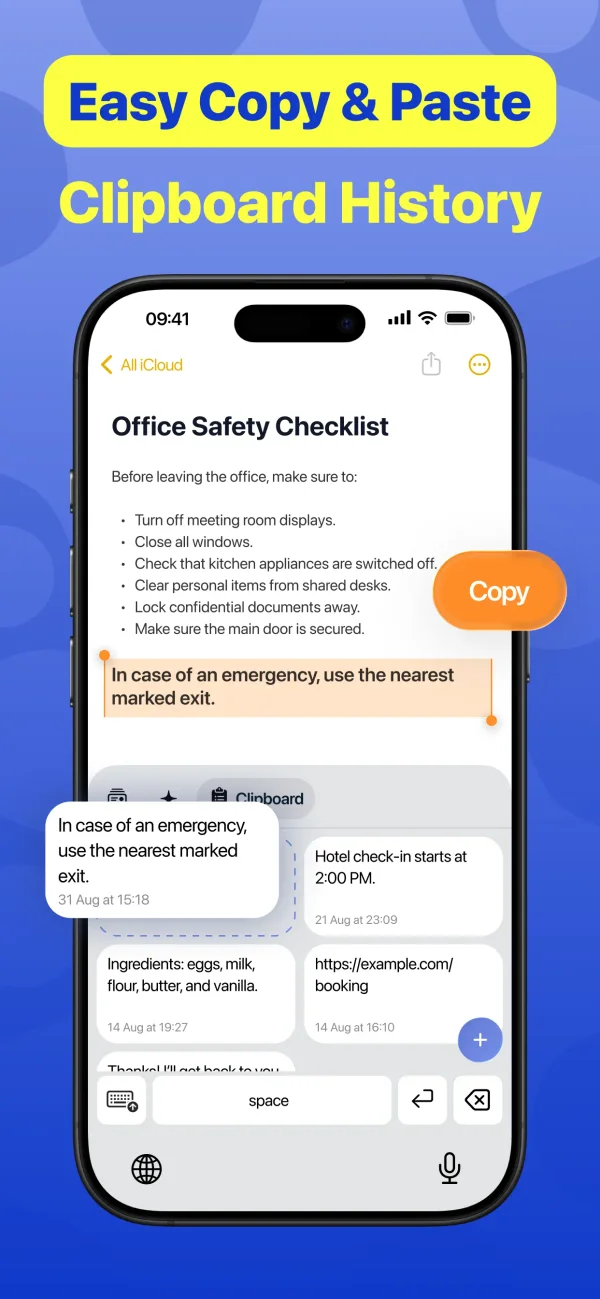
CLIPBOARD HISTORY
Keep useful copied text close at hand. SmartType helps you find and reuse recent clipboard items without repeatedly switching between apps or copying the same content again.
AI COMMANDS
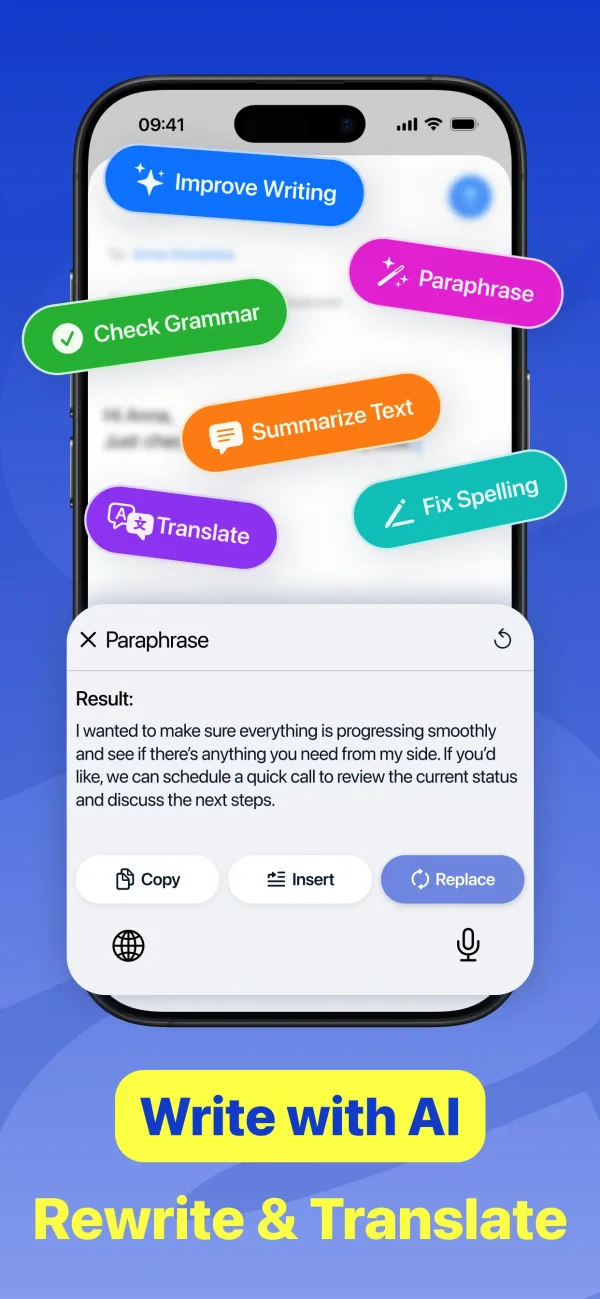
Use AI commands when you need more than a saved reply. Rewrite, improve, summarize, translate, or generate text directly from the keyboard.
AI features run only when you explicitly select a command. Your ordinary typing and messages are not sent to external AI providers.
BUILT FOR EVERYDAY TYPING
Whether you are messaging friends, answering customers, working, or studying, SmartType helps you spend less time typing the same text again.
Create your shortcuts once. Use them wherever you type.
Type less. Say more.
The app offers a SmartType Pro auto-renewable subscription that unlocks:
• Unlimited AI Writing
• Rewrite & Translate with AI
• Unlimited Collections & Folders
• Unlimited Snippets
Privacy Policy: https://luckybeans.app/smarttype/privacy-policy
Terms of Use: https://luckybeans.app/smarttype/terms-of-use
What’s new
Version 1.2.1 · Sep 3, 2026
A smoother, smarter SmartType experience:
- redesigned UI for easier, more comfortable use.
- clipboard support for quick access to copied text.
- improved AI Commands with better results and workflow.
- added German, French, Spanish, and Ukrainian localisation.
- refined keyboard interactions, animations, and overall polish.
Type faster. Work smarter.
App privacy
What Oleksandr Momotiuk declares on the App Store about how this app handles data.
-
Data not linked to you
May be collected but is not linked to your identity.
- User content
- Identifiers
- Usage data
- Diagnostics
Privacy practices may vary, for example with the features you use or your age.
Information
- Seller
- Oleksandr Momotiuk
- Category
- Productivity
- Version
- 1.2.1
- Updated
- Sep 3, 2026
- Released
- Jun 19, 2026
- Size
- 74.4 MB
- Requires
- iOS 18.0 or later
- Age rating
- 4+
- In-app purchases
- Yes
- Languages
- Spanish, German, French, English, Ukrainian
- Copyright
- © 2026 Oleksandr Momotiuk
You might also like
-
 ProPrompt KeyboardAI Prompt Keyboard & Library
-
 Typely: AI Keyboard & WriterAsk AI Email Grammar Translate
-
 Klipra - Clipboard ManagerCopy Paste History & Keyboard
-
 TypePrompt: AI Keyboard&PasteText Expander with iCloud Sync
-
 DXY AI KeyboardChat, Write and Translate
-
 Snippet Keyboard - Quick PasteCanned replies in one tap
-
 Pip: Clipboard History ManagerCopy Paste Keyboard & Snippets
-
 PasteHub Snippet Copy & PasteText Snipping Tool & Keyboard
-
 OpenAgents MobileWork with your AI agents
-
 ImproveType - Ai KeyboardFix Grammar & Rewrite Text