
AI Video Picker
Photos into living videos
Designed for iPhone, iPad
Free · In-app purchases
- Age rating17+
- CategoryPhoto & Video
- DeveloperYEONGMI KIM
- LanguagesEnglish+ 13 more
- Size18.2 MB
Links to the official App Store page
Download.org hosts no file of AI Video Picker. The button opens its official App Store page, published by YEONGMI KIM. Listing last checked on Nov 12, 2026.
Screenshots
About
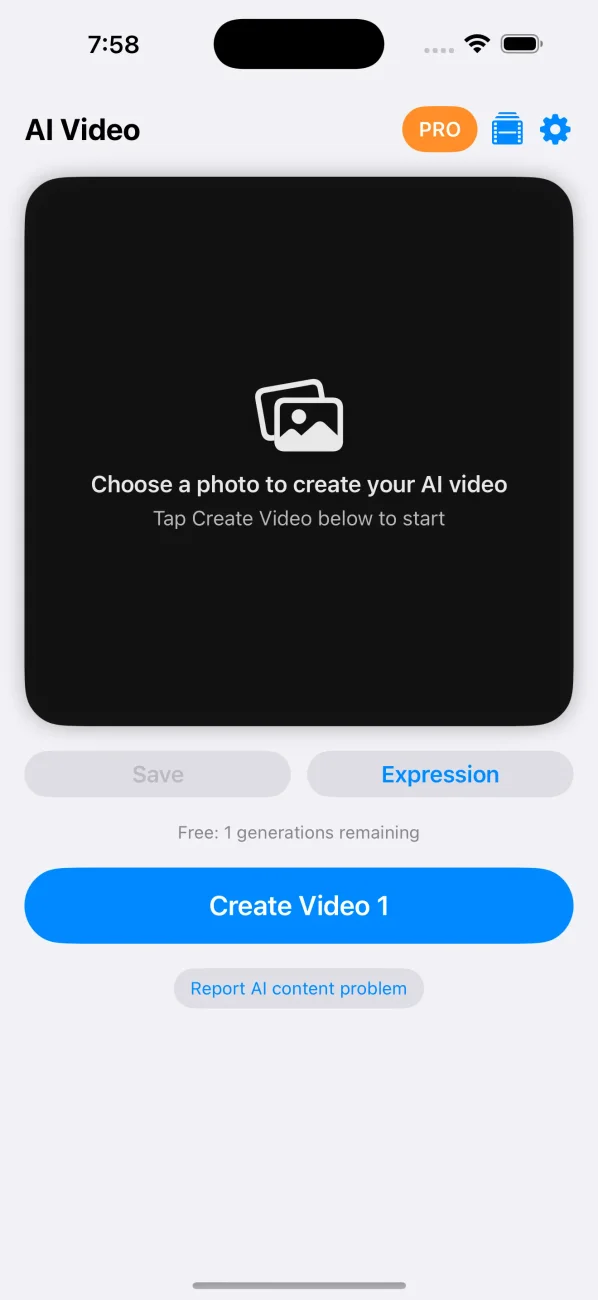
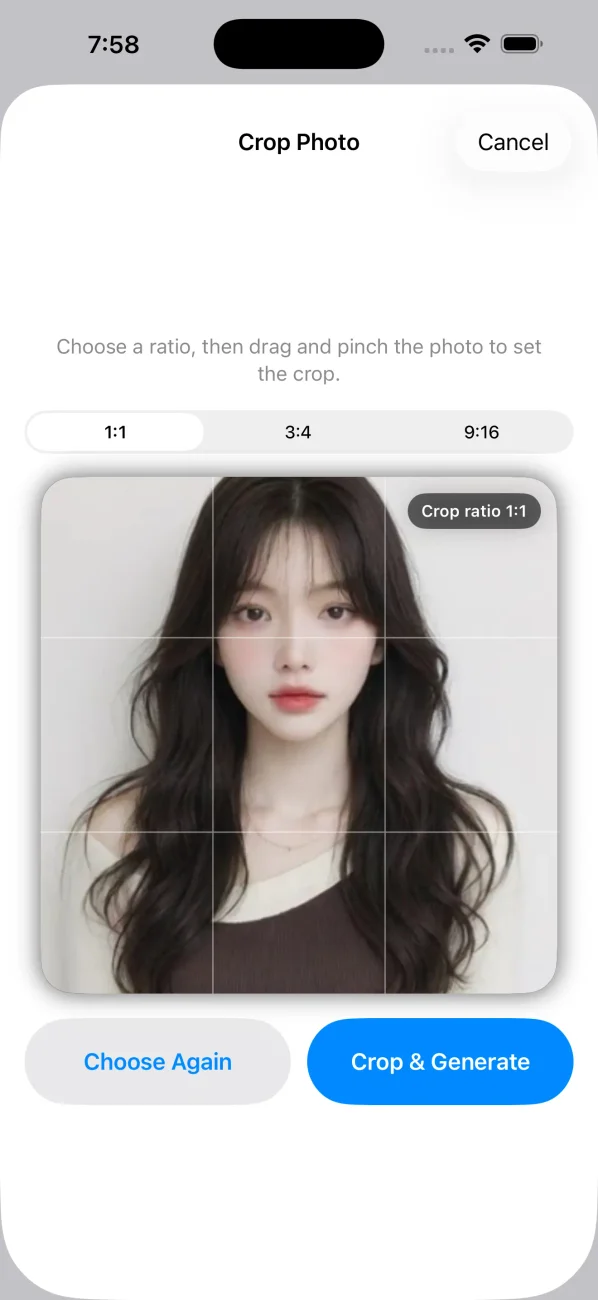
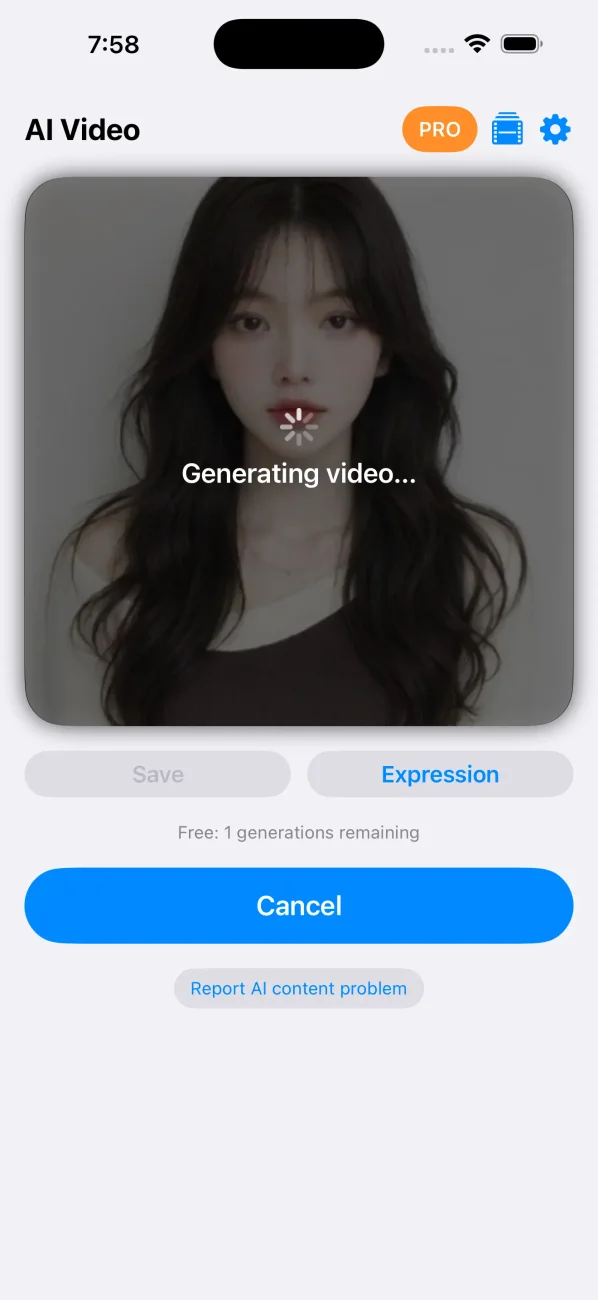
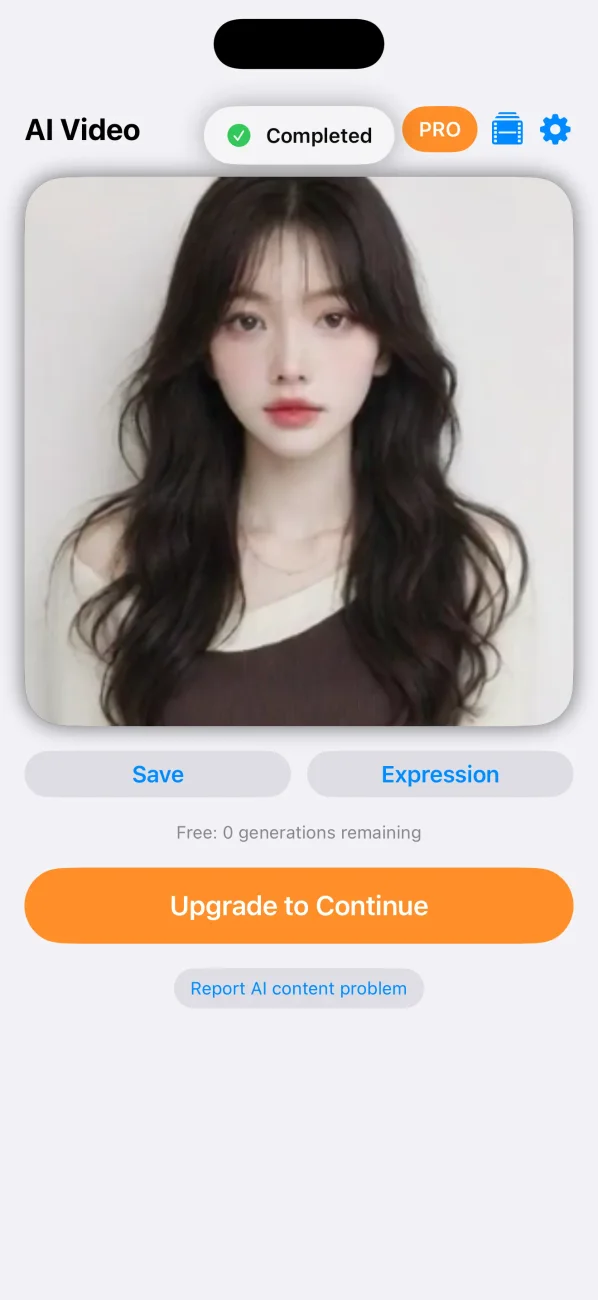
Turn one photo into a short AI video. Pick a template and tap — that is the whole flow.
TEMPLATES
Browse by category: expressions, dance, celebration, transformations, jobs, sports, travel, world dress, fantasy, cinematic and pets. Each card plays a preview so you know what you are getting.
FROM TEXT
No photo needed. Describe a scene and the app builds it.
FROM VIDEO
Keep the motion of a clip you already shot and change only what is in it.
SPEAK
Write a line and the person in your photo says it out loud, lips in sync.
Also: save to your photo library, share anywhere, and keep everything you have made in one place.
Pro unlocks longer and higher quality videos, more generations each day, no watermark, and the video-to-video mode.
The selected photo may contain face data and is sent to Pickersoft's AI video generation server only to create the video you asked for. The app does not send photos or face data to any third-party AI service.
AI Video Picker is for users aged 16 and older. Sexually explicit, violent, hateful, illegal or rights-infringing content is not allowed, and requests for it are refused before anything is uploaded.
Subscription information:
AI Video Picker offers auto-renewable subscriptions. Payment is charged to your Apple ID account. Subscriptions renew automatically unless canceled at least 24 hours before the end of the current period. You can manage or cancel your subscription in App Store account settings.
Terms of Use:
https://www.apple.com/legal/internet-services/itunes/dev/stdeula/
Privacy Policy:
https://www.pickersoft.com/aivideo_ios_privacy.html
What’s new
Version 1.93 · Oct 22, 2026
Make videos from templates.
• Pick one photo, pick a template — expressions, dance, celebration, transformations, jobs, travel, world dress, fantasy and pets
• From text: build a scene from a sentence, no photo needed
• From video: keep the motion of a clip you shot and change what is in it
• A new video engine with more natural motion and sound
• Speak: the person in your photo says the line you write
• Fixed sound not playing after generation
• Stability improvements and bug fixes
App privacy
What YEONGMI KIM declares on the App Store about how this app handles data.
-
Data not linked to you
May be collected but is not linked to your identity.
- Purchases
- User content
- Identifiers
- Usage data
- Diagnostics
Privacy practices may vary, for example with the features you use or your age.
Information
- Seller
- YEONGMI KIM
- Category
- Photo & Video
- Version
- 1.93
- Updated
- Oct 22, 2026
- Released
- May 15, 2026
- Size
- 18.2 MB
- Requires
- iOS 17.6 or later
- Age rating
- 17+
- Price
- Free
- In-app purchases
- Yes
- Languages
- English, Arabic, French, German, Indonesian, Italian, Japanese, Korean, Portuguese, Simplified Chinese, Spanish, Thai + 2 more
- Copyright
- © 2026 Pickersoft
You might also like
-
 Loreum AIPhoto & Video
-
 Toster AIPhoto & Video
-
 Aura - AI Photo Video StudioPhoto & Video
-
 ToraxAI - Photo GeneratorAI Images Creator
-
 Scenecraft AI Photo Video UKAI Editor, Body & Video Magic
-
 FaceMash PartyAI Duo Face Swap
-
 ImajjioVibrant Art from Your Photos
-
 Promptogram: AI Video MakerTurn Your Clip into a Movie
-
 Visoria AIPhoto to Video Effects AI
-
 ModelShoot AIMake yourself a Model!