
AI Wallet Pass
Loyalty, ticket & card scanner
Designed for iPhone
Free · In-app purchases
- Age rating4+
- CategoryUtilities
- DeveloperTLM Software Design, Inc.
- LanguagesEnglish
- Size96.8 MB
Links to the official App Store page
Download.org hosts no file of AI Wallet Pass. The button opens its official App Store page, published by TLM Software Design, Inc. Listing last checked on Nov 14, 2026.
Screenshots




About
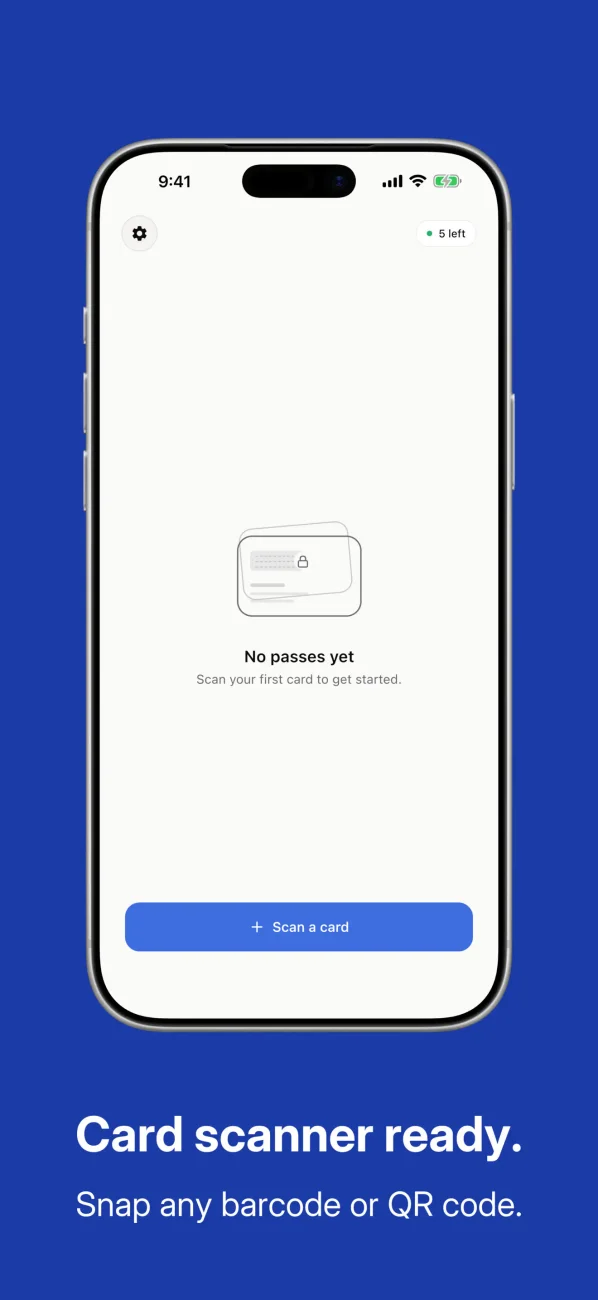
Turn the loyalty cards, event tickets, and coupons in your pocket into digital passes you can use straight from Apple Wallet — no manual data entry, no template juggling.
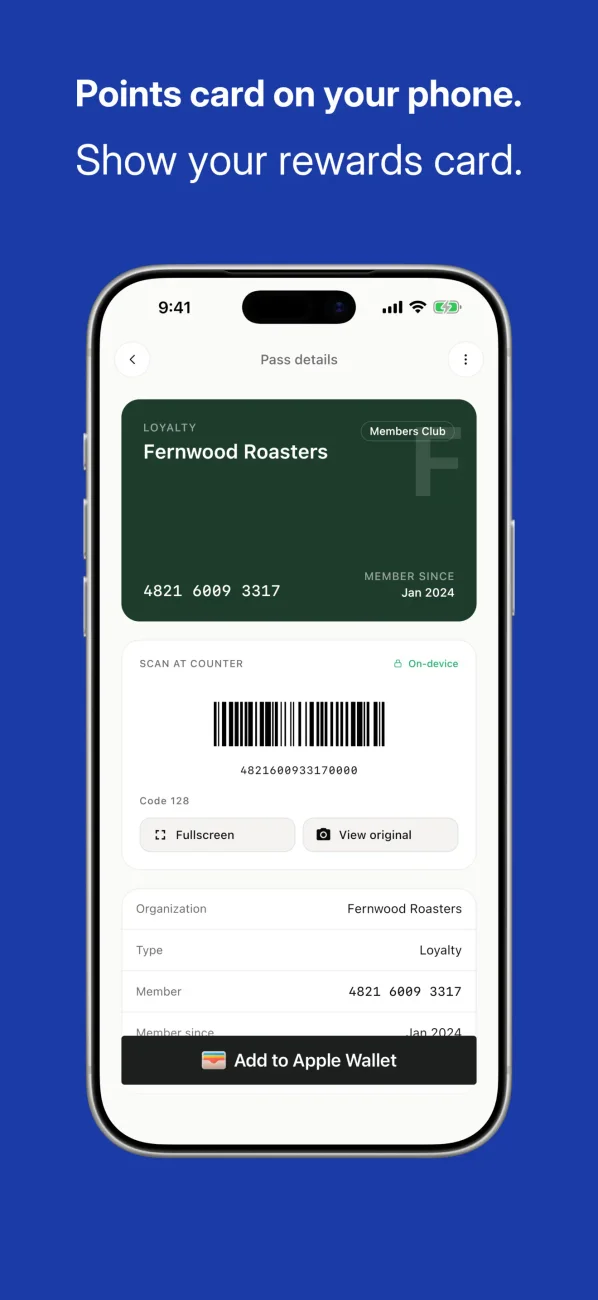
Point your camera at a card. AI Wallet Pass extracts the merchant, the program details, the barcode, and the visual style automatically, then hands you a ready-to-add pass you can review before it lands in Wallet. Most cards take under thirty seconds from shutter to scannable.
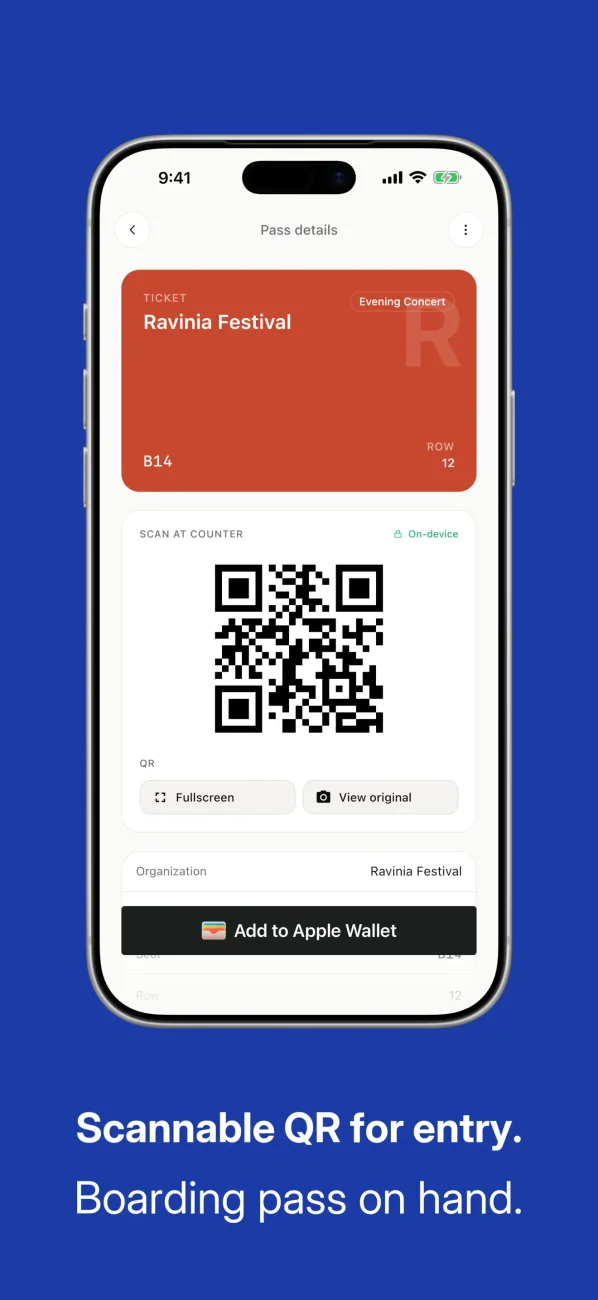
Built for the cards you actually carry: coffee shop punch cards, gym memberships, museum passes, concert tickets, transit cards, paper coupons, that one card from the regional grocery chain you keep losing.
Privacy first
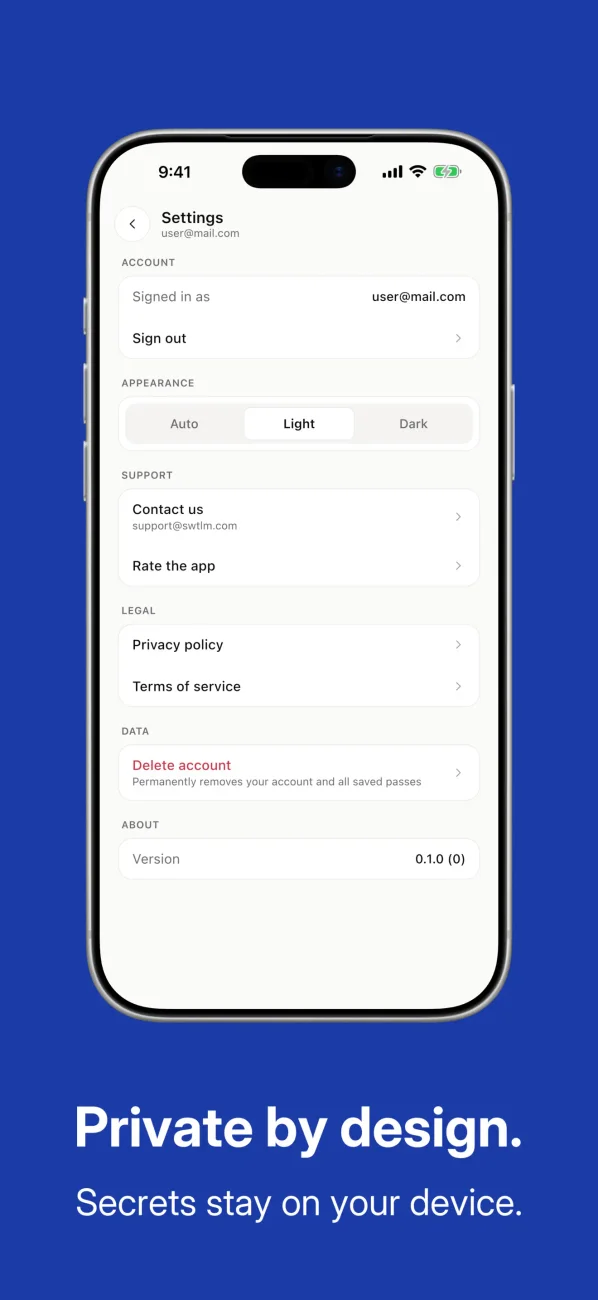
Your barcode stays on your device. We decode it locally with on-device vision, redact it from the photo, and only the redacted photo is sent for AI extraction. The barcode payload lives in the iOS Keychain — same place your passwords live — and is rendered locally inside the app on every view. The one moment the payload is sent over the network is when you add the pass to Apple Wallet: it goes to our signing endpoint, is used in memory to build the signed pass file, then is discarded — never stored, never logged.
What you get
• AI extraction of card name, program type, colors, and fields
• On-device barcode and QR decoding before anything is uploaded
• One-tap add to Apple Wallet with editable preview
• Light and dark theme with an Auto, Light, or Dark switch
• Sign in with Apple, Google, or email — pick what you already use
• Three free passes a month. No subscription, no recurring charges.
Made for the cards that don't have an app of their own.
What’s new
Version 1.2.0 · Aug 11, 2026
New: a full dark theme. Head to Settings and pick Auto, Light, or Dark — Auto follows your system, so your wallet switches with your phone from day to night.
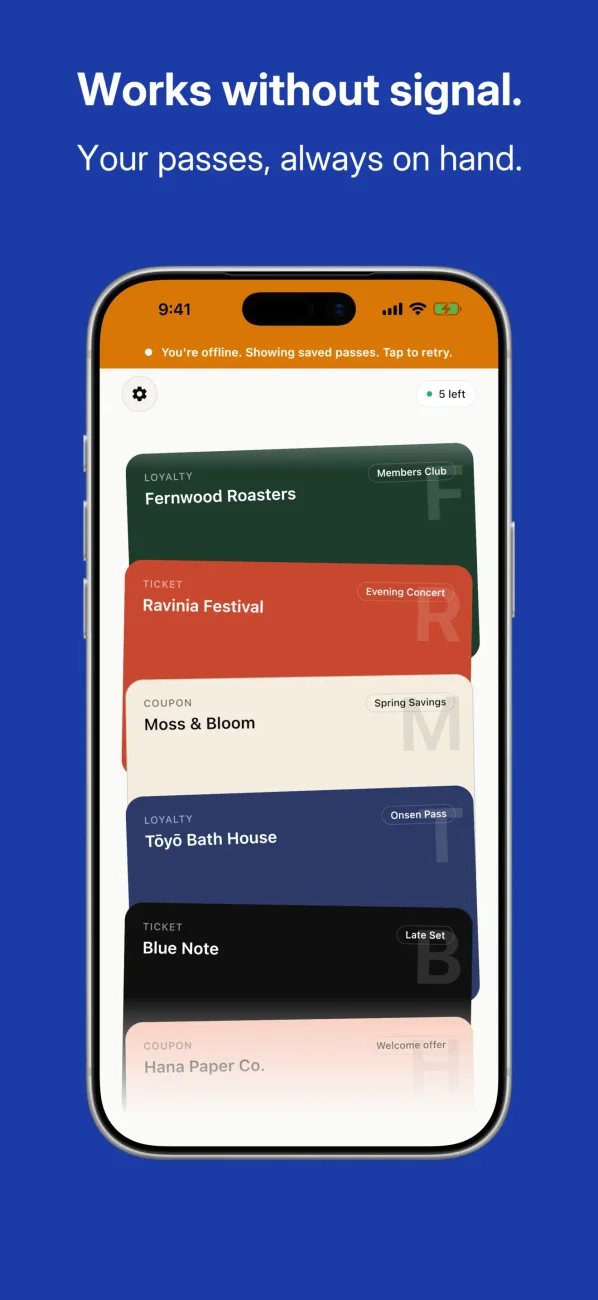
Your wallet also works offline: a clear amber strip shows when you're on cached passes, and buttons that need network stay out of your way until you're back online.
App privacy
What TLM Software Design, Inc. declares on the App Store about how this app handles data.
-
Data linked to you
May be collected and linked to your identity.
- Purchases
- Contact info
- User content
- Identifiers
- Diagnostics
-
Data not linked to you
May be collected but is not linked to your identity.
- Identifiers
Privacy practices may vary, for example with the features you use or your age.
Information
- Seller
- TLM Software Design, Inc.
- Category
- Utilities
- Version
- 1.2.0
- Updated
- Aug 11, 2026
- Released
- May 25, 2026
- Size
- 96.8 MB
- Requires
- iOS 16.0 or later
- Age rating
- 4+
- Price
- Free
- In-app purchases
- Yes
- Languages
- English
- Copyright
- © 2026 TLM Software Design, Inc.
You might also like
-
 Wallet Pass Maker: PassPopMake passes that pop!
-
 Passora: Wallet Pass MakerCreate & keep Wallet passes
-
 PassIt: Wallet Pass CreatorEverything in your Wallet!
-
 Passes For Wallet: WalletKitDigital cards coupons tickets
-
 PassX: Wallet Pass CreatorAdd Custom Passes Easily
-
 MakePass: AI Wallet EditorCustom Passes, Tickets & Cards
-
 NeatPass - PDF to WalletTickets On Your Lock Screen
-
 IntoWallet: Make Wallet PassesCraft Apple Wallet Passes
-
 Wallet CreatorYour own Apple Wallet cards
-
 Wallet Card: Pass & PassbookGift, Loyalty, Membership