
Passora: Wallet Pass Maker
Create & keep Wallet passes
Designed for iPhone, iPad
Free · In-app purchases
- Age rating4+
- CategoryUtilities
- DeveloperAndy Tang
- LanguagesEnglish+ 5 more
- Size3.6 MB
Links to the official App Store page
Download.org hosts no file of Passora: Wallet Pass Maker. The button opens its official App Store page, published by Andy Tang. Listing last checked on Nov 12, 2026.
Screenshots

About
Some tickets and cards never come with an Apple Wallet pass. Passora lets you make one yourself.
CREATE A PASS
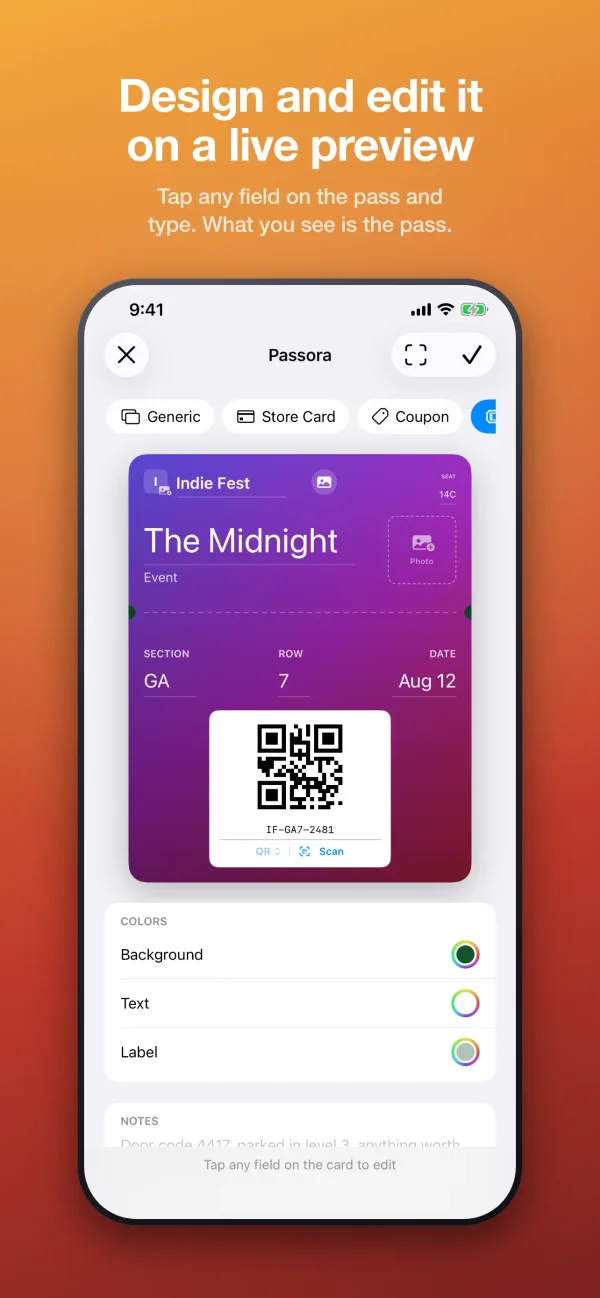
Type in the details, pick your colors, add a logo or image, and set the barcode. You edit directly on a live preview of the pass, so what you see is what you get. All five Apple Wallet pass styles are supported: event ticket, store card, coupon, boarding pass, and generic.
ADD IT TO WALLET
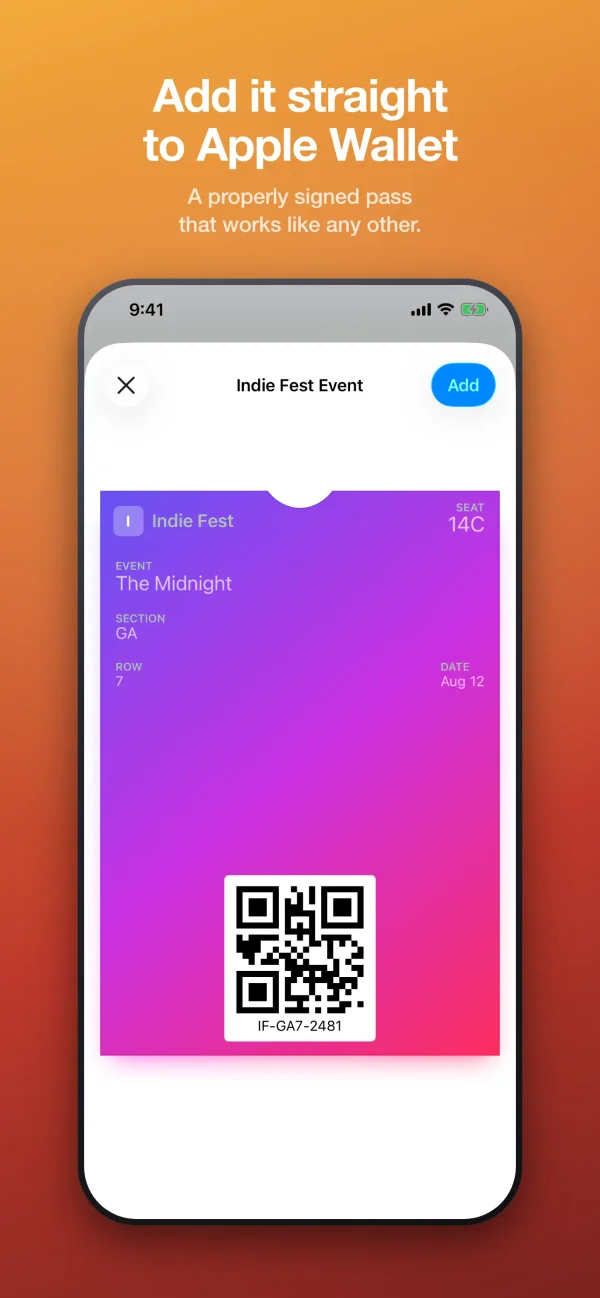
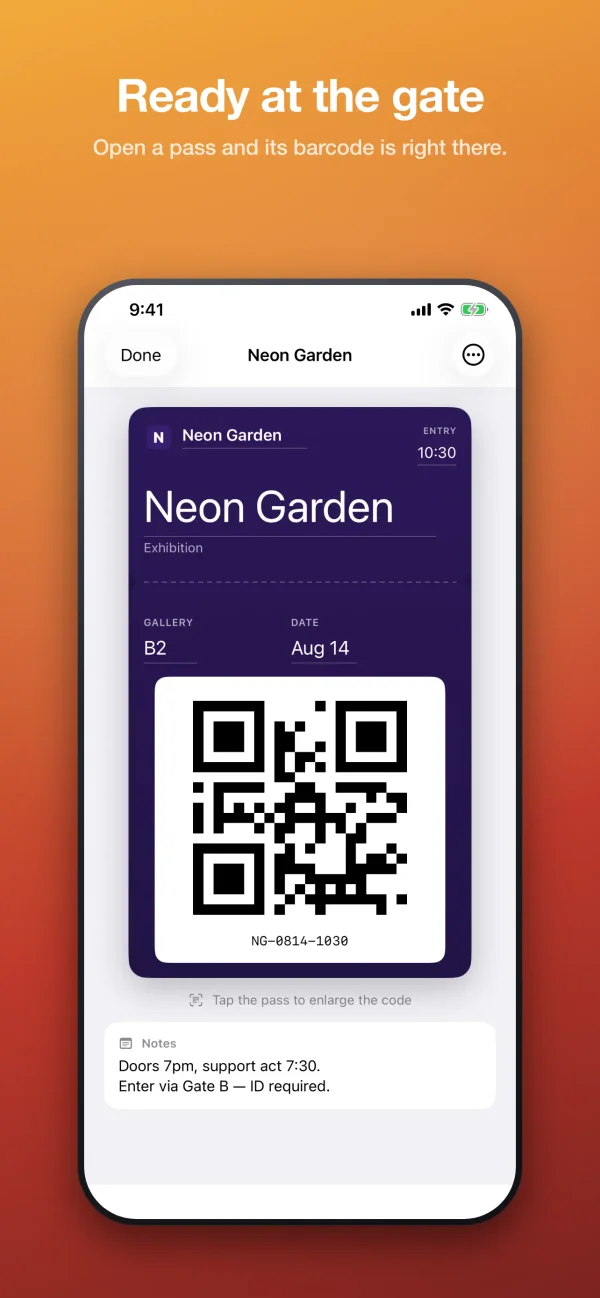
Passora generates a properly signed pass that works like any other Wallet pass. It shows up on your lock screen and the barcode scans at the door.
OR KEEP IT IN THE APP
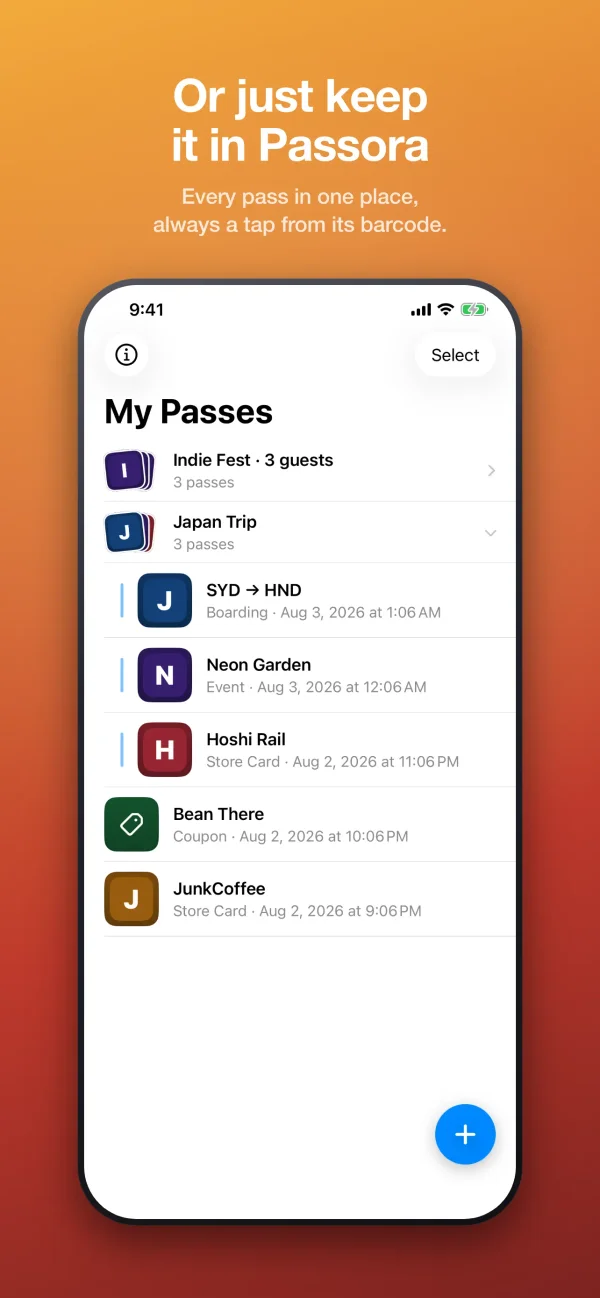
Every pass is saved in your library, so you can also use Passora as a simple place to store tickets and cards without adding them to Wallet. Tap any pass for a full-screen view with a scannable barcode.
GROUP PASSES THAT BELONG TOGETHER
Put related passes into a group: a trip, an event, or one ticket per person. Open the group and swipe from one barcode to the next, so you can scan a whole party in at the gate without leaving the screen.
START FROM A PHOTO OR PDF
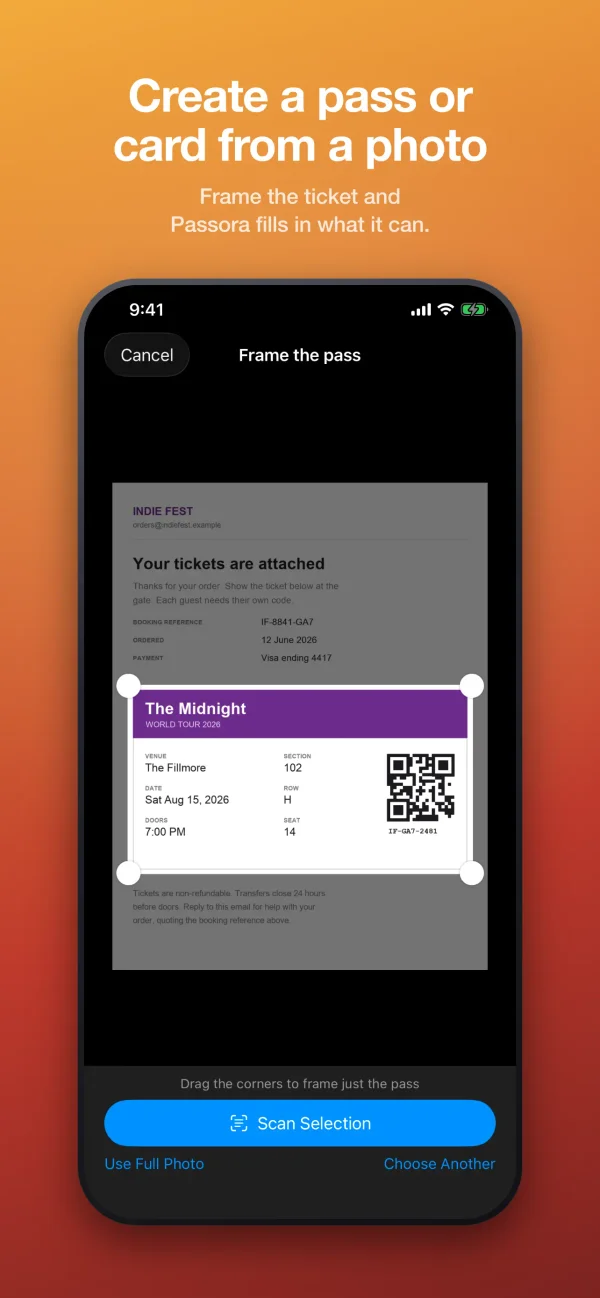
You can also start a pass from a photo, screenshot, or PDF. Passora reads the text and barcode it finds and fills in what it can. You fine-tune the rest. From a multi-page PDF, Passora finds the pages that hold a pass and creates them together as a group.
PRIVACY
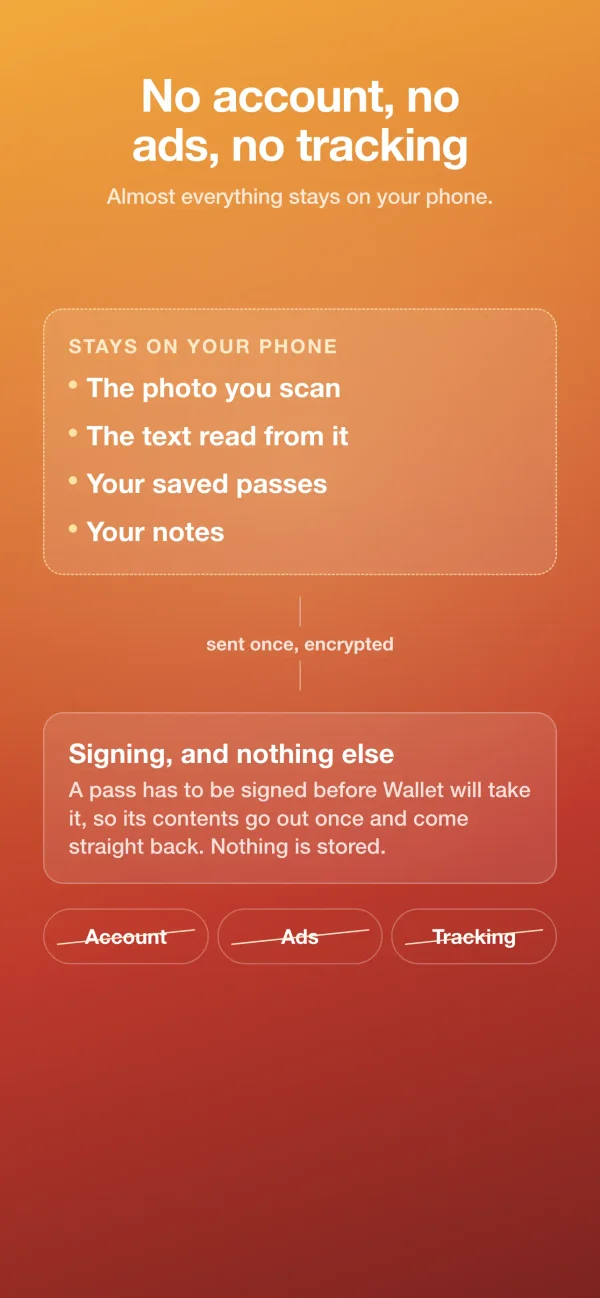
No accounts, no ads, no analytics. Photos are processed on your device. Pass contents are sent once, encrypted, to be signed, and are never stored. Your pass library stays on your phone.
Passora creates personal passes from information you provide. It is not affiliated with any venue, airline, or retailer.
What’s new
Version 1.8.0 · Aug 10, 2026
OPEN A PDF
Snap-to-pass now opens PDFs as well as photos, so an e-ticket that arrived by email can go straight in. Pick the page that holds the pass, and if one file holds several tickets you can bring them in together as a group. It fills in what it can and you correct the rest.
SWAP FIELDS ON THE CARD
A field in the wrong spot used to mean clearing both places and retyping. Tap the rearrange button under the card to outline every region, then swap two of them with a pair of taps.
App privacy
What Andy Tang declares on the App Store about how this app handles data.
-
Data not linked to you
May be collected but is not linked to your identity.
- Identifiers
Privacy practices may vary, for example with the features you use or your age.
Information
- Seller
- Andy Tang
- Category
- Utilities
- Version
- 1.8.0
- Updated
- Aug 10, 2026
- Released
- Jul 24, 2026
- Size
- 3.6 MB
- Requires
- iOS 17.0 or later
- Age rating
- 4+
- Price
- Free
- In-app purchases
- Yes
- Languages
- English, French, German, Japanese, Spanish, Traditional Chinese
- Copyright
- © 2026 Andy Tang
You might also like
-
 Wallet Pass Maker: PassPopMake passes that pop!
-
 AI Wallet PassLoyalty, ticket & card scanner
-
 PassIt: Wallet Pass CreatorEverything in your Wallet!
-
 Passes For Wallet: WalletKitDigital cards coupons tickets
-
 MakePass: AI Wallet EditorCustom Passes, Tickets & Cards
-
 NeatPass - PDF to WalletTickets On Your Lock Screen
-
 IntoWallet: Make Wallet PassesCraft Apple Wallet Passes
-
 Wallet CreatorYour own Apple Wallet cards
-
 Wallet Card: Pass & PassbookGift, Loyalty, Membership
-
 FunTicket - custom ticketsImport, organize & remember