
AIO Camera
Live color, manual, RAW output
Designed for iPhone
Free · In-app purchases
- Age rating4+
- CategoryPhoto & Video
- DeveloperPei Chung Wang
- LanguagesEnglish+ 4 more
- Size17.7 MB
Links to the official App Store page
Download.org hosts no file of AIO Camera. The button opens its official App Store page, published by Pei Chung Wang. Listing last checked on Nov 23, 2026.
Screenshots
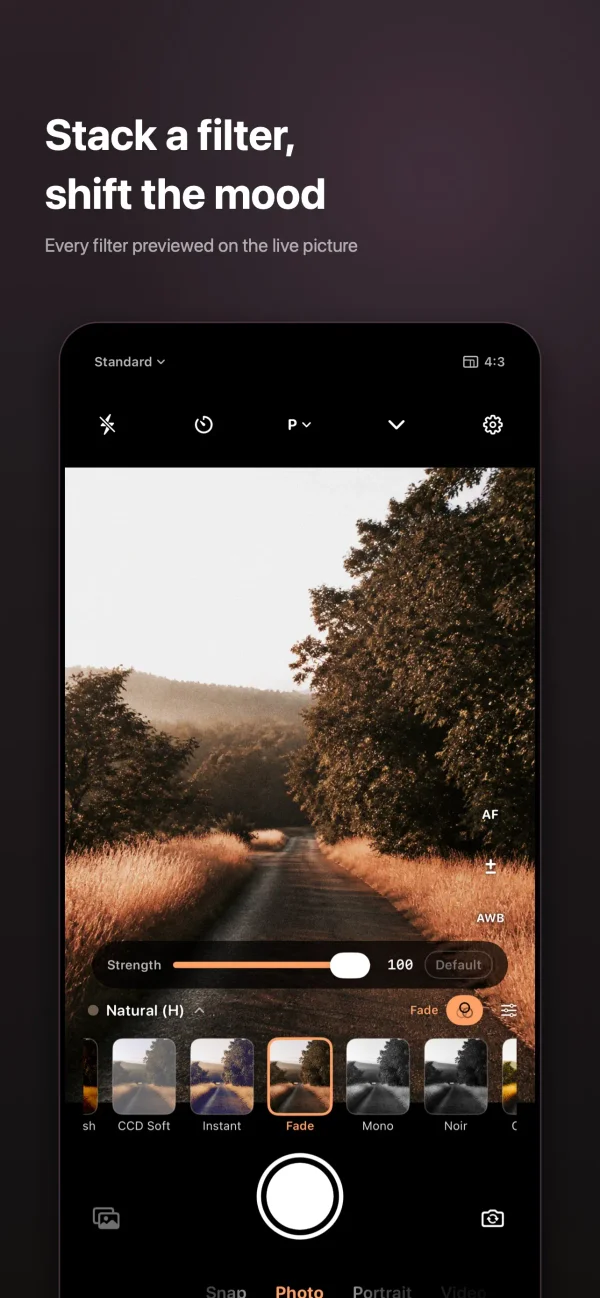
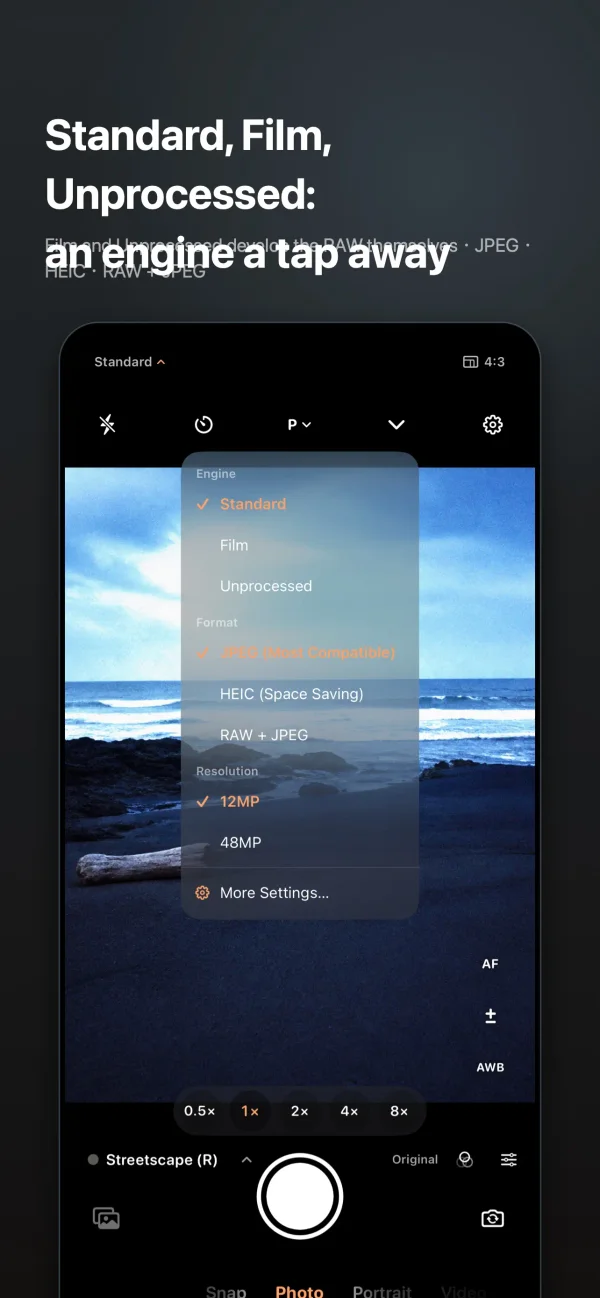

About
AIO Camera brings photography back to something simple, direct, and personal.
New: Snap mode
Nothing on screen but the shutter. Aim, press, and leave the rest to AI: it looks at what's in the photo and how it's lit, then draws this shot's colour, filter, grain and glow. No two come out alike, like a roll of film back from the lab. Open a photo in the roll to see what it drew.
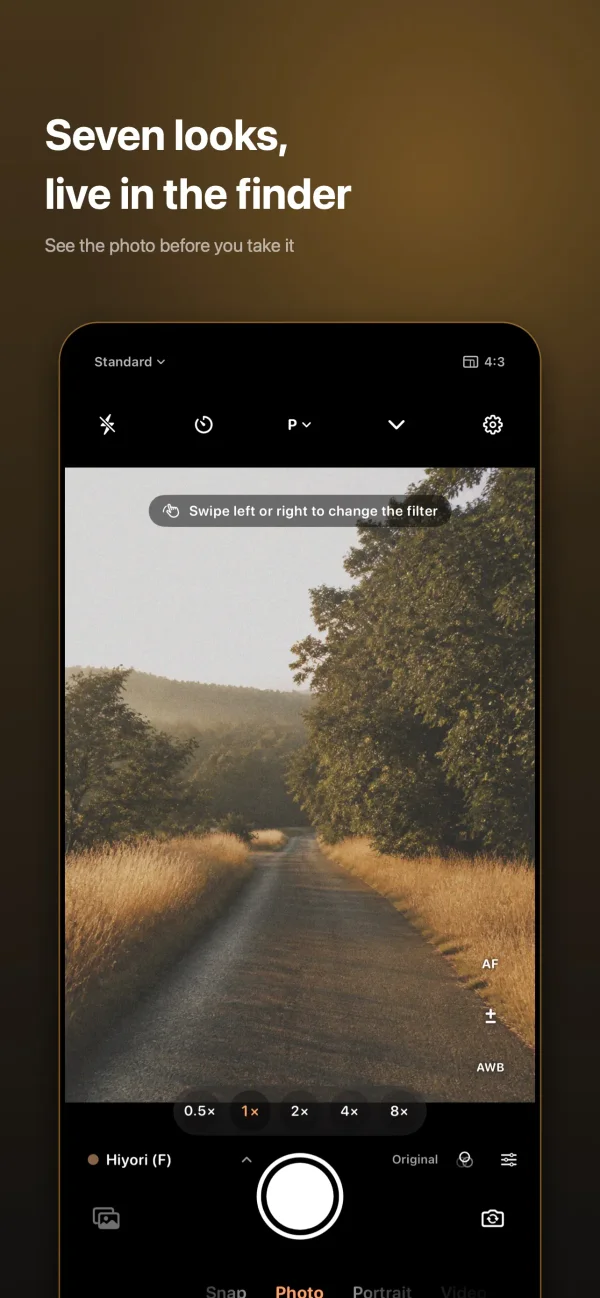
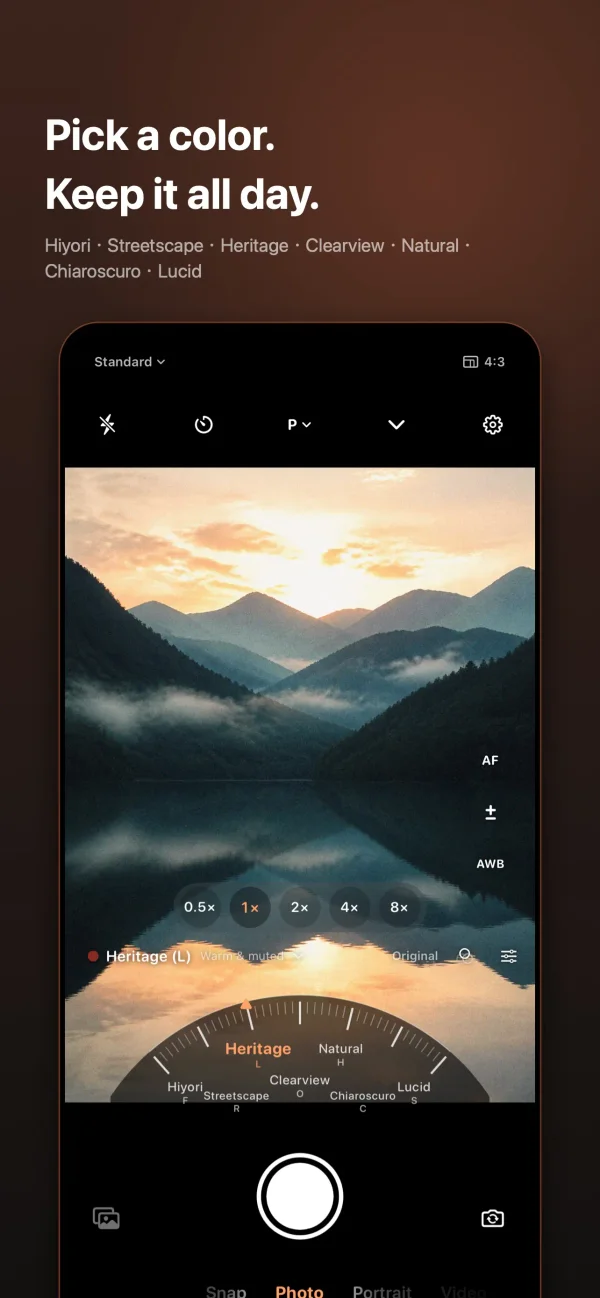
Seven camera looks are previewed live in the viewfinder. Your photos save straight to Apple Photos, ready to edit, share, and sync.
Highlights:
• Seven looks: As Shot, Hiyori, Streetscape, Heritage, Clearview, Natural and Chiaroscuro — swipe to switch.
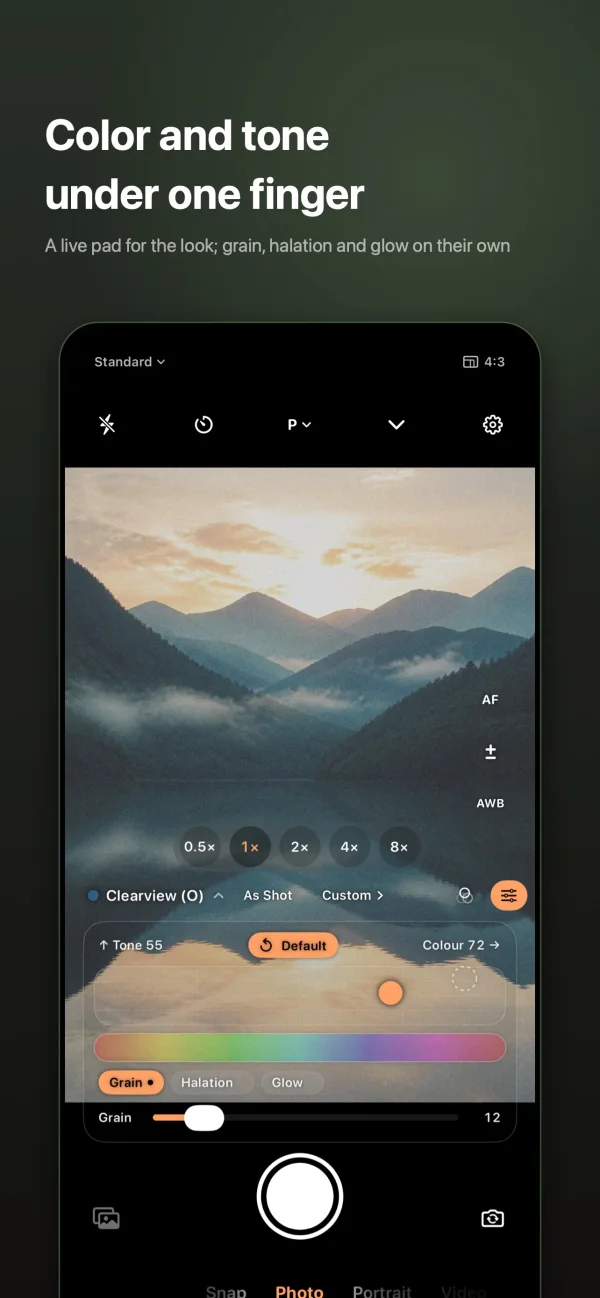
• A colour × tone pad and film grain, previewed live as you drag; skin protection keeps people natural.
• Film engine: develops the RAW itself, with less of the system's processing.
• Night mode: multi-frame merging and denoising for clean low-light shots.
• Live filters, continuous zoom, tap-to-focus/expose, and AE/AF Lock.
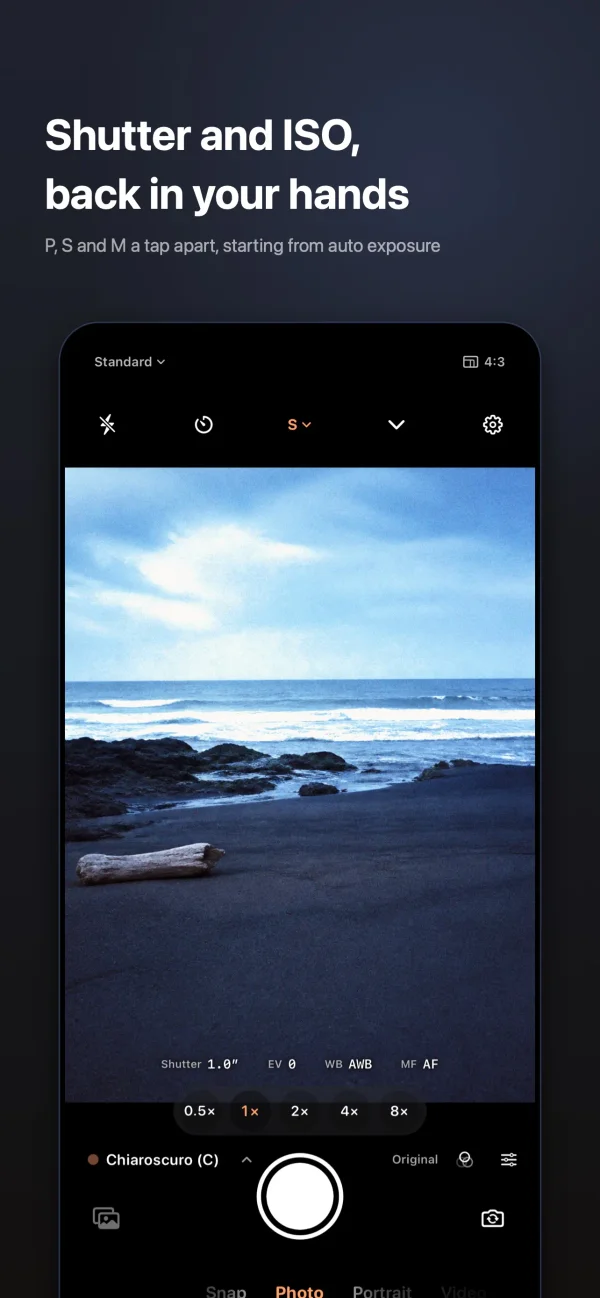
• Program, shutter-priority and manual exposure with an exposure meter, down to seconds in the dark.
• Flash, front and rear cameras, timer, grid, aspect ratio, JPEG/HEIC/RAW + JPEG, and photo/video modes.
• Try every feature with no photo limit for 7 days, then unlock permanently with one purchase. No subscription.
All camera looks are independent creative works inspired by classic photographic aesthetics.
What’s new
Version 6.2.1 · Nov 19, 2026
• iPhone Duo half folded: tap ⇅ by the fold to put the picture on the lower half, with the shutter and lenses beside it, for low shots looked down on like a waist-level finder; tap again to switch back
App privacy
What Pei Chung Wang declares on the App Store about how this app handles data.
-
Data not collected
The developer does not collect any data from this app.
Privacy practices may vary, for example with the features you use or your age.
Information
- Seller
- Pei Chung Wang
- Category
- Photo & Video
- Version
- 6.2.1
- Updated
- Nov 19, 2026
- Released
- Sep 4, 2026
- Size
- 17.7 MB
- Requires
- iOS 18.0 or later
- Age rating
- 4+
- Price
- Free
- In-app purchases
- Yes
- Languages
- English, Japanese, Korean, Simplified Chinese, Traditional Chinese
- Copyright
- © 2026 艋舺慈惠醫院
You might also like
-
 RilaCam: Retro Digital CamRetro CCD & VHS camera
-
 Suila — Video EditorSpeed curves, captions, music
-
 EZ CamPhoto & Video
-
 umiologJust connect 1–2 second clips
-
 Sub CameraEssential Camera for Work
-
 pico cam: Dynamic Island picsTiny camera, photo magic
-
 Shardee | mini vlog camera1-sec aesthetic vids, no edit
-
 FotorGear - Camera in PocketCCD HDR Professional Cam
-
 StormCam - Cinematic Log VideoCinematic Camera by MediaStorm
-
 Timestamp Camera - GPS & TimeDate, Time Stamp & Photo Stamp