
- Age rating4+
- CategoryUtilities
- DeveloperSAND STUDIO CORPORATION LIMITED
- LanguagesEnglish+ 9 more
- Size41.6 MB
Links to the official App Store page
Download.org hosts no file of AirDroid Business. The button opens its official App Store page, published by SAND STUDIO CORPORATION LIMITED. Listing last checked on Nov 15, 2026.
Screenshots



About
The wide-spreading growth of mobile device brings unprecedented productivity to the enterprise. Nevertheless, it also brings the risk of paralyzing the entire organization when these devices malfunction, system or apps crash. Moreover, the misuse of mobile devices, apps, services from enterprise staff or the customer is also challenging. Mobile devices bring industry niche, yet they put a heavy burden on managing and maintaining as well. On-site service becomes more time-consuming than before, with the entire cost increases.
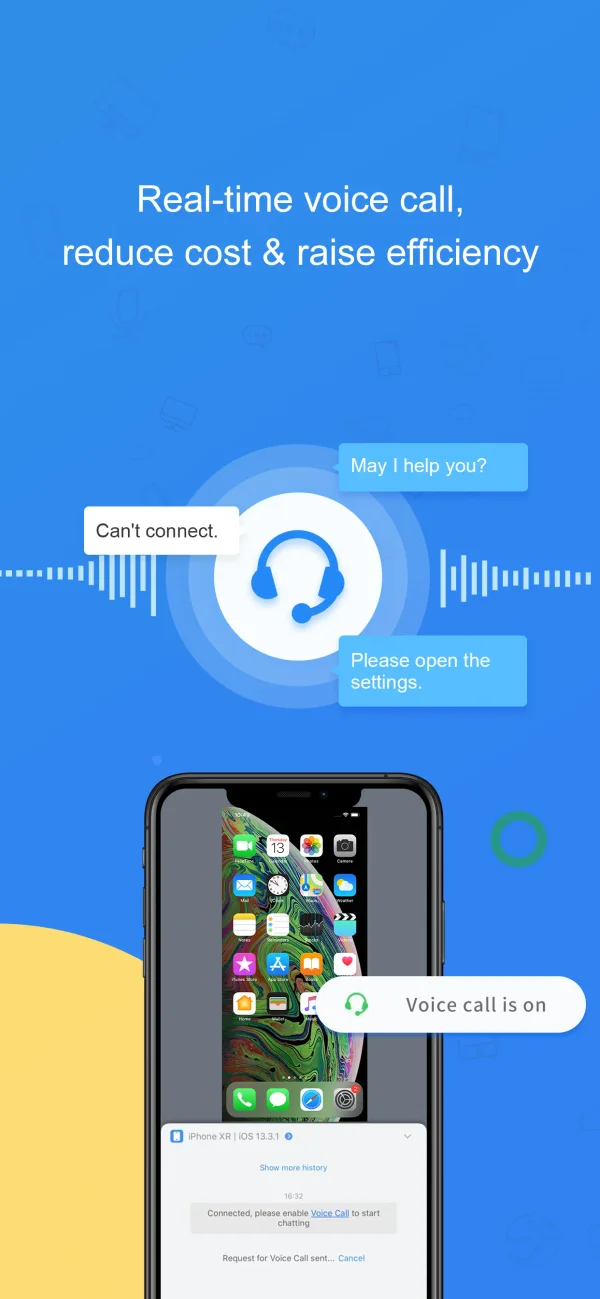
AirDroid Business empowers your technician to spot the problem and instruct the on-site personnel. The Screen Sharing feature lets you see the remote device screen. At the same time, the Voice Call allows you to discuss the problem, and Tutorial Gesture helps guide your customers untangle the mess step by step. The latest feature, AR Camera, presents the on-site issues, especially for hardware, and your technician can indicate the critical points by placing 3D arrows. Lots of communication time saved!
Quick guide:
1. Visit our website, sign up to become an AirDroid Business user or free trial user.
2. Download and open AirDroid Business on your phone/tablet.
3. Have your customer download and open AirDroid Remote Support, and tell you the 9-digit Connection Code shown on his/her screen.
4. Enter the code in AirDroid Business, and you will be connected.
Features:
Screen Sharing
See your customer's device screen and quickly spot the issue.
AR Camera
See what customer sees, guide your customers by placing 3D markers onto real-world objects.
Voice Call(VOIP)
Make a call to your customer and discuss the problem in real-time.
Chat
Multiple communication ways are available: texting, sending pictures and voice messages.
Tutorial Gesture
Your operation will show on the customers' device screen. Easy for your customer to follow and solve the problem.
What’s new
Version 1.2.1 · Mar 14, 2025
1. Other minor improvements and bug fixes.
App privacy
What SAND STUDIO CORPORATION LIMITED declares on the App Store about how this app handles data.
-
Data linked to you
May be collected and linked to your identity.
- Contact info
- Identifiers
- Usage data
-
Data not linked to you
May be collected but is not linked to your identity.
- User content
- Diagnostics
Privacy practices may vary, for example with the features you use or your age.
Information
- Seller
- SAND STUDIO CORPORATION LIMITED
- Category
- Utilities
- Version
- 1.2.1
- Updated
- Mar 14, 2025
- Released
- Jun 14, 2020
- Size
- 41.6 MB
- Requires
- iOS 13.0 or later
- Age rating
- 4+
- Price
- Free
- Languages
- English, French, German, Italian, Japanese, Portuguese, Russian, Simplified Chinese, Spanish, Traditional Chinese
- Copyright
- © 2025 Sand Studio.
You might also like
-
 Air File Share & Drop AppTransfer Files & Data Fast
-
 RemoteView.Utilities
-
 U8-DiskWireless LAN transmission
-
 SafeCamAppCreate a safety net for family
-
 Mobile Security CameraCameraFTP Cloud Recording
-
 Parental Control DeviceLinkGPS,Screen time,App blocking
-
 Splashtop for RMMRemote Support and Access
-
 Remote Trackpad: Virtual ToolBluetooth Keyboard & Mouse
-
 Device System Services - ToolsSystem Services - Tools
-
 KidShieldParental Control App