Airlink | Screen Mirroring
Cast to any browser on Wi-Fi
Designed for iPhone, iPad
Free · In-app purchases
- Age rating4+
- CategoryUtilities
- DeveloperSoroush Chehresa
- LanguagesEnglish
- Size13.8 MB
Links to the official App Store page
Download.org hosts no file of Airlink | Screen Mirroring. The button opens its official App Store page, published by Soroush Chehresa. Listing last checked on Nov 14, 2026.
Screenshots

About
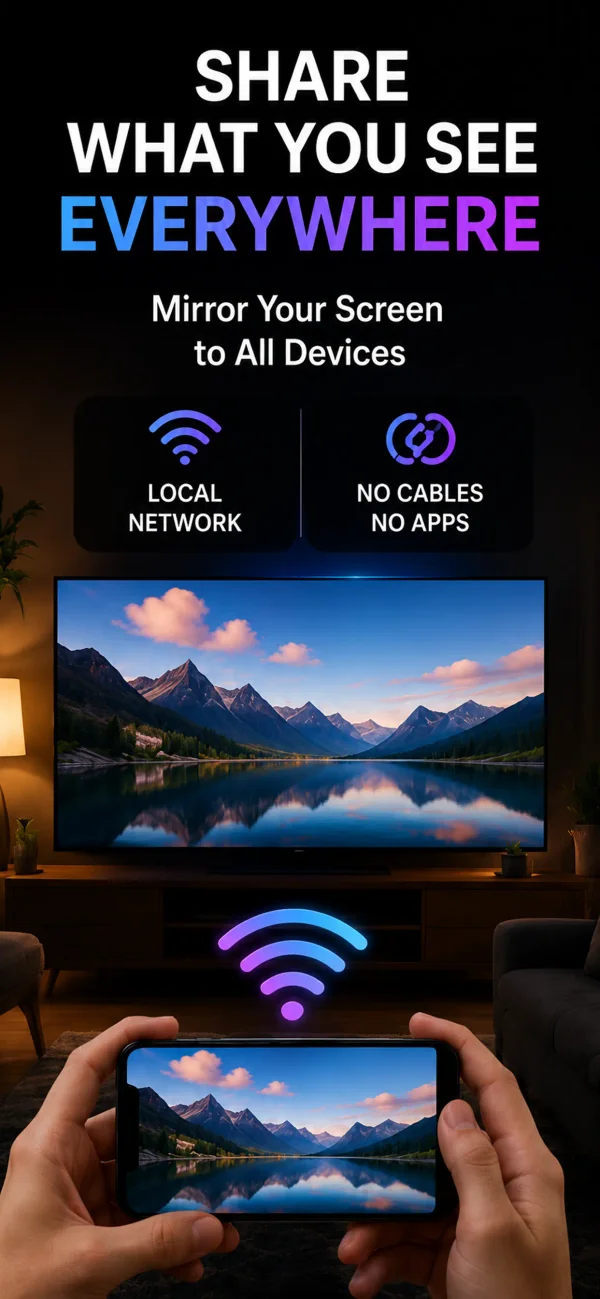
Airlink turns any nearby browser into a screen for your iPhone or iPad. Tap record, and your live screen appears in any web browser on the same Wi-Fi network — no cables, no accounts, no cloud, and no apps to install on the other device.
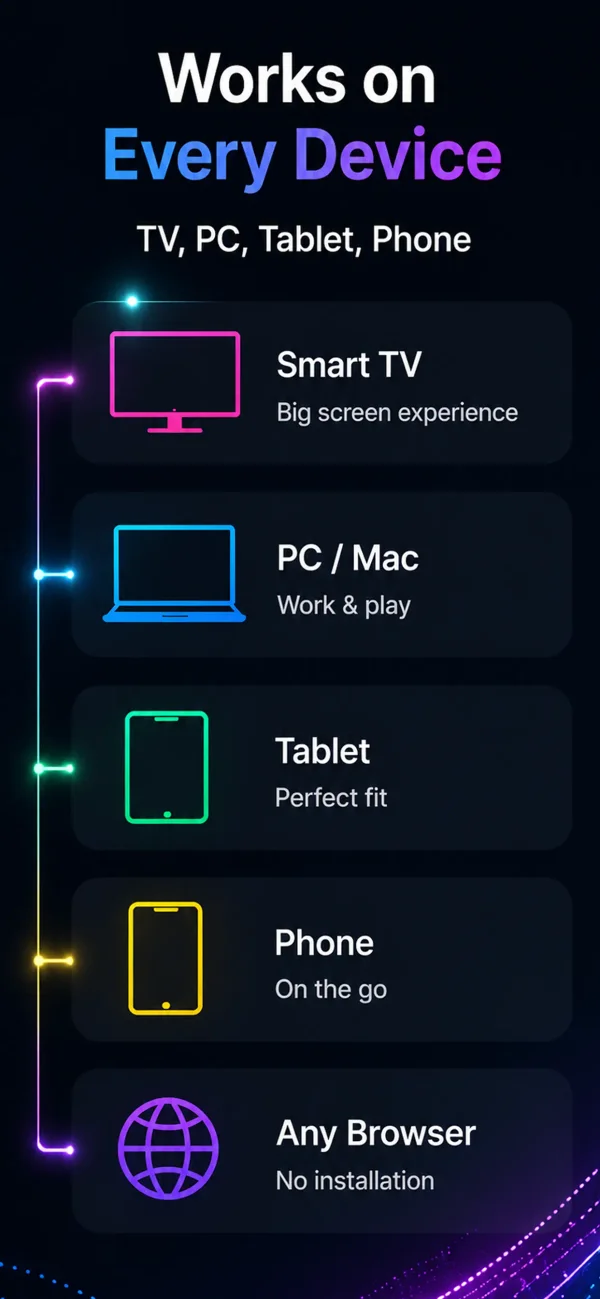
Your phone does all the work. Airlink runs entirely on your device and streams over your local Wi-Fi, so your screen never leaves your network. Just show the watch link or QR code, and anyone on the same Wi-Fi can open it in Safari, Chrome, Edge, or any modern browser and start watching in real time.
Perfect for demos, tutorials, presentations, gaming, classrooms, and pair-work — anywhere you want your screen on a bigger display without AirPlay receivers or a streaming service.
HOW IT WORKS
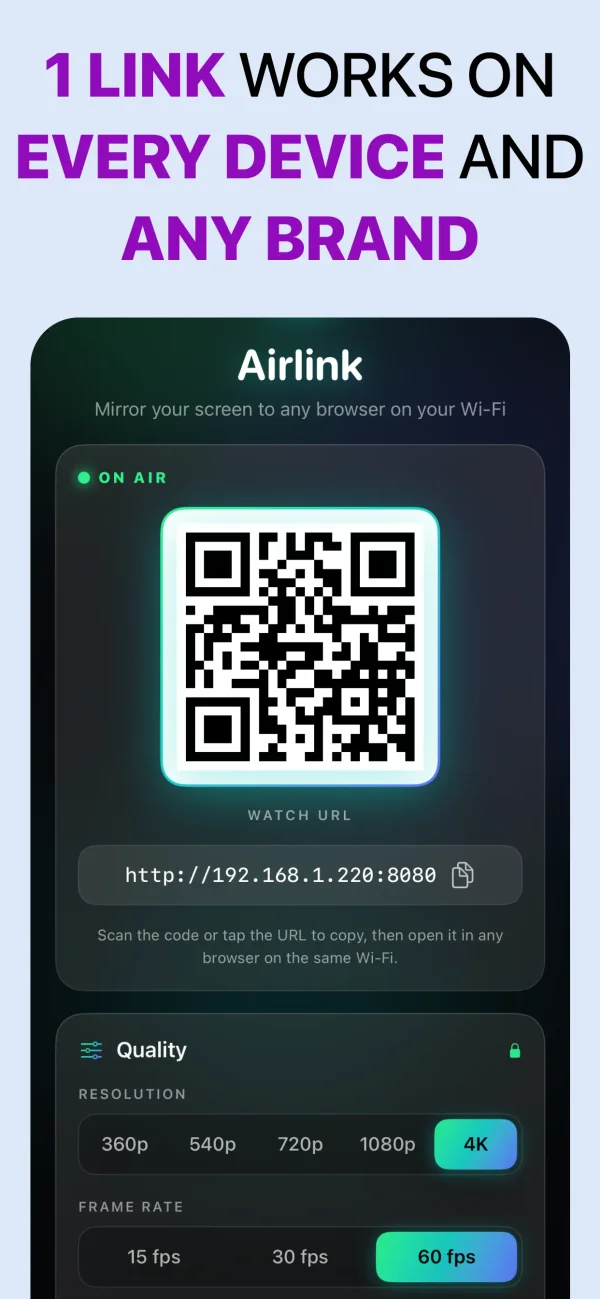
• Tap Start Broadcast
• A watch link and QR code appear on your device
• On a laptop, TV, or another phone, scan the QR or open the link in any browser
• Your live screen plays instantly
WHY AIRLINK
• Real-time, low-latency mirroring over local Wi-Fi
• Works in any modern web browser — nothing to install on the viewer
• No cloud, no accounts, no sign-up — your screen stays on your network
• Mirrors your entire screen, including app and system audio
• Choose your quality — pick the resolution and frame rate that fit your network
• Clean, simple, one-tap experience
GREAT FOR
• Product demos and client presentations
• Recording tutorials and walkthroughs on a big screen
• Showing photos, videos, or slides to a room
• Mobile gaming on a larger display
• Teaching and classroom sharing
• Pair programming and design reviews
PRIVATE BY DESIGN
Airlink streams only over your local Wi-Fi network. Nothing is uploaded to the internet, there are no accounts, and there is no tracking. Viewers connect directly to your device.
Note: Airlink and the viewing device must be on the same Wi-Fi network. Some public or guest networks block device-to-device connections; a personal hotspot works as an alternative.
Download Airlink and put your screen on any browser — in seconds.
Privacy and policy: https://mydishview.com/mirror-privacy.html
Terms of use: https://mydishview.com/mirror-terms.html
App privacy
What Soroush Chehresa declares on the App Store about how this app handles data.
-
Data not collected
The developer does not collect any data from this app.
Privacy practices may vary, for example with the features you use or your age.
Information
- Seller
- Soroush Chehresa
- Category
- Utilities
- Version
- 1.0.0
- Updated
- Jun 10, 2026
- Released
- Jun 10, 2026
- Size
- 13.8 MB
- Requires
- iOS 17.6 or later
- Age rating
- 4+
- Price
- Free
- In-app purchases
- Yes
- Languages
- English
- Copyright
- © Soroush Chehresa
You might also like
-
 Cast to BrowserScreen Mirror in Local Network
-
 Screen Mirroring to iPhoneDirect connection of devices
-
 Cast to TV + Screen MirroringCast Photos,Videos & Mirror TV
-
 AirMirror: Screen Mirroring TVCast Phone Screen to Smart TV
-
 Screen Mirroring to Any DeviceScreencast audio video
-
 Screen Mirroring | Smart CastScreen Share - Smart View TV
-
 AirPlay : Screen MirroringSmart View | Wireless Display
-
 Screen Mirroring – ChromecastScreen Mirroring Cast Share TV
-
 AirDroid Cast-screen mirroringCross-network mirror to pc