Screen Mirroring – Chromecast
Screen Mirroring Cast Share TV
Designed for iPhone, iPad, iPod touch
Free · In-app purchases
- Age rating4+
- CategoryUtilities
- DeveloperKraus und Karnath GbR 2Kit Consulting
- LanguagesEnglish
- Size56.1 MB
Links to the official App Store page
Download.org hosts no file of Screen Mirroring – Chromecast. The button opens its official App Store page, published by Kraus und Karnath GbR 2Kit Consulting. Listing last checked on Nov 25, 2026.
Screenshots
About
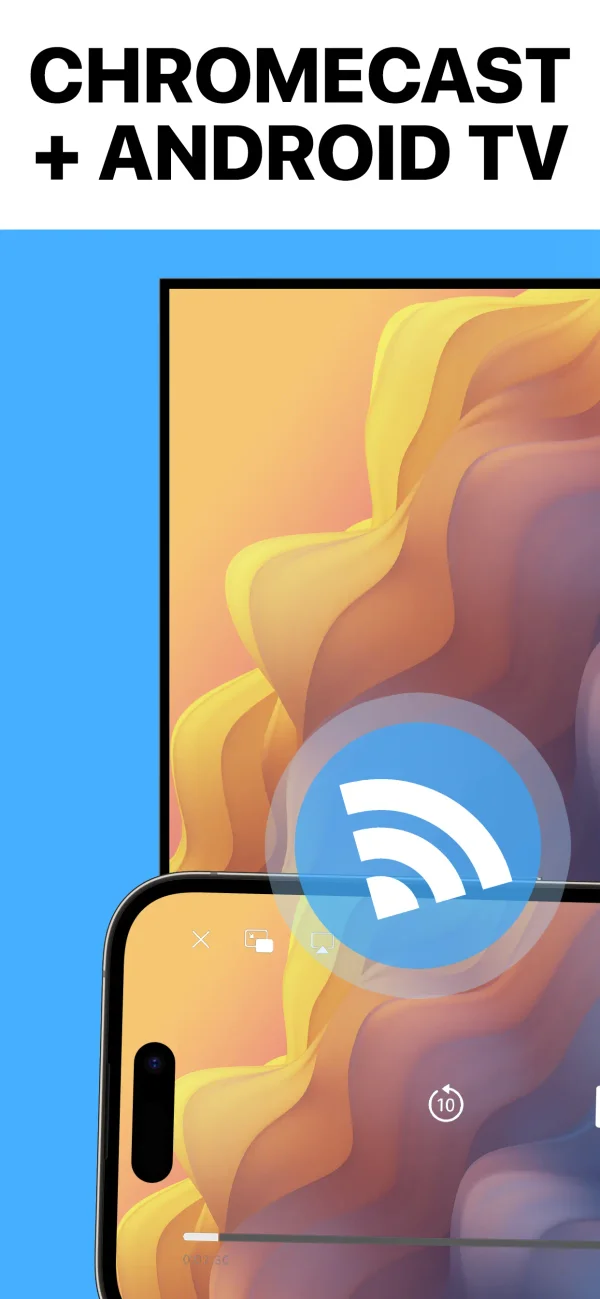
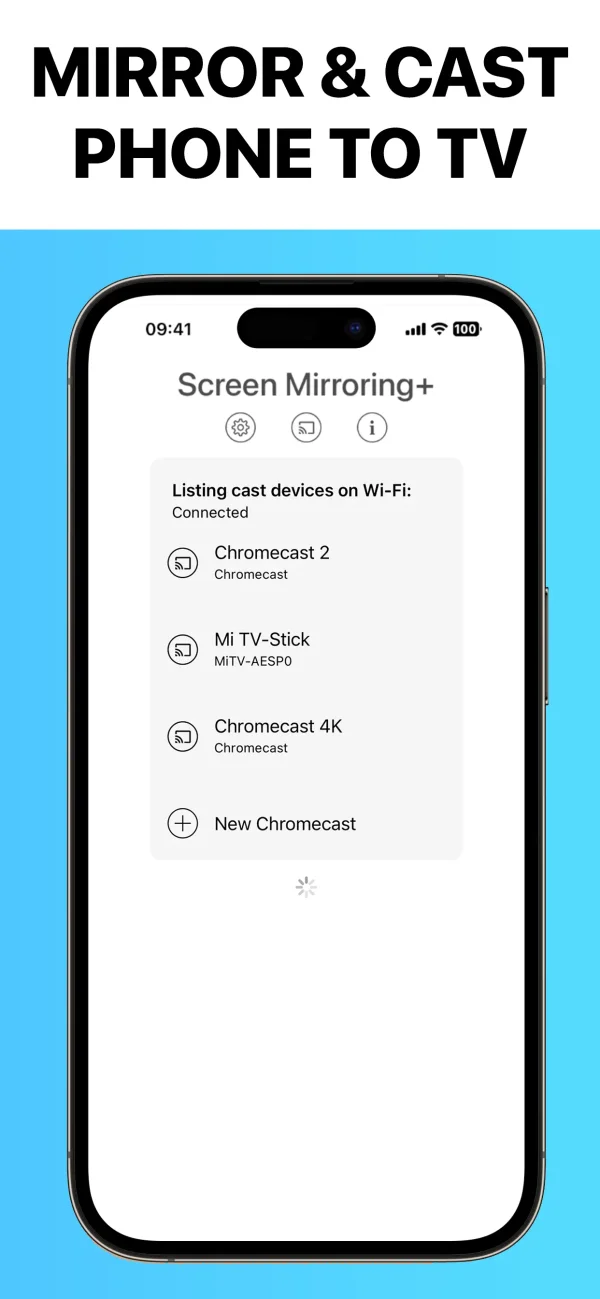
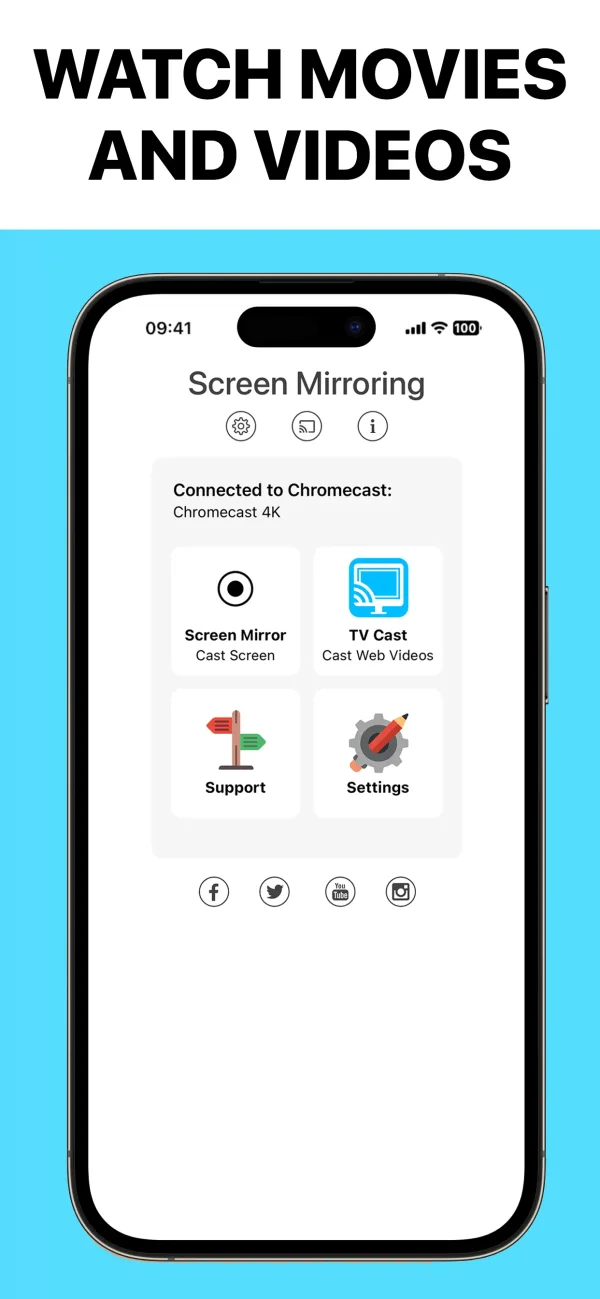
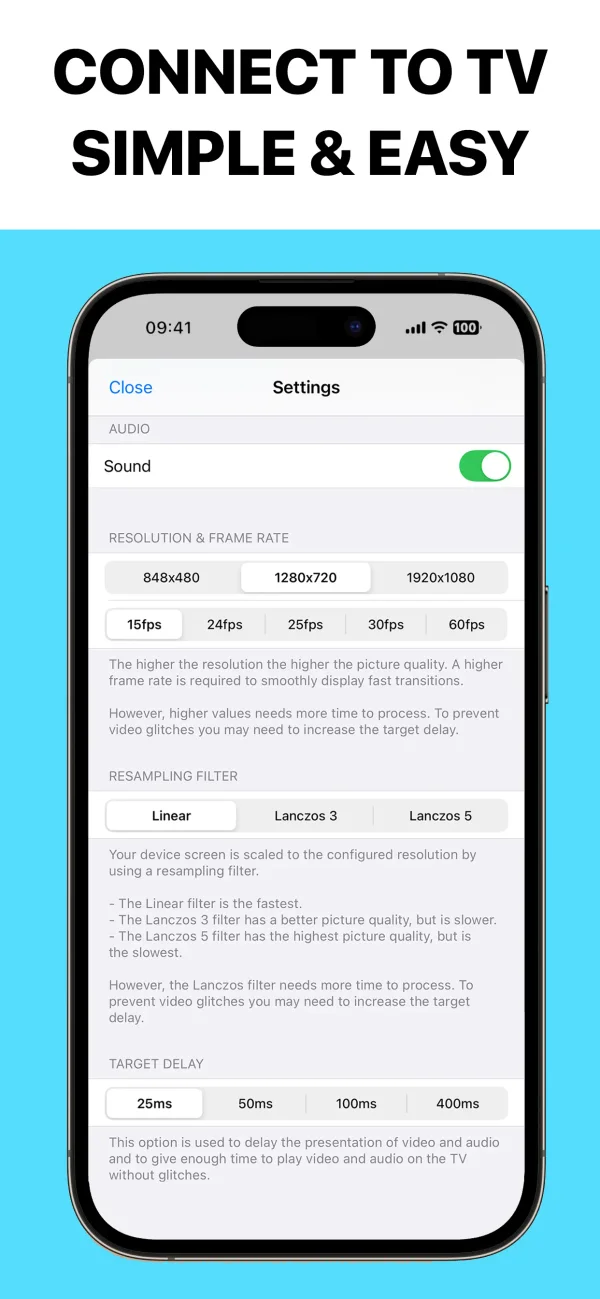
Chromecast Mirroring & Remote mirrors your iPhone or iPad screen with sound, full HD quality and low-latency to Chromecast and Google TV Streamer.
You can mirror videos, websites, photos, games, apps, presentations, spreadsheets and documents and to your Chromecast.
You can also remote control your Chromecast.
* Supported devices: Chromecast, Google TV Streamer and TVs with Chromecast built-in or Google Cast.
* Supported TVs and streaming players: Xiaomi MI Box, NVIDIA Shield TV and all TVs with Google Cast or Chromecast built-in, e.g. Sony, TCL, Vizio, Sharp, Philips, Hisense, Skyworth, Soniq.
* Your iPhone/iPad and your Chromecast must be connected to the same Wi-Fi to make screen mirroring work.
* Latency is very low (below 1 second) when you have good Wi-Fi network conditions.
* The app has no hidden subscriptions or costs and mirroring can be used for free and without time limitations. Some extra features are available as a upgrade and can be purchased for a small one-time fee.
* If a third party app, for example Spotify, does not mirror sound correctly, please FORCE CLOSE and restart Spotify while the mirroring session is active. Please check the Apple Support page to learn how to FORCE CLOSE an app: https://support.apple.com/en-us/HT201330.
* Black screen problems: Some third party apps don not allow screen mirroring. When you try to mirror their content, a black screen will appear on your TV, for example with Amazon Prime, HBO and other services. This is a restriction chosen by the content providers.
* This unique app is developed and maintained since 2019. With every update we improve the quality of the app.
* Our support team is here to help you via email. Please don't hesitate to reach out if there's anything we could do to improve the app for you.
Disclaimer: This app is not affiliated with Google or any other trademark mentioned here. Chromecast and Google TV Streamer are trademarks of Google LLC.
What’s new
Version 3.6 · Nov 21, 2025
- Bug fixes
App privacy
What Kraus und Karnath GbR 2Kit Consulting declares on the App Store about how this app handles data.
-
Data used to track you
May be used to track you across apps and websites owned by other companies.
- Identifiers
- Usage data
-
Data not linked to you
May be collected but is not linked to your identity.
- User content
- Identifiers
- Usage data
- Diagnostics
Privacy practices may vary, for example with the features you use or your age.
Information
- Seller
- Kraus und Karnath GbR 2Kit Consulting
- Category
- Utilities
- Version
- 3.6
- Updated
- Nov 21, 2025
- Released
- Feb 5, 2019
- Size
- 56.1 MB
- Requires
- iOS 12.0 or later
- Age rating
- 4+
- Price
- Free
- In-app purchases
- Yes
- Languages
- English
- Copyright
- © 2kit consulting
You might also like
-
 Screen Mirroring ®Smart TV Mirror, Cast & Share
-
 Replica・Screen Mirroring・CastMirror Share Smart TV & Phone
-
 DoCast: Screen Mirroring to TVCast,Stream,Share to Smart TV
-
 TV Cast & Stayconnect AppScreen Mirroring for Smart TV
-
 TV Cast for Chromecast !Cast, streamer & mirroring
-
 Chromecaster: Get Streaming TVWeb Video Cast To Smart TV
-
 VideoCast: Chromecast & TVCast & stream web video to TV
-
 Screen Mirroring ⋆ Miracast TVScreencast Mirror to Smart TV
-
 Screen Mirroring: Cast SmartTVPhoto & Video Casting
-
 Screen Mirroring・View Smart TVMirror Stream・Share Video Cast