
AirSync your Stickies
Take Stickies Wherever You Go
Designed for iPhone, iPad
Free
- Age rating4+
- CategoryUtilities
- DeveloperAnswerSolutions LLC
- LanguagesEnglish
- Size25.1 MB
Links to the official App Store page
Download.org hosts no file of AirSync your Stickies. The button opens its official App Store page, published by AnswerSolutions LLC. Listing last checked on Nov 13, 2026.
Screenshots
About
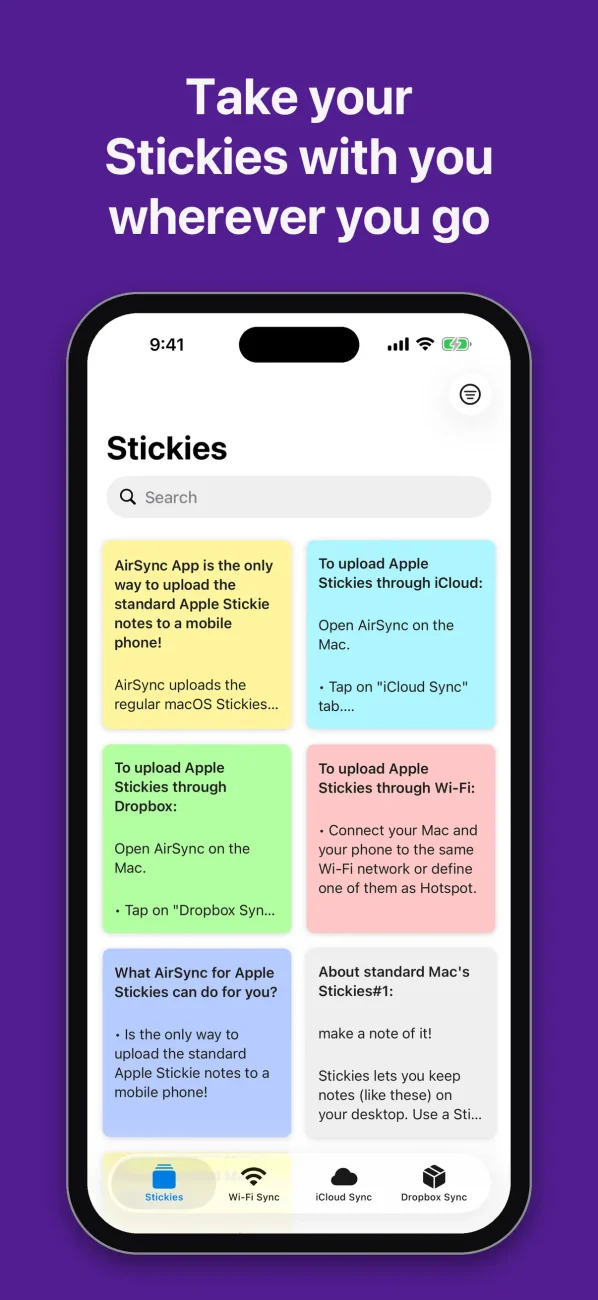
Take your stickie notes with you wherever you go.
AirSync App is the only way to upload the standard Apple Stickie notes to a mobile phone.
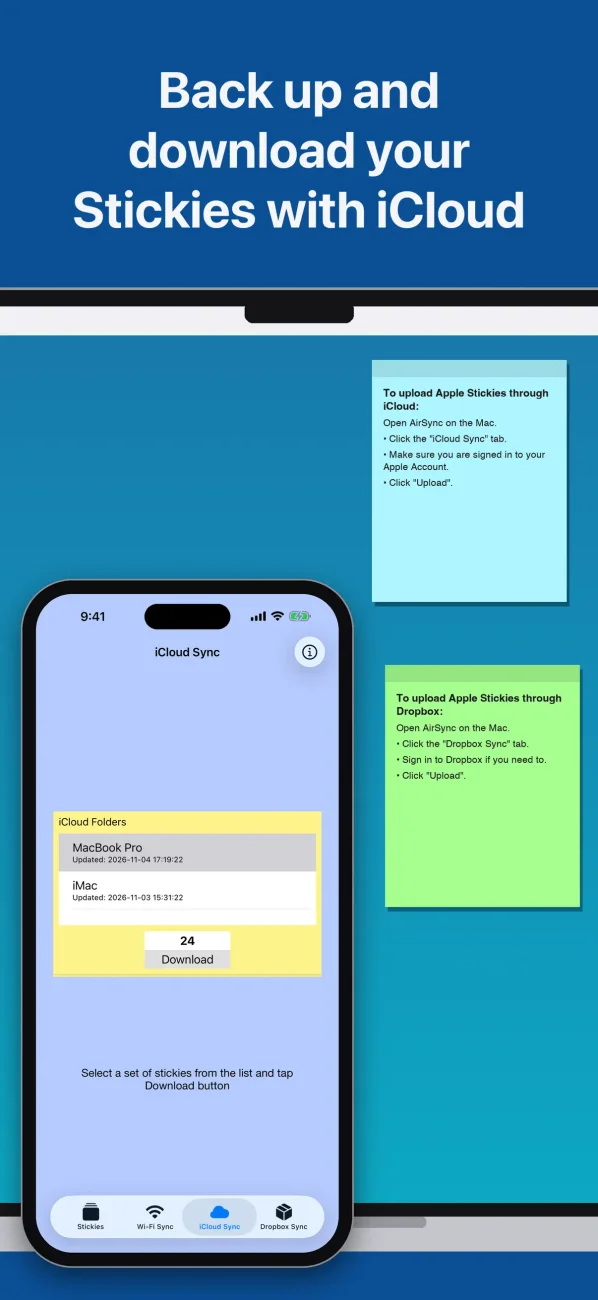
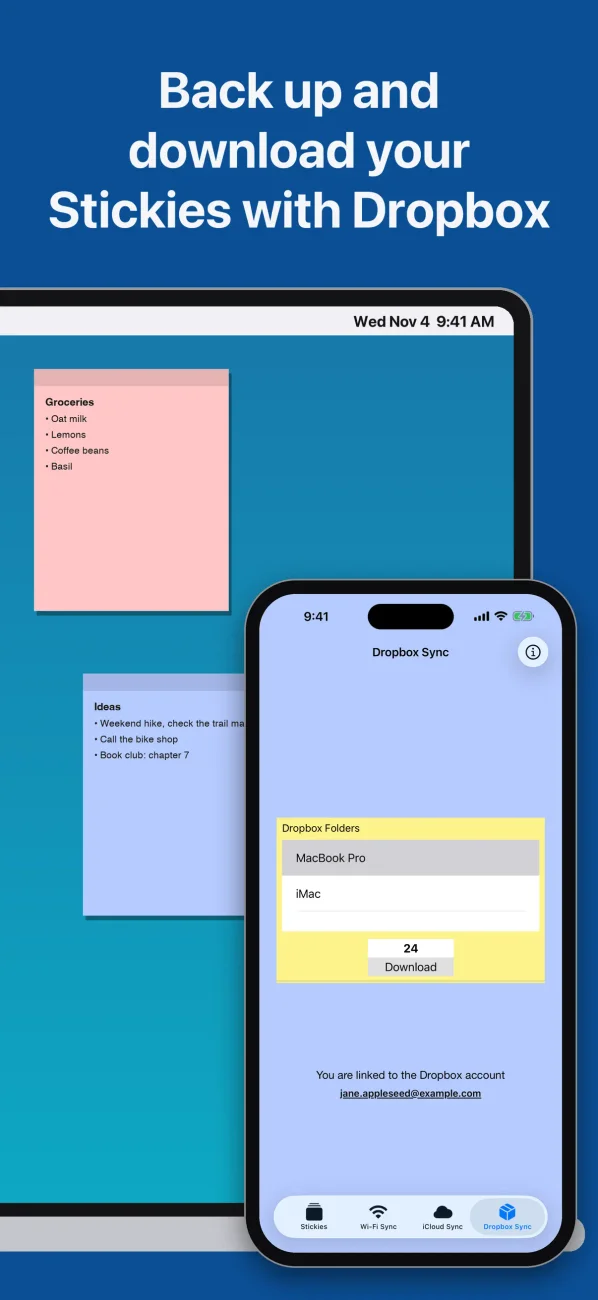
Choose the iCloud or Dropbox method for upload to keep your stickies backed up.
AirSync – effortless upload/synchronization of Apple Stickies to/with your mobile phones.
- Upload/Backup and then download your Stickies any time using iCloud.
- Upload/Backup and then download your Stickies any time using Dropbox.
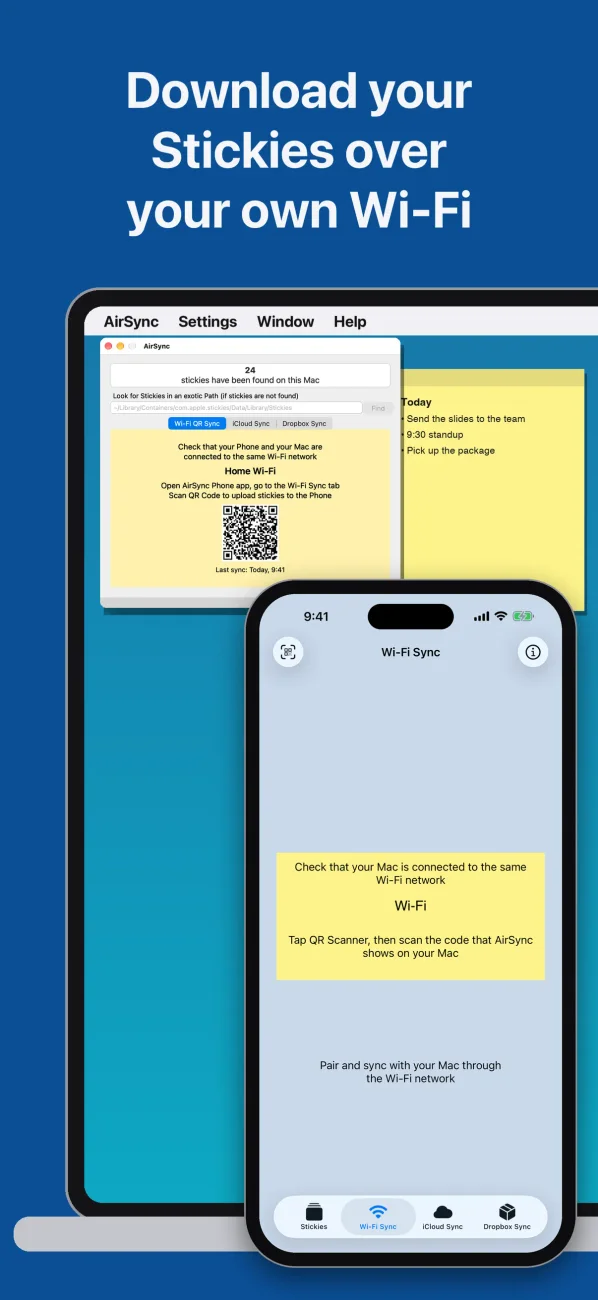
- Download Stickies using your secured WiFi Network, it is as simple as scanning the QR Code.
For WiFi, make sure both devices are on the same network!
Look for the macOS companion Application (AirSync for Stickies) in the "Mac App Store".
Have a question, suggestion, or issue? Please email us at feedback@answersolutions.net
What’s new
Version 5.0 · Nov 9, 2026
AirSync 5.0 is a big update.
• Made for iPad and iPhone Duo. Your notes now appear as a grid of sticky notes, with the opened note right beside it on iPad and on the open iPhone Duo. When iPhone Duo is half open, the list and the note sit on either side of the fold.
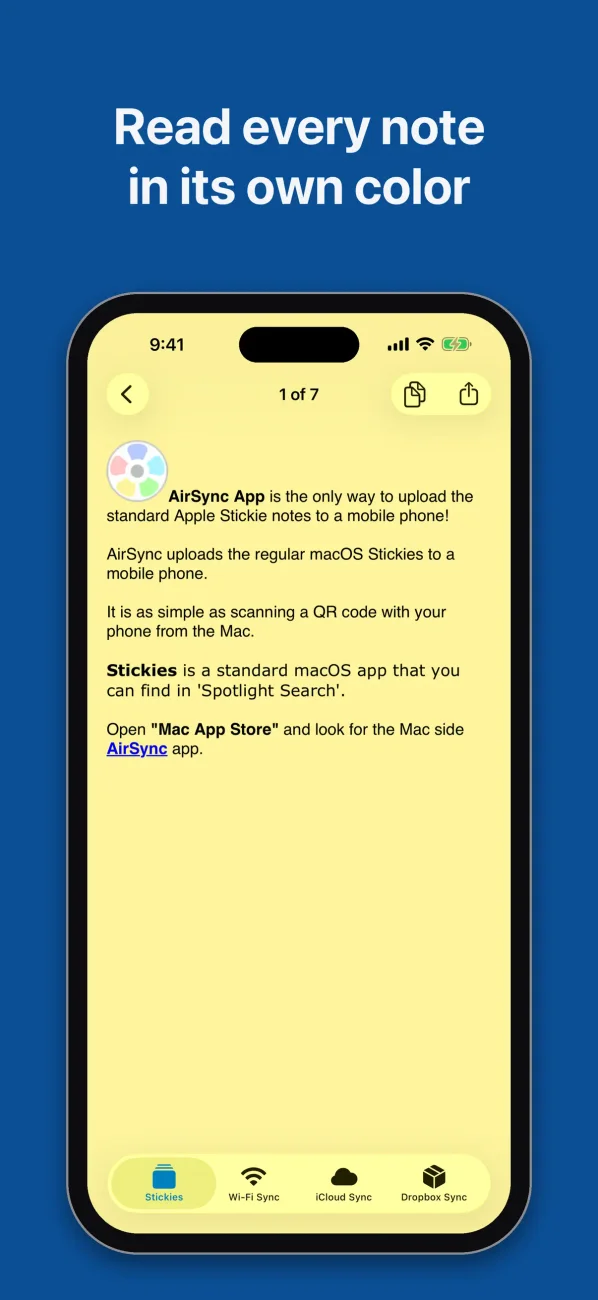
• Swipe between notes, and copy or share the one you are reading.
• Filter by color, with a count for each color.
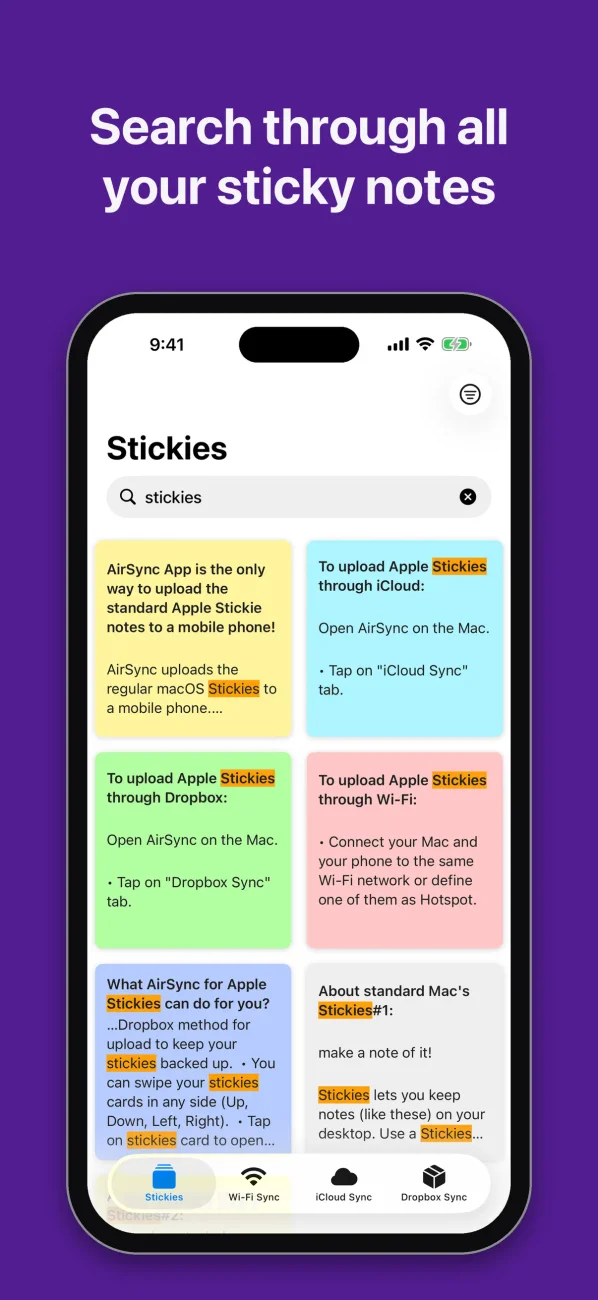
• Search highlights matching words on the notes in the grid and inside the opened note, which scrolls to the first match.
• Safer Wi-Fi sync. The QR code on your Mac now carries a one-time code, and your iPhone accepts notes only from the Mac you scanned, for two minutes after the scan.
• Clear messages when something goes wrong, for example when the QR code was already used or the Mac app needs an update.
• Wi-Fi sync works when your iPhone is the Mac's Personal Hotspot.
• The "Wi-Fi is not found" message no longer appears while you are connected.
• Dropbox sign-in works again.
• Location access is no longer needed. The camera is requested only when you scan a code.
• New About screen with the app version and a way to send feedback.
• Many stability fixes.
Wi-Fi sync needs AirSync 5.0 on your Mac as well. AirSync now requires iOS 16 or later.
App privacy
What AnswerSolutions LLC declares on the App Store about how this app handles data.
-
Data not collected
The developer does not collect any data from this app.
Privacy practices may vary, for example with the features you use or your age.
Information
- Seller
- AnswerSolutions LLC
- Category
- Utilities
- Version
- 5.0
- Updated
- Nov 9, 2026
- Released
- Aug 29, 2012
- Size
- 25.1 MB
- Requires
- iOS 16.0 or later
- Age rating
- 4+
- Price
- Free
- Languages
- English
- Copyright
- 2022 © AnswerSolutions LLC
You might also like
-
 Sticky Notes - Sticky WidgetMarkdown, Handwrite, Mind Map
-
 MyStickyNotes - ProSticky notes anytime anywhere
-
 Sticky notes + To do listNotepad, Planner & Voice Memos
-
 Note Reminder & Sticky NoteSticky Note & Create Wallpaper
-
 Sticky Notes: Widget & AI NoteHome Screen Notes To-do & Memo
-
 Sticky WidgetsHome & Lock Screen notepad
-
 Sticky Notes Widgets: JotLock Screen Memo, Draw & To-Do
-
 Visual Multi Timer: TimusMultiple Interval Timers Free
-
 Sticky Notes WidgetNote Widget & Remind App
-
 Clicks KeyboardSet up your typing experience