Sticky Widgets
Home & Lock Screen notepad
Designed for iPhone, iPad
Free · In-app purchases
- Age rating4+
- CategoryUtilities
- Developer1881 Digital, LLC
- LanguagesEnglish+ 16 more
- Size101.5 MB
Links to the official App Store page
Download.org hosts no file of Sticky Widgets. The button opens its official App Store page, published by 1881 Digital, LLC. Listing last checked on Nov 22, 2026.
Screenshots

About
"It's perfect, honestly." - Myke Hurley, Connected
"What makes Sticky Widgets great is the simplicity of the experience." - Ryan Christoffel, MacStories
"This is a great concept." - Dave Mark, The Loop
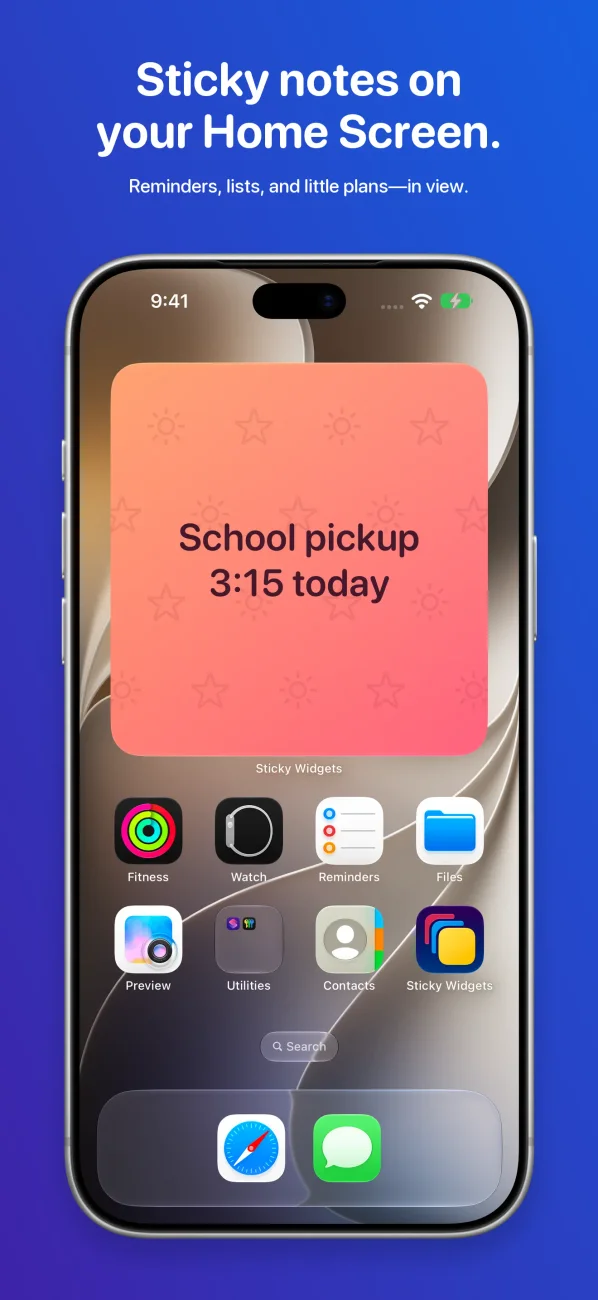
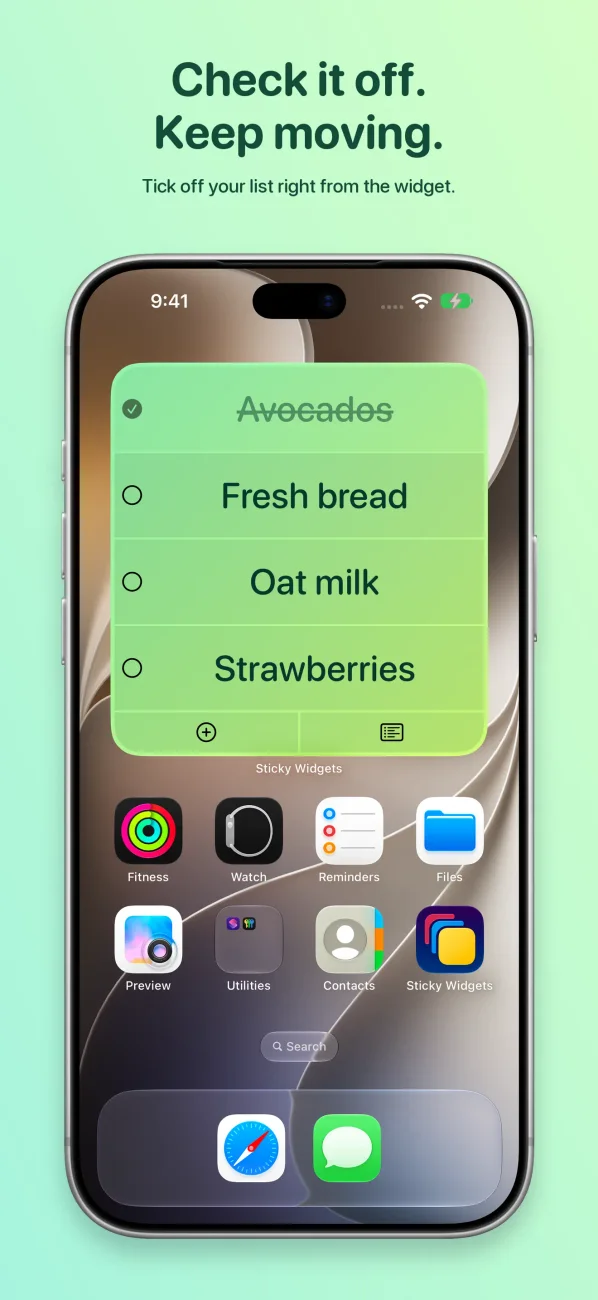
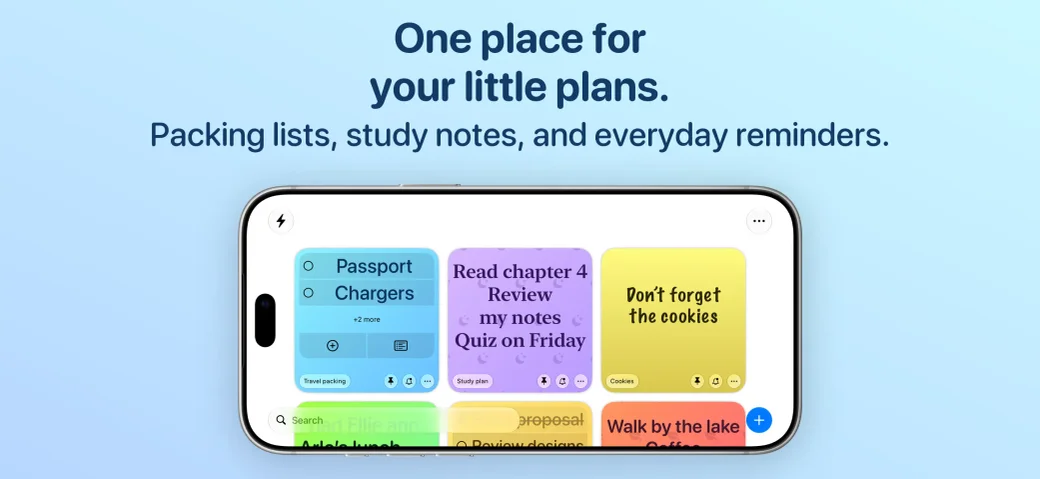
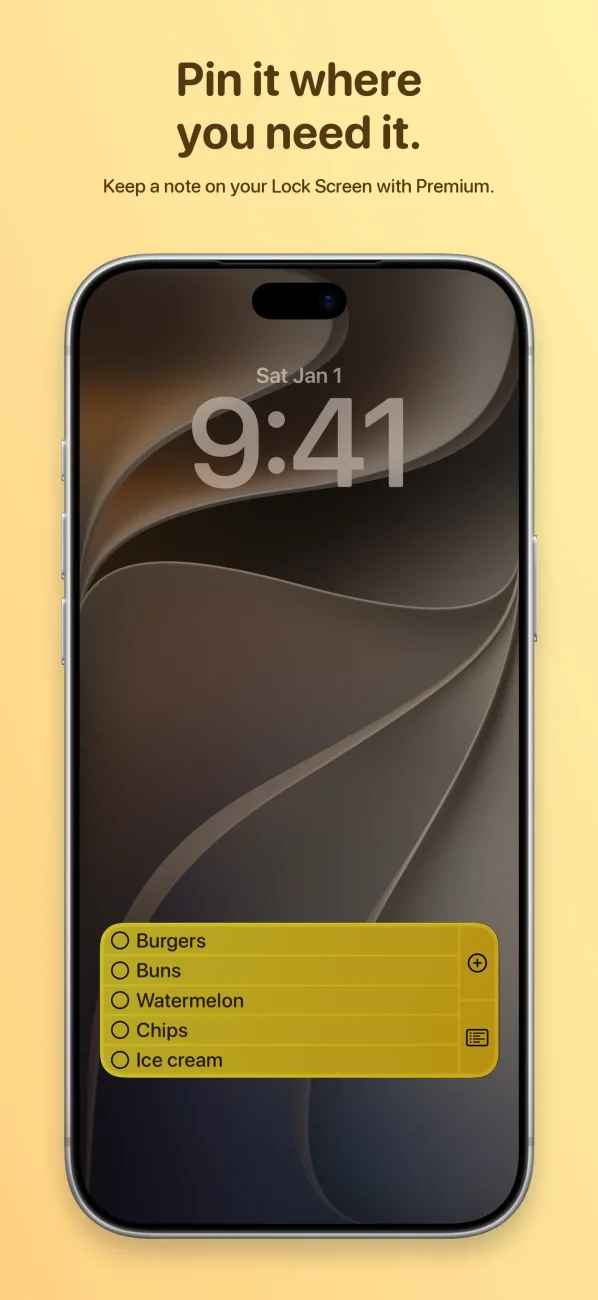
Welcome to Sticky Widgets, the absolute easiest way to put a sticky note on your home screen and edit it quickly. Add as many Sticky Widgets as you'd like, in every widget size. It's simple! It works on iPad! You can even pin notes to your Lock Screen with a premium subscription so they're visible even when your phone is locked!
1. Add a Sticky Widget to your home screen
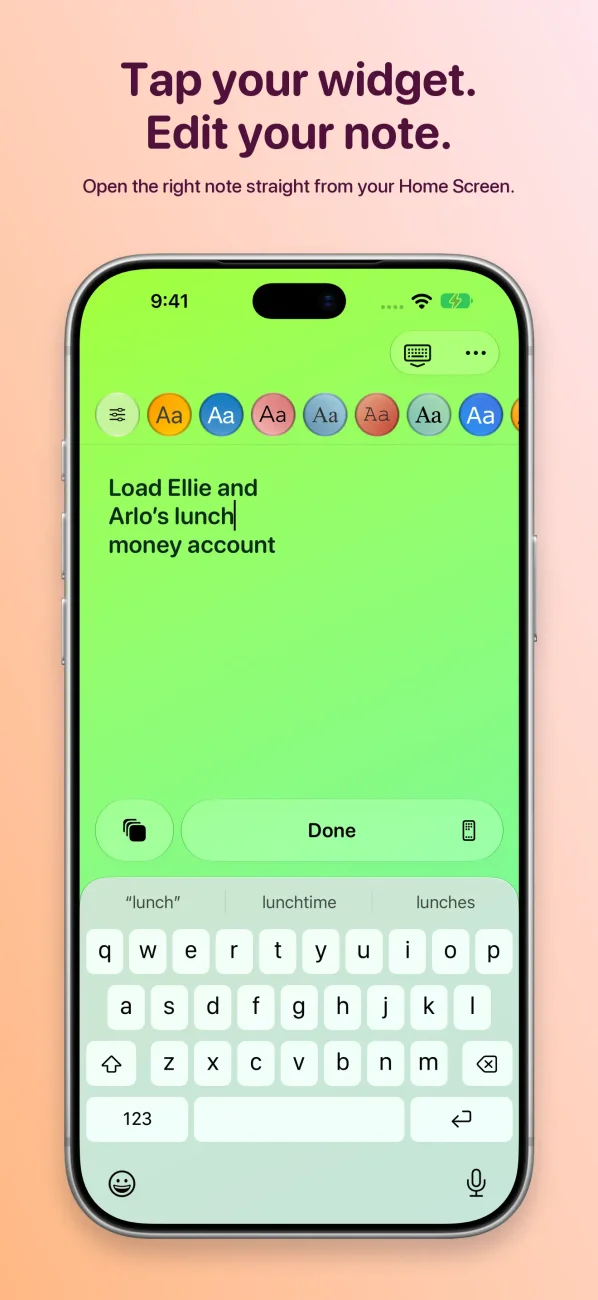
2. Tap on the widget to edit it
3. That's about it!
But that's not all. Once you have a widget in place, you can customize it: change color, background, font, alignment, size, even rotation! And your widgets now sync to your iCloud account, meaning you can put a note on multiple devices logged into the same Apple ID and they'll stay in sync.
Sticky Widgets supports deep system integration with Siri, Shortcuts, the Dynamic Island, and more so there are even more ways to view and update your notes and lists.
Sticky Widgets is free to download and use. You get unlimited widgets, three classic background colors, three fonts, iCloud sync, Siri and Shortcuts integration, and full control over alignment, size, and rotation: all without paying a thing.
An optional upgrade unlocks everything else: the full color picker with any color you want, gradients and mesh gradients, hundreds of additional fonts, custom text colors, Lock Screen pinning, separate styling for light and dark mode, saved presets, the ability to restore archived notes, scheduled reminders, and no ads. Premium features can be accessed with a monthly, quarterly, or annual subscription, or with a one-time purchase.
The Sticky Widgets Terms of Use and Privacy Policy can be found at https://www.tylerhillsman.com/privacy-sw/. The Apple EULA can be found at https://www.apple.com/legal/internet-services/itunes/dev/stdeula/
What’s new
Version 5.4.3 · Nov 12, 2026
Write and style your first note with a guide in the editor. On iOS 26 and later, try adding and setting up a widget on a practice Home Screen. Sticky Widgets lets you know when your real Home Screen widget is linked to your note.
App privacy
What 1881 Digital, LLC declares on the App Store about how this app handles data.
-
Data not linked to you
May be collected but is not linked to your identity.
- Purchases
Privacy practices may vary, for example with the features you use or your age.
Information
- Seller
- 1881 Digital, LLC
- Category
- Utilities
- Version
- 5.4.3
- Updated
- Nov 12, 2026
- Released
- Sep 28, 2020
- Size
- 101.5 MB
- Requires
- iOS 17.0 or later
- Age rating
- 4+
- Price
- Free
- In-app purchases
- Yes
- Languages
- English, Arabic, Dutch, French, German, Hindi, Indonesian, Italian, Japanese, Korean, Portuguese, Russian + 5 more
- Copyright
- © 2026 Tyler Hillsman
You might also like
-
 Sticky Notes WidgetNote Widget & Remind App
-
 Sticky Notes & Color WidgetSimple Note Checklist Reminder
-
 Sticky Notes Widgets: JotLock Screen Memo, Draw & To-Do
-
 Lists To doTo-do lists, tasks & reminders
-
 Countdown - Pretty ProgressWidget, day counter & tracker
-
 Any Text · WidgetsPut text on Lock/Home Screen
-
 Countdown BuddyWidget, Count Down & Up Timer
-
 Timer+ Countdown & StopwatchInterval, Workouts, Pomodoro
-
 MultiTimer: Multiple timersVisual countdown seconds timer
-
 Days • Countdown & WidgetsBirthdays, weddings & trips