Alarm & Timer
Simple, Easy-to-Use Clock
Designed for iPhone, iPad, iPod touch
Free · In-app purchases
- Age rating4+
- CategoryLifestyle
- DeveloperKAZUTERU YOKOI
- LanguagesEnglish+ 15 more
- Size41.2 MB
Links to the official App Store page
Download.org hosts no file of Alarm & Timer. The button opens its official App Store page, published by KAZUTERU YOKOI. Listing last checked on Nov 24, 2026.
Screenshots


About
Simple, powerful, and customizable.
This all-in-one clock app combines Alarm, Timer, and Stopwatch functions into a clean, intuitive interface.
Privacy-friendly: When headphones are connected, the alarm sounds only through the headphones, not the device speakers.
By making advanced features optional, we maintain a minimalist design while meeting a wide range of user needs.
[General]
Customization: Color themes, "My Theme" creation, and adjustable font sizes.
Typography: Choose from system fonts, specialized clock fonts, or even add your own custom fonts.
Time Display: Toggle between 12/24-hour formats, customize 12:00 vs. 0:00 display, and enable/disable leading zeros (e.g., 09:00 vs. 9:00).
[Clock]
Dual analog and digital display with extensive layout options.
Design: Multiple dial designs and support for custom image/video backgrounds.
Visibility: Toggle seconds, choose second hand movement (Ticking vs. Smooth), and customize date formats/languages.
Dynamic Layout: Hide the status bar, tab bar, or settings button for a cleaner look. Digital-only mode available in landscape orientation.
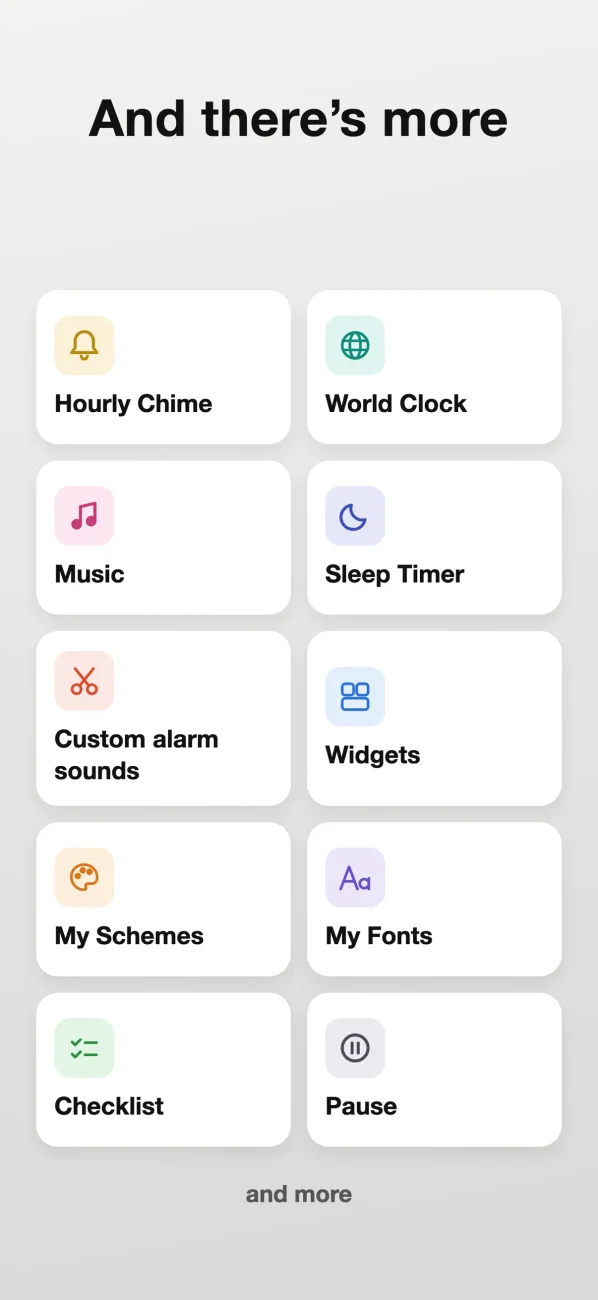
Hourly Chime: Use simple presets or create a fully customized hourly schedule.
World Clock: View multiple cities and time zones simultaneously in a convenient list.
[Alarm]
Set unlimited alarms with full background notification support. Compatible with AlarmKit (iOS 26.1+), allowing alarms to sound even in Silent or Focus modes.
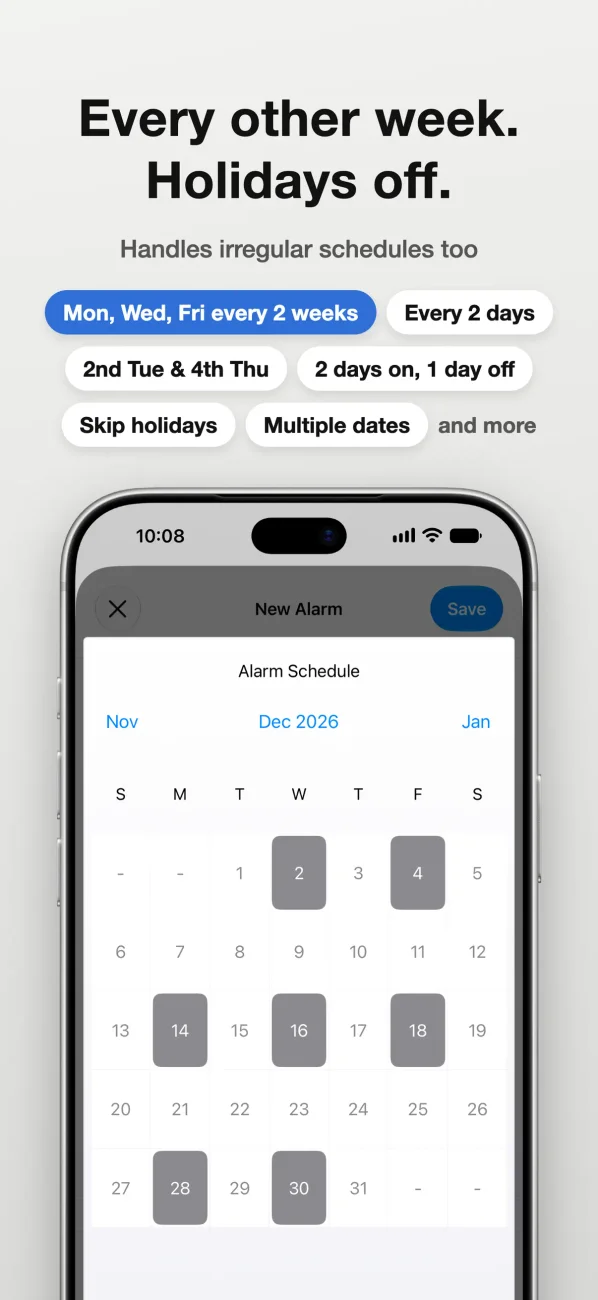
Scheduling: Powerful repeat options including daily, weekly, monthly, yearly, and custom intervals (e.g., every 2 days). Supports pause periods.
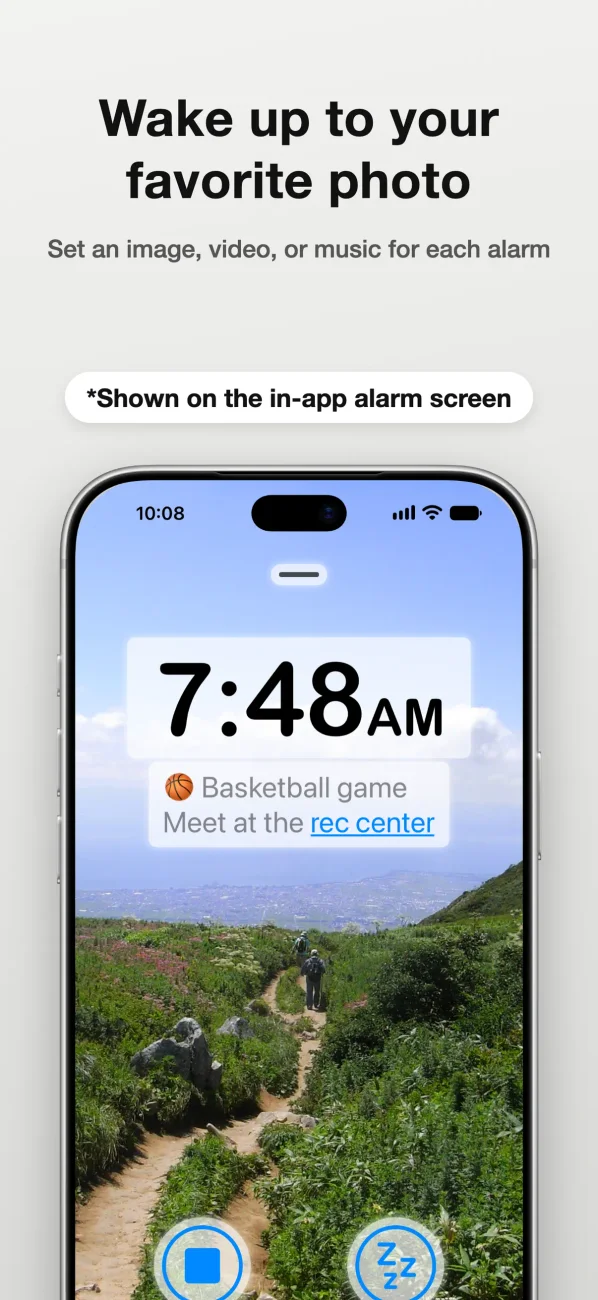
Sound: Use custom recordings or local music files (when the app is in the foreground).
Management: Organize alarms with folders, label search, and easy duplication. Sort by time or firing order.
Advanced Features: Checklist, Snooze, Auto-stop (by duration/repetition), Skip next, and one-tap global pause. New alarms can automatically inherit previous settings for faster setup.
[Timer]
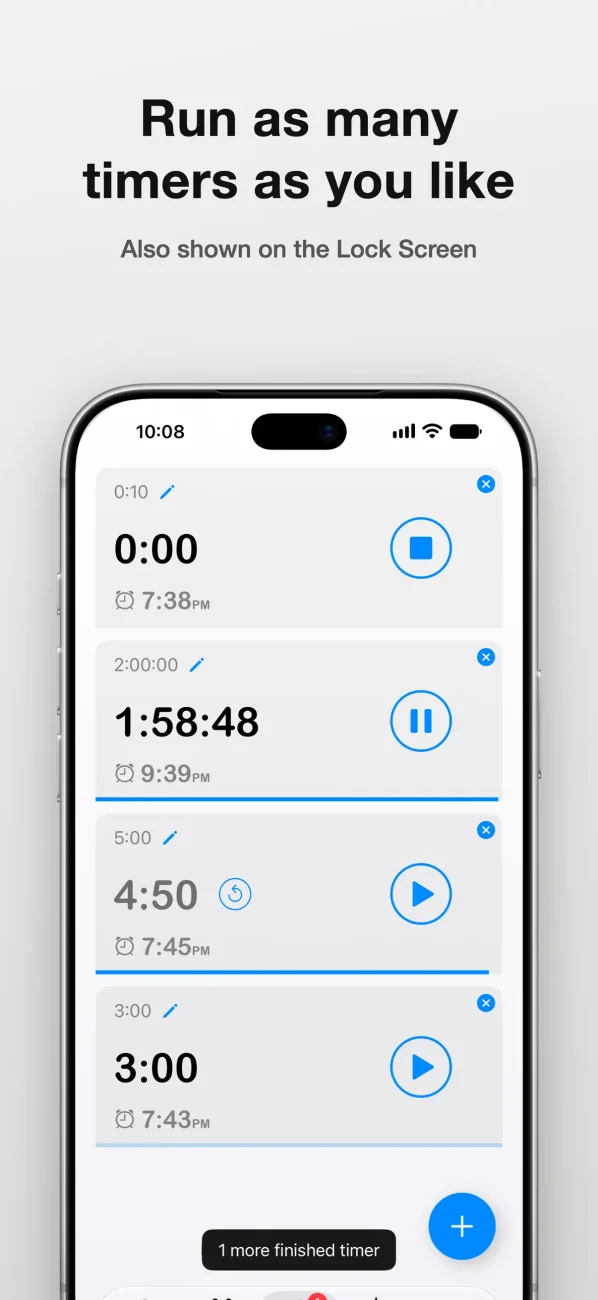
Run multiple timers simultaneously ranging from 1 second to 10000 hours.
Quick Start: Access presets and history for instant activation.
Interface: Switch between list and full-screen views. Choose between 10-key or picker input with customizable units (1s/10s/1m/10m).
Foreground Features: Displays estimated completion time and supports auto-stop for sounds.
[Stopwatch]
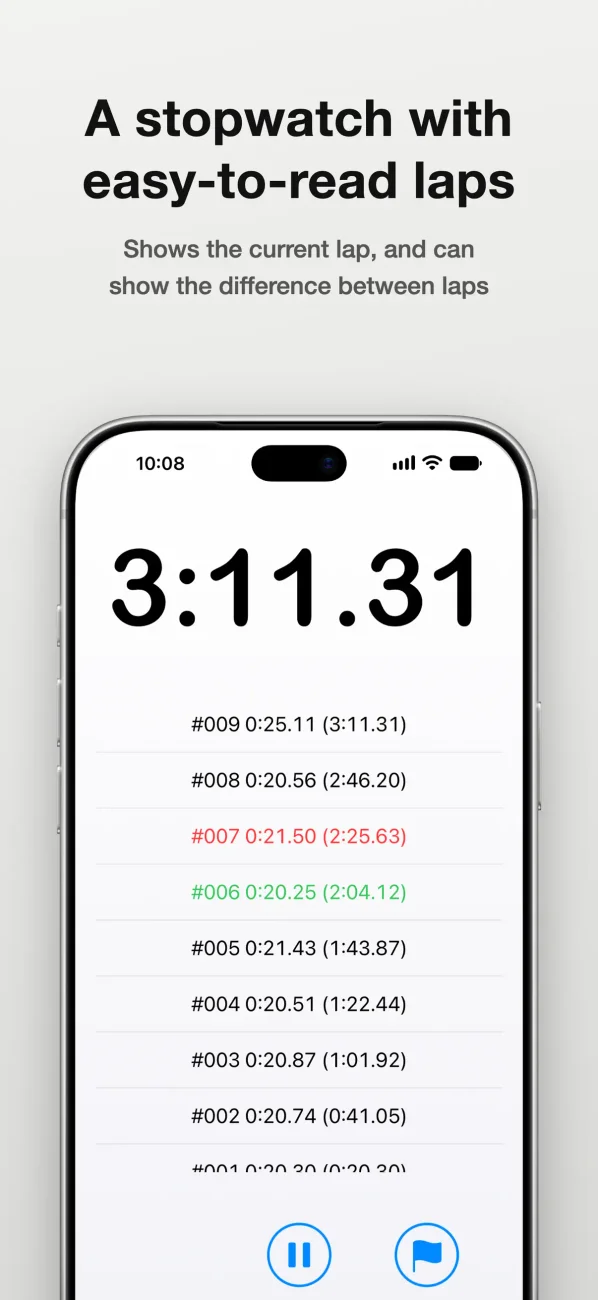
Records: Capture lap times with precision.
Export: Send your recorded data as a text file via email.
[Other Settings]
System Integration: Audio mix mode (play alongside other music apps), and Auto-lock.
Display: Brightness adjustment with "Darkness Correction" and customizable UI elements (toggle between switches or checkboxes).
Note on Music:
Currently, this app does not support playback for Apple Music, iCloud-only songs, or purchased songs that have not been downloaded to the device storage.
URL Scheme:
net.hakoniwa.clock://
What’s new
Version 15.3.0 · Nov 18, 2026
- Added support for iPhone Duo.
- Alarms set for two or more specific dates can now be skipped too.
- Added “Alert Method” to the timer settings. You can now set timers to sound even in Silent Mode. (iOS 26.1 or later)
App privacy
What KAZUTERU YOKOI declares on the App Store about how this app handles data.
-
Data used to track you
May be used to track you across apps and websites owned by other companies.
- Identifiers
- Usage data
- Diagnostics
-
Data linked to you
May be collected and linked to your identity.
- Location
- Identifiers
- Usage data
- Diagnostics
-
Data not linked to you
May be collected but is not linked to your identity.
- Diagnostics
Privacy practices may vary, for example with the features you use or your age.
Information
- Seller
- KAZUTERU YOKOI
- Category
- Lifestyle
- Version
- 15.3.0
- Updated
- Nov 18, 2026
- Released
- Jan 5, 2016
- Size
- 41.2 MB
- Requires
- iOS 15.0 or later
- Age rating
- 4+
- Price
- Free
- In-app purchases
- Yes
- Languages
- English, Dutch, French, German, Italian, Japanese, Korean, Malay, Portuguese, Russian, Simplified Chinese, Spanish + 4 more
- Copyright
- © 2015 K.YOKOI
You might also like
-
 Clock Face - desktop alarmtime widgets on Lock Screen
-
 Digital Clock - Bedside Alarmstandby screen time in seconds
-
 Alarmy - Loud alarm clockHeavy sleepers, Sleep tracker
-
 AlarmMon ( alarm clock )Lifestyle
-
 ClockPhone big digital clocksAlarm clock, timer, widget
-
 Flip clock - no adsDigital Clock&Nightstand clock
-
 Bedside Clock - Time widgetslock screen big digital alarm
-
 Music Alarm Clock: Radio AppSleep, Loud Sounds & Reminder
-
 Simple Clock - Study With MeFocus and study Pomodoro Timer
-
 Alarm ®Alarm Clock for Heavy Sleepers