
- Age rating4+
- CategoryUtilities
- DeveloperPablo Cussa de Souza
- LanguagesEnglish
- Size1.6 MB
Links to the official App Store page
Download.org hosts no file of Alchemical Input. The button opens its official App Store page, published by Pablo Cussa de Souza. Listing last checked on Nov 18, 2026.
Screenshots

About
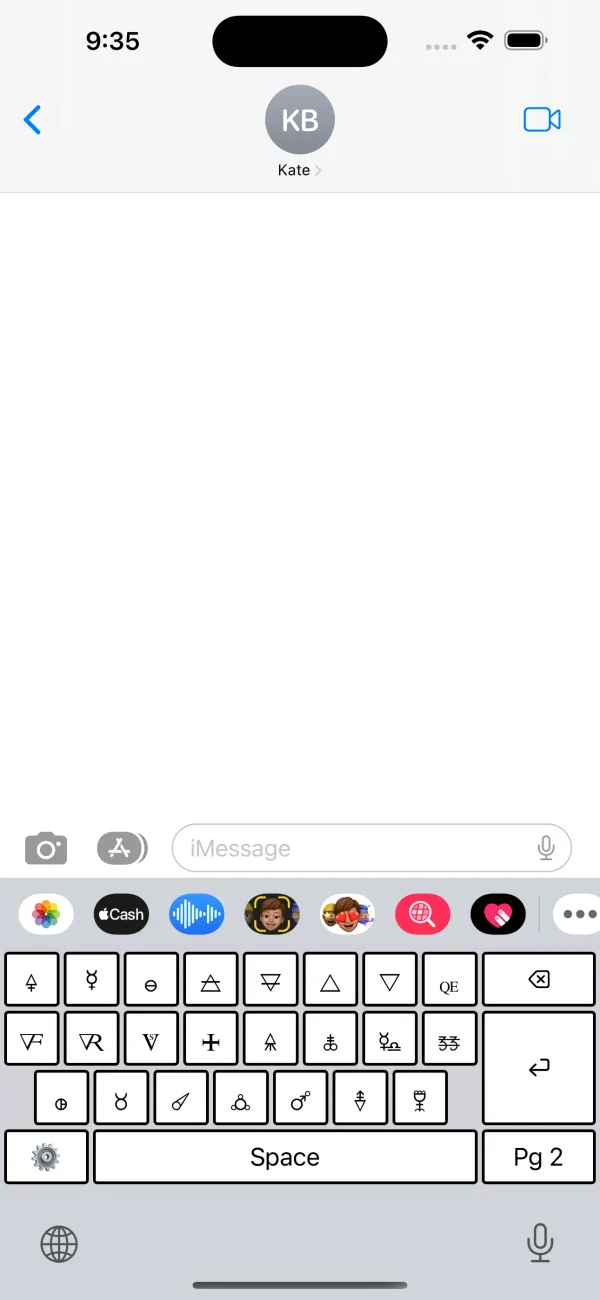
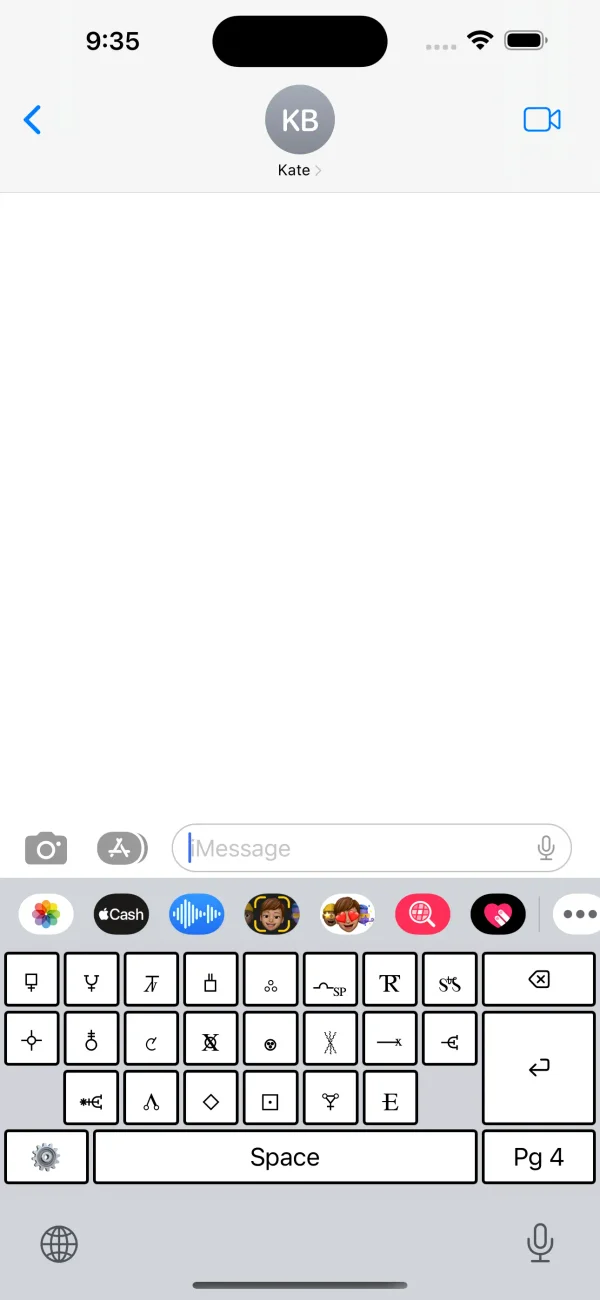
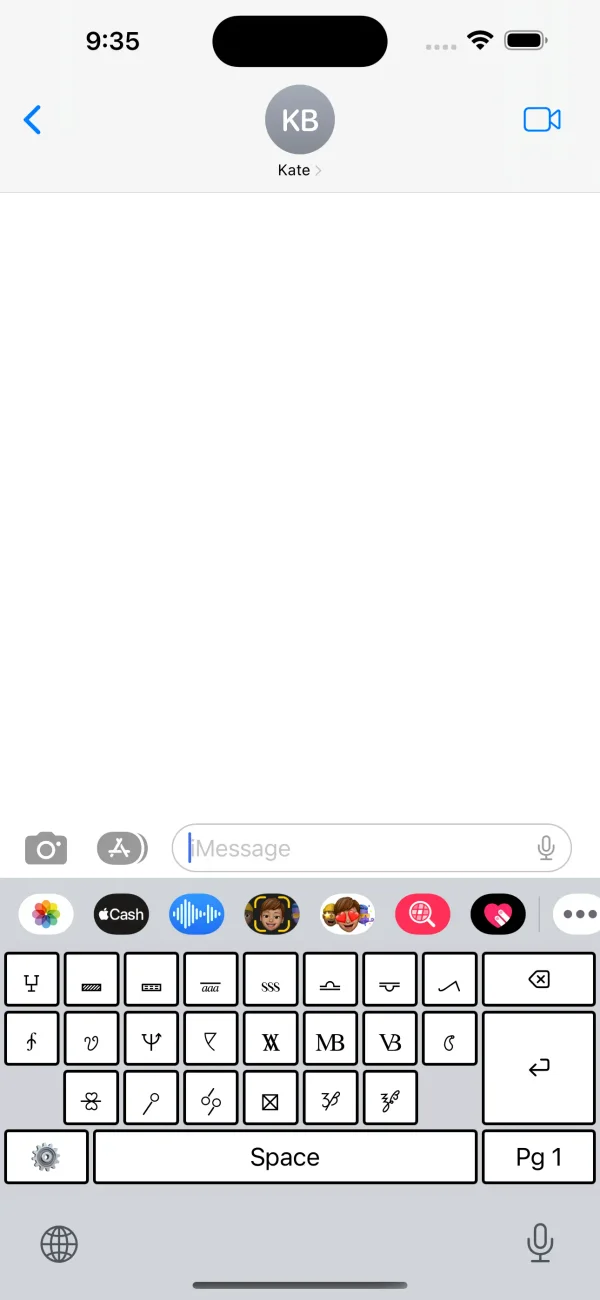
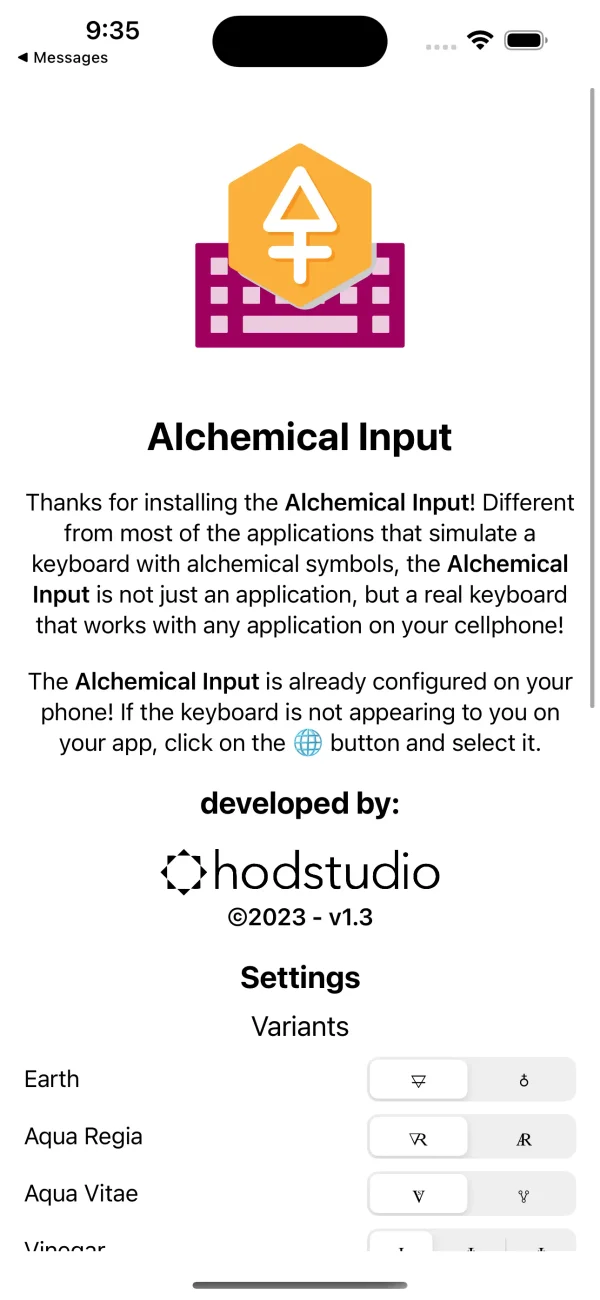
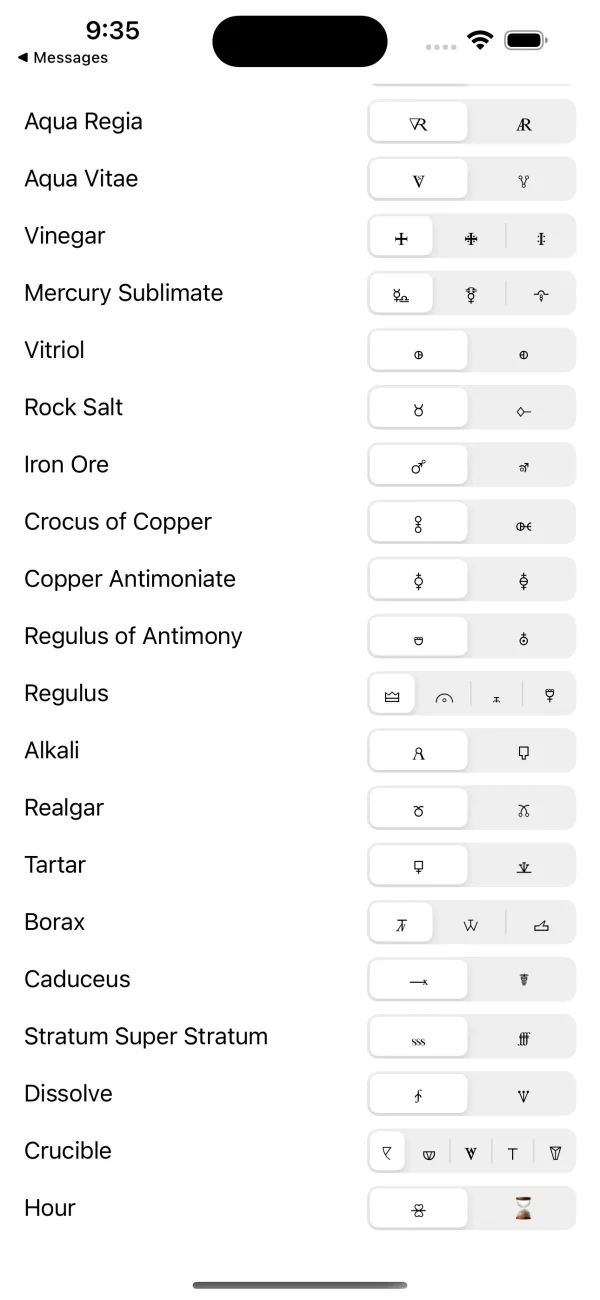
First of all, this is not just an application. Alchemical Input is a keyboard that works just like any other keyboard on your phone, but with the Alchemical symbols! Yes, any application, any smartphone!
Take a look on the screenshots to see the keys and their possible variants!
=== Problems seeing the runes? ===
In some cases, users can have issues to see the new keyboard on the Keyboard list. We recommend that you restart the phone and close all the applications before and after installing/configuring the app. If you have any question related to that, contact us via contato@hodstudio.com.br
You will need to follow these steps to install and configure your Alchemical Input keyboard:
- After installation, go to "Settings"
- Select "General"
- Select "Keyboards"
- Select "Add new keyboard"
- Select Alchemical Input
When using an app, the iPhone/iPad will show a Globe icon or button at the bottom. By holding on it, you can choose which keyboard you want to use. Select Alchemical Input and start writing with runes!
PRIVACY POLICE
Alchemical Input aims to spread and facilitate the use of runes by anyone. Because it’s a keyboard, operational system can display an default alerts to inform that keyboards can capture data typed by users and send them to third parties. That is not the case with Alchemical Input. We collect and process only data on app usage statistics, as well as error/crash information.
What does that mean?
- It is not necessary to create an account and the app will not request any personal data.
- No data typed with Rune Input - Medieval is sent anywhere. Typed characters are transferred to the operational system of the mobile, which will be standard processed, like inserting them on a text field.
- No personal data is collected. Only usage statistics and error/crash information are collected, which are processed directly by Google’s servers.
What’s new
Version 1.3.2 · Sep 16, 2026
Update to the latest iOS version.
App privacy
What Pablo Cussa de Souza declares on the App Store about how this app handles data.
-
Data not collected
The developer does not collect any data from this app.
Privacy practices may vary, for example with the features you use or your age.
Information
- Seller
- Hod Publishing Ltd
- Category
- Utilities
- Version
- 1.3.2
- Updated
- Sep 16, 2026
- Released
- May 1, 2023
- Size
- 1.6 MB
- Requires
- iOS 15.0 or later
- Age rating
- 4+
- Price
- $1.99
- Languages
- English
- Copyright
- © 2026 HodStudio
You might also like
-
 Kestrel LITEPCAP Intelligence
-
 isPrime?Utilities
-
 Electrical Load Calc NECNEC Art.220 Residential Load
-
 Thinking Poker: Hand TrackerAI Review, Journal & Tilt SOS
-
 Equal=It Unit Converter PlusConvert Currency Length Weight
-
 Rock Identifier: Crystal AIDiamond & Jewelry Finder
-
 MConverter:File Converter・WEBMConvert Images・Video・PDF・MOV
-
 Hero Wallet – Crypto & Web3crypto wallet, Web3 domains
-
 TICKEY LinkUtilities
-
 Unicode Pad Pro with keyboardsMost complete character map