All Docs: PDF & Files App
PDF,Word,Excel,PPT, File View
Designed for iPhone, iPad
Free · In-app purchases
- Age rating4+
- CategoryUtilities
- DeveloperRakesh Bhadani
- LanguagesEnglish+ 15 more
- Size47.9 MB
Links to the official App Store page
Download.org hosts no file of All Docs: PDF & Files App. The button opens its official App Store page, published by Rakesh Bhadani. Listing last checked on Nov 27, 2026.
Screenshots

About
All Docs: PDF & File App
Your All-in-One Document Manager & PDF Editor
All Docs is the ultimate tool to view, manage, transfer, and edit all your documents in one place. Whether you need to open a PDF, view Office files, organize folders, or securely transfer files between devices — All Docs does it all with a clean and modern interface.
● Key Features
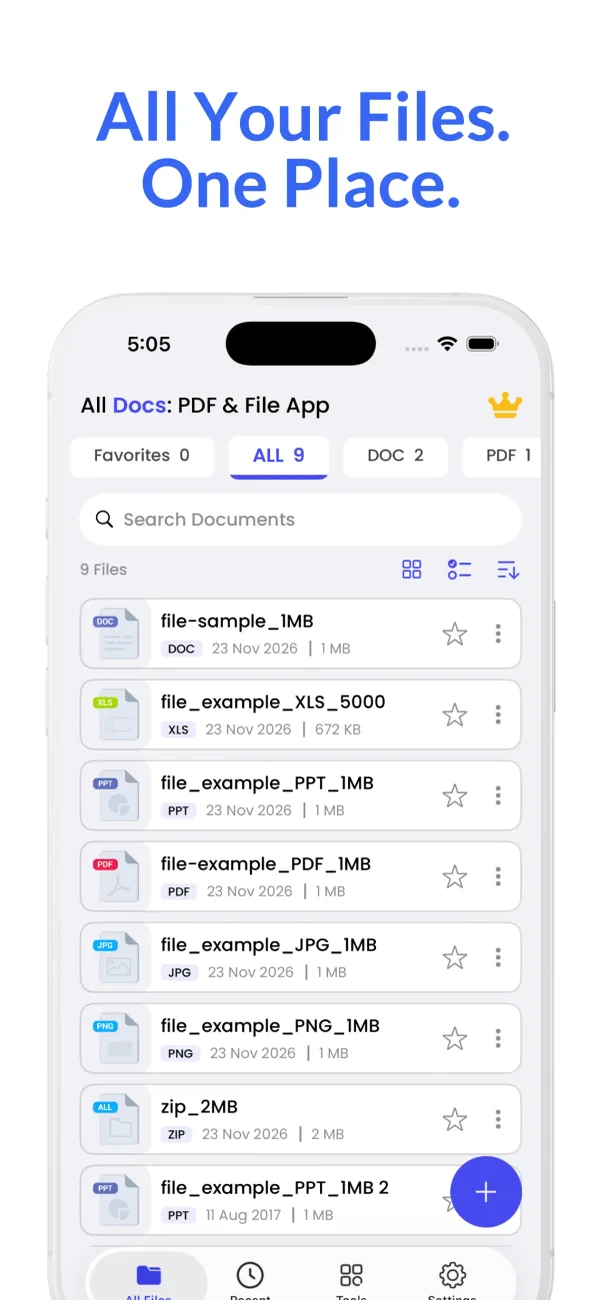
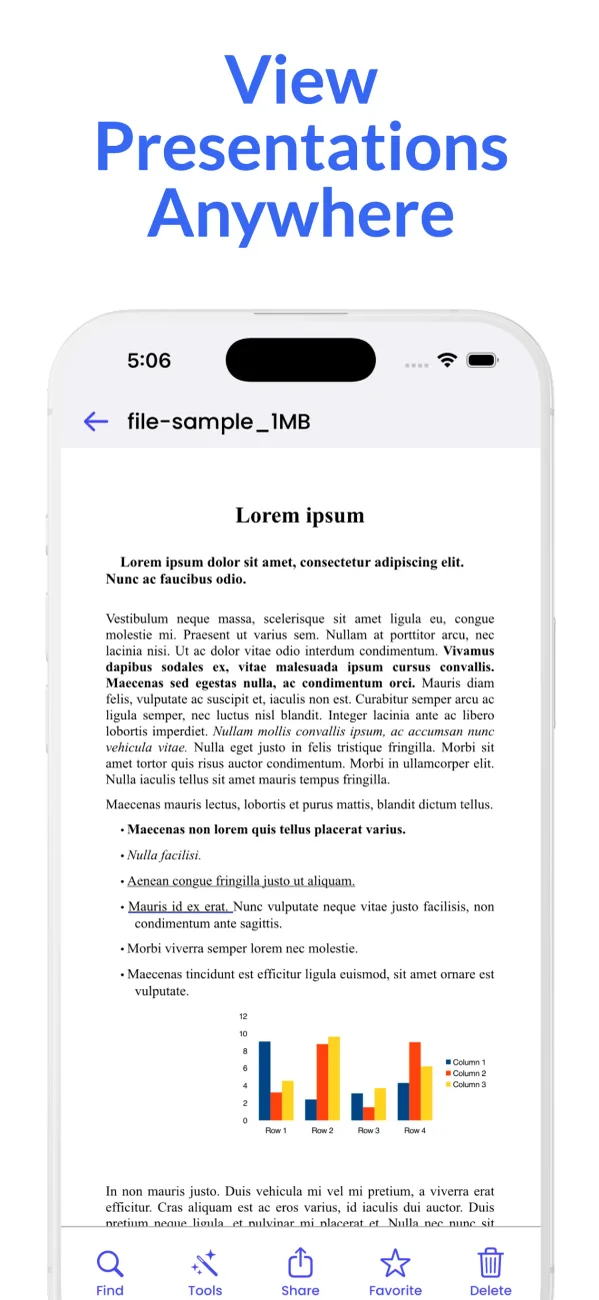
• All-in-One File Viewer: Instantly open PDF, DOC, XLS, PPT, TXT, and image files.
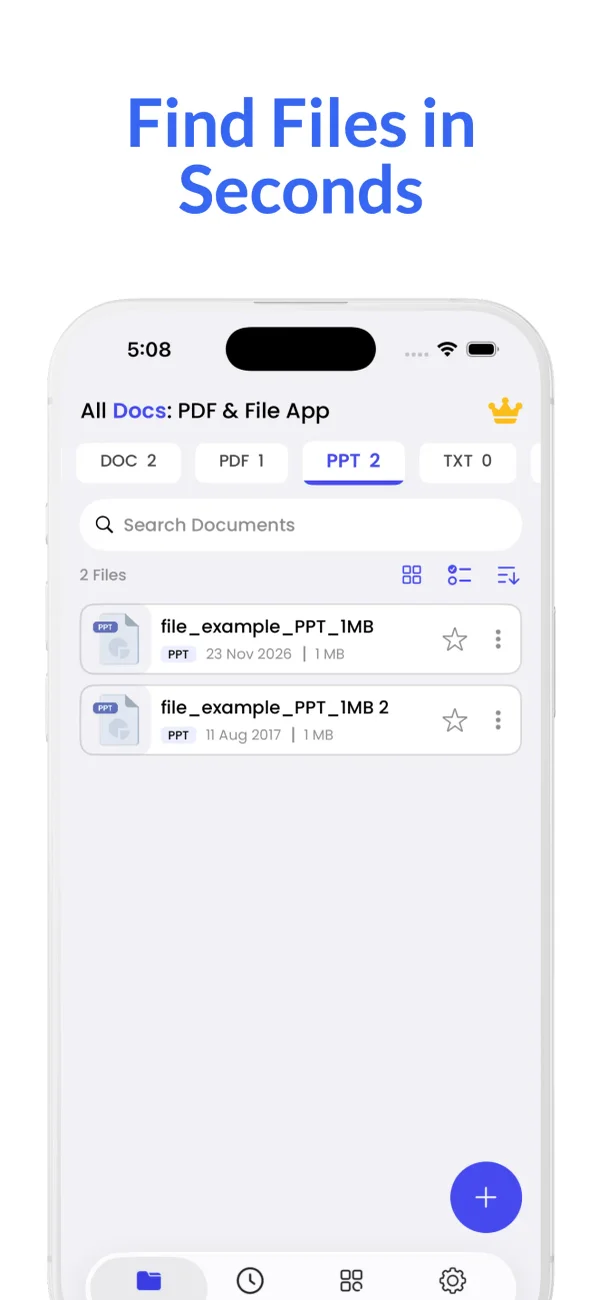
• Smart File Manager: Organize, rename, delete, share, and search your files with ease.
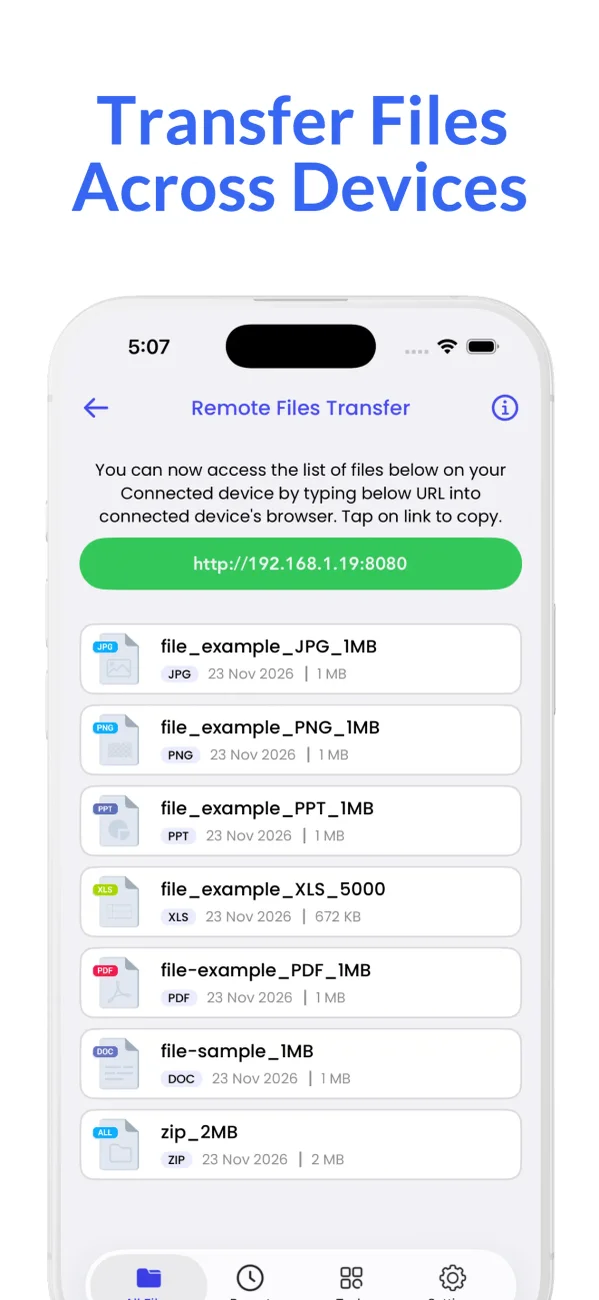
• Remote File Transfer: Wirelessly transfer files between your iPhone, iPad, or computer — fast and secure.
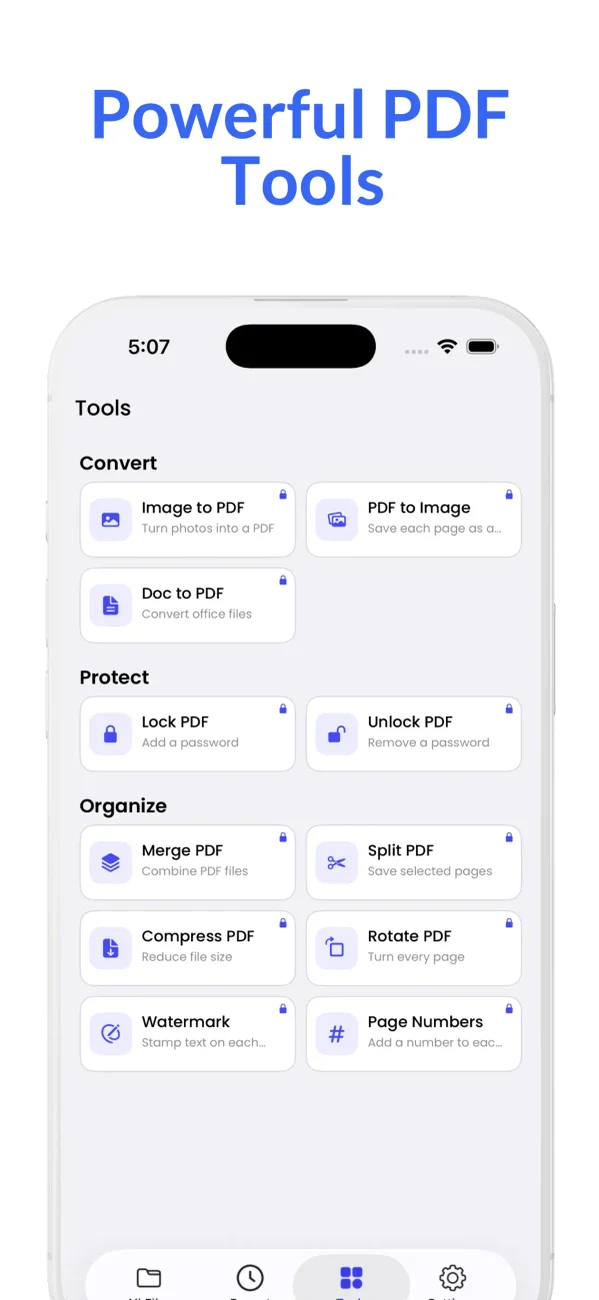
• Powerful PDF Tools: Merge, split, lock, unlock, compress, and convert PDFs effortlessly.
• PDF Editor: Add text, highlight, draw, sign, and annotate directly on your PDF files.
• Multi-Language Support: Available in English, French, Spanish, Hindi, and more.
• Cloud & Local Access: Import files from iCloud Drive, Files app, or local storage.
• Offline Mode: Work with your documents anytime, anywhere.
• Modern Redesign: Fresh icon, sleek UI, and smoother user flow for the best experience.
• Edit & sign PDFs – Highlight, underline, add notes and text, draw with Apple Pencil or your finger, fill in forms, and add your signature.
• Better PDF conversion – Convert Word, Excel, PowerPoint, text, HTML and images to PDF with fonts, tables and pictures kept in place.
• Copy text from scans – Pull text out of photos and scanned PDFs, then copy, share or save it.
• Translate documents – Translate files into other languages right on your device.
• Read Aloud – Have documents read to you, with play, pause and speed controls.
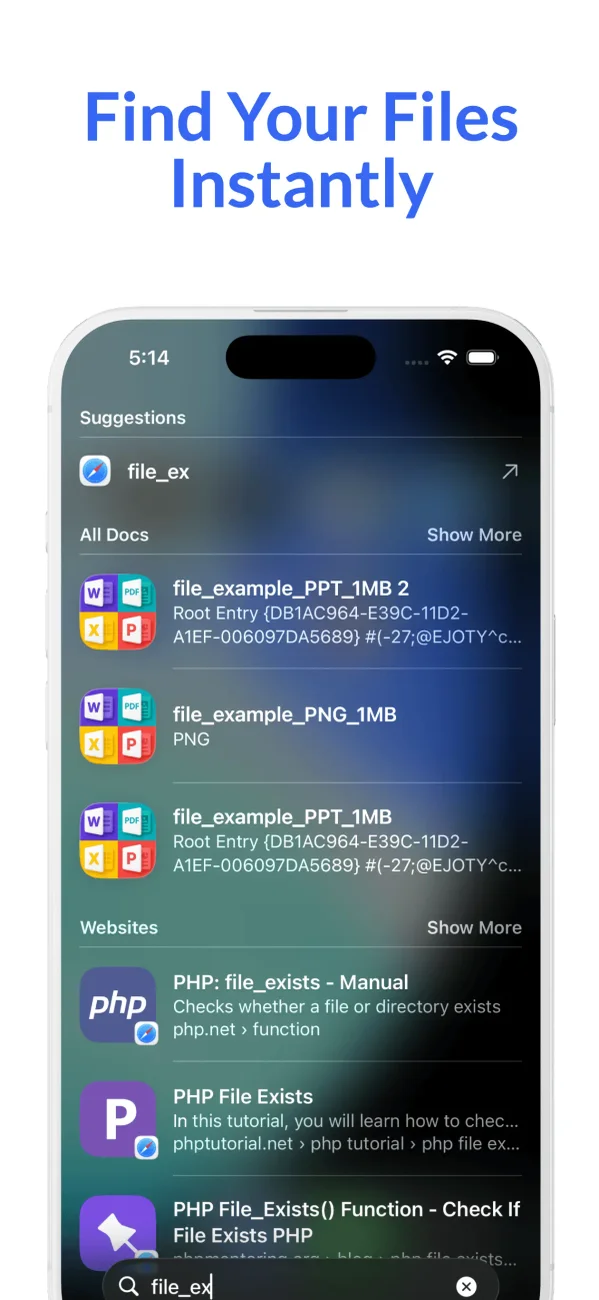
• Search inside files – Find documents by the words inside them, and from iPhone Spotlight too.
• App Lock & private folders – Protect the app or individual folders with Face ID, Touch ID or a passcode.
• iCloud backup – Back up your library automatically and restore it on any device.
• Save from any app – Use the Share button in other apps to send files straight to All Docs.
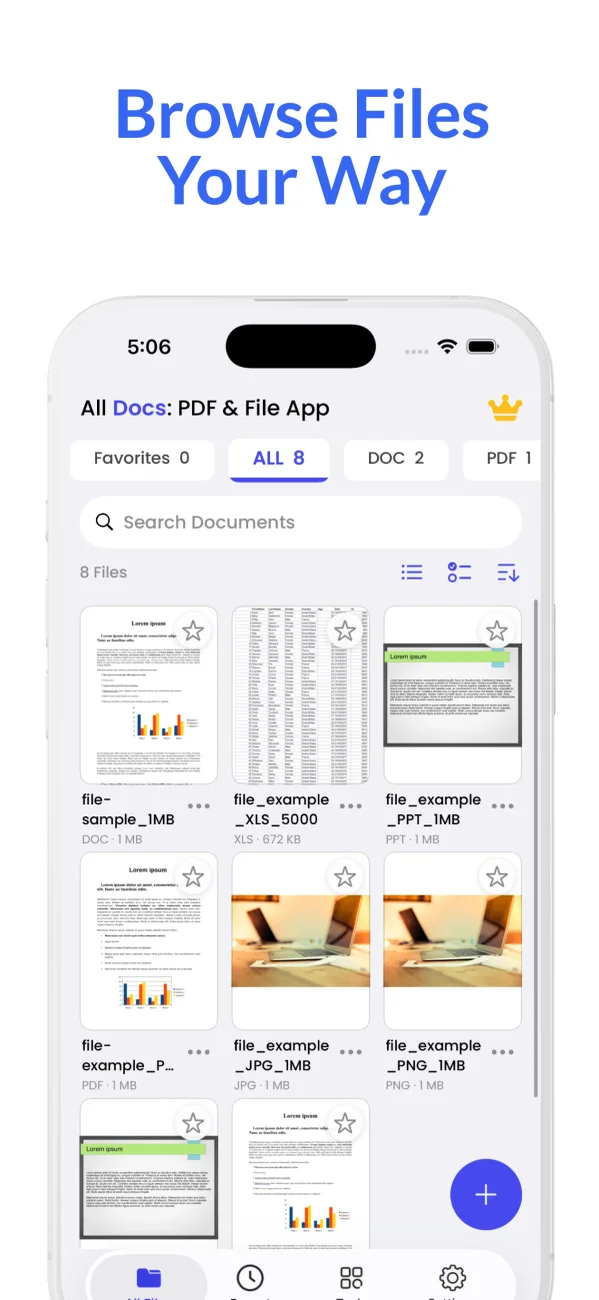
• Folders, grid view & trash – Organize files into folders, switch between list and grid, and restore deleted files.
● Go Premium
Unlock advanced PDF editing tools, unlimited file transfers, and an ad-free experience with In-App Purchases — choose from flexible weekly, monthly or yearly plans.
Why Choose All Docs?
Because it’s fast, reliable, and secure.
Perfect for students, professionals, or anyone who wants complete control over their files — All Docs is your essential daily document companion.
● Auto-renewable Subscription
There are two subscription plans
- $0.69 per week
- $1.49 per month
- $12.99 per year
- Payment will be charged to iTunes Account at confirmation of purchase.
- Subscription automatically renews unless auto-renew is turned off at least 24-hours before the end of the current period.
- Account will be charged for renewal within 24-hours prior to the end of the current period, and identify the cost of the renewal.
- Subscription may be managed by the user and auto-renewal may be turned off by going to user's Account Settings after purchase.
- Any unused portion of a free trial period, if offered, will be forfeited when the user purchases a subscription to that publication, where applicable.
- No cancellation of the current subscription is allowed during active subscription period.
- Terms of Use : https://rakeshapp4.blogspot.com/p/terms-conditions.html
- Privacy Policy : https://rakeshapp4.blogspot.com/p/privacy-policy.html
What’s new
Version 1.4 · Nov 26, 2026
• Edit & sign PDFs – Highlight, underline, add notes and text, draw with Apple Pencil or your finger, fill in forms, and add your signature.
• Better PDF conversion – Convert Word, Excel, PowerPoint, text, HTML and images to PDF with fonts, tables and pictures kept in place.
• Copy text from scans – Pull text out of photos and scanned PDFs, then copy, share or save it.
• Translate documents – Translate files into other languages right on your device.
• Read Aloud – Have documents read to you, with play, pause and speed controls.
• Search inside files – Find documents by the words inside them, and from iPhone Spotlight too.
• App Lock & private folders – Protect the app or individual folders with Face ID, Touch ID or a passcode.
• iCloud backup – Back up your library automatically and restore it on any device.
• Save from any app – Use the Share button in other apps to send files straight to All Docs.
• Folders, grid view & trash – Organize files into folders, switch between list and grid, and restore deleted files.
• Performance improvements and bug fixes.
App privacy
What Rakesh Bhadani declares on the App Store about how this app handles data.
-
Data not collected
The developer does not collect any data from this app.
Privacy practices may vary, for example with the features you use or your age.
Information
- Seller
- Rakesh Bhadani
- Category
- Utilities
- Version
- 1.4
- Updated
- Nov 26, 2026
- Released
- Oct 9, 2023
- Size
- 47.9 MB
- Requires
- iOS 16.6 or later
- Age rating
- 4+
- Price
- Free
- In-app purchases
- Yes
- Languages
- English, Arabic, Dutch, French, German, Hindi, Italian, Japanese, Korean, Polish, Portuguese, Romanian + 4 more
- Copyright
- © rk
You might also like
-
 Document Reader - File ViewerUtilities
-
 PPTX PPT PPTM To PDF ReaderOpen Convert Slides Files
-
 Zip Extractor - Unzip All FileUnzip file,RAR,Document Reader
-
 PDF Converter and Editor + AIConvert documents, photos, PDF
-
 DOCX Reader To PDF ConverterOpen And View Document Files
-
 PDF Reader & Editor - GoPDFSign, Photos Converter & Maker
-
 XLSX Reader Converter XLS PDFRead Your Files And Open Them
-
 PPTX Converter, PPTX to PDFConvert POWERPOINT files
-
 File Manager - Files ExplorerZip Unzip Files & Documents
-
 Images to PDFㅤTransform images into PDFs