PDF Reader & Editor - GoPDF
Sign, Photos Converter & Maker
Designed for iPhone, iPad
Free · In-app purchases
- Age rating4+
- CategoryUtilities
- DeveloperDavid Krejci
- LanguagesEnglish
- Size8.3 MB
Links to the official App Store page
Download.org hosts no file of PDF Reader & Editor - GoPDF. The button opens its official App Store page, published by David Krejci. Listing last checked on Nov 20, 2026.
Screenshots




About
PDF Go Reader - search, read, view, sign, scan, and convert all PDF files right from your device.
Whether you're fixing a typo in a contract, filling out a tax form, turning receipts into one clean file, or reading an eBook before bed, GoPDF puts every tool you need in one fast, simple app. Your files stay on your iPhone or iPad, or in your own iCloud Drive — no account required.
EDIT TEXT & IMAGES
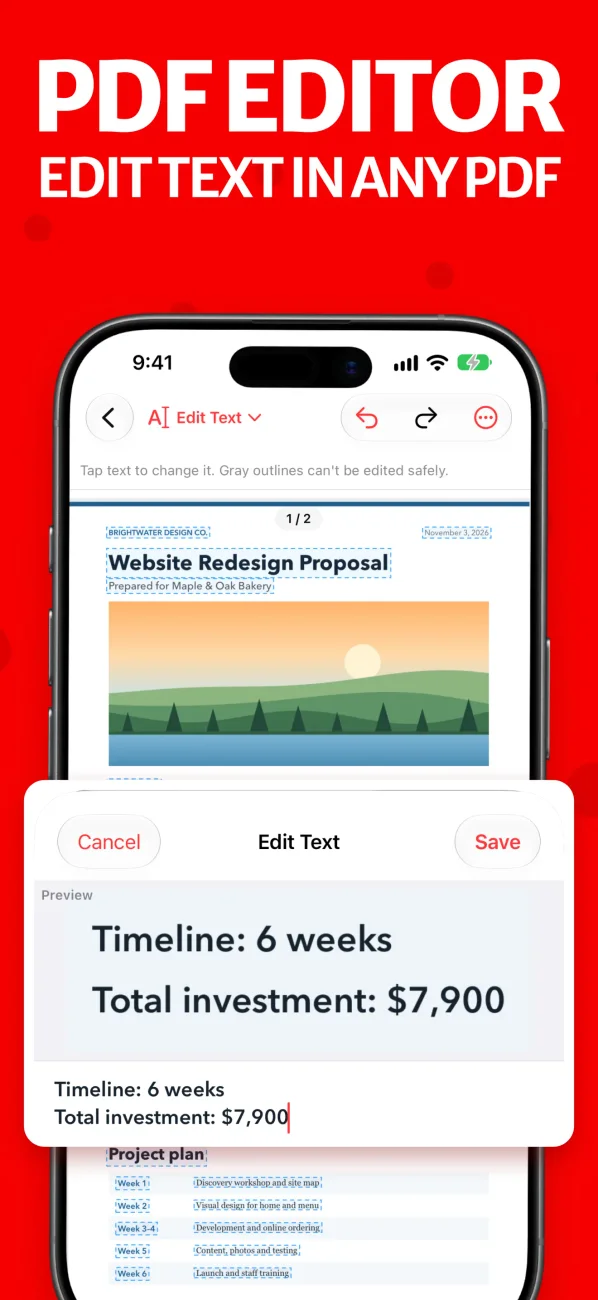
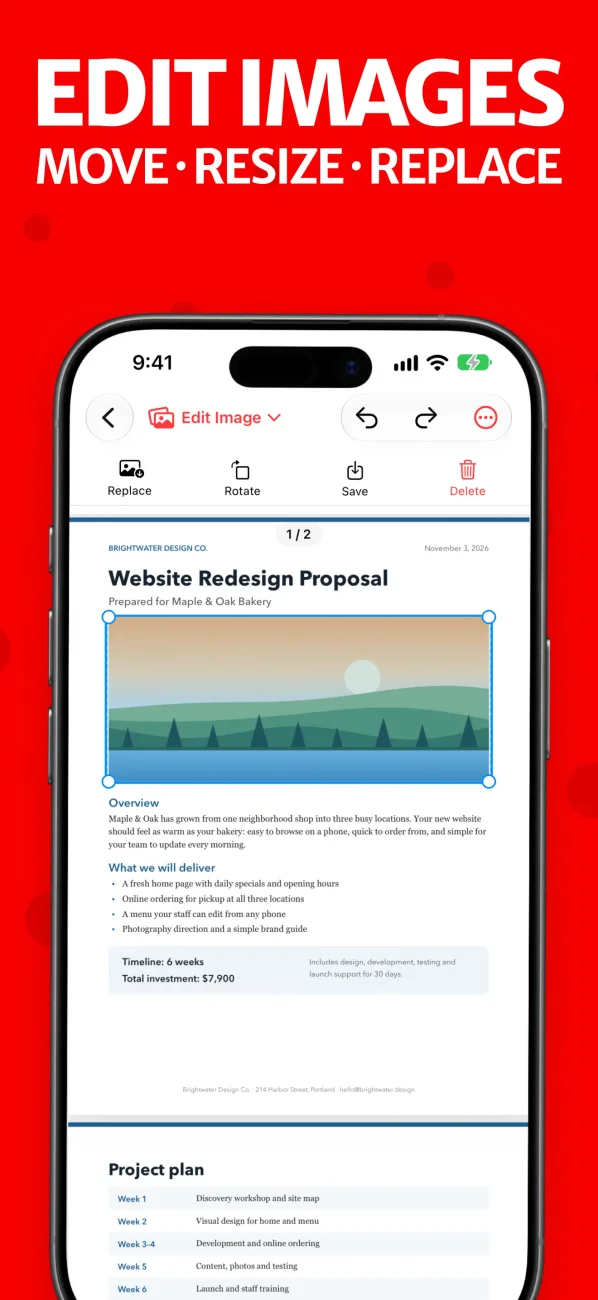
Change the words already in your PDF — not just a box on top. Tap a paragraph to rewrite it, change its size, font, or color, and see exactly how the page will look before you save. Move, resize, rotate, replace, or delete the pictures on a page.
VIEW, READ & LISTEN
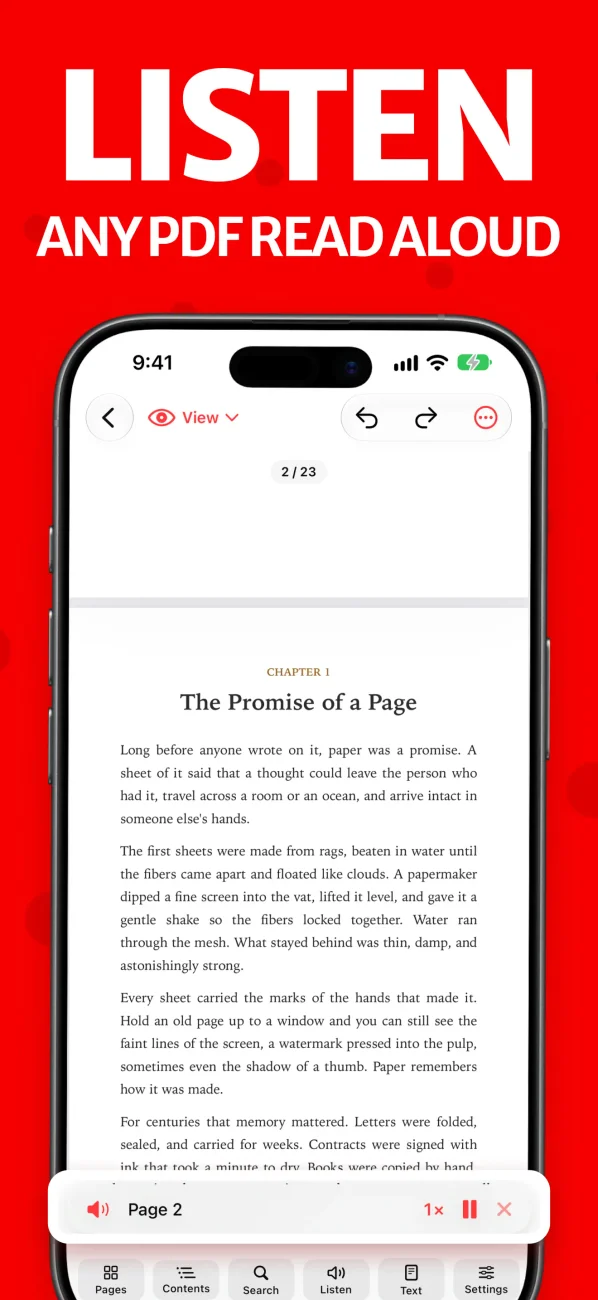
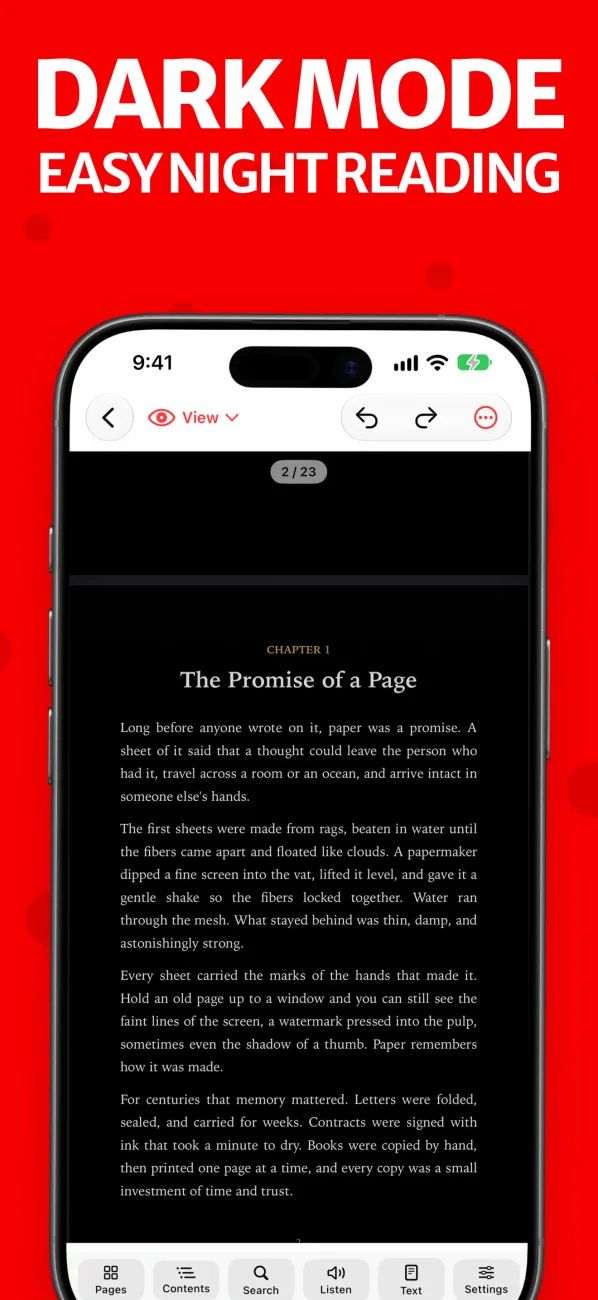
Open every PDF in a smooth, reliable viewer. Zoom, jump to any page, search the text, and switch on Dark Mode or a warm reading tint at night. Tap Listen and GoPDF reads the document aloud, highlighting each word as it goes. Reading works fully offline.
ANNOTATE
Mark up any PDF like it's paper. Highlight, underline, or strike through text, draw freehand, add shapes, sticky notes, and text boxes. Every change saves automatically, with undo and redo.
FILL & SIGN
Type into the fields of any fillable form. Draw and save your signature, add text, stamps, or images anywhere on the page, and sign contracts, applications, and tax forms without printing.
SCAN & RECOGNIZE TEXT (OCR)
Turn your camera into a document scanner for receipts, notes, and paper documents. GoPDF recognizes the text on your device, so your scans can be searched, copied, and read aloud.
CONVERT FILES
Turn photos into a PDF, PDF pages into JPG or PNG, or plain text into a PDF, and pull the text out of any document. Save web pages and Word, Excel, and PowerPoint files as PDFs.
MANAGE PAGES
Add, remove, duplicate, rotate, crop, and reorder pages, merge several PDFs into one, or split one into many. Add a watermark, page numbers, headers, and footers, and flatten annotations and form fields into the page.
COMPRESS, PROTECT & REDACT
Shrink oversized PDFs for email while keeping their text sharp. Lock a PDF with a password, open protected PDFs, and redact private details so they're removed for good — not just covered. Lock GoPDF with Face ID or Touch ID; editing, text recognition, and redaction all happen on your device.
PDF GO PRO
Reading, listening, annotating, filling, signing, scanning, and organizing, cropping, and flattening pages are free. PDF Go Pro adds editing the PDF's own text and images, watermarks and page numbers, text recognition (OCR), redaction, merge and split, password protection, web and Office to PDF, maximum compression, and removes ads. Pro is available as a weekly or yearly subscription, which may include a free trial, or as a one-time purchase.
Payment is charged to your Apple ID at confirmation of purchase. Subscriptions renew automatically unless canceled at least 24 hours before the end of the current period; your account is charged for renewal within 24 hours before the period ends. Manage or cancel your subscription in your App Store account settings. Any unused part of a free trial is forfeited when you buy a subscription.
Privacy policy: https://www.gopdfeditor.com/privacy
Terms of use: https://www.gopdfeditor.com/terms
What’s new
Version 2.5.0 · Nov 14, 2026
What's new in PDF Go 2.5:
• Edit Text: change the words already in your PDF — font, size, and color
• Edit Images: move, resize, rotate, replace, or delete pictures
• Watermarks, page numbers, headers, and footers
• Crop pages, and flatten annotations and forms
• Listen: have any PDF read aloud, page by page
• Recognize text (OCR): make scans searchable and copyable
• Redact: remove private details for good
• Split, extract, and reorder pages by dragging
• Compress that keeps text sharp — and never makes a file bigger
• Password-protected PDFs now open, and stay protected when you edit them
• Word, Excel, PowerPoint, and web pages to PDF
• Face ID lock, faster library, and many fixes
App privacy
What David Krejci declares on the App Store about how this app handles data.
-
Data used to track you
May be used to track you across apps and websites owned by other companies.
- Identifiers
- Usage data
-
Data linked to you
May be collected and linked to your identity.
- Purchases
- Location
- Identifiers
- Usage data
- Diagnostics
- Other data
-
Data not linked to you
May be collected but is not linked to your identity.
- User content
Privacy practices may vary, for example with the features you use or your age.
Information
- Seller
- David Krejci
- Category
- Utilities
- Version
- 2.5.0
- Updated
- Nov 14, 2026
- Released
- Jan 22, 2022
- Size
- 8.3 MB
- Requires
- iOS 17.0 or later
- Age rating
- 4+
- Price
- Free
- In-app purchases
- Yes
- Languages
- English
- Copyright
- © 2026 David Krejci
You might also like
-
 PDF Voice Reader: Read AloudFill and Sign, Edit & OCR Scan
-
 PDF Reader - Editor & ViewerEditor, Converter, OCR
-
 PDF Reader: Editor & ConverterPdf Maker - Pdf Scanner Docs
-
 Simple PDF - PDF ReaderScan, Edit, Sign, View PDF
-
 PDF Reader & PDF Viewer AppQuickly Read PDF Document
-
 PDF Viewer: Easy PDF Viewer#1 PDF Editor
-
 All Docs: PDF & File AppPDF,Word,Excel,PPT, File View
-
 PDF Editor ,PDF Book Reader ®PDF Reader, Scanner & Sign
-
 KoolCodeUtilities
-
 PPTX PPT PPTM To PDF ReaderOpen Convert Slides Files