
- Age rating4+
- CategoryUtilities
- DeveloperPaulo Correia
- LanguagesEnglish+ 1 more
- Size1.2 MB
Links to the official App Store page
Download.org hosts no file of allMorseCode. The button opens its official App Store page, published by Paulo Correia. Listing last checked on Nov 17, 2026.
Screenshots

About
allMorseCode turns your iPhone into a complete Morse code station. Translate text or your voice into Morse, hear it as audio, flash it with the flashlight, decode messages, and tap out your own signals on a retro telegraph key.
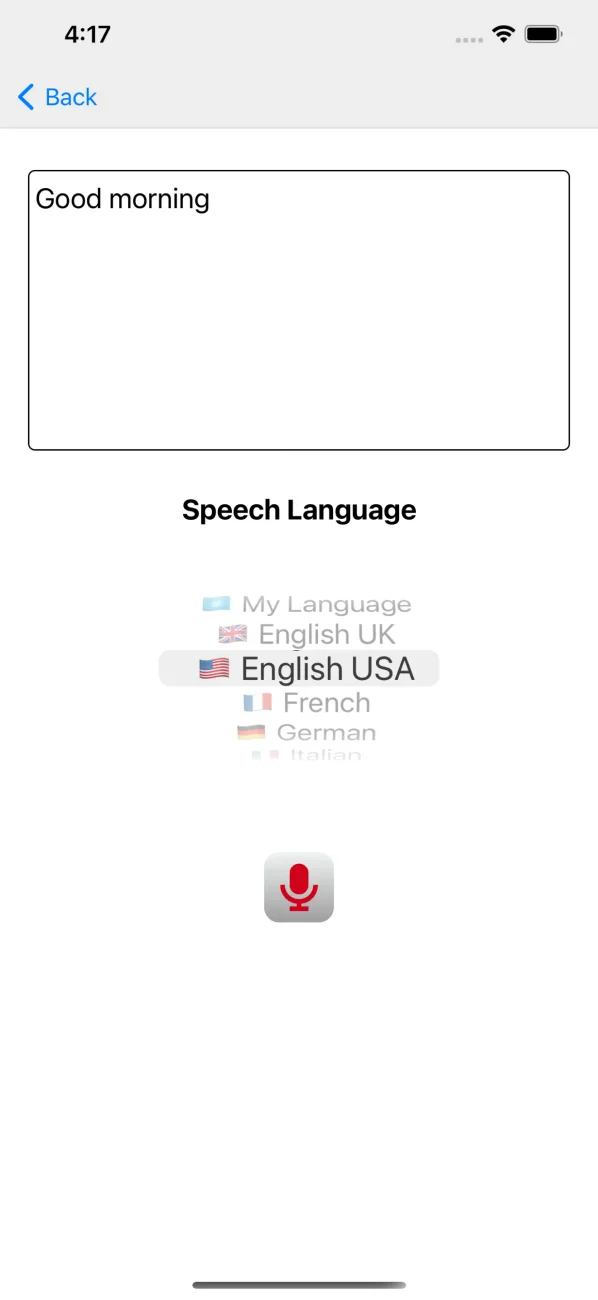
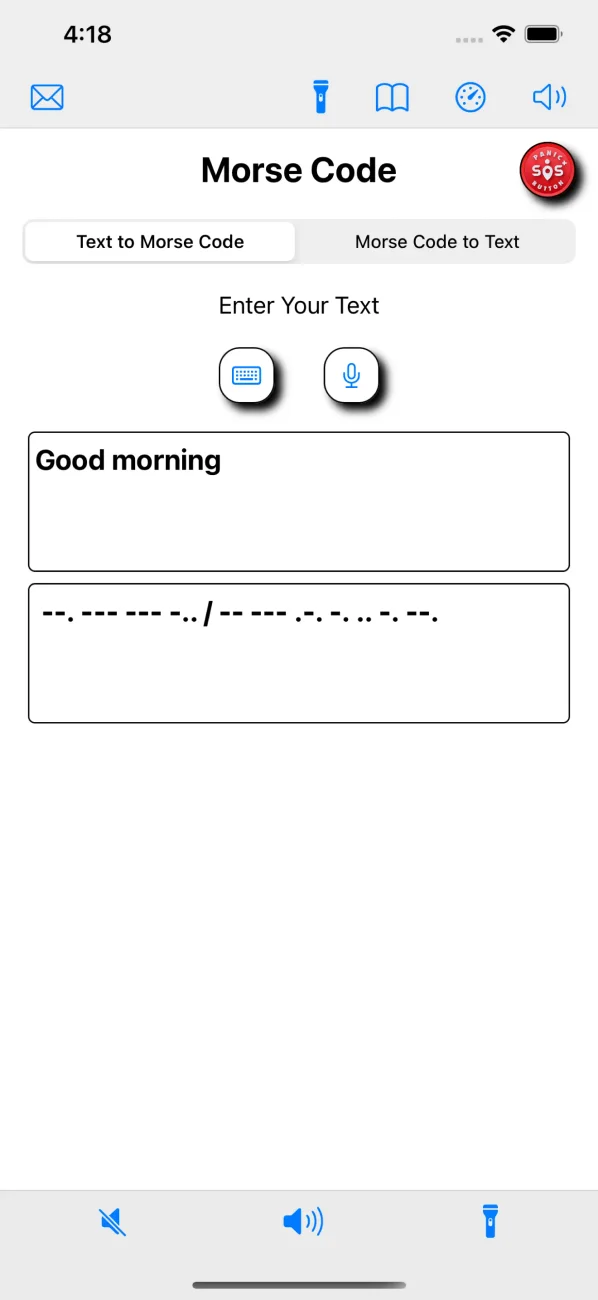
TEXT & VOICE TO MORSE
• Type a message or dictate it with your voice
• See the dots and dashes instantly
• Play it as a clean audio tone, flash it with the flashlight, or both
• Adjust the speed from 5 to 40 words per minute (WPM)
• Choose the tone frequency that suits your ear
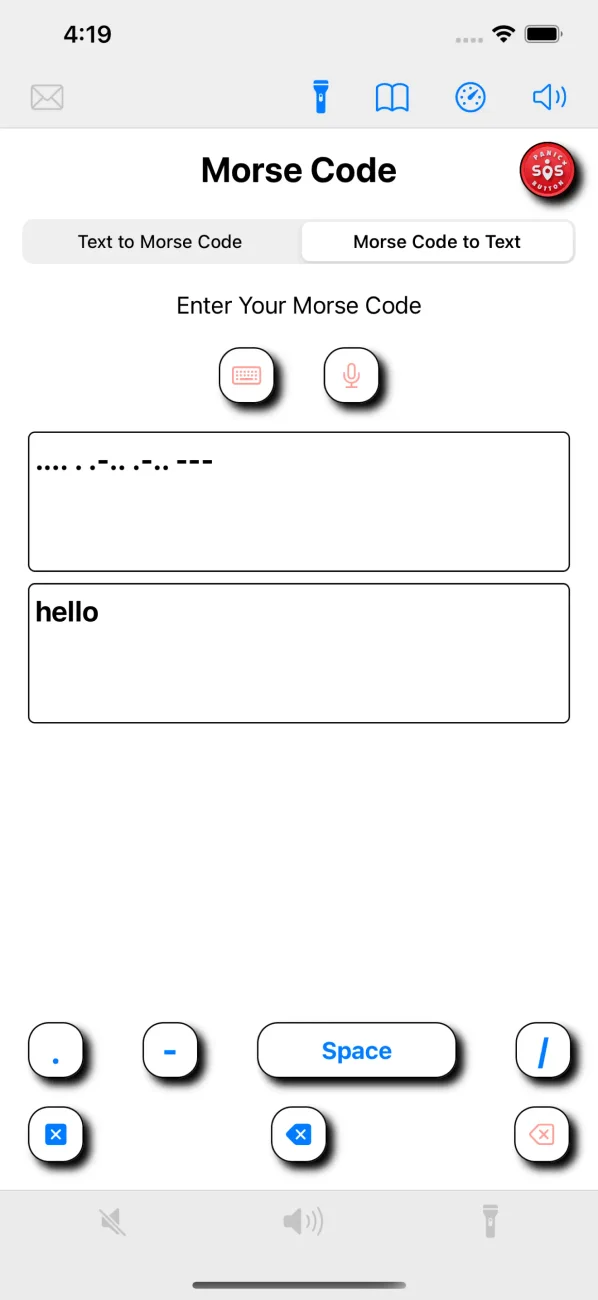
MORSE TO TEXT
• Enter dots and dashes with a dedicated keypad or paste any Morse message
• See the translation in real time
• Hear each dot and dash as you tap, or turn key sounds off
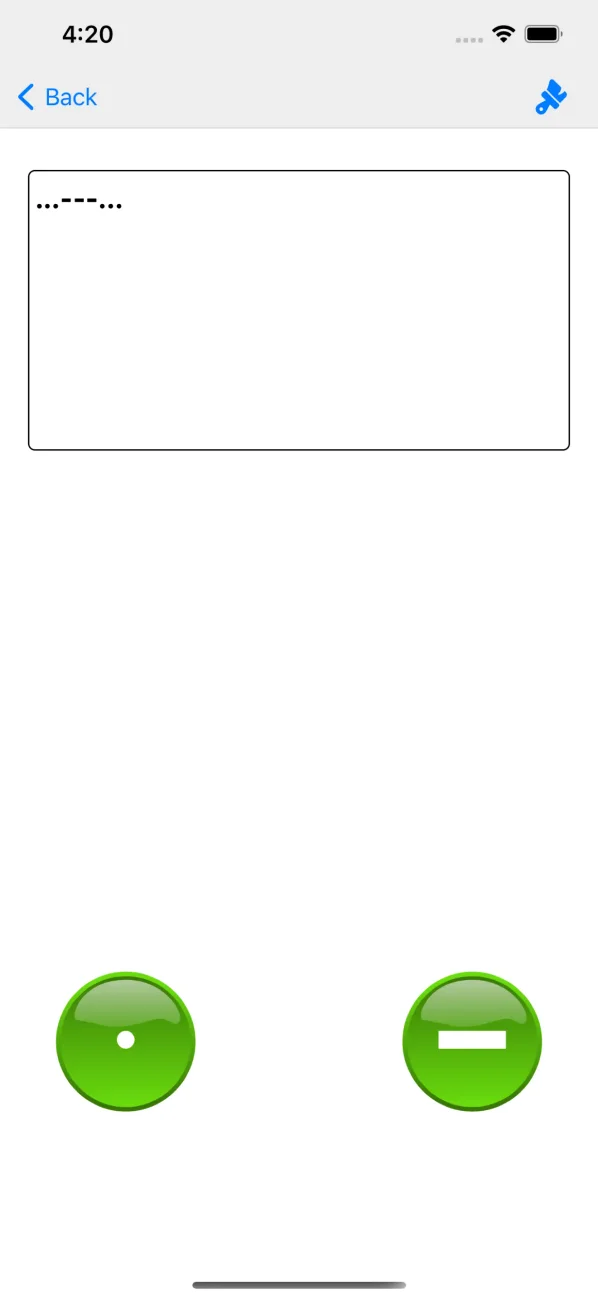
TELEGRAPH KEYER
• Hold to send: a short press is a dot, a long press is a dash
• Your signal plays as sound, light, or both, just like a real key
• Automatic letter and word spacing based on your speed
• Or switch to large dot and dash buttons
• Watch your message decode as you send it
SOS
• One big button sends SOS (··· −−− ···) by flashlight, sound, or both
• Repeats until you stop it
• The screen flashes too, for extra visibility
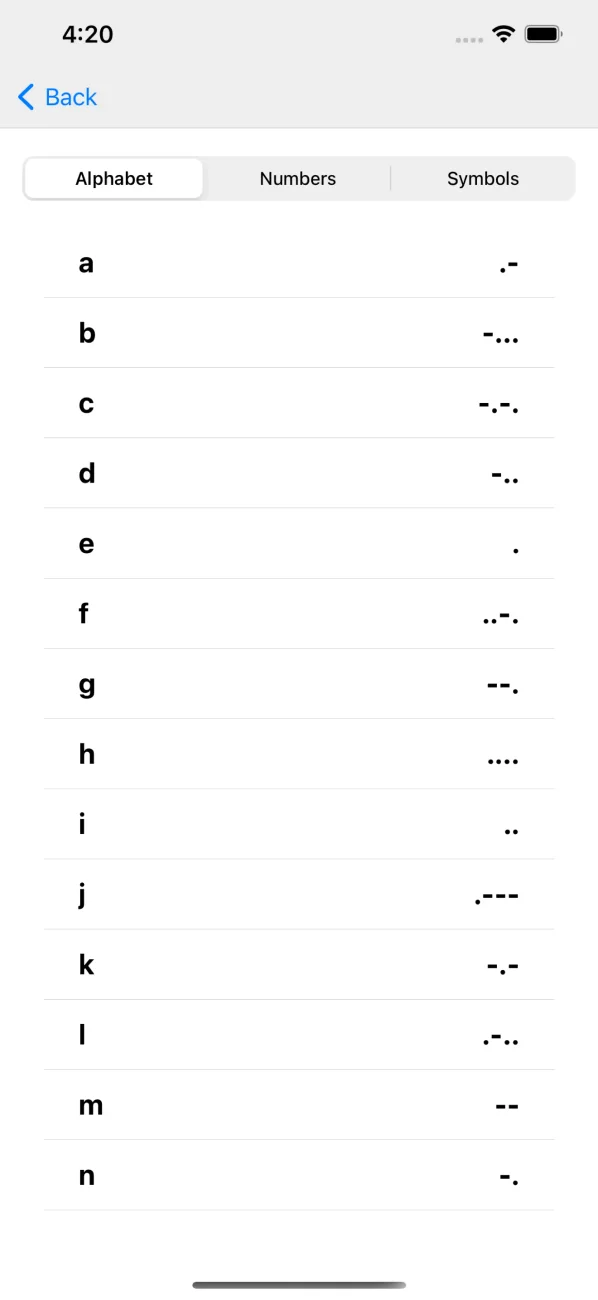
MORSE CODE CHART
• Letters, numbers, punctuation and symbols
• Visual dots and dashes for every character
• Tap any row to hear it
• Quick search by character or code
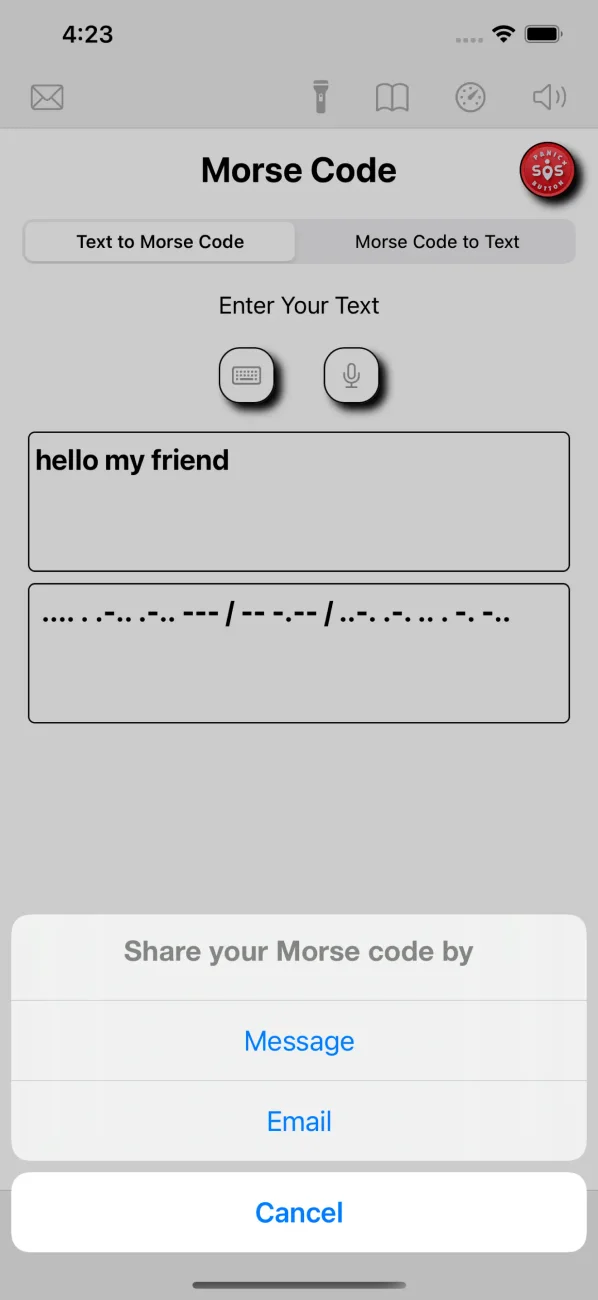
SHARE
• Send your Morse messages by SMS, email, or any app
• Optionally include the plain-text translation
Built for learners, radio amateurs, scouts, puzzle fans and anyone curious about the original digital code. No account, no ads, no tracking.
Note: The SOS feature is intended as a signaling aid and is not a substitute for contacting emergency services.
What’s new
Version 2.0 · Nov 10, 2026
- Updated for iOS 27
- New Layout
- New Icon
App privacy
What Paulo Correia declares on the App Store about how this app handles data.
-
Data not collected
The developer does not collect any data from this app.
Privacy practices may vary, for example with the features you use or your age.
Information
- Seller
- Paulo Correia
- Category
- Utilities
- Version
- 2.0
- Updated
- Nov 10, 2026
- Released
- Jan 11, 2021
- Size
- 1.2 MB
- Requires
- iOS 27.0 or later
- Age rating
- 4+
- Price
- $4.99
- Languages
- English, Portuguese
- Copyright
- © Paulo Correia
You might also like
-
 Send.MorseUtilities
-
 Morse Code MasterEasy Morse code tools
-
 VevorBatteryUtilities
-
 StockScan – Inventory ScannerStock counts. CSV & Excel.
-
 Chord CatcherReal-time Music Analysis
-
 CW KeyboardTap Dots & Dashes to Type
-
 Morse eMailText to Morse Code Generator
-
 SWListener: Shortwave GuideFrequencies, schedules & DX
-
 Link Up configuratorUtilities
-
 Morse-ItThe best Morse code app!