- Age rating4+
- CategoryUtilities
- DeveloperJim Kandias
- LanguagesEnglish
- Size18.9 MB
Links to the official App Store page
Download.org hosts no file of Always On Display. The button opens its official App Store page, published by Jim Kandias. Listing last checked on Nov 12, 2026.
Screenshots



About
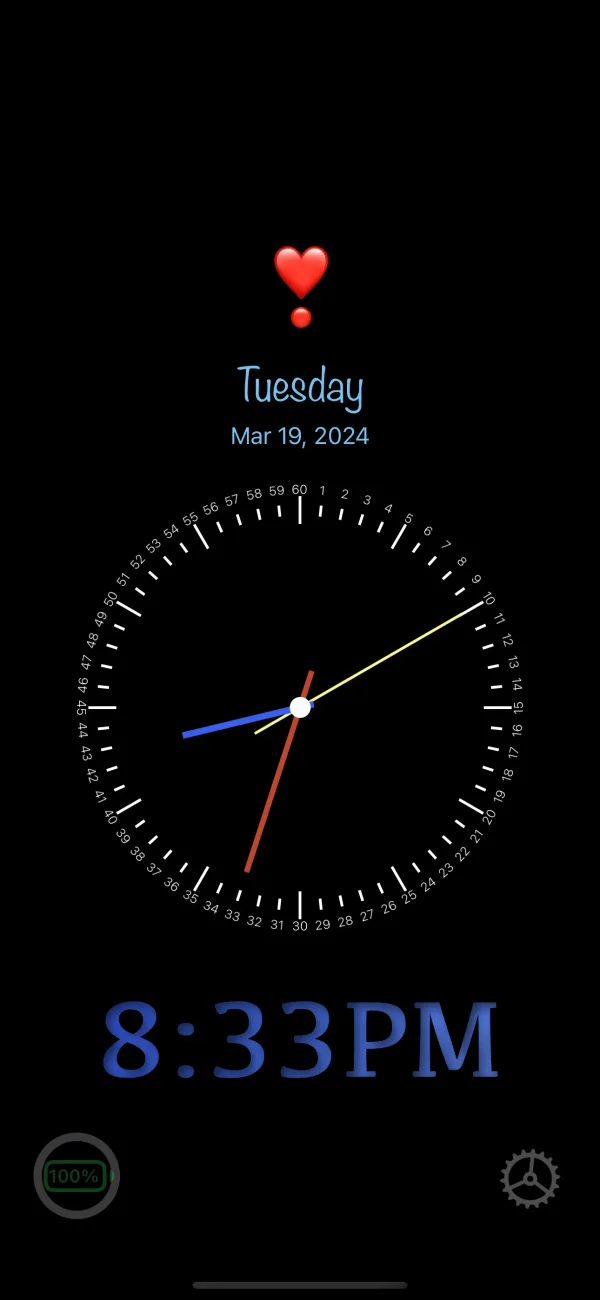
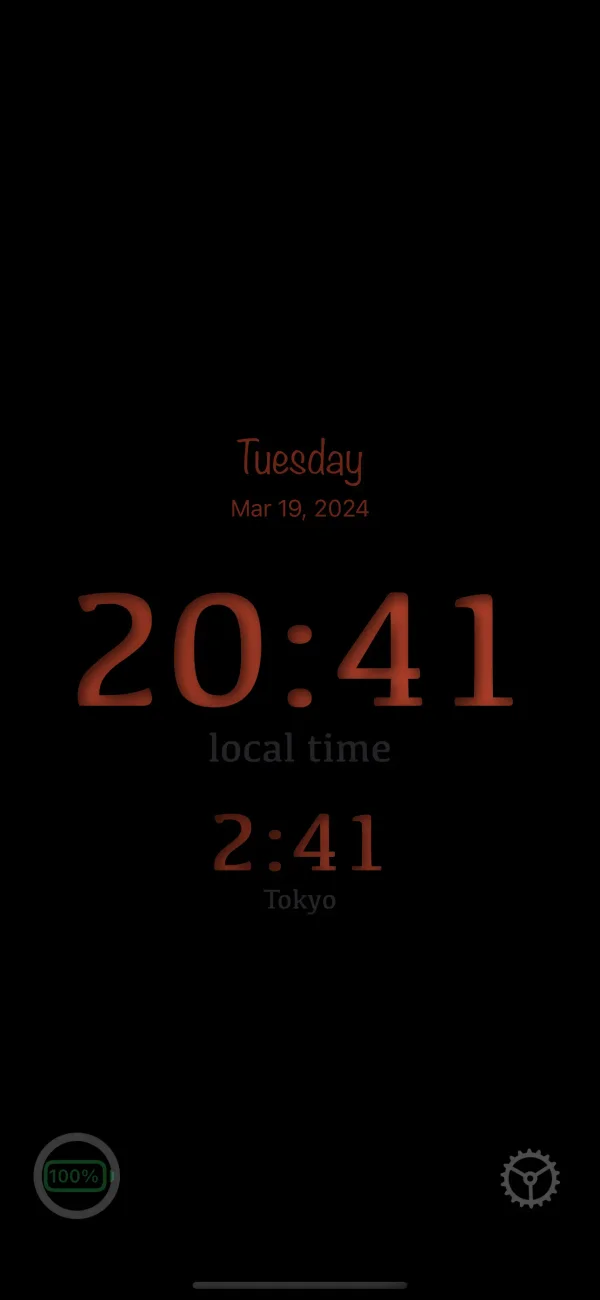
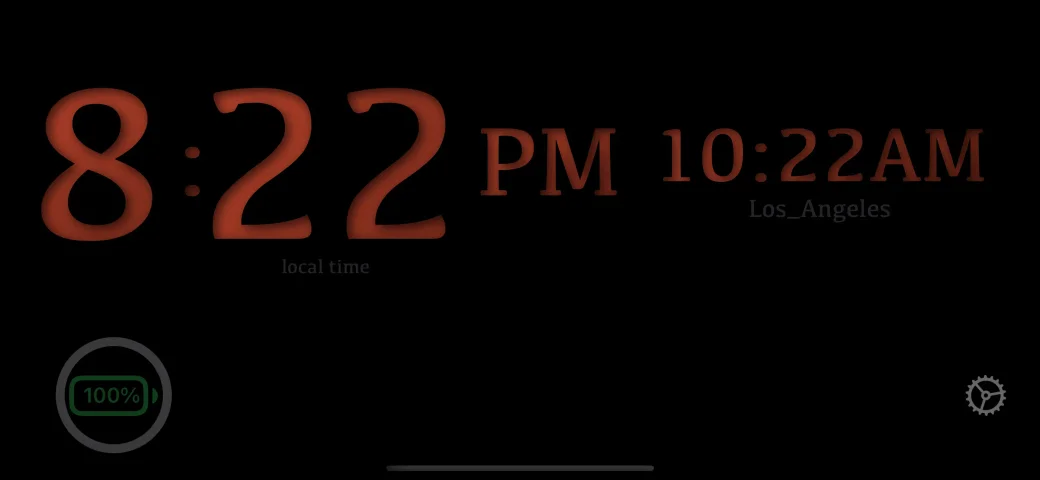
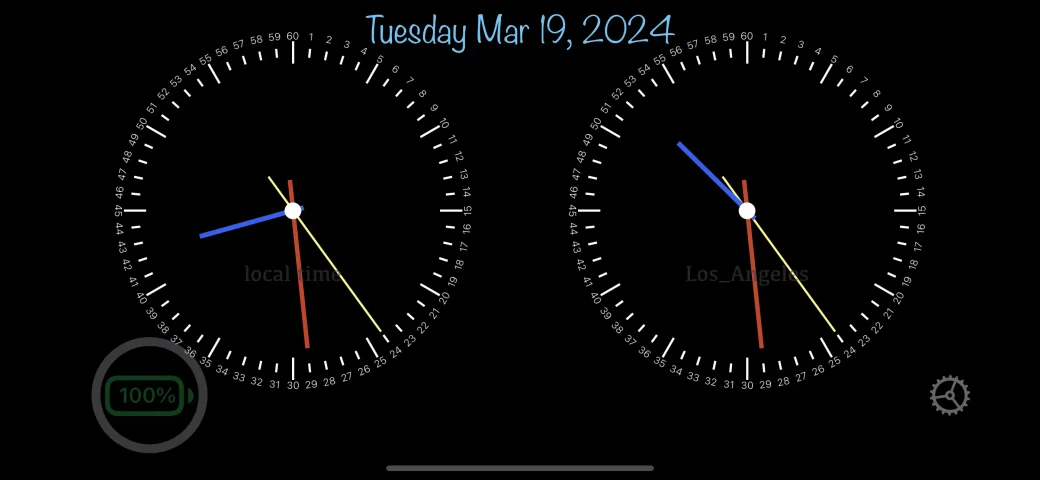
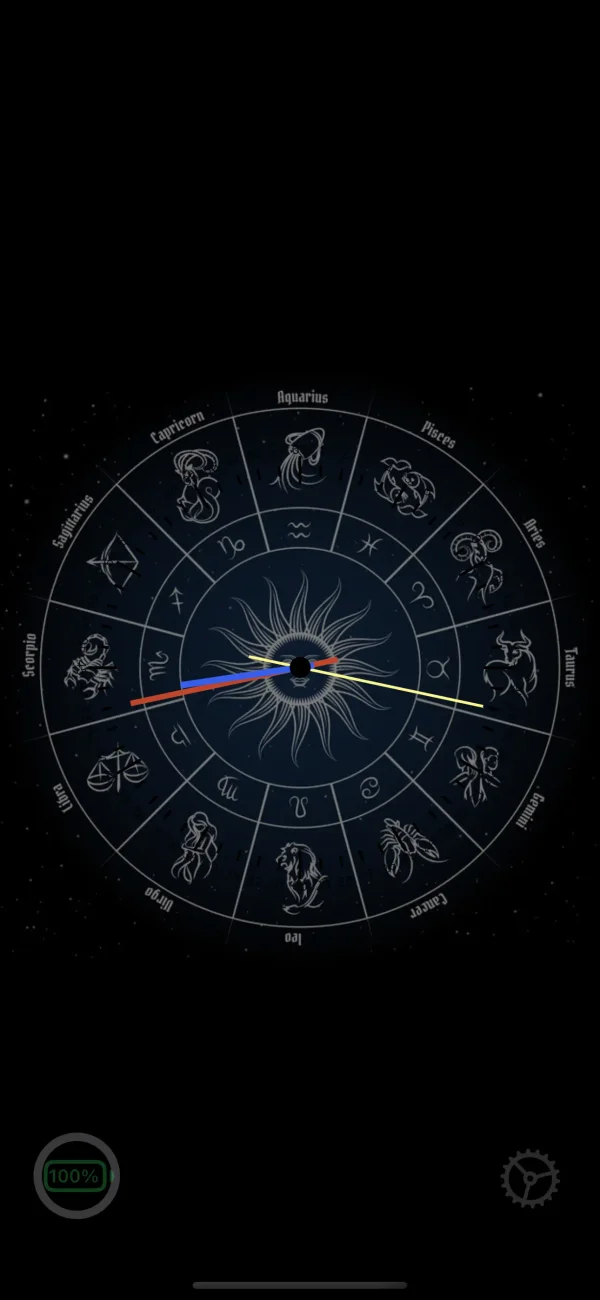
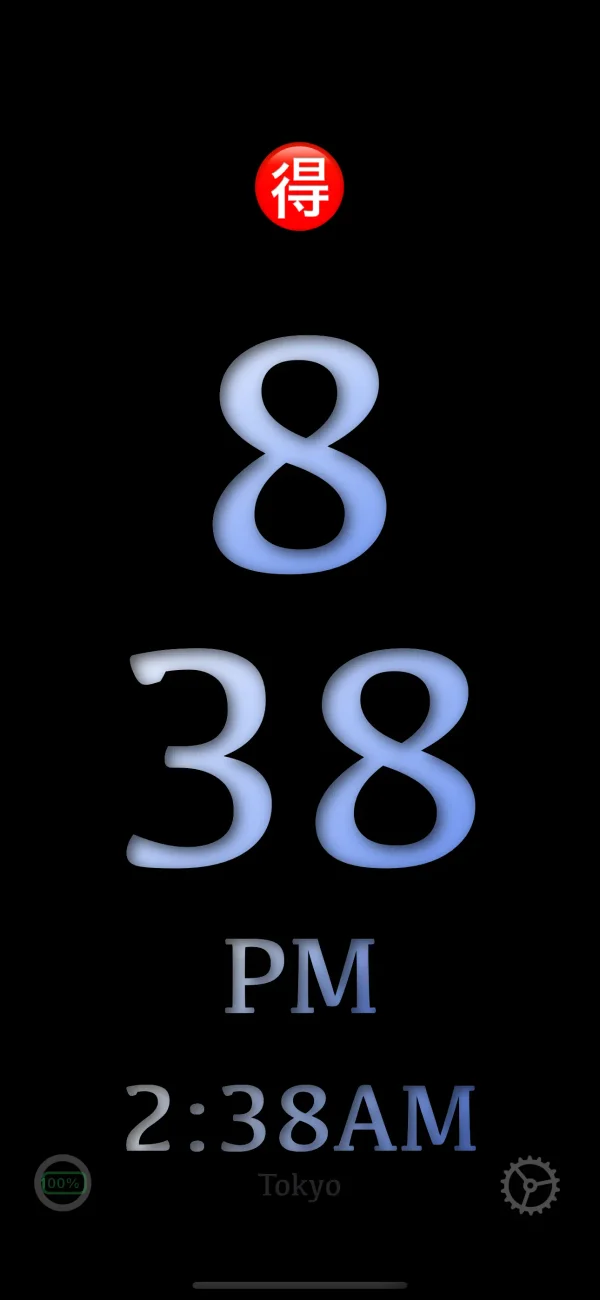
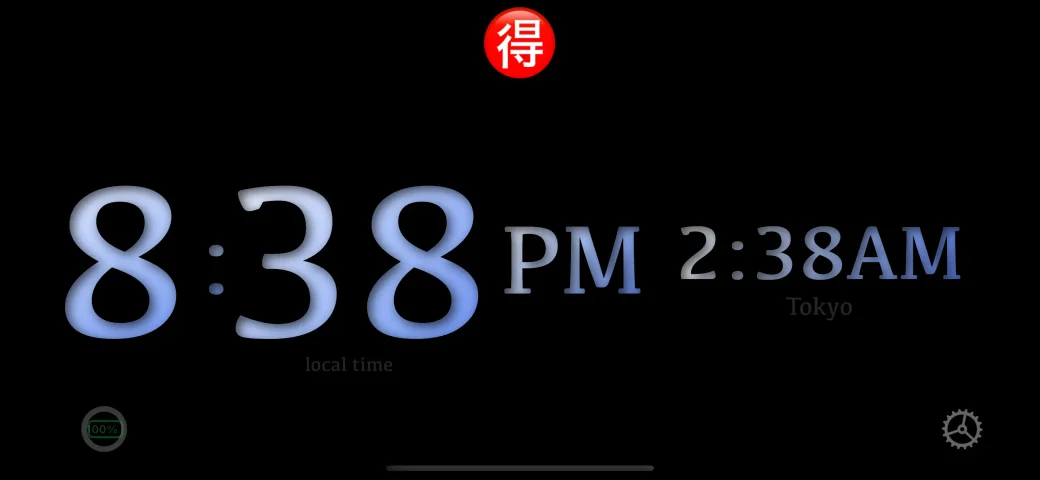
This app allows you change the size of the clock, to have both a digital and analog clock displayed at the same time, a second time zone, to add colors inside the clock digits, and more. There is an emoji that you can change it's size on the screen. It has a battery indicator ring that changes color depending on the battery level and you can also change it's size. You can also make the screen really dim so that you can have it displayed by your bedside.
Choosing dark colors and images ensures that the battery will not be greatly affected utilising OLED technology device panels found in later model iPhones. For changes or requests you can always contact us and we will try our best to implement it for you in the next update!
*Disclaimer - This version of the will not display icons related to calls or messages within its screen.
a href="https://www.freepik.com/vectors/background" Background vector created by starline - www.freepik.com
a href="https://www.freepik.com/vectors/star" Star vector created by macrovector - www.freepik.com
What’s new
Version 2.1 · Oct 28, 2025
Spinning gear icon has now a toggle switch so that you can have a completely clean screen with only the clock or clocks you have selected either digital or analog. Second timezone, digital or analog (or combination of both!). Simple yet effective and beautiful. The home indicator horizontal bar (bottom bar), is an iOS feature and it can be disabled through the accessibility settings of your device via Guided Access: Settings → Accessibility → Guided Access → On. In app, triple‑click Side button → Start. The bar disappears entirely.
App privacy
What Jim Kandias declares on the App Store about how this app handles data.
-
Data not collected
The developer does not collect any data from this app.
Privacy practices may vary, for example with the features you use or your age.
Information
- Seller
- Jim Kandias
- Category
- Utilities
- Version
- 2.1
- Updated
- Oct 28, 2025
- Released
- Feb 27, 2021
- Size
- 18.9 MB
- Requires
- iOS 18.6 or later
- Age rating
- 4+
- Languages
- English
- Copyright
- © 2021 Jim Kandias
You might also like
-
 AudioConversionerUtilities
-
 NiceClock ProThe beautiful clock app
-
 Batteries - Lock Screen WidgetShow your battery level status
-
 Standby Alarm Clock: BedsideDigital Photo Frame Nightstand
-
 AODClockUtilities
-
 Desk Clock DisplayUltimate Always On Clock app
-
 FlipClock: Always On DisplayWatch, Timer, Pomodoro, Best!
-
 Unruh - Watch AccuracyMechanical Watch Tracker
-
 MC Lift ConnectUtilities
-
 Dock: StandBy Clock & PlanetsNightstand, Bedside & Charging