Dock: StandBy Clock & Planets
Nightstand, Bedside & Charging
Designed for iPhone, iPad
Free · In-app purchases
- Age rating4+
- CategoryUtilities
- DeveloperAli Corak
- LanguagesEnglish+ 5 more
- Size50.5 MB
Links to the official App Store page
Download.org hosts no file of Dock: StandBy Clock & Planets. The button opens its official App Store page, published by Ali Corak. Listing last checked on Nov 27, 2026.
Screenshots

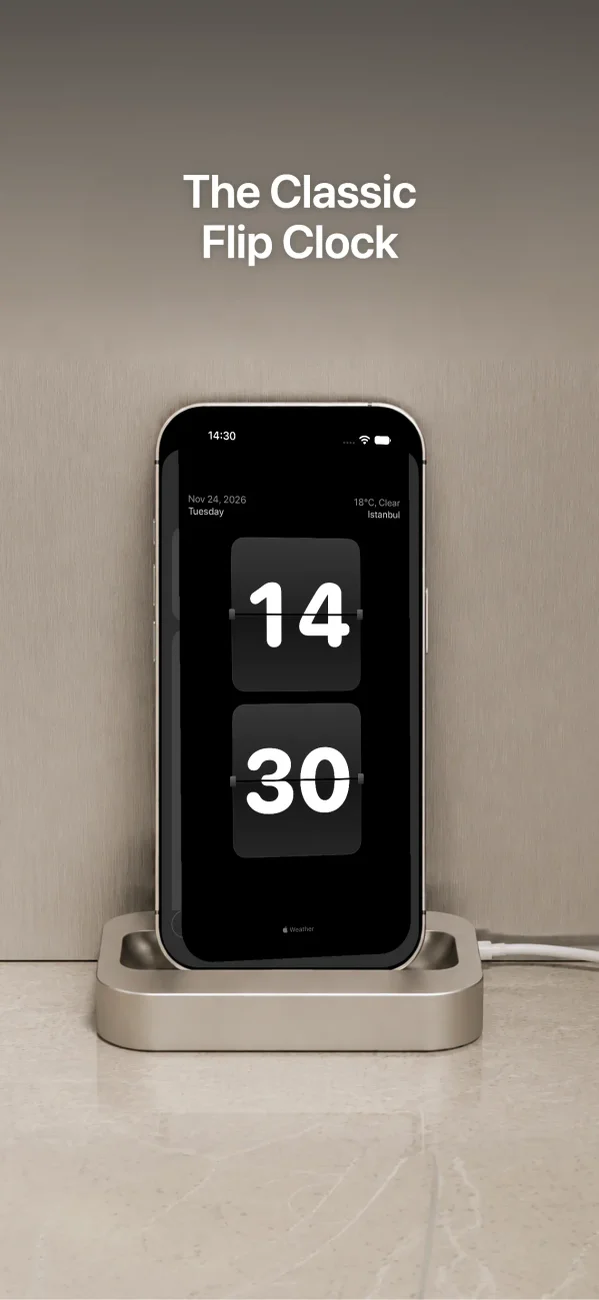
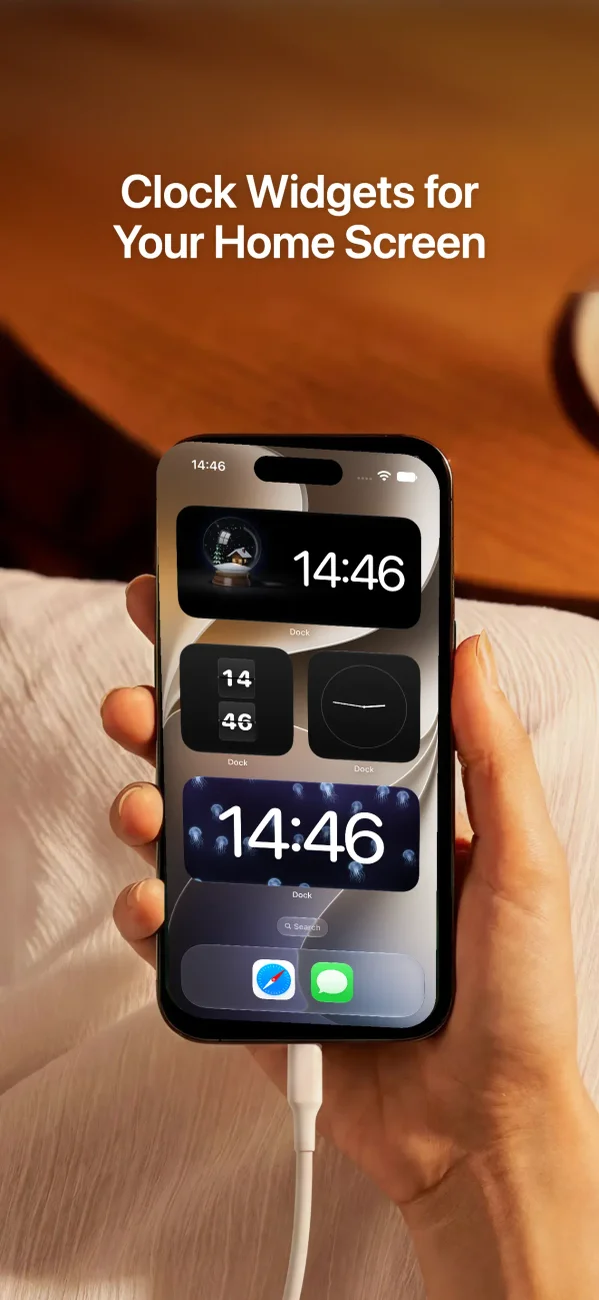
About
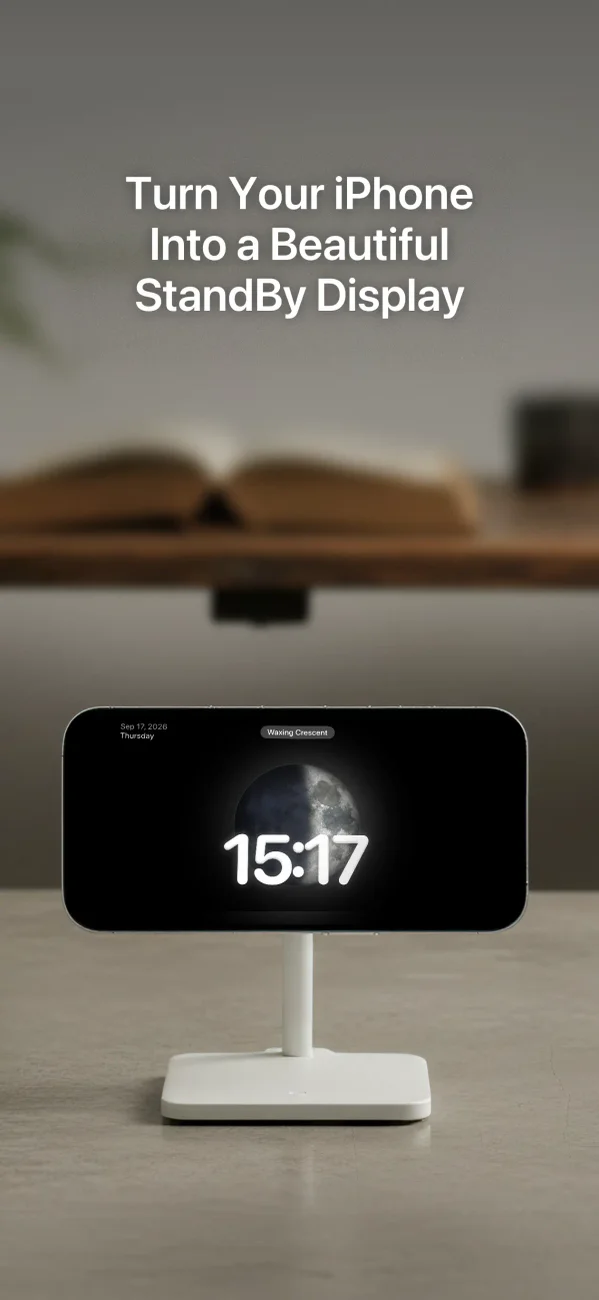
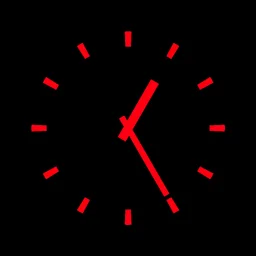
Turn your iPhone into a calm bedside clock while it charges. Dock is a StandBy clock for your nightstand and desk, with eight clock faces, a live Moon and planets, living scenes, and widgets for your Home Screen, Lock Screen and StandBy.
EIGHT CLOCK FACES
• Minimal Analog, Analog and Digital, free
• Flip clock, its tiles turning every minute
• Dot Matrix, Word clock, Slider and Compact Analog
• Pick the font, weight, accent color and 12 or 24 hour time
• Every face works in portrait and landscape
A LIVE SKY
• The Moon in today's real phase
• Planets lit by the real position of the Sun
• Date, location and weather at a glance
LIVING SCENES
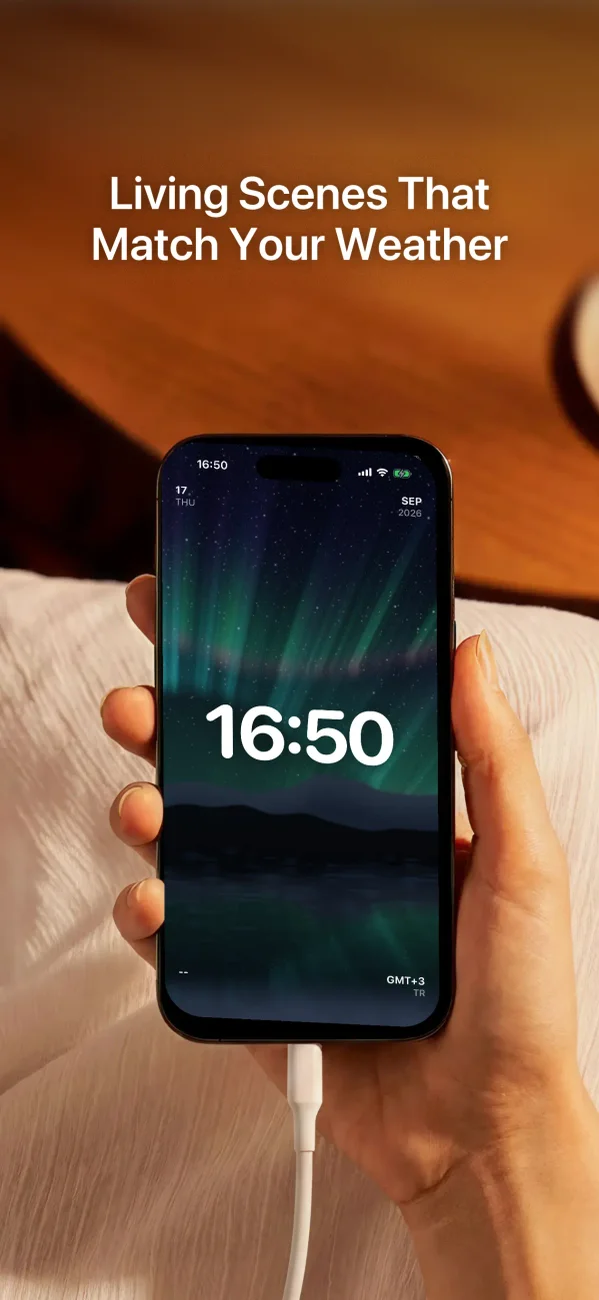
• Nature: landscapes that follow the time of day and the weather
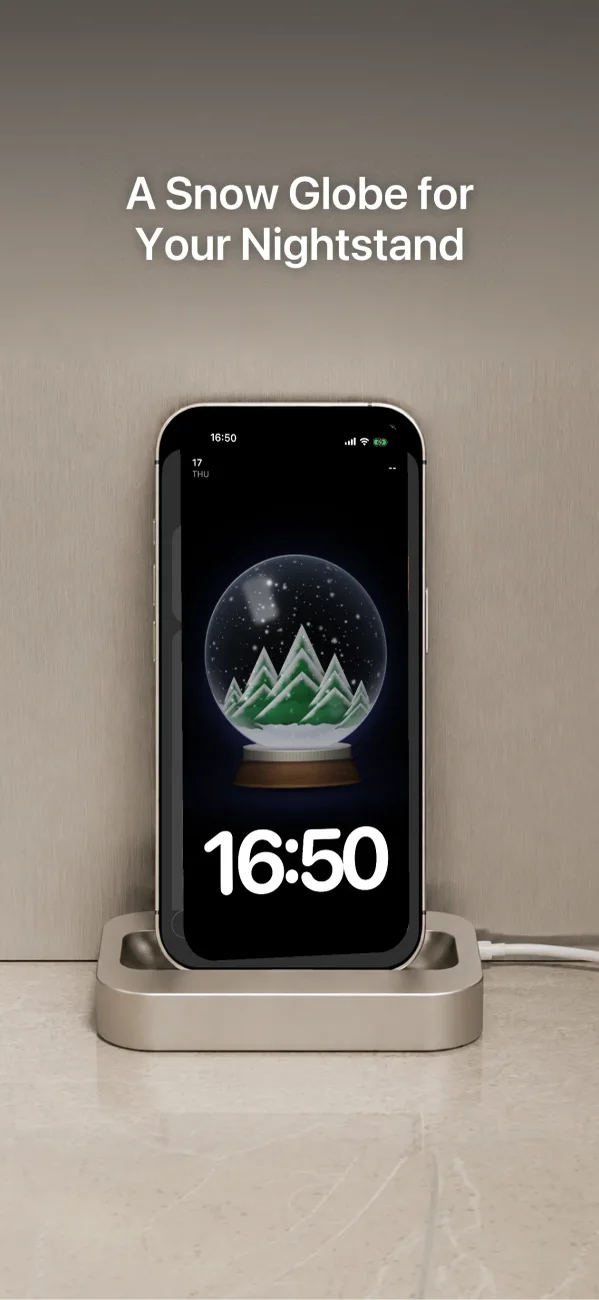
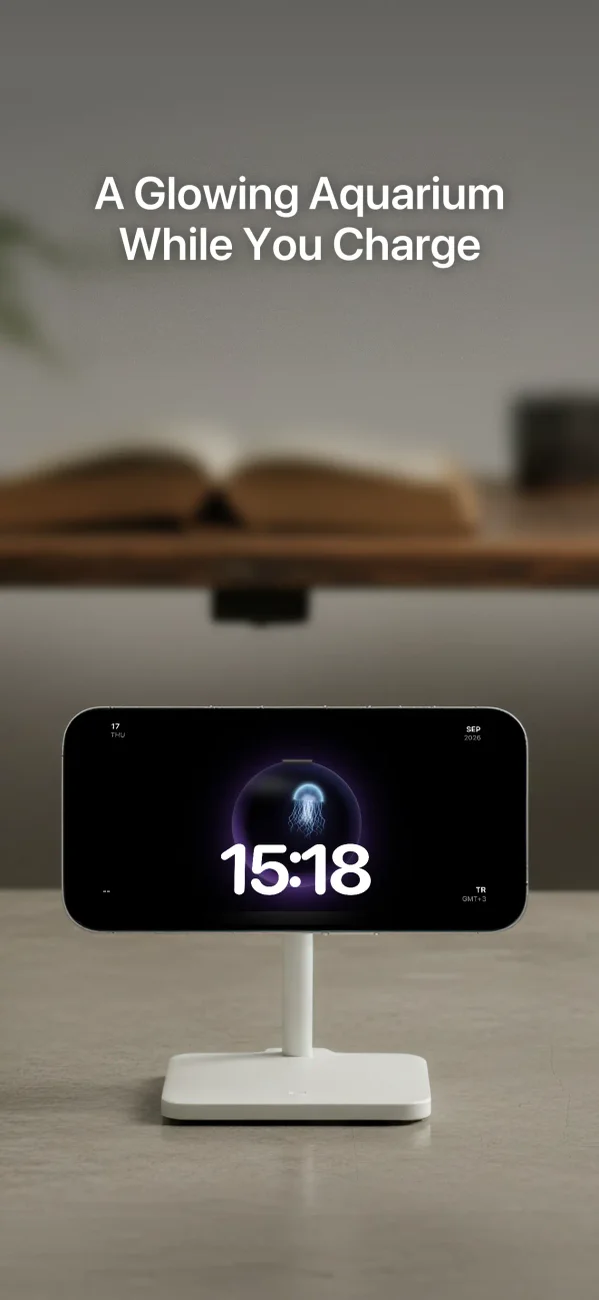
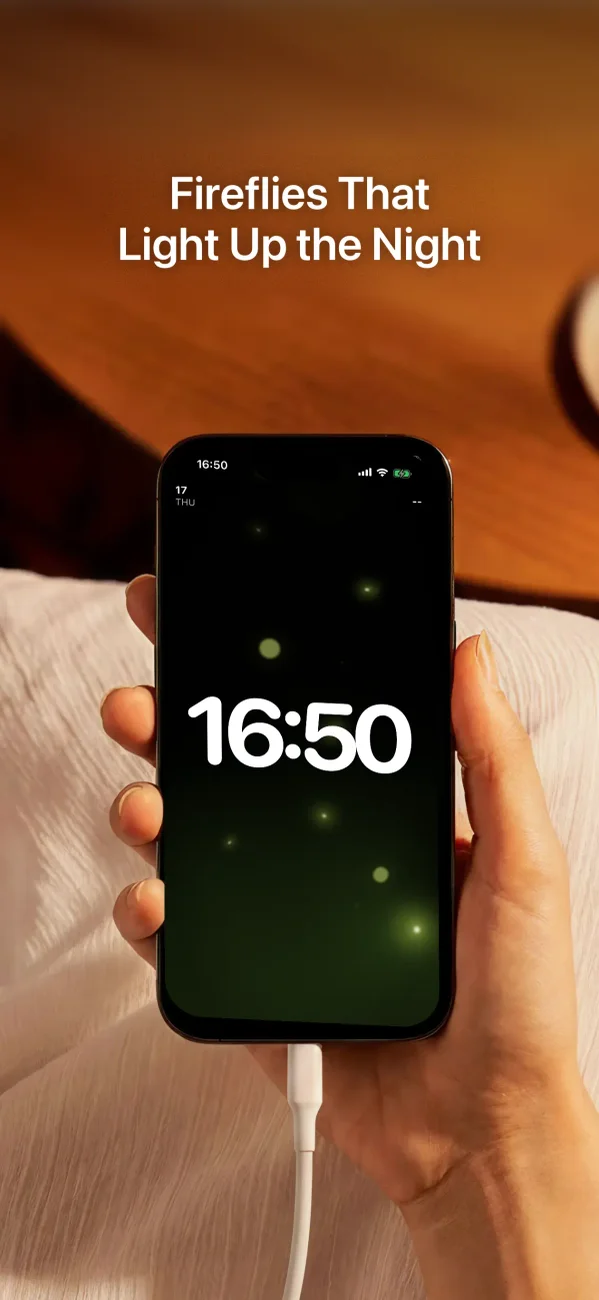
• Aqua, Fireflies and a Snow globe
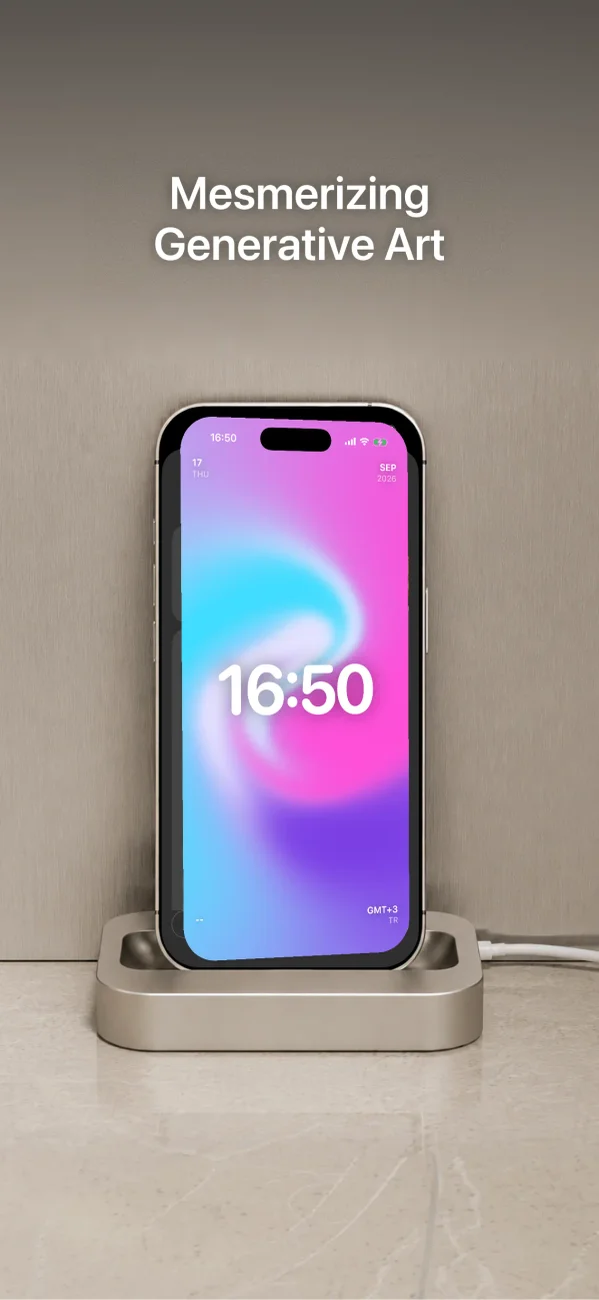
• Shaders and Print: generative art behind your clock
NEW: WIDGETS
• Every clock face and scene as a widget
• For the Home Screen, the Lock Screen and StandBy
• Widgets follow the style you set in the app
MADE FOR THE NIGHTSTAND
• Night mode turns the screen red and dims it from sunset to sunrise
• Charging: your battery level fills the screen behind a bold clock
• Opens by itself when you start charging, with an Apple Shortcut
• Keeps the screen on while charging
• Dark, quiet design with no ads
IPAD AND IPHONE DUO
• On iPad, Dock fills the screen as a desk clock in both orientations
• On iPhone Duo, the clock moves to the half that faces you
DOCK PRO
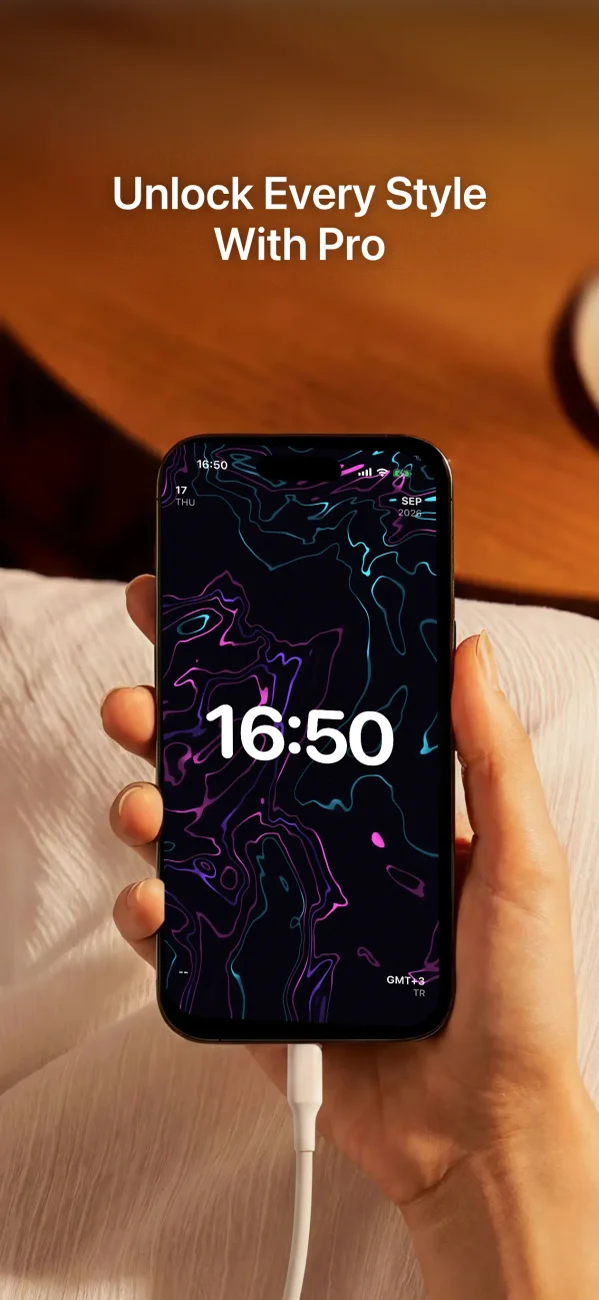
Minimal Analog, Analog, Digital, the Moon and the Charging style are free. Dock Pro unlocks every other face, the planets, every scene and all widgets, as a weekly or yearly subscription or a one-time lifetime purchase.
Terms of Use: https://www.apple.com/legal/internet-services/itunes/dev/stdeula/
Privacy Policy: https://www.alicorak.com/dock/privacy-policy
What’s new
Version 1.1.21 · Nov 26, 2026
New: widgets. Put any Dock clock face or scene on your Home Screen, your Lock Screen or in StandBy. Widgets follow the style you pick in the app and are part of Dock Pro.
Also new: app icons. Pick one of twelve colors for the Dock icon in Settings, under App icon. Blue and orange are free, the rest come with Dock Pro.
If Dock keeps you company at night, a short review on the App Store helps a lot. Thank you!
App privacy
What Ali Corak declares on the App Store about how this app handles data.
-
Data not linked to you
May be collected but is not linked to your identity.
- Purchases
- Location
- Identifiers
Privacy practices may vary, for example with the features you use or your age.
Information
- Seller
- Ali Corak
- Category
- Utilities
- Version
- 1.1.21
- Updated
- Nov 26, 2026
- Released
- Jun 16, 2026
- Size
- 50.5 MB
- Requires
- iOS 16.4 or later
- Age rating
- 4+
- Price
- Free
- In-app purchases
- Yes
- Languages
- English, French, German, Japanese, Spanish, Turkish
- Copyright
- © 2026 Ali Corak
You might also like
-
 Desk Clock: Standby & BedsideAesthetic flip & analog faces
-
 StandBy Hub: Nightstand & HomeClocks, Countdown & Dashboard
-
 ClöckDigital Time Widgets
-
 AlwaysOn: Standby ClockNightstand & Ambient Display
-
 Clock Stand: Desk ClockA stylish clock for your desk
-
 TimeQ: Digital ClockWidget, Night Mode & Sounds
-
 Minimal Digital Clock & AlarmAesthetic Nightstand & Desk
-
 KeepLit - Screen Always OnPrevent Display Timeout
-
 Big Clock – Always On DisplayFullscreen Desk Clock
-
 Nightglowa bedside clock