Amber Animator
Kids Stop Motion & Animation
Designed for iPhone, iPad
Free · In-app purchases
- Age rating4+
- CategoryEducation
- DeveloperSethi De Clercq
- LanguagesEnglish
- Size4.0 MB
Links to the official App Store page
Download.org hosts no file of Amber Animator. The button opens its official App Store page, published by Sethi De Clercq. Listing last checked on Nov 23, 2026.
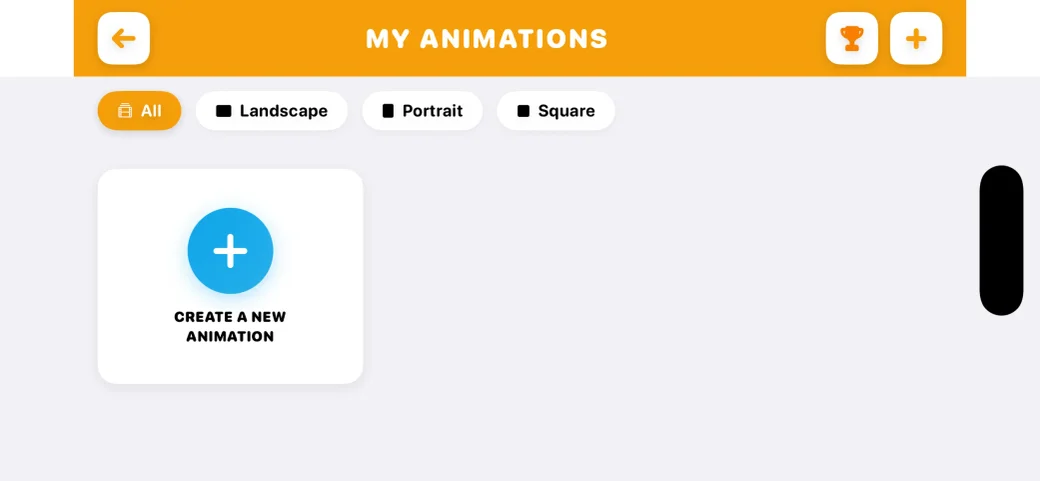
Screenshots

About
Bring your imagination to life with Amber Animator; the intuitive, professional stop-motion animation studio designed for young creators, classrooms, and curious minds!
Whether you’re crafting claymations, brick films, paper cutouts, or toy adventures, Amber Animator gives you tactile, broadcast-quality animation tools in a clean, child-friendly workspace with ZERO ads and 100% offline privacy.
WHY KIDS, PARENTS & EDUCATORS LOVE AMBER ANIMATOR:
CARTOON STICKERS & VECTOR STAMP STUDIO
• Bring scenes to life with expressive vector art stamps (BOOM!, ZAP!, Fire, Crowns, Hearts, Trophies, Magic Sparkles, and more!).
• Drag, pinch to resize, and twist stamps directly on the cinema stage.
• Timeline span bars: choose exactly how many frames stickers stay on screen.
DIRECT ON-CANVAS TEXT, TITLES & DIALOGUE
• Add dialogue, comic sound effects, and cinema opening credits right on screen.
• Child-friendly curated typography pills (Comic Pop, Marker Fun, Action Hero, and more).
• Custom colors, comic-book box outlines, quick-tilt angles, and instant tap-outside dismissal.
LIVE MULTI-FRAME ONION SKINNING
• See 1, 2, or 3 translucent ghost frames of your previous shots.
• Line up movements with millimeter precision for buttery-smooth playback.
• Adjustable opacity slider tailored for clay, toy figures, and hand-drawn props.
3-TRACK FOLEY STUDIO WITH MOVABLE AUDIO TRACKS
• Multi-layer sound mixer: record live voiceover, add cartoon sound effects, and drop in background music.
• Draggable audio timeline: effortlessly slide sound clips along the timeline to sync with exact frames.
• 13 built-in high-quality sound effects (Boing, Pop, Whoosh, Zap, Magic Sparkle, Footsteps, and more!).
POWERFUL MULTI-TRACK PLAYBACK & TIMELINE
• Multi-track timeline lanes for video frames, title text, cartoon stickers, and audio.
• Variable frame rates: Animate at 1 to 24 FPS (Frames Per Second) or standard 12 FPS cinema twos.
• Frame management: Duplicate, delete, reorder, or scrub through long sequences with zero lag.
• Auto-loop playback to test animation cycles on the fly.
100% PRIVATE, SAFE & COPPA COMPLIANT
• Made for Kids & School STEAM / Media Arts Classrooms.
• No user accounts, no logins, no cloud sync, and NO third-party trackers.
• Works completely offline in Airplane Mode — safe for school iPads.
4K CINEMA EXPORT & SHARING
• Export crisp MP4 / H.264 video up to 4K Ultra HD resolution.
• Instant sharing to Photos, AirDrop, Files, or Google Classroom / Seesaw.
• Clean exports with zero watermarks on Pro unlock.
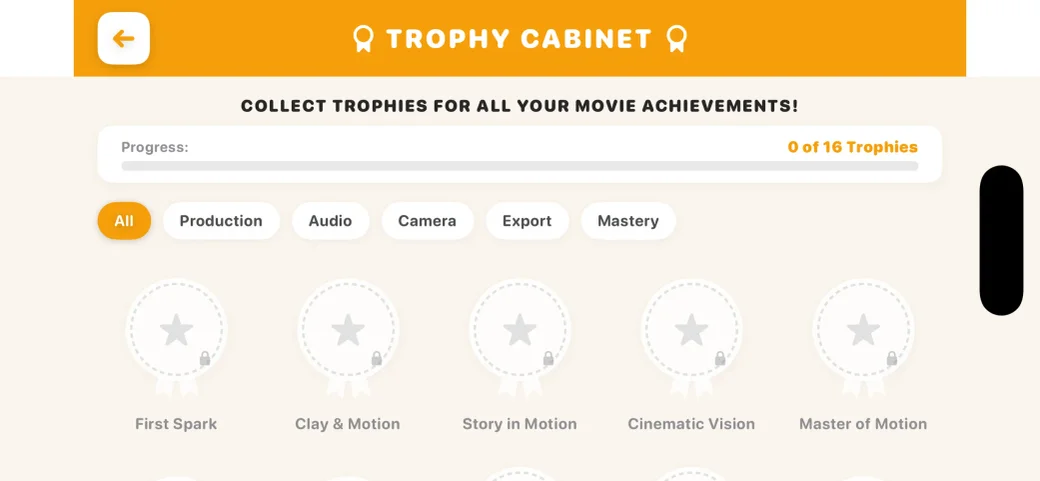
DIRECTOR AWARDS & TROPHY CABINET
• Unlock 16 fun rosettes and achievement badges as you master the 12 principles of animation!
FREE VERSION FEATURES:
• Complete stop-motion camera with single-frame onion skinning.
• Live timeline playback up to 12 FPS.
• On-canvas text, stickers, and voiceover recording.
• Standard HD video export.
• Up to 3 active animation projects.
PRO STUDIO UPGRADE (One-Time Purchase — No Subscriptions!):
• Unlimited animation projects.
• Multi-frame onion skinning (up to 3 ghost frames).
• Full 3-track movable audio mixer with all 13 cartoon Foley sound effects.
• 4K Cinema export resolution and 24 FPS high-speed animation.
• Supports Apple Family Sharing; unlock once for the entire household.
Start directing your animated masterpiece today with Amber Animator!
What’s new
Version 1.4.2 · Nov 20, 2026
Welcome to Amber Animator 1.4.2!
WHAT’S NEW IN VERSION 1.4.2:
• Frame Rate (FPS) Control Fixes: Smooth, responsive playback speed switching across all speeds (3, 6, 9, 12, 18, and 24 FPS) with larger, kid-friendly tap targets.
• iPad Stand, Rig & AirPlay Fixes: Fixed an issue where the onion skinning layer could rotate to portrait when capturing on iPad stands, tripods, or downward-angled desks. This includes a bug fix where the onion skinning orientation would break whilst using AirPlay to Apple TV or classroom smartboards.
• Seamless Portrait & Landscape Switching: Smooth, reliable camera orientation whether holding your iPad or iPhone in portrait or landscape mode.
• Smoother project creation, faster capture performance, and improved memory management across all iPads and iPhones.
RECENT CREATIVE FEATURES:
ALL-NEW STICKERS & CARTOON STAMPS
• Decorate your animations with curated vector art stamps: BOOM!, ZAP!, Crown, Fire, Trophies, Magic Sparkles, Hearts, and more.
• Drag, pinch to scale, and twist stamps directly on the cinema stage.
• Control stamp duration across frames with visual span bars right in your timeline!
DIRECT ON-CANVAS TEXT & TITLES
• Add dialogue, comic sound effects, and cinema credits with child-friendly curated fonts (Comic Pop, Marker Fun, Action Hero, and more).
• Double-tap to type, pick custom colors, add comic-book box outlines, or quick-tilt your text with a single tap.
• Effortless editing: tap anywhere outside the box to immediately commit and return to directing.
DRAGGABLE TIMELINE AUDIO TRACKS
• Total sound control: easily slide voiceovers, sound effects, and music clips along the timeline to sync with exact frames.
• Visual audio pills let young creators align dialogue and Foley chimes with zero guesswork.
MASSIVE PERFORMANCE & STABILITY BOOST
• Ground-up rendering overhaul designed for butter-smooth animation playback.
• Timeline engine built to prevent freezing and lag on classroom iPads and 100+ frame projects.
• Rock-solid stability improvements so kids can focus on creating without interruption.
App privacy
What Sethi De Clercq declares on the App Store about how this app handles data.
-
Data not collected
The developer does not collect any data from this app.
Privacy practices may vary, for example with the features you use or your age.
Information
- Seller
- Sethi De Clercq
- Category
- Education
- Version
- 1.4.2
- Updated
- Nov 20, 2026
- Released
- Sep 16, 2026
- Size
- 4.0 MB
- Requires
- iOS 16.0 or later
- Age rating
- 4+
- Price
- Free
- In-app purchases
- Yes
- Languages
- English
- Copyright
- © 2026 Sethi De Clercq
You might also like
-
 LinguaLeagueLanguages Through Football
-
 TrilbyTV PlayerEasy to use Digital Signage
-
 micro:bit CreateAIEducation
-
 SLP Multi Academy TrustEducation
-
 Bluetooth Data LoggerEducation
-
 Linguascope ElementaryEducation
-
 Linguascope IntermediateEducation
-
 Loti-BotEducation
-
 IMTGoCalm in the classroom
-
 Linguascope BeginnersEducation