
- Age rating4+
- CategoryEducation
- DeveloperInternational Education Services
- LanguagesEnglish+ 2 more
- Size127.8 MB
Links to the official App Store page
Download.org hosts no file of Amco CS. The button opens its official App Store page, published by International Education Services. Listing last checked on Nov 22, 2026.
Screenshots


About
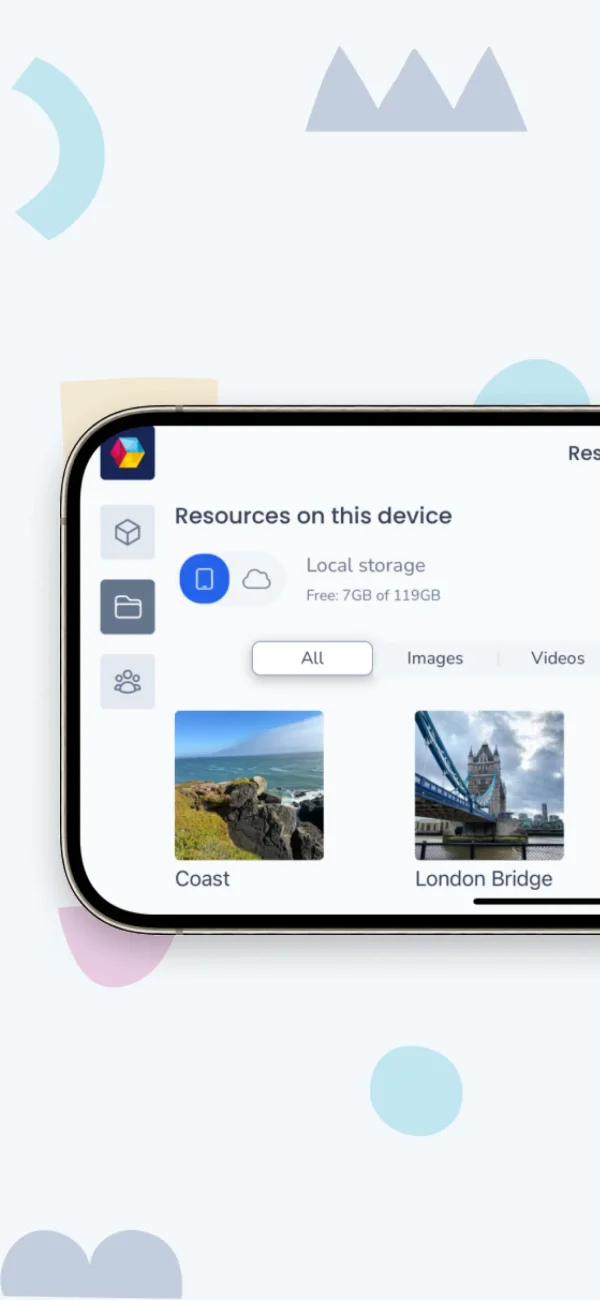
Bring Amco’s unique content to life using Classroom Solution. Easily screencast your books right to any screen or projector using the Amco Skybox and call up any of your saved resources, bookmarks, or complementary audio and video clips. All of this without needing a permanent internet connection.
Create new and engaging ways of presenting our content to your class. With our interactive teacher tools you can transform your iPad into a smartboard tablet and screencast whatever you draw on your own screen or make annotations right on any content you are projecting.
Classroom Solution (CS) also includes powerful tools to help you manage your class. Keep track of your student's attendance and participation, create class engagement using our random student picker, or use our timer tool to create fun new challenges for your class.
This application is only available to schools subscribing to Amco Educational Services.
Features
• Screencast and navigate easily through your Amco books.
• Make text or freehand annotations right on the page, visible to students and saved for repeated viewings.
• Playback complementary audio and video clips included in our books.
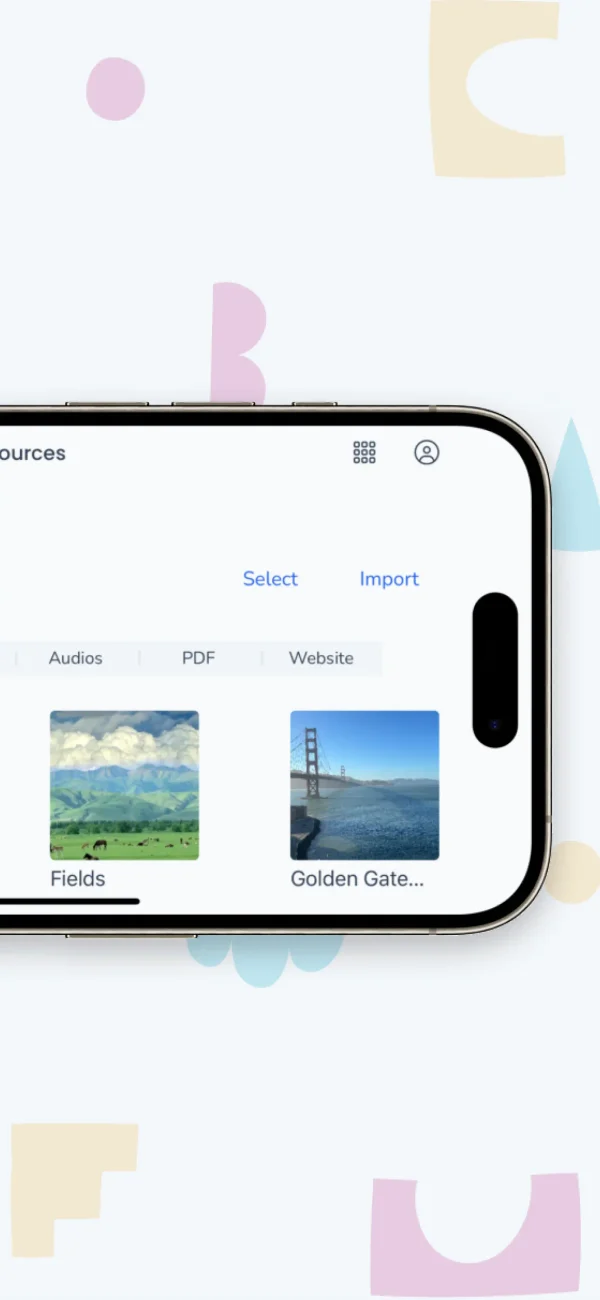
• Create and save your own custom PDF, image, audio, video, or URL resources to be used at any time. These can be attached to specific pages in any book to enhance lesson plans.
• Use “Sparks” to enrich and enhance your lessons. These are Amco-created multimedia materials included with our books.
• Customize your lessons using “Flares” by adding any of your resources to specific book pages.
• Create engaging time-based challenges using the included Timer tool.
• Use our grid, lined, or blank views to turn your iPad into a smartboard tablet and screencast anything you draw on your screen.
• Student pickers give you an easy way to engage specific or random students into participation.
• Keep track of your classes attendance and participation.
• Stay up to speed by viewing all your Web Solution Activities right in CS.
• CS works perfectly without a permanent internet connection to display any books and resources you download ahead of time.
What’s new
Version 16.0.4 · Oct 28, 2026
Now it uses less memory so everything runs more smoothly on your device.
App privacy
What International Education Services declares on the App Store about how this app handles data.
-
Data not linked to you
May be collected but is not linked to your identity.
- Contact info
- User content
- Identifiers
- Usage data
- Diagnostics
Privacy practices may vary, for example with the features you use or your age.
Information
- Seller
- International Education Services, Inc
- Category
- Education
- Version
- 16.0.4
- Updated
- Oct 28, 2026
- Released
- Jul 31, 2018
- Size
- 127.8 MB
- Requires
- iOS 17.0 or later
- Age rating
- 4+
- Price
- Free
- Languages
- English, Portuguese, Spanish
- Copyright
- © 2018 Amco International Education Services, LLC
You might also like
-
 AlgebraixEducation
-
 UNOi 4Education
-
 ColaboranetEducation
-
 Cometa FamiliasEducation
-
 Servoescolar MóvilEducation
-
 Spike™ LEGO® EducationEngage every learner in STEAM
-
 Aldea: Child care managementSolution to manage your center
-
 FamiliaPROEducation
-
 Additio App, Teacher gradebookGradebook and lesson planner
-
 Idukay FamiliasEducation