- 対象年齢4+
- カテゴリ教育
- 開発元International Education Services
- 言語英語ほか2言語
- サイズ127.8 MB
App Storeの公式ページにリンクしています
Download.orgはAmco CSのファイルを一切ホストしていません。ボタンを押すと、International Education Servicesが公開しているApp Storeのアプリページが開きます。ページの最終確認:2026/11/22。
スクリーンショット


概要
開発元はこのテキストをお使いの言語で提供していません。
Bring Amco’s unique content to life using Classroom Solution. Easily screencast your books right to any screen or projector using the Amco Skybox and call up any of your saved resources, bookmarks, or complementary audio and video clips. All of this without needing a permanent internet connection.
Create new and engaging ways of presenting our content to your class. With our interactive teacher tools you can transform your iPad into a smartboard tablet and screencast whatever you draw on your own screen or make annotations right on any content you are projecting.
Classroom Solution (CS) also includes powerful tools to help you manage your class. Keep track of your student's attendance and participation, create class engagement using our random student picker, or use our timer tool to create fun new challenges for your class.
This application is only available to schools subscribing to Amco Educational Services.
Features
• Screencast and navigate easily through your Amco books.
• Make text or freehand annotations right on the page, visible to students and saved for repeated viewings.
• Playback complementary audio and video clips included in our books.
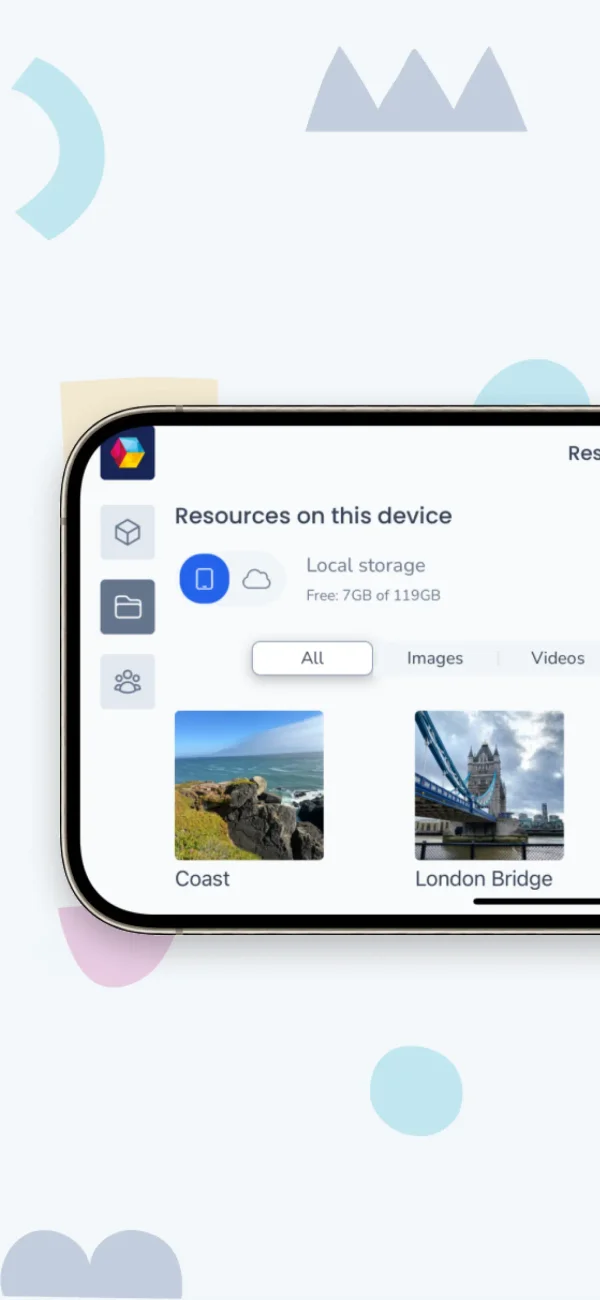
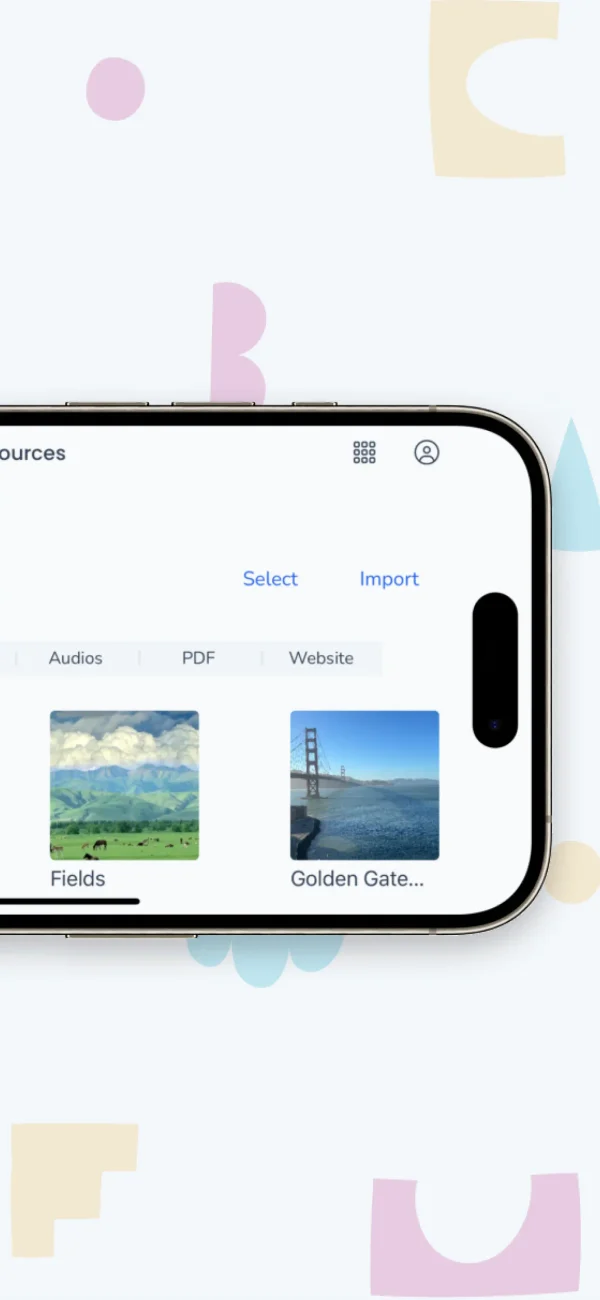
• Create and save your own custom PDF, image, audio, video, or URL resources to be used at any time. These can be attached to specific pages in any book to enhance lesson plans.
• Use “Sparks” to enrich and enhance your lessons. These are Amco-created multimedia materials included with our books.
• Customize your lessons using “Flares” by adding any of your resources to specific book pages.
• Create engaging time-based challenges using the included Timer tool.
• Use our grid, lined, or blank views to turn your iPad into a smartboard tablet and screencast anything you draw on your screen.
• Student pickers give you an easy way to engage specific or random students into participation.
• Keep track of your classes attendance and participation.
• Stay up to speed by viewing all your Web Solution Activities right in CS.
• CS works perfectly without a permanent internet connection to display any books and resources you download ahead of time.
新機能
バージョン 16.0.4 · 2026/10/28
Now it uses less memory so everything runs more smoothly on your device.
アプリのプライバシー
このアプリのデータの取り扱いについて、International Education ServicesがApp Storeで申告している内容です。
-
ユーザーに関連付けられないデータ
収集される場合がありますが、ユーザーの識別情報には関連付けられません。
- 連絡先情報
- ユーザーコンテンツ
- ID
- 使用状況データ
- 診断
プライバシーの取り扱いは、ご利用の機能やお客様の年齢などに応じて異なる場合があります。
情報
- 販売元
- International Education Services, Inc
- カテゴリ
- 教育
- バージョン
- 16.0.4
- 更新日
- 2026/10/28
- リリース
- 2018/7/31
- サイズ
- 127.8 MB
- 必要条件
- iOS 17.0以降
- 対象年齢
- 4+
- 価格
- 無料
- 言語
- 英語, ポルトガル語, スペイン語
- 著作権
- © 2018 Amco International Education Services, LLC