
Amerigo - File Manager
The go-to Cloud File Manager
Designed for iPhone, iPad, iPod touch
$29.99
- Age rating17+
- CategoryProductivity
- DeveloperIdeaSolutions S.r.l.
- LanguagesEnglish+ 5 more
- Size70.8 MB
Links to the official App Store page
Download.org hosts no file of Amerigo - File Manager. The button opens its official App Store page, published by IdeaSolutions S.r.l. Listing last checked on Nov 25, 2026.
Screenshots

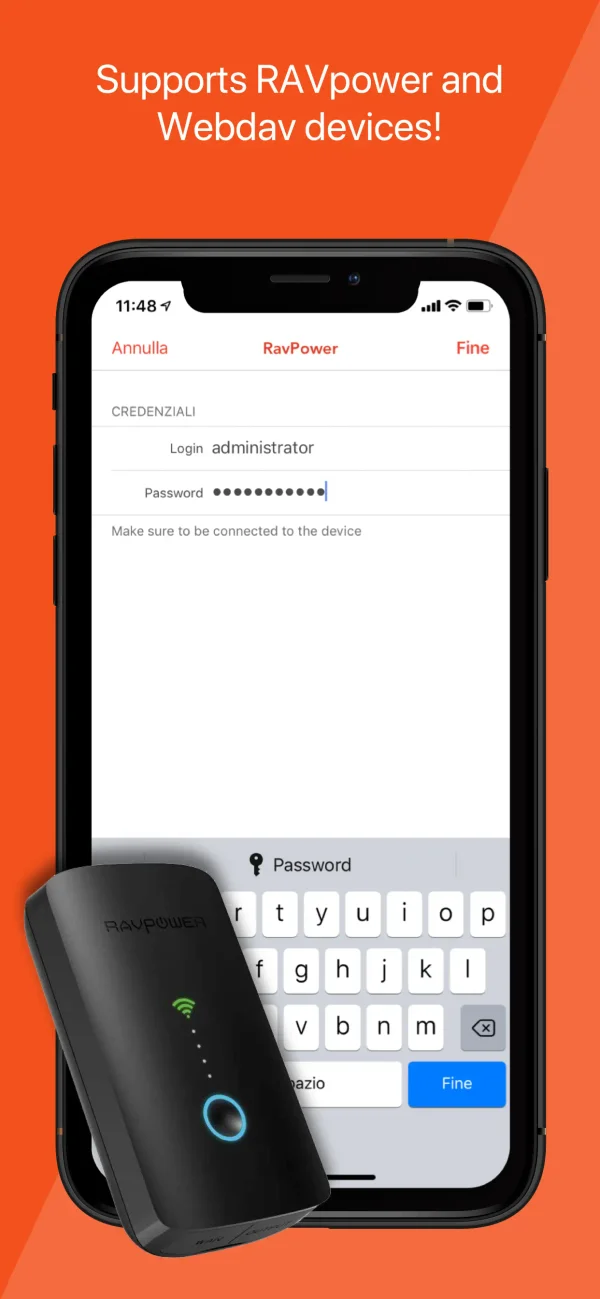
About
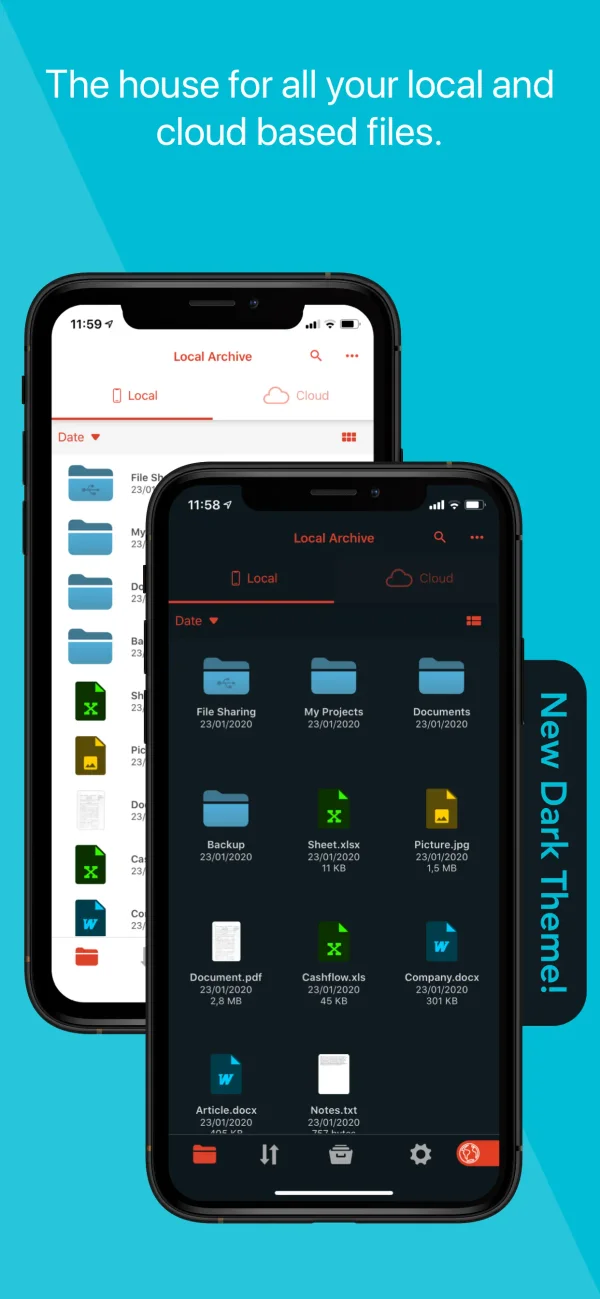
Amerigo is an enhanced file manager that allows you to manage and organize local and cloud-saved files.
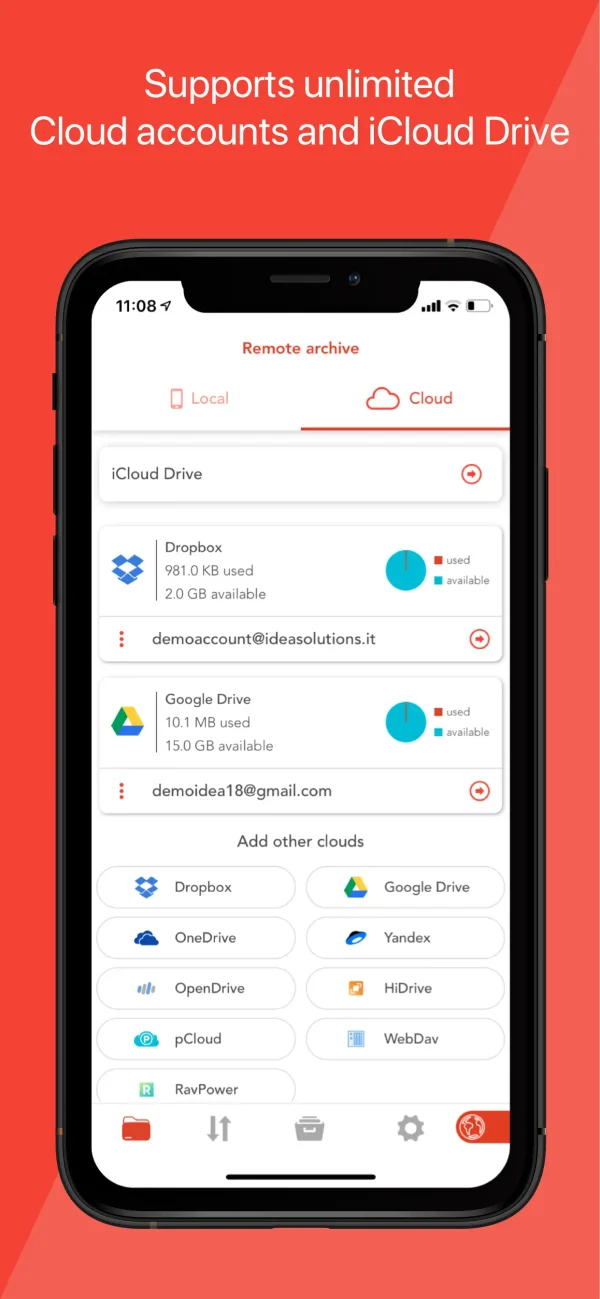
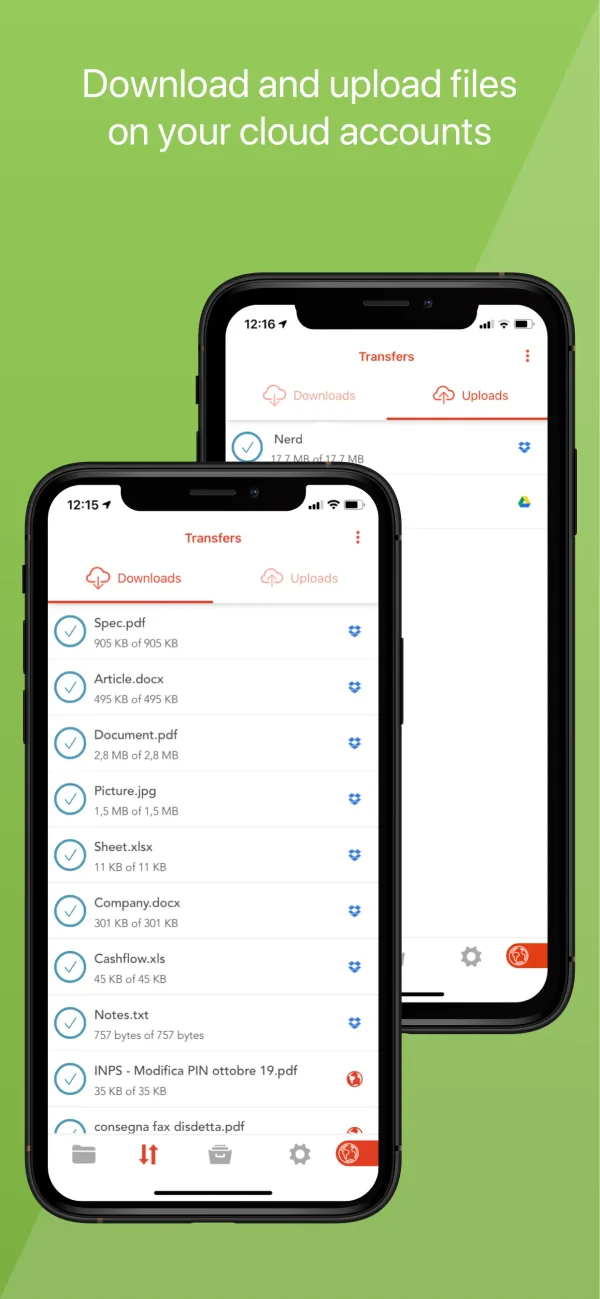
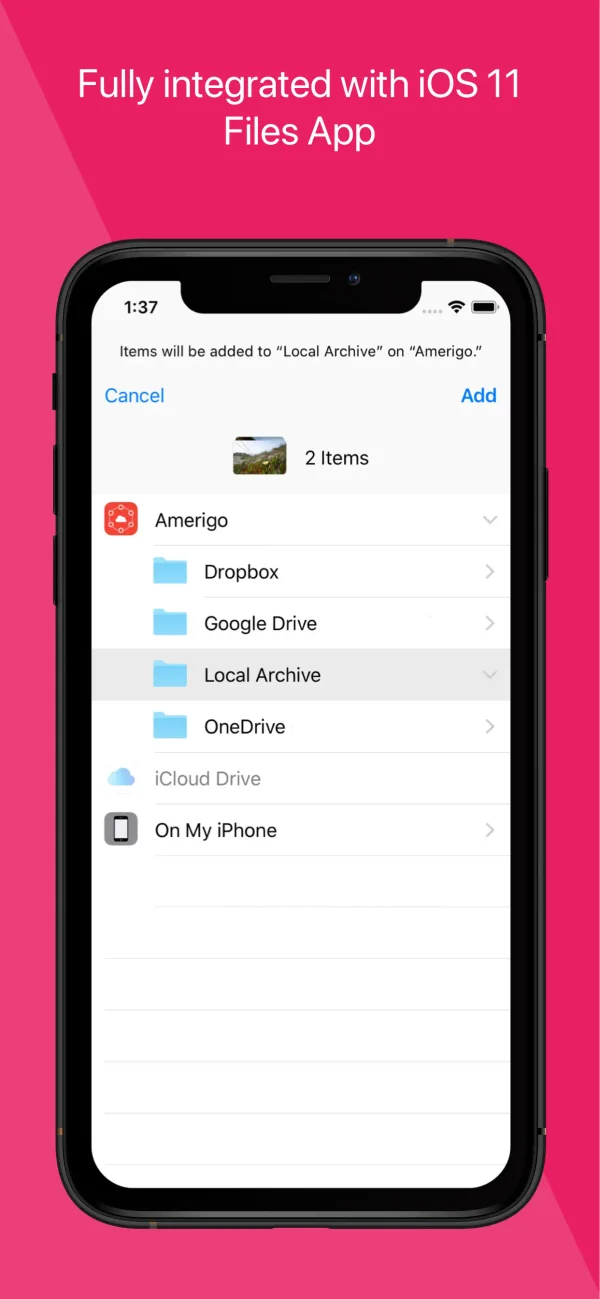
It's the only APP that allows to link multiple cloud (DropBox, Google Drive, OneDrive, iCloud Files) and offers iOS Files app integration to download and upload to any cloud from any app!
For example if you receive an email, you can directly save the email attachments to one of the cloud linked in Amerigo, simply choosing "Save in files" in the action sheet.
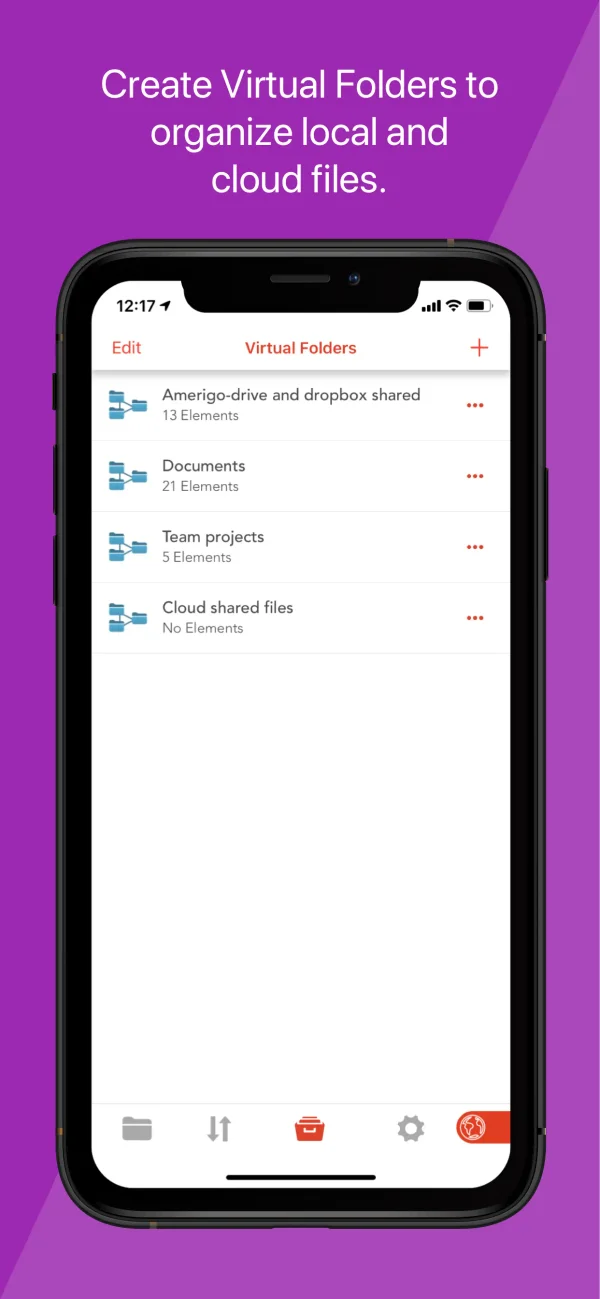
Virtual folders allows to group files that come from different sources (cloud/local): you can for example have a virtual folder with all the files that belongs to a project but are stored on different cloud storage providers.
The Spotlight indexing of all local contents allows to immediately find and open the file you're looking for, without opening the app!
You can also add more than one account for each clouds to increase your space!
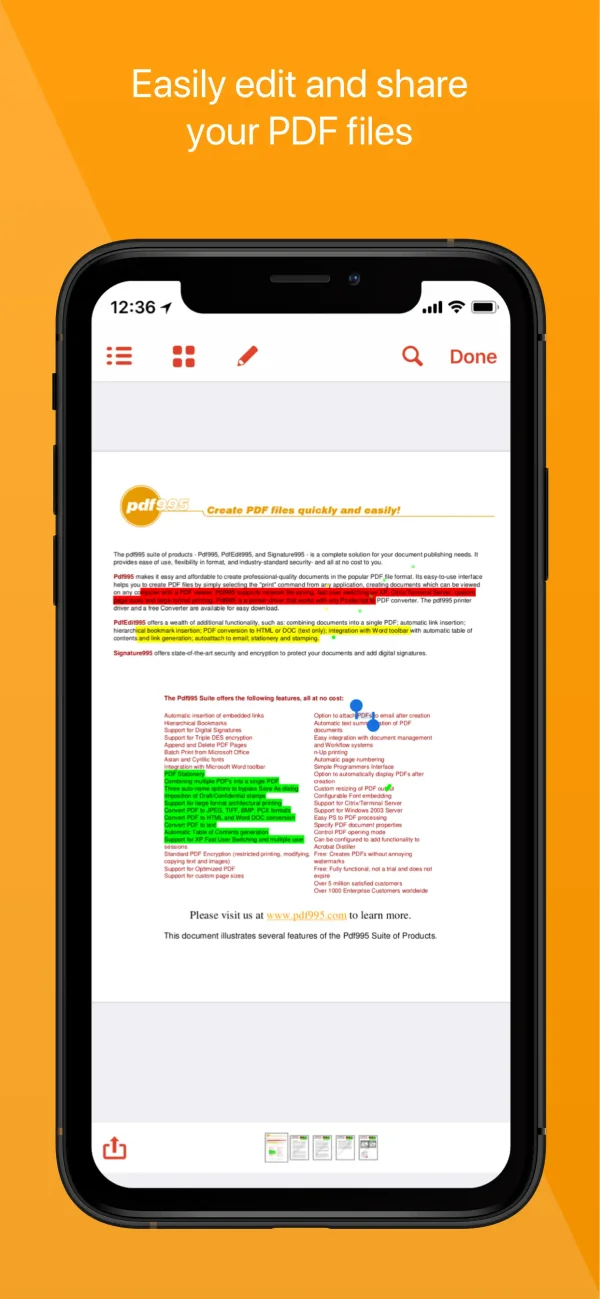
The integrated PDF viewer with enhanced annotation capabilities, automatically recognise common shapes and gestures, and allows to highlight paragraph by drawing a line over it.
Main features:
- iOS 11 Files app integration for ALL clouds linked to the app in read write mode.
- Spotlight indexing of all content in the app.
- Integration with the Dropbox, GDrive, OneDrive, iCloud services for remote file storage.
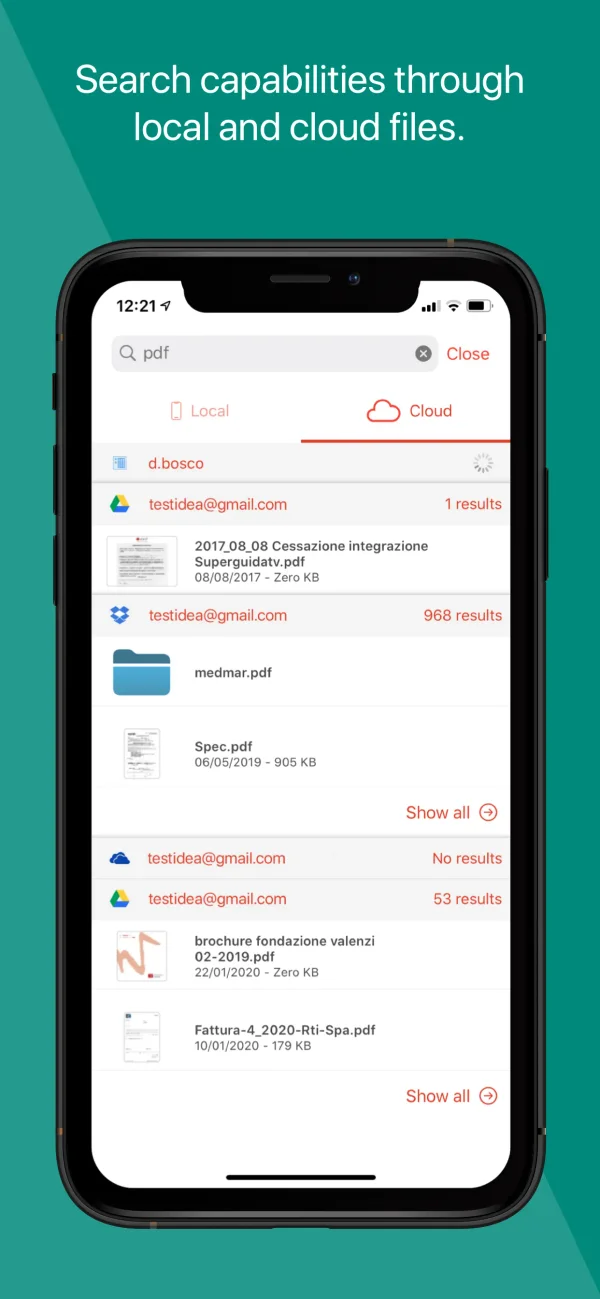
- Search between all contents in the app and in the linked cloud storages thanks to the advanced search
- Compression (zip) and decompression (zip & rar) of any files.
- PDF editor with annotation, free-hand writing.
- Support for all Microsoft Office files.
- Simultaneous management of multiple Cloud accounts and management of folders shared with other users.
- Enhanced bookmarks and history management.
- URL autocomplete and search suggestions
- Quick search bar, and enhanced search within all cloud and local files.
- File archive with folders and subfolders capabilities.
- PIN to hide selected folders.
- Multi-tab fast internet browsing
- Private browsing mode
What’s new
Version 3.14.7 · Nov 24, 2026
Bug fixes and improvements
App privacy
What IdeaSolutions S.r.l. declares on the App Store about how this app handles data.
-
Data not linked to you
May be collected but is not linked to your identity.
- Usage data
- Diagnostics
Privacy practices may vary, for example with the features you use or your age.
Information
- Seller
- IdeaSolutions S.r.l.
- Category
- Productivity
- Version
- 3.14.7
- Updated
- Nov 24, 2026
- Released
- Jun 15, 2012
- Size
- 70.8 MB
- Requires
- iOS 15.0 or later
- Age rating
- 17+
- Price
- $29.99
- Languages
- English, French, German, Italian, Portuguese, Spanish
- Copyright
- © 2013-2025 IdeaSolutions srl
You might also like
-
 xSearch for SafariSwitch search engine instantly
-
 USB Disk SE, File ManagerPhoto Viewer, MP3 Player, PDF
-
 CamScanner + | OCR ScannerScan, Sign & Fax PDF Document
-
 Owlfiles - File ManagerAccess SMB WebDAV FTP and S3
-
 XTranslate - Photo, Voice, PDFTranslate Document, Camera
-
 NordLocker: Private CloudEncrypt photos, videos & files
-
 pCloud - Cloud StorageProductivity
-
 Files - File Manager & BrowserSave Files for Offline Viewing
-
 Synology DriveProductivity
-
 Turn Off the Lights for SafariDarkens the rest of the web