
- Age rating4+
- CategoryProductivity
- DeveloperNiklas Buehler
- LanguagesEnglish
- Size2.0 MB
Links to the official App Store page
Download.org hosts no file of Anchor: Screen Time Blocker. The button opens its official App Store page, published by Niklas Buehler. Listing last checked on Nov 18, 2026.
Screenshots

About
Some apps were designed to trap you. The feed doesn't end, and "five more minutes" always seems to turn into forty. That's not a willpower problem, it's the design working as intended. Anchor blocks the apps that do this by default, so opening one is always something you decided, never a doomscroll you fell into.
THE IDEA
Screen Time is built to be turned on. Anchor is built to already be on. There's no timer to start and no "focus mode" to remember. The apps you choose are blocked from the moment setup finishes, permanently, as the baseline state of your phone.
The difference isn't less time in these apps. It's who decides when you get it.
Want in? You ask for it. Open Anchor, set how long you actually need — five minutes, twenty, whatever the moment calls for — and access is granted for exactly that long. When it runs out, blocking resumes. This is the anchor that prevents you from losing your days to doomscrolling.
RECLAIMED TIME, NOT WILLPOWER
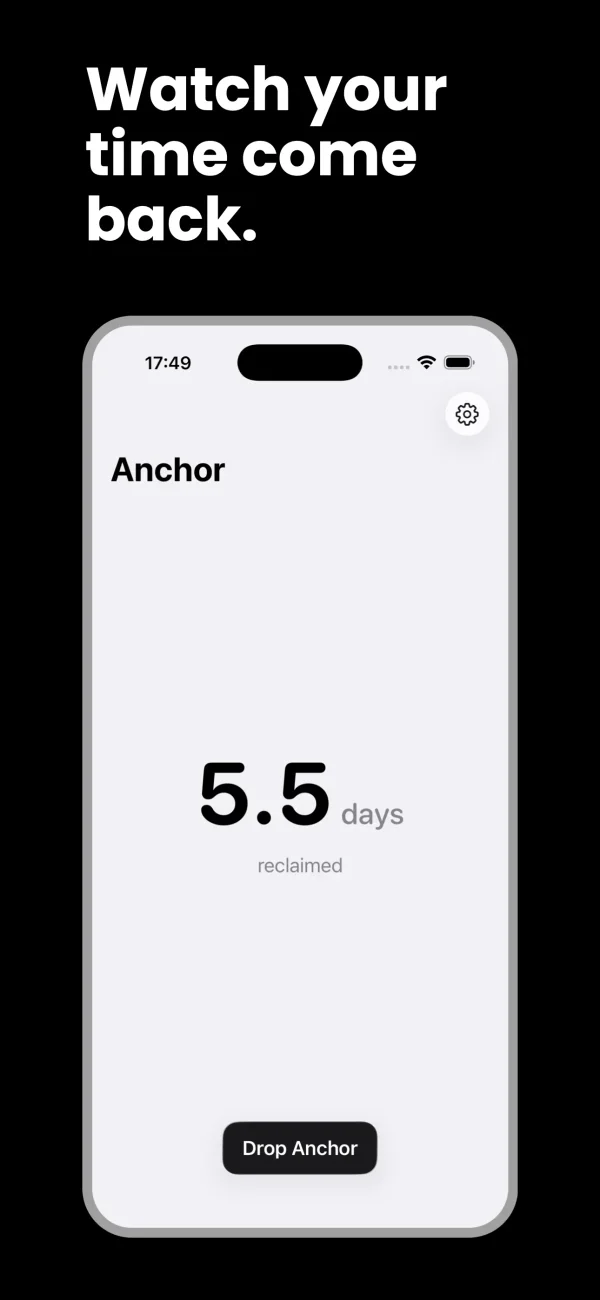
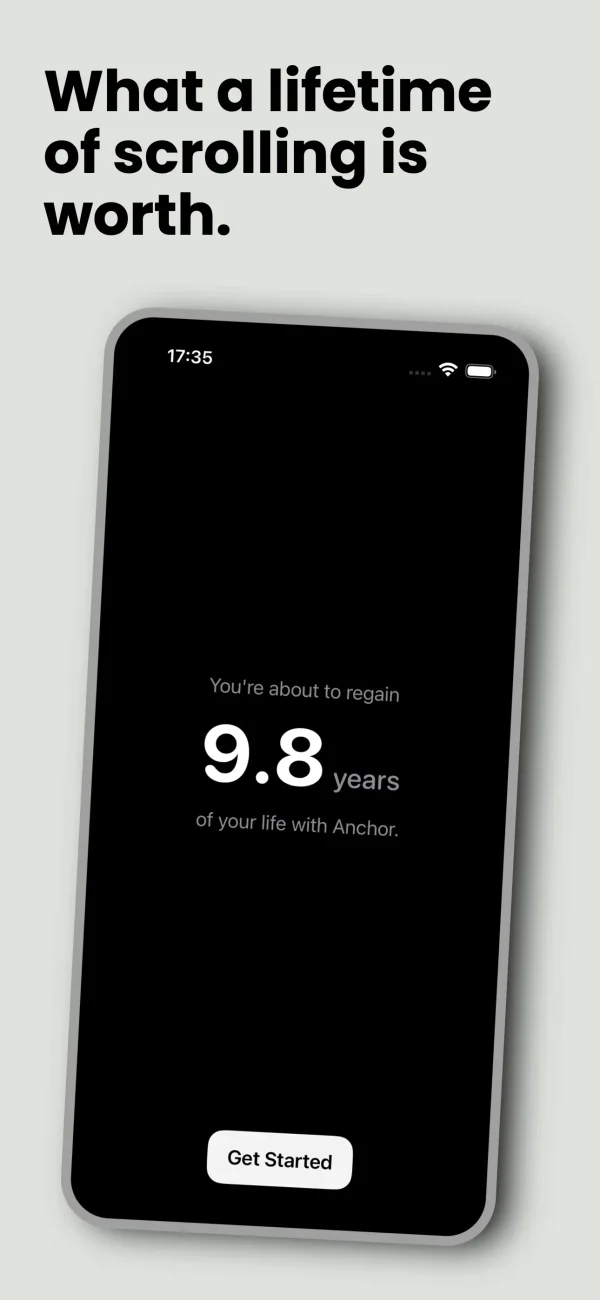
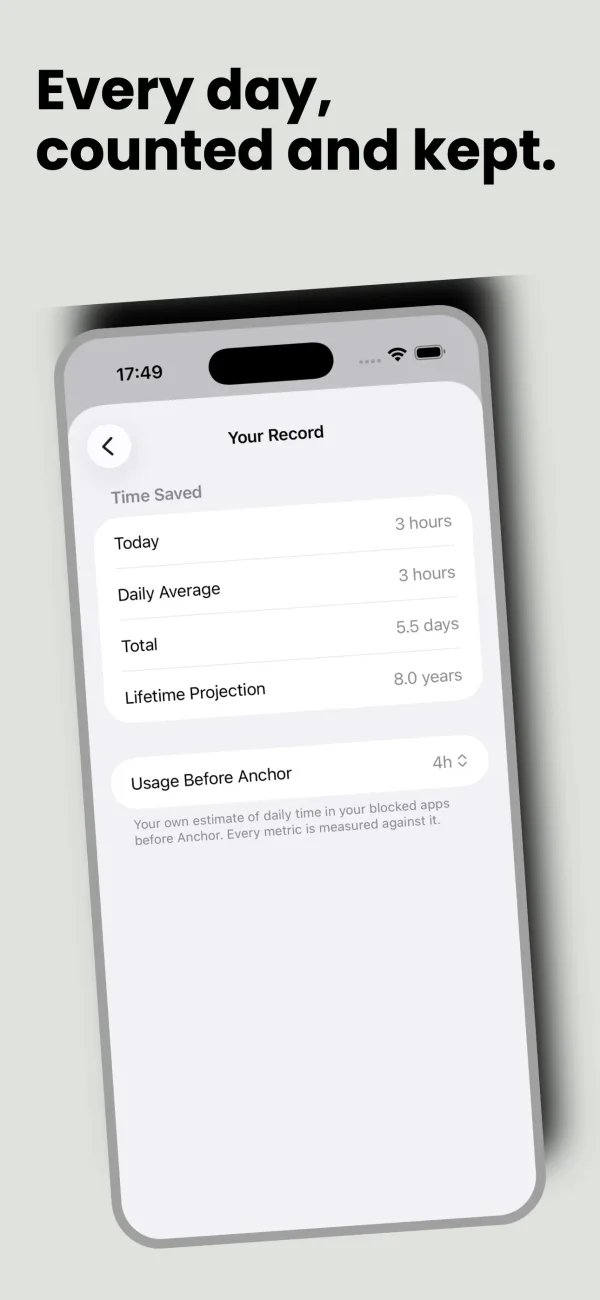
Anchor isn't a fast to survive. It doesn't track streaks or shame a slip. It tracks one thing: how much of the time you used to lose is coming back to you, every day, measured against the baseline you set for yourself in onboarding. Give it your age, and it shows you how much of your life you get back without these apps quietly eating it.
HOW IT WORKS
• Pick the apps and websites you drift into without deciding to.
• From then on, every one of them is blocked, all the time.
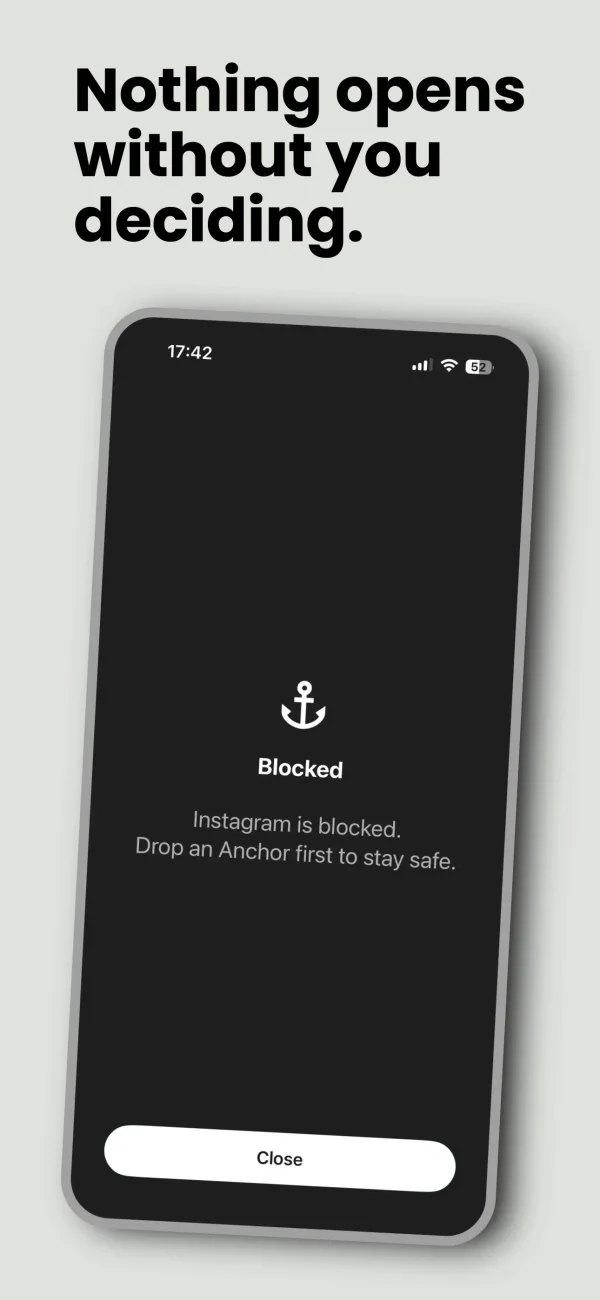
• Reach for one anyway, and the block screen meets you instead.
• Want it? Open Anchor, set a duration, and go. One deliberate ask, no lecture.
• When the time's up, the block returns on its own. Set a new intent whenever you want back in.
BUILT TO GET OUT OF YOUR WAY
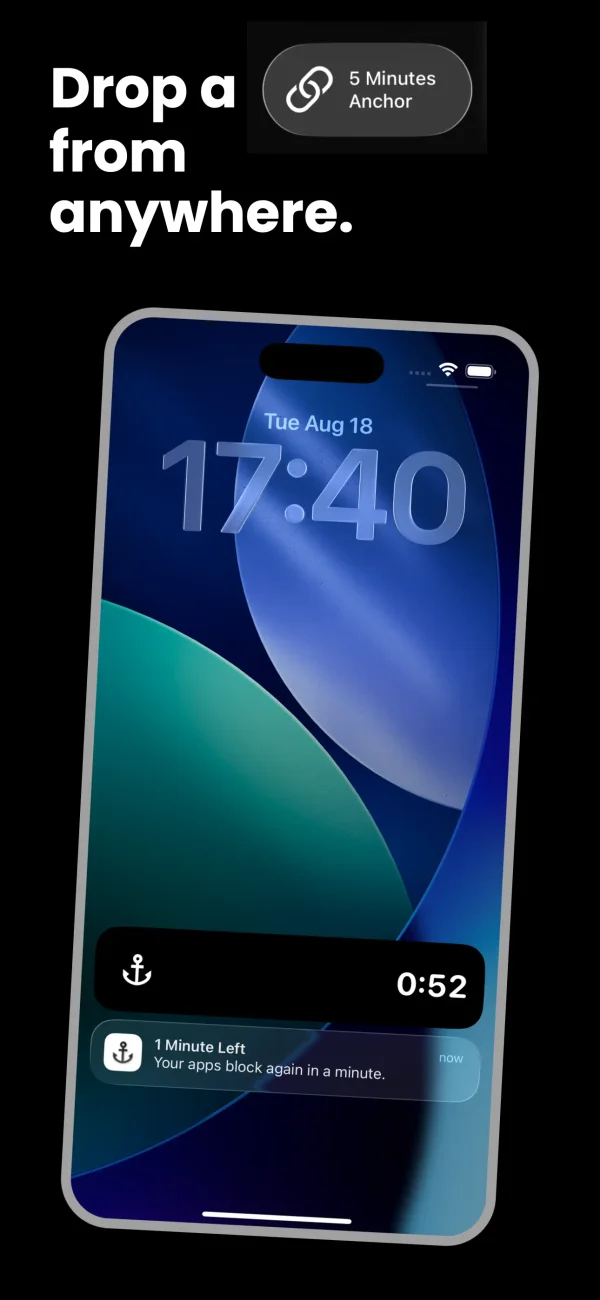
• A Home Screen widget and Control Center button to drop anchor without hunting for the app.
• Ask Siri to start or check a session.
• A Live Activity keeps the countdown visible in your Dynamic Island while a session runs.
YOUR DATA STAYS YOURS
Anchor runs on Apple's Screen Time framework entirely on-device. The apps you block, the time you spend, and the breaks you take never leave your phone. There's no account, no server, and nothing to opt out of, because nothing is collected in the first place.
Anchor doesn't ask you to want less. It makes sure that whenever you reach for one of these apps, it's because you decided to — not because your thumb got there first.
App privacy
What Niklas Buehler declares on the App Store about how this app handles data.
-
Data not collected
The developer does not collect any data from this app.
Privacy practices may vary, for example with the features you use or your age.
Information
- Seller
- Niklas Buehler
- Category
- Productivity
- Version
- 1.0
- Updated
- Aug 20, 2026
- Released
- Aug 20, 2026
- Size
- 2.0 MB
- Requires
- iOS 18.0 or later
- Age rating
- 4+
- Price
- Free
- Languages
- English
- Copyright
- © 2026 Niklas Bühler
You might also like
-
 Anchor: Build Your RoutineGuilt-Free Screen Time
-
 Deep Focus - Deep Work TimerFocus Timer & Heatmap
-
 Clamp: Screen Time ControlFocus, App & Website Blocker
-
 TimeBlock: Focus Timer & TasksPomodoro Timer & Time Manager
-
 BreakOff: Block Apps TogetherPhone-Free Time, Your People
-
 Strict App Blocker:Block AppsScreen Time & Phone Addiction
-
 Focus App Blocker: StrictBlockSocial Media & Screen Time
-
 Habit Tracker - HabiteeStreaks, reminders & routines
-
 Gobble: Cold Turkey DetoxLanguage-Based App Blocker
-
 Time Tracker - TimelogHours tracking and goal timer