
- Age rating4+
- CategoryProductivity
- DeveloperAlexander Thompson
- LanguagesEnglish+ 1 more
- Size27.5 MB
Links to the official App Store page
Download.org hosts no file of AnchorGrid. The button opens its official App Store page, published by Alexander Thompson. Listing last checked on Nov 23, 2026.
Screenshots

About
AnchorGrid is remote screen sharing for iPhone, built for IT teams.
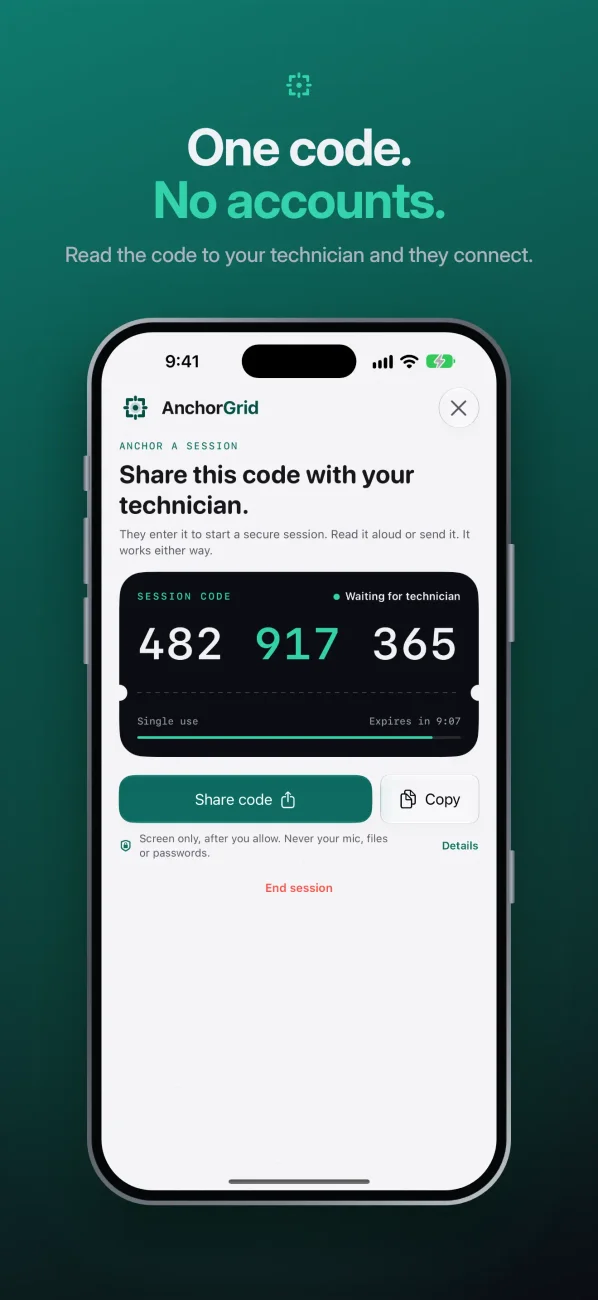
When your IT team needs to see what's on your iPhone screen, to fix a setting, troubleshoot, or guide you through a process, you open AnchorGrid, share a 9-digit code, and they see your screen live in their browser tab.
HOW A SESSION WORKS
1. Tap Start Session. The app shows a 9-digit code.
2. Share the code with your technician.
3. They enter it in their workspace's web portal.
4. Your iPhone asks you to start a Screen Broadcast. Tap Start.
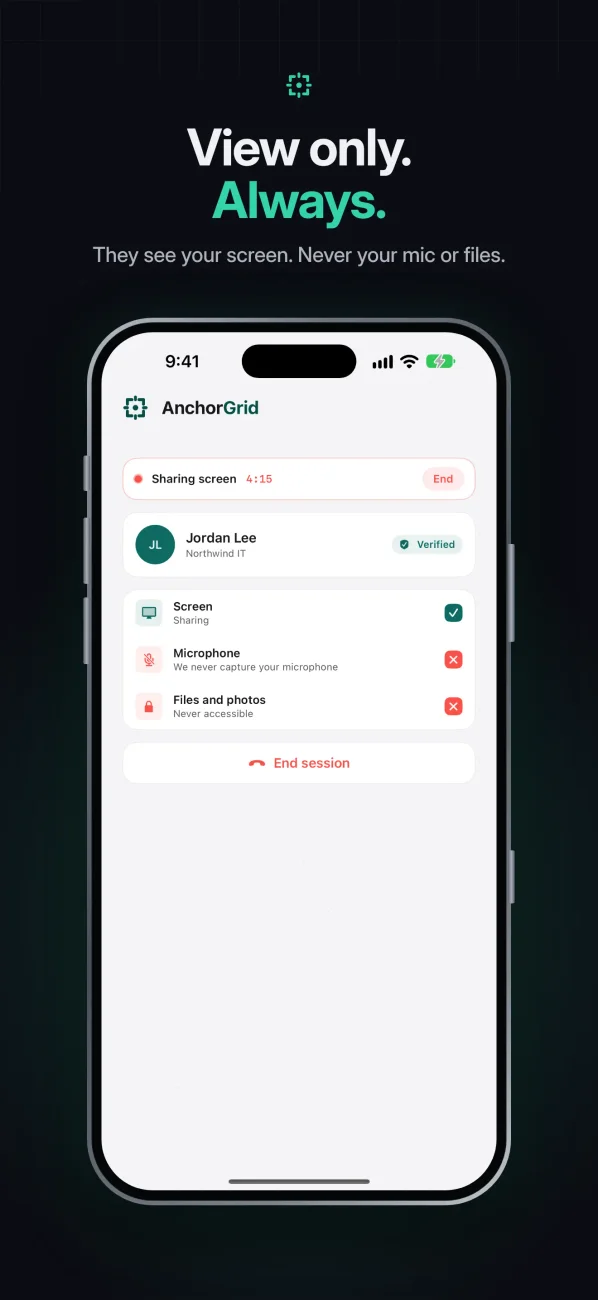
5. Your technician sees your screen in real time.
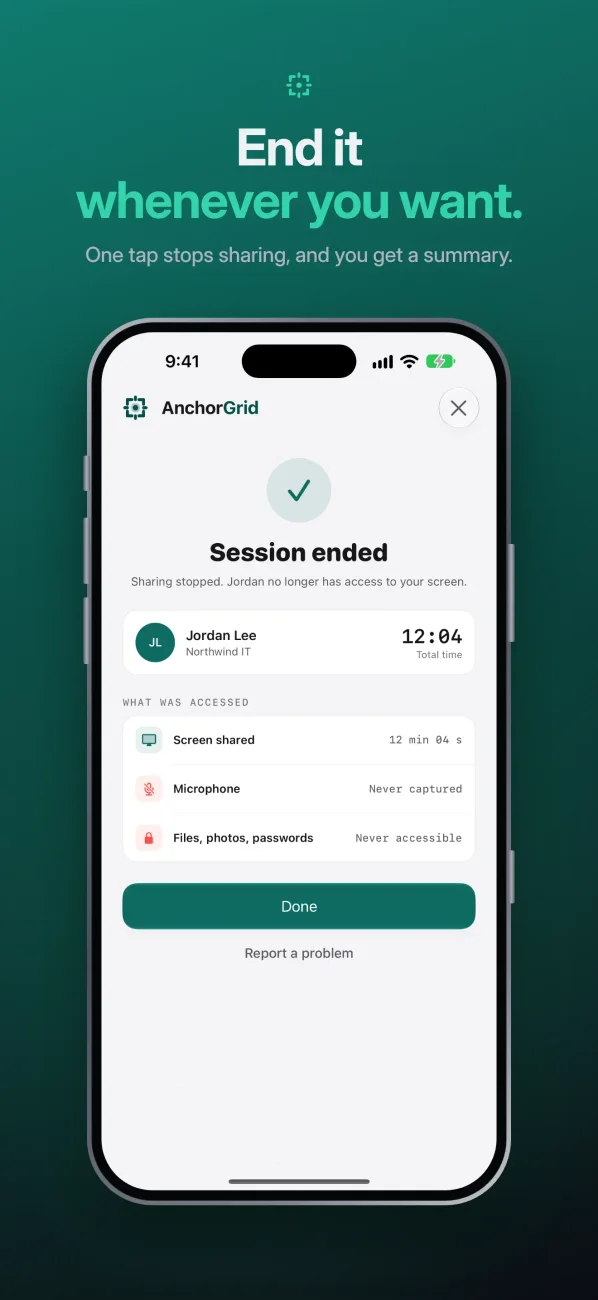
6. Tap the red status bar at the top to end the session anytime.
VIEW-ONLY BY DESIGN
Your technician can SEE your screen. They cannot tap, type, or control your iPhone in any way. Enforced by the system itself.
PRIVACY YOU CAN VERIFY
• Codes expire 10 minutes after generation and are single-use.
• Screen frames are never stored on AnchorGrid's servers, direct peer-to-peer when possible, and an encrypted relay when not.
• AnchorGrid staff cannot view your workspace without a time-limited grant that your admin explicitly creates.
FOR IT TEAMS
Each workspace runs at a dedicated subdomain with strict tenant isolation, audit logs of every technician join, role-based access, Microsoft 365 single sign-on, and TOTP two-factor authentication.
Learn more: anchorgrid.io
Privacy: https://anchorgrid.io/privacy
Terms: https://anchorgrid.io/terms
What’s new
Version 2026.11.19 · Nov 19, 2026
Now in Spanish. We also anchored down a few bugs: steadier sessions, a cleaner end to every session, and clearer wording about what your technician can see.
App privacy
What Alexander Thompson declares on the App Store about how this app handles data.
-
Data not linked to you
May be collected but is not linked to your identity.
- Contact info
- Diagnostics
Privacy practices may vary, for example with the features you use or your age.
Information
- Seller
- Alexander Thompson
- Category
- Productivity
- Version
- 2026.11.19
- Updated
- Nov 19, 2026
- Released
- Jun 22, 2026
- Size
- 27.5 MB
- Requires
- iOS 18.0 or later
- Age rating
- 4+
- Price
- Free
- Languages
- English, Spanish
- Copyright
- © 2026 Alex Thompson
You might also like
-
 Easy LiveChatProductivity
-
 SierraBooks: Invoices & SyncSquare, Stripe & QuickBooks
-
 Blick for Microsoft 365Your workday at a glance
-
 Schluter®-APPTile Installation Solutions
-
 JumpCloud AdminProductivity
-
 Tips & Tricks - for iPhoneNews, Guides & Shortcuts
-
 Clone Master - 2nd App SpaceDual Apps, Private Space
-
 AT&T Personal CloudProtect your special memories
-
 Tiny Calendar: Planner & TasksAgenda, Organizer & Reminders
-
 Device HelpYour Device, Simplified