Announcement Useful Timer PRO
Ad-free voice countdown
Designed for iPhone, iPad, iPod touch
- Age rating4+
- CategoryProductivity
- Developerkatapu.net
- LanguagesJapanese+ 45 more
- Size19.6 MB
Links to the official App Store page
Download.org hosts no file of Announcement Useful Timer PRO. The button opens its official App Store page, published by katapu.net. Listing last checked on Nov 23, 2026.
Screenshots
About
Voice Timer! Spoken updates every minute.
Even when you are not looking at the screen, this app tells you how much time is left.
Announcement Useful Timer PRO is available on iPhone, iPod touch, and iPad.
This is the paid, ad-free edition of Announcement Useful Timer.
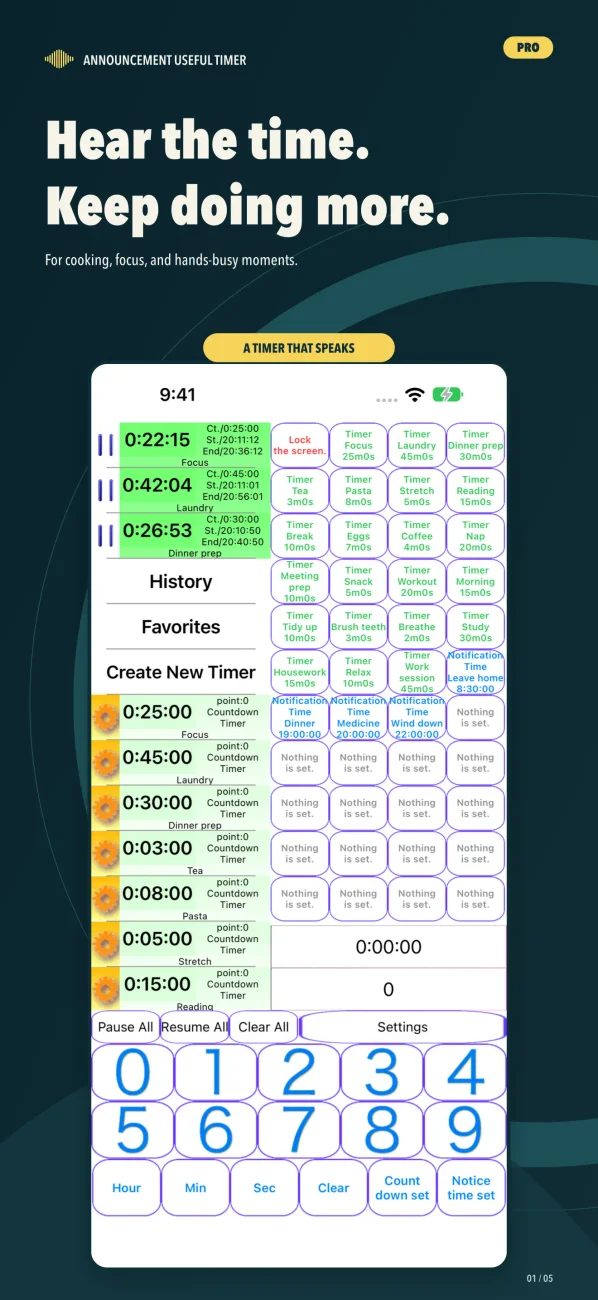
Announcement Useful Timer PRO can count down preset items and times, as well as your own custom items and times.
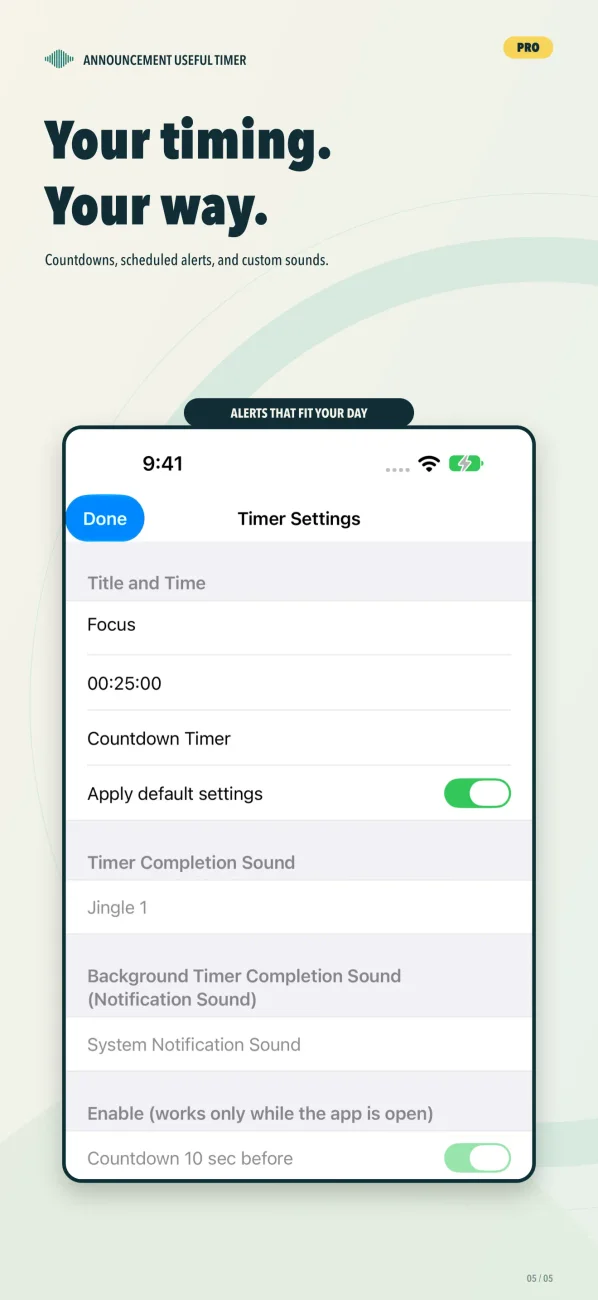
It announces the remaining item and time every minute, gives a 10-second countdown before completion, and plays your selected music or sound when time is up.
Use it as a cup noodle timer, kitchen timer, nap timer, and more.
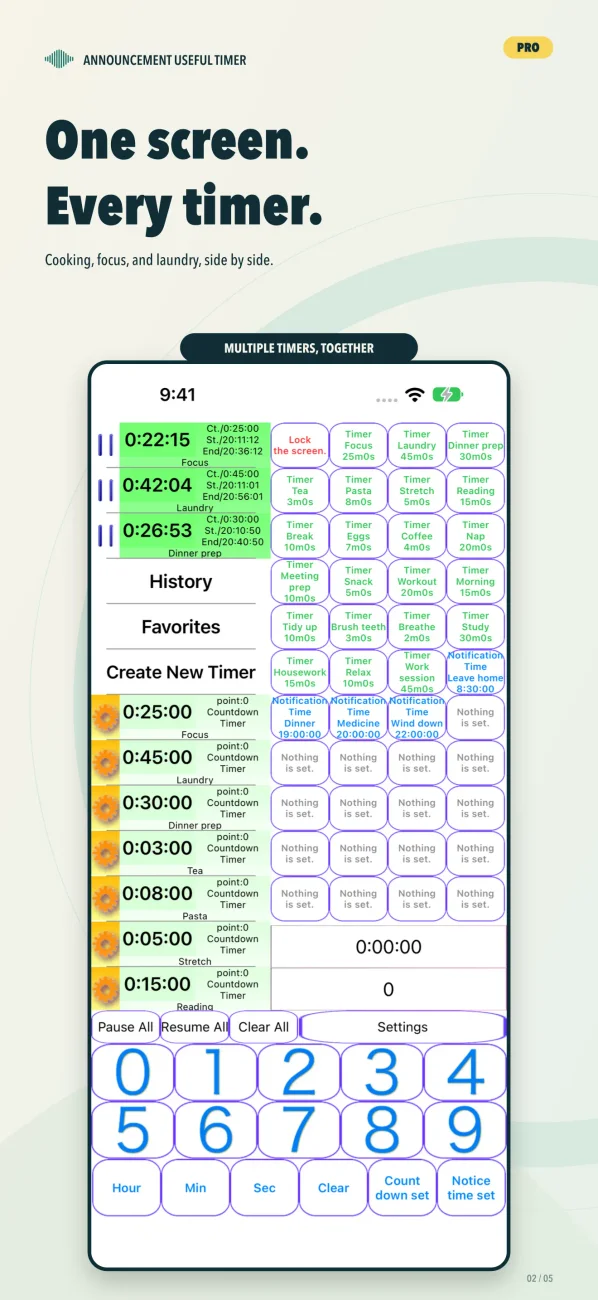
You can run multiple timers at the same time and quickly set them from the always-visible number input at the bottom of the screen.
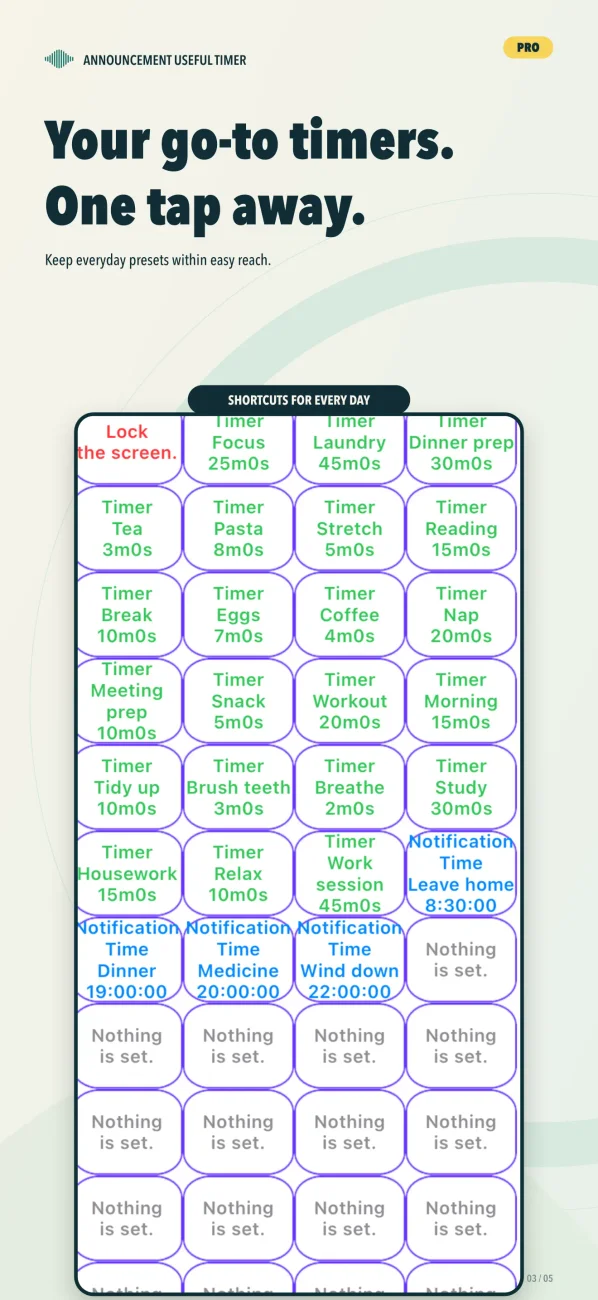
Shortcut buttons are available on the right (long-press to assign different items).
Items are shown in a list, frequently used timers are ranked to the top, and you can start timers from history or favorites.
Swipe left on a list item to delete it.
You can cancel an active countdown from the top of the list.
When end music is playing, you can stop it by swiping, tapping the stop button, or shaking your device.
Each list item has a settings button on the left where you can configure timer values, labels, voice/music settings, and notification behavior.
If you prefer, you can disable the every-minute voice announcements in settings.
Pause, resume, and clear buttons are also available for all timers.
You can use two timer types:
- Countdown timer (set a duration)
- Time-of-day timer (notify at the next specified time)
*Voice announcements are available only while the app is in the foreground.*
To prevent accidental taps in the foreground, a lock button is provided at the top-left of the right shortcut area.
In the background, only the end notification is available.
Note: Due to iOS API behavior, sounds may play even when Silent Mode is on (voice speech will not play).
--- App Features ---
・Quick and easy timer setup using the buttons at the bottom of the main screen.
・Set timers simply by selecting from a list.
・Run multiple timers in parallel.
・Set labels and receive voice notifications. (Every minute, plus 30/15/10 seconds before completion. These can be toggled in settings.)
・Use your own music from iPhone/iPod/iPad for alerts and end sounds. (Foreground only)
・Set music to start from a specific point (for example, the chorus).
・Use two timer types: countdown and specific end time.
・Assign frequently used timers to the shortcut buttons on the right.
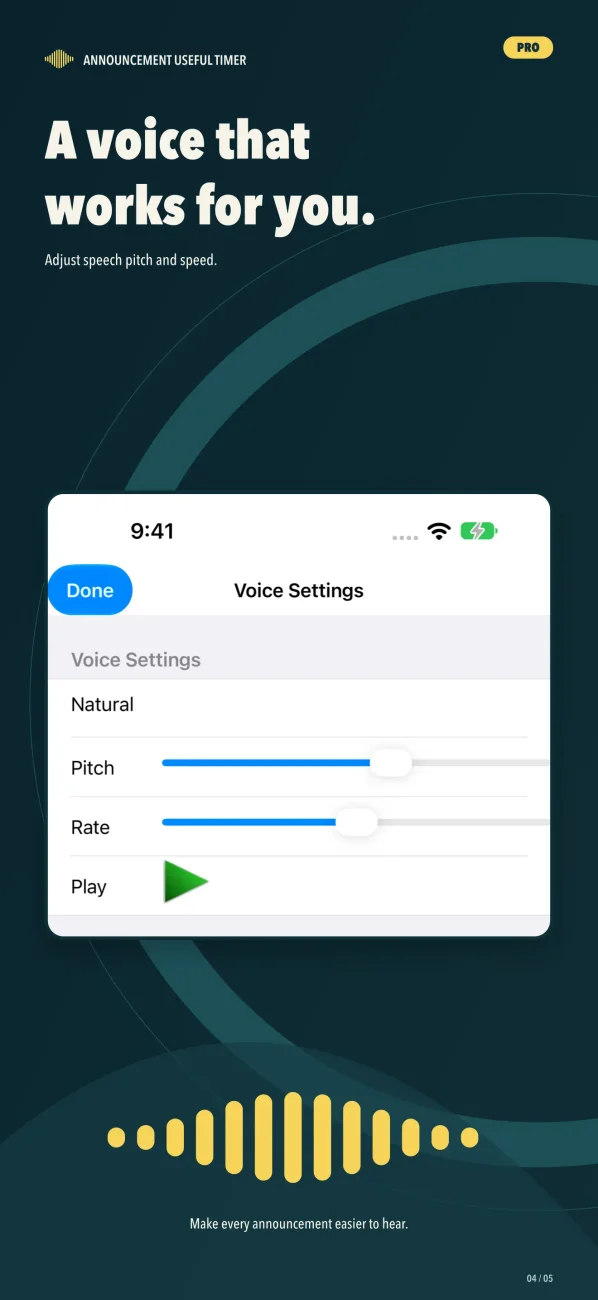
・Adjust voice pitch and speech rate.
--- Free Version vs PRO Version ---
This app is available in both Free and PRO (paid) versions.
In the PRO version, ads are not displayed. The former ad area is used for more list and button space, providing a more comfortable experience.
There is no difference in timer functionality.
What’s new
Version 1.7.2 · Oct 26, 2026
• Fixed an issue where some areas of the screen could stop responding to touch after folding or unfolding iPhone Duo or rotating the screen.
App privacy
What katapu.net declares on the App Store about how this app handles data.
-
Data not collected
The developer does not collect any data from this app.
Privacy practices may vary, for example with the features you use or your age.
Information
- Seller
- Katagiri Kikaku Corporation
- Category
- Productivity
- Version
- 1.7.2
- Updated
- Oct 26, 2026
- Released
- May 1, 2016
- Size
- 19.6 MB
- Requires
- iOS 15.6 or later
- Age rating
- 4+
- Languages
- Japanese, Bhojpuri, Arabic, Italian, Indonesian, Ukrainian, Dutch, Kazakh, Catalan, Kannada, Galician, Greek + 34 more
- Copyright
- © Katagiri Kikaku Corp.
You might also like
-
 MultipleTimers ProRuns simultaneously
-
 Folio - Meeting NotesYour calendar is your notebook
-
 Pomodoro ポモドーロ タイマー/勉強・作業・集中Productivity
-
 Win 10 Minutes: Focus TimerFocus for 10min & Build Rome
-
 Flat Counter AppProductivity
-
 MemoTaroNotepad with Password Lock
-
 Daily Habit Tracker & StreaksRoutine Planner, Goals & Mood
-
 Simple To Do List - SwipeTaskMinimalist todo list with AI
-
 +1 Timer - Multiple timersProductivity
-
 Good Decision - Decision MakerAlways Make the Right Choice!