
- Age rating4+
- CategoryDeveloper Tools
- DeveloperMasayuki Takeuchi
- LanguagesEnglish+ 1 more
- Size122.7 MB
Links to the official App Store page
Download.org hosts no file of Anolinx. The button opens its official App Store page, published by Masayuki Takeuchi. Listing last checked on Nov 22, 2026.
Screenshots

About
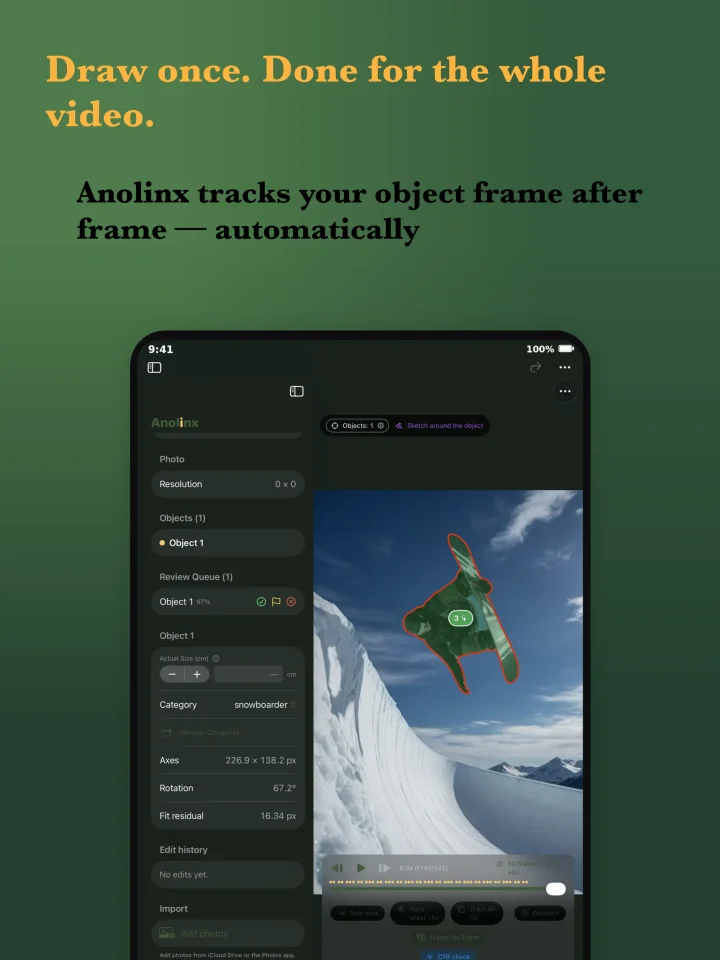
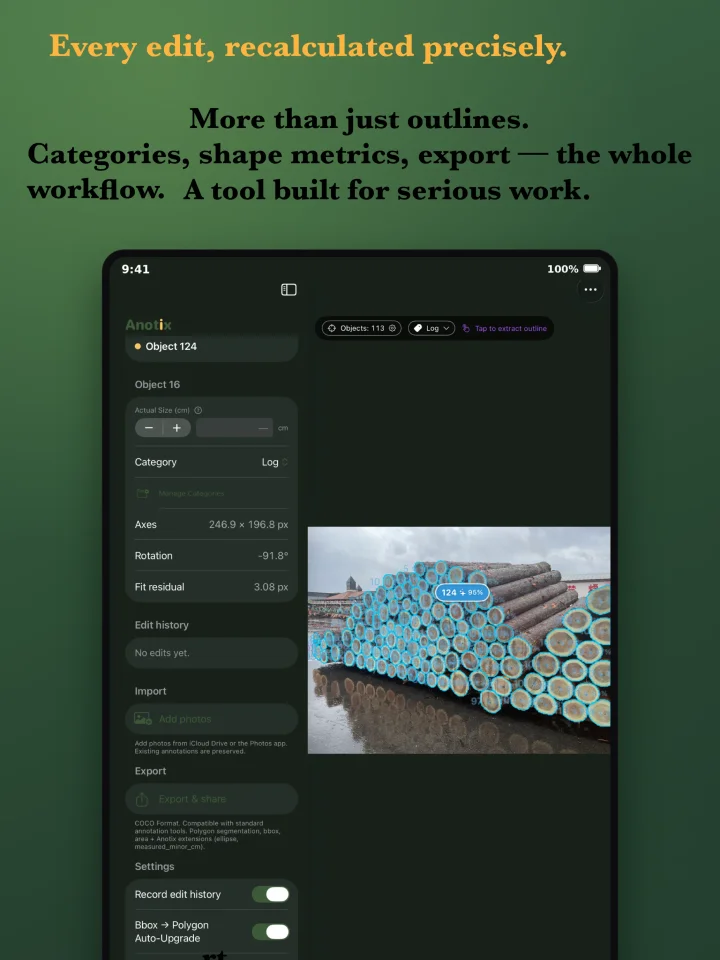
Build datasets from video. Extract frames, annotate a single frame, and Anolinx tracks the object across the footage — extraction, annotation, and export, entirely on-device.
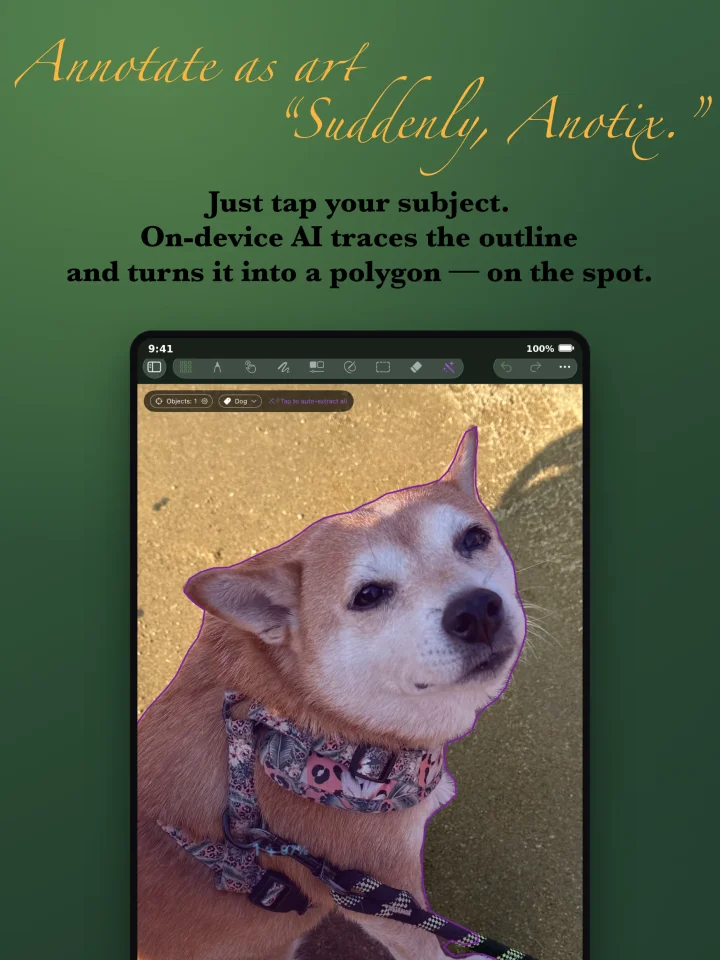
Anolinx is an iPad-only annotation studio for building machine learning datasets. Tap an object and on-device AI traces its outline into an editable polygon — then refine it with Apple Pencil. From first draft to export, everything happens on one iPad.
ON-DEVICE AI ASSIST
A single tap or stroke and the AI estimates the outline and turns it into a polygon. The model runs entirely on your device — no internet, no external servers. It works fully offline.
EIGHT ANNOTATION MODES
Polygon, bounding box, brush, eraser, trace-repair, one-tap AI, and more — switch freely on a single canvas.
PRECISE PENCIL EDITING
Adjust vertices one by one (up to 200 points per object). Edit freely even after committing. Your hand-drawn outline becomes the ground truth.
MULTI-CLASS
Add categories, assign colors, and filter by class. Mix multiple classes in one image to match real project requirements.
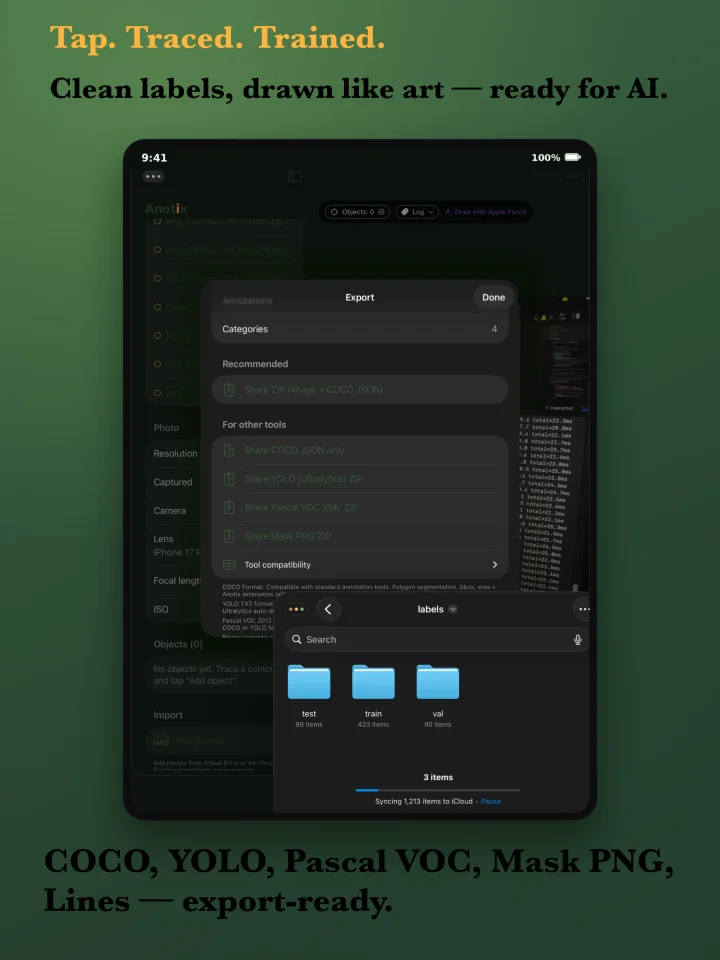
EXPORT TO MAJOR FORMATS
- COCO (JSON)
- YOLO (txt, 0-indexed class IDs)
- Pascal VOC (XML)
- Mask PNG
With train/val/test splitting and ZIP packaging. Structured and ready for training — no reformatting.
TWO-WAY COCO
Import COCO as well as export it. Bring in annotations made elsewhere and continue from there.
EXIF CORRECTION FOR REAL PHOTOS
Portrait or rotated shots are corrected automatically, so coordinates stay pixel-accurate across every export format.
LIBRARY & PROJECTS
Manage multiple projects in a thumbnail library.
YOUR DATA, YOUR CHOICE
Projects stay on your iPad by default — private, nothing uploaded to us, no tracking. Export your datasets anywhere via the share sheet: iCloud Drive, external drives, Files, AirDrop, or other apps.
WHO IT'S FOR
- ML engineers and researchers building custom detection or segmentation datasets
- Field experts who shoot and annotate on the spot
- Anyone who'd rather not hand their data to a vendor
PRICING
Free to use — all features included, with exports up to 30 images per format. A single one-time purchase unlocks unlimited exports. No subscription.
Annotate as art.
What’s new
Version 2.0 · Jul 15, 2026
Anotix is now “Anolinx.” All features and purchases carry over.
New
• Video annotation (Pro): annotate one frame, track the object across the entire video
• Bulk frame extraction: import long videos quickly
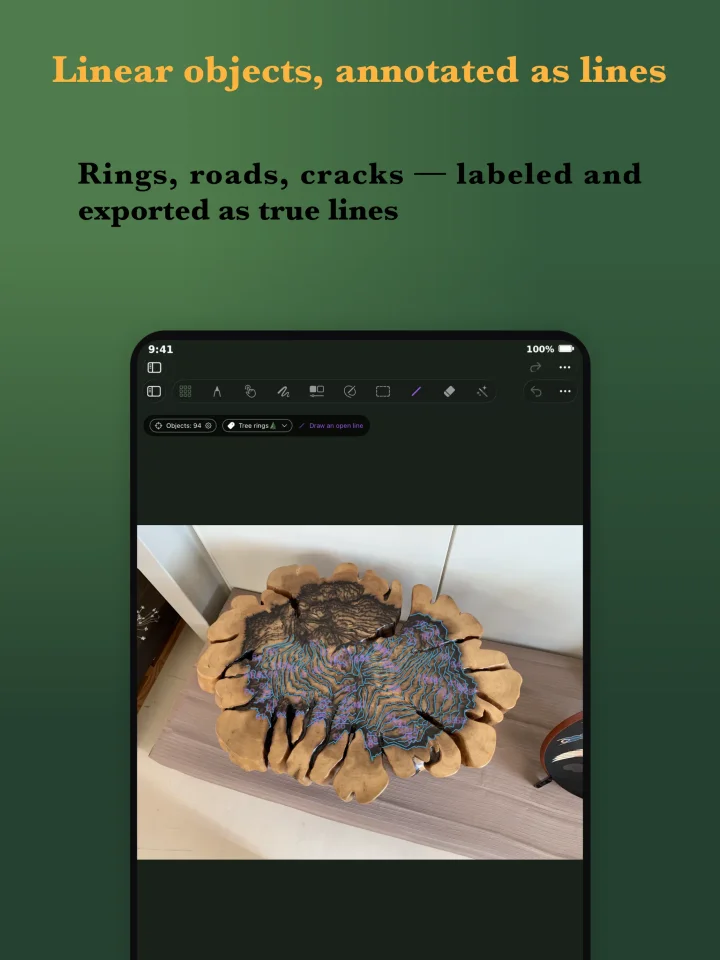
• Line annotation for roads, rings, and boundaries (CULane export)
• Expanded EXIF metadata
Improvements
• Fixed COCO import issues
• Fixed split export failing on video-frame projects
• Fully revised English localization
App privacy
What Masayuki Takeuchi declares on the App Store about how this app handles data.
-
Data not collected
The developer does not collect any data from this app.
Privacy practices may vary, for example with the features you use or your age.
Information
- Seller
- Masayuki Takeuchi
- Category
- Developer Tools
- Version
- 2.0
- Updated
- Jul 15, 2026
- Released
- Jun 16, 2026
- Size
- 122.7 MB
- Requires
- iOS 26.2 or later
- Age rating
- 4+
- In-app purchases
- Yes
- Languages
- English, Japanese
- Copyright
- © 2026 Masayuki Takeuchi
You might also like
-
 FastLabelLabel datasets in seconds.
-
 Text Editor - LiquidLogicText, Coding, Grep, FTP
-
 T3 Code - Remote Claude & moreDeveloper Tools
-
 Orca IDEManage Coding Agents Remotely
-
 Blink Shell, Build & CodeThe Pro tool for developers
-
 WebSSH - Sysadmin ToolboxSSH & SFTP client since 2012!
-
 Python IDE & Jupyter – JunoPython 3 compiler & notebooks
-
 Carnets - JupyterA standalone Jupyter notebook
-
 Pyto IDEPython & WASM
-
 Termius - Modern SSH ClientSFTP, Terminal, Telnet, PuTTY