Termius - Modern SSH Client
SFTP, Terminal, Telnet, PuTTY
Designed for iPhone, iPad
Free · In-app purchases
- Age rating4+
- CategoryDeveloper Tools
- DeveloperTermius Corporation
- LanguagesEnglish
- Size230.0 MB
Links to the official App Store page
Download.org hosts no file of Termius - Modern SSH Client. The button opens its official App Store page, published by Termius Corporation. Listing last checked on Nov 24, 2026.
Screenshots


About
Termius is a modern SSH client designed for productivity and collaboration. Connect with one tap from desktop and mobile. No re-entering IP addresses, ports, and passwords.
With a free Termius Starter plan, you can:
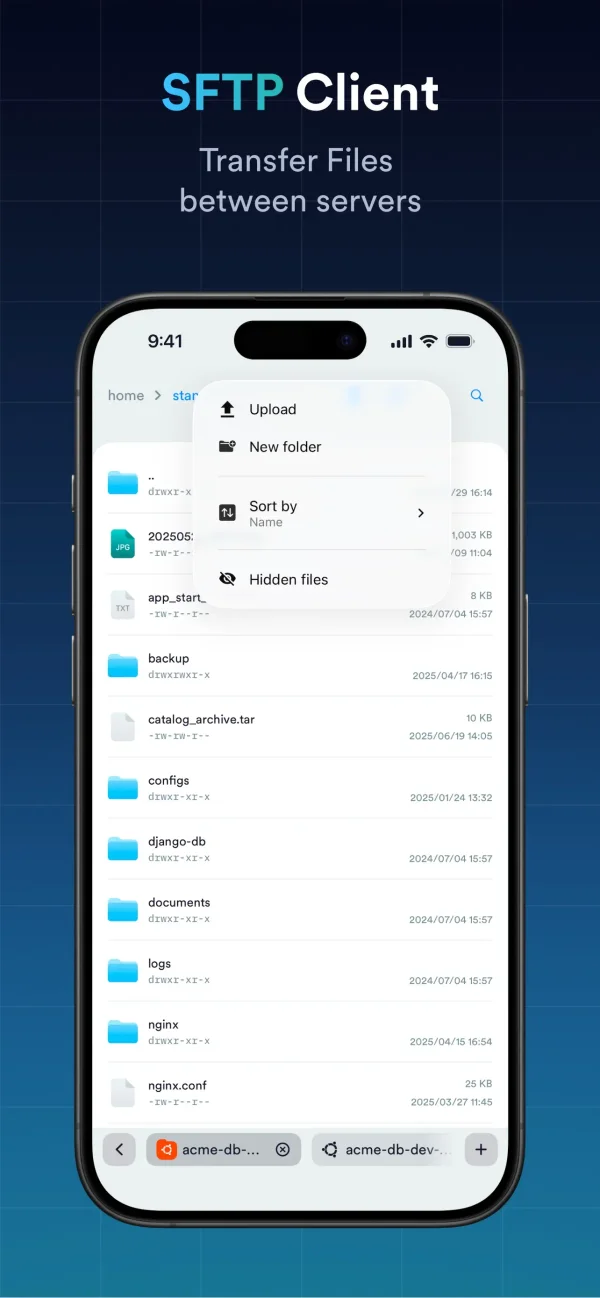
· Connect from your mobile and desktop devices with SSH, SFTP, Mosh, Telnet, Port Forwarding, Serial and through Proxy and jump servers.
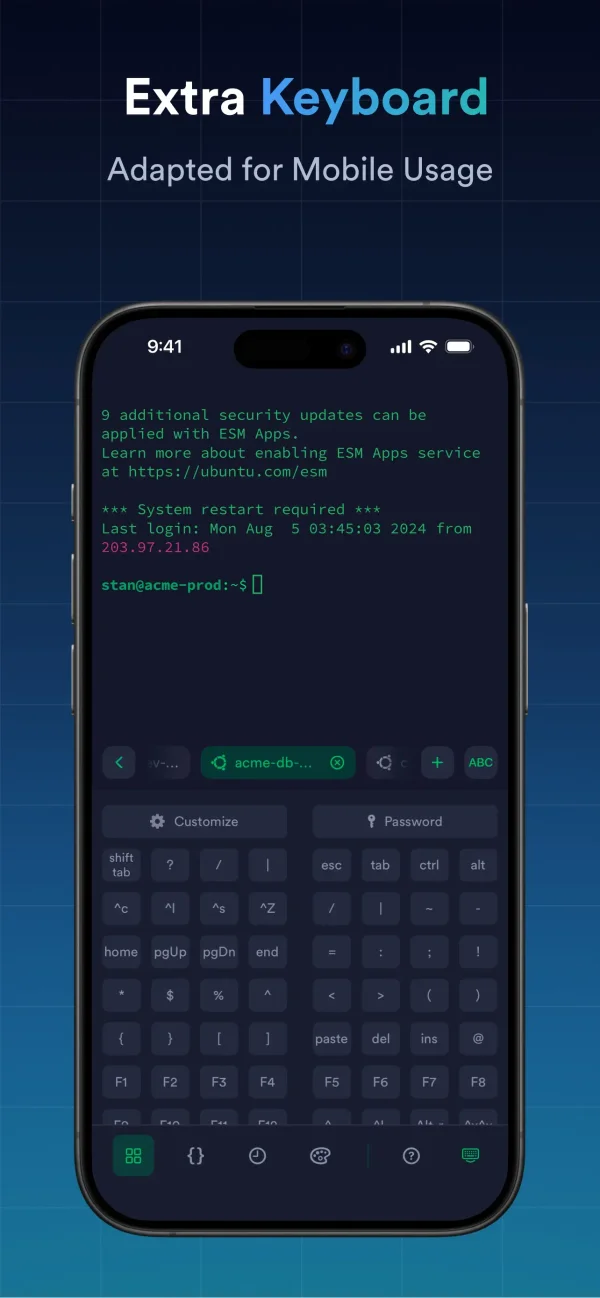
· Get a desktop-grade terminal experience with a virtual keyboard covering all the special keys required, or connect your Bluetooth keyboard.
· Use gestures or shake the device while in the terminal to emulate stroking of Tab, arrows, PgUp/Down, Home, and End, etc.
· Work in several sessions simultaneously with a multi-tab interface and split-view support.
· Customize your terminal themes and fonts for each connection.
· Set custom environment variables.
· Save your frequently used commands and shell scripts to execute them with one tap.
· Execute your saved commands on multiple sessions or servers at once, or instantly get them autocompleted in the terminal.
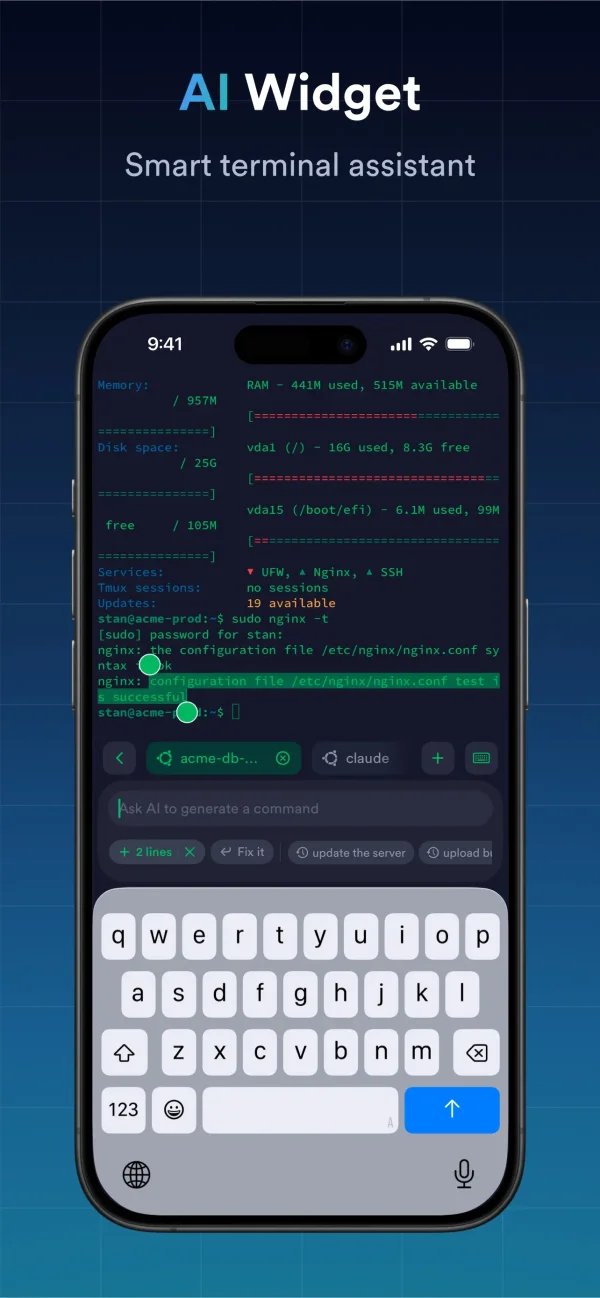
· Get smart autocomplete for commands, paths, and history, and turn plain-language descriptions into shell commands with AI.
· Quickly access the global history of your terminal commands.
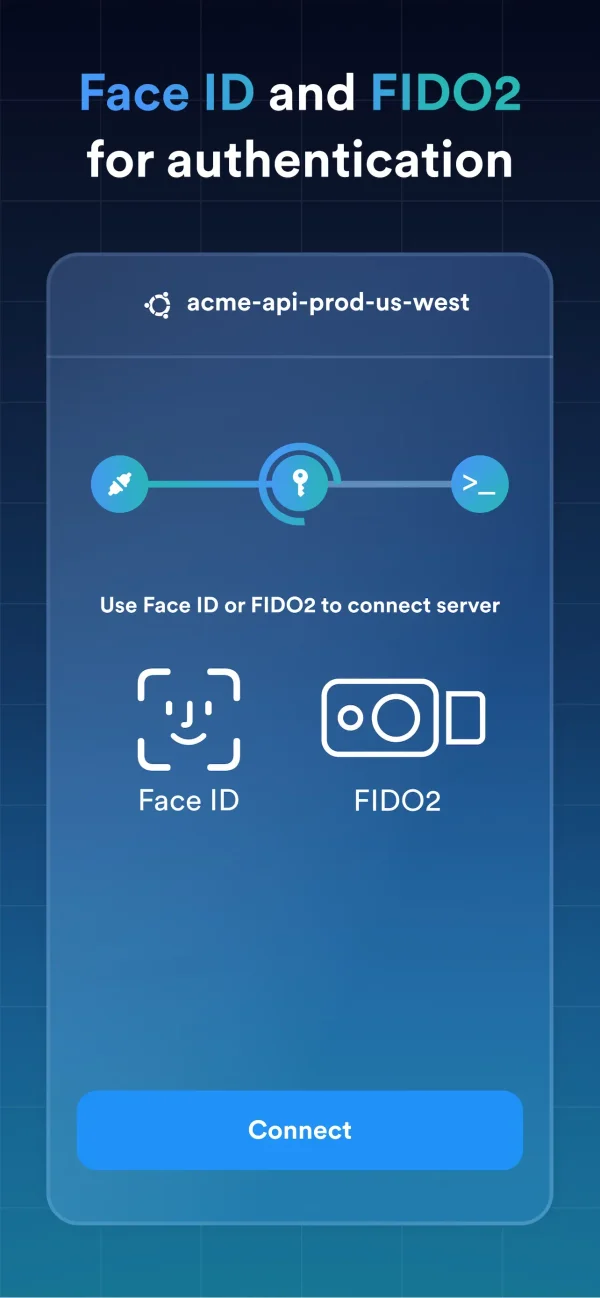
· Authenticate using hardware FIDO2 keys.
· Generate SSH keys in the Secure Enclave, confirm each connection with Face ID or Touch ID, and protect your account with two-factor authentication.
· Ad-free.
With the Termius Pro plan, you can also:
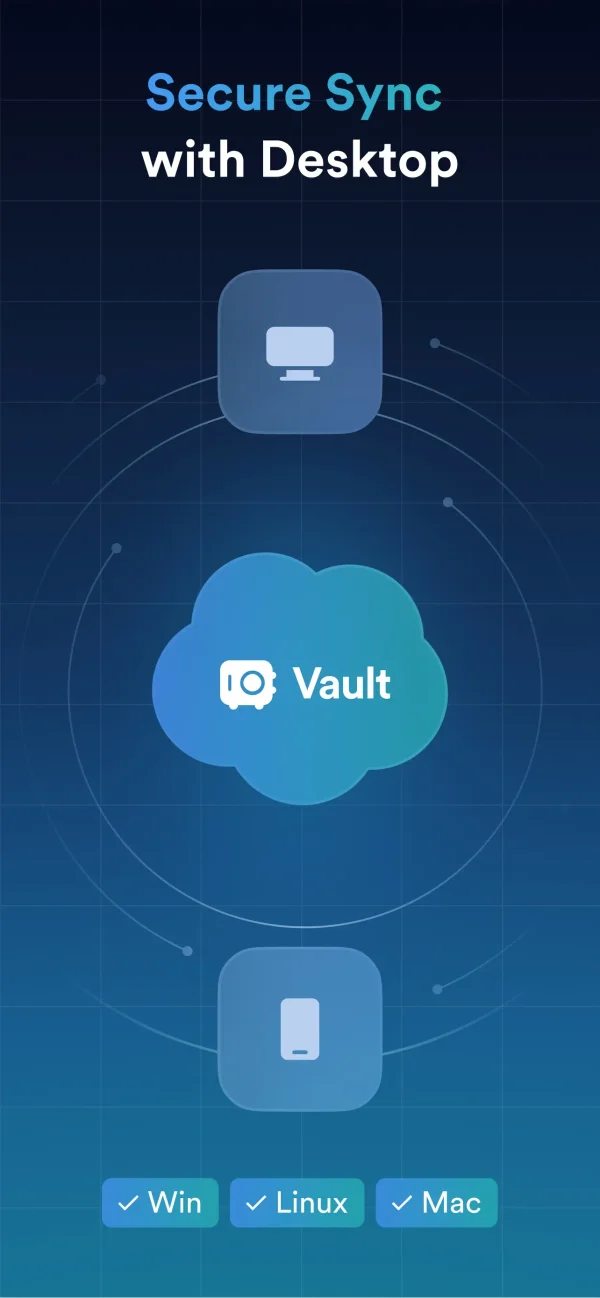
· Access your connection settings and credentials from any device at any time with an encrypted cloud vault.
· Sync your data across all your desktop and mobile devices.
· Bookmark session logs with notes to your vault.
· Integrate with AWS, DigitalOcean, and Azure.
Termius reinvents the command-line experience. We strive to make remote access for admins and engineers more productive and enjoyable.
Please review our privacy policy https://termius.com/privacy_policy.html and terms of use https://termius.com/terms_of_use.html
What’s new
Version 8.2.0 · Nov 11, 2026
- Added Program Status Protocol support. For programs that support OSC 7501, you can now view their status from the Connections screen: working, waiting for your input, done, or failed, with progress updates when available.
- Added the ability to have a Shift modifier in the keyboard add-on.
- Fixed an issue with switching between sessions on iPhone when using Cmd+number or Cmd+Left/Right shortcuts on a hardware keyboard.
- Fixed an issue where a startup snippet was waiting for the shell integration to complete.
- Fixed an issue where Apple Pencil taps were sent to the terminal as a right click instead of a left click.
- Other stability improvements.
App privacy
What Termius Corporation declares on the App Store about how this app handles data.
-
Data linked to you
May be collected and linked to your identity.
- Usage data
- Diagnostics
Privacy practices may vary, for example with the features you use or your age.
Information
- Seller
- Termius Corporation
- Category
- Developer Tools
- Version
- 8.2.0
- Updated
- Nov 11, 2026
- Released
- Aug 7, 2012
- Size
- 230.0 MB
- Requires
- iOS 17.0 or later
- Age rating
- 4+
- Price
- Free
- In-app purchases
- Yes
- Languages
- English
- Copyright
- © Termius Corporation
You might also like
-
 xTerminal - SSH Terminal ShellSSH Client, Shell Console Term
-
 a-ShellLocal Unix terminal (& ssh)
-
 Terminal#SSH client
-
 Runestone Text EditorEdit plain text and code
-
 WebSSH - Sysadmin ToolboxSSH & SFTP client since 2012!
-
 Pyto IDEPython & WASM
-
 Web InspectorDeveloper Console for Safari
-
 Textastic Code EditorText, Coding, SFTP Client, SSH
-
 Python Editor AppCreate and Run your Python 3
-
 KodexA powerful code editor