Any: File Explore & Viewer
Explore, Search, View Files
Designed for iPhone, iPad
Free · In-app purchases
- Age rating4+
- CategoryUtilities
- DeveloperPhuoc Thanh Cao
- LanguagesEnglish
- Size89.0 MB
Links to the official App Store page
Download.org hosts no file of Any: File Explore & Viewer. The button opens its official App Store page, published by Phuoc Thanh Cao. Listing last checked on Nov 24, 2026.
Screenshots
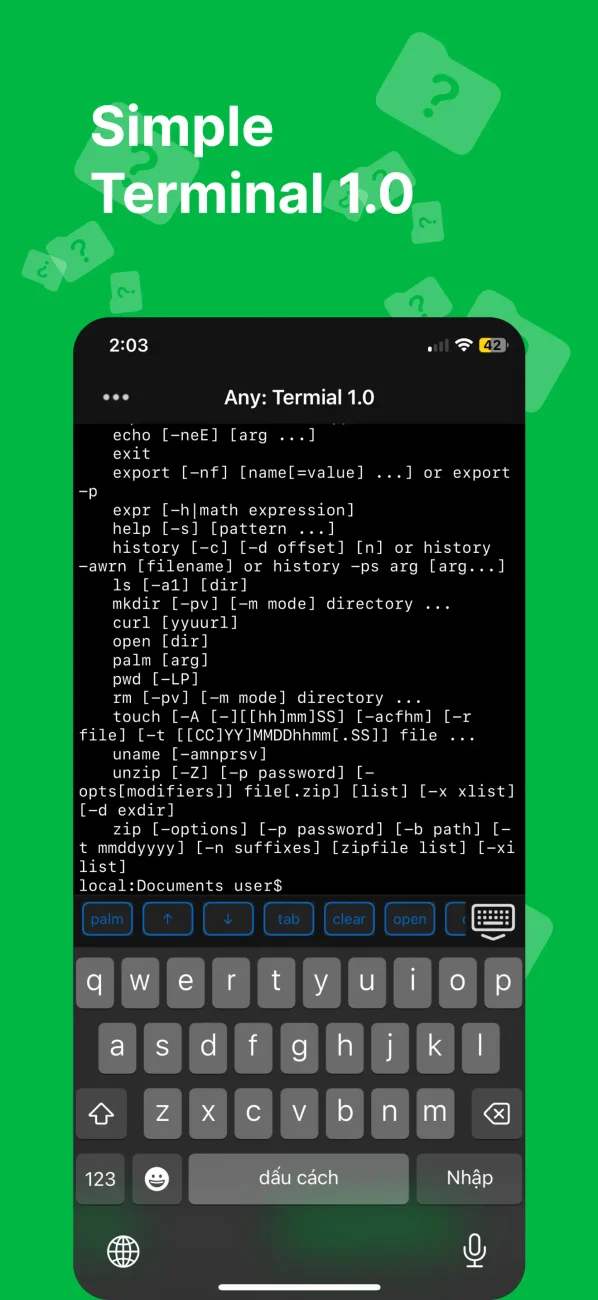
About
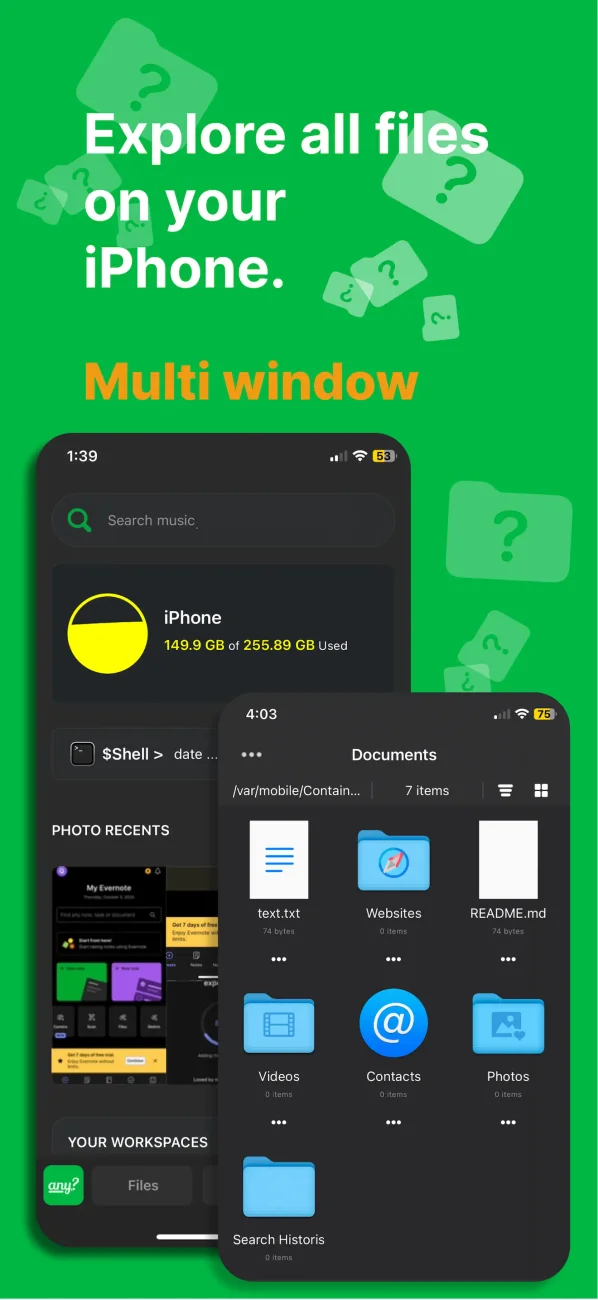
Any brings every file you own into one calm, beautiful place: the files on your iPhone and iPad, iCloud Drive, your photos, music and contacts, and the servers and NAS you use at home or at work.
A HOME THAT'S YOURS
Your tools, folders, favourites and the files you opened last, on one page that feels like a notebook. Reorder it, hide what you don't use and pin the tools you love in Edit Home.
FIND ANYTHING
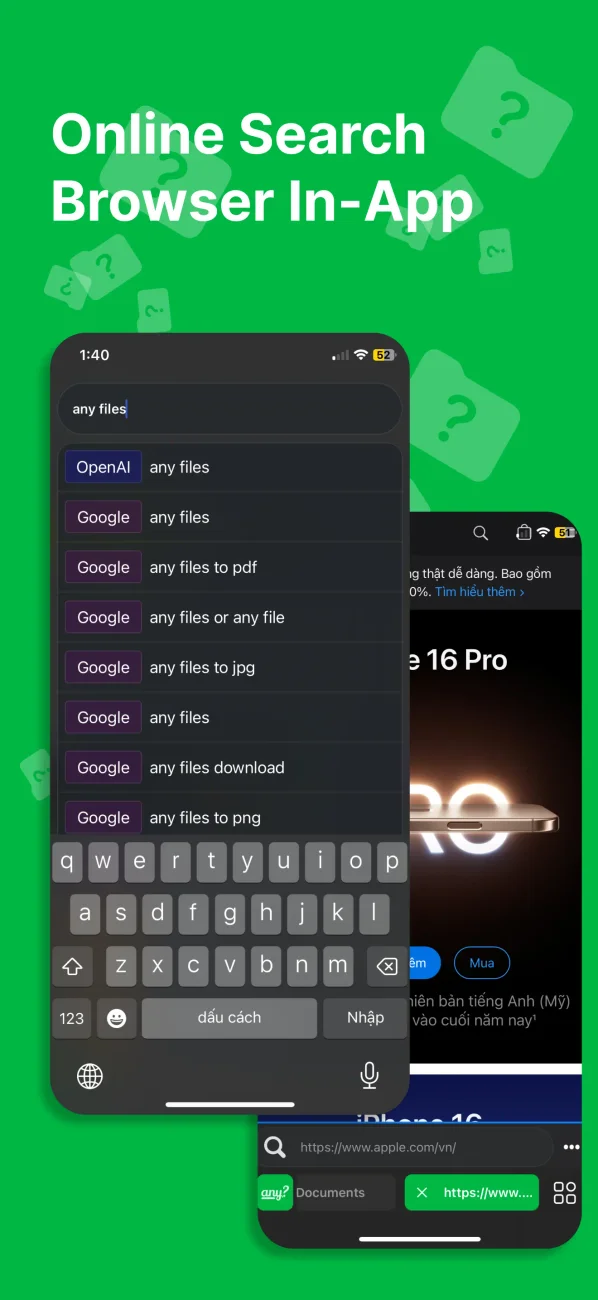
One search for everything. Type a few letters and Any finds files by name, the words inside your documents, tools, settings, Smart Folders and tags, then videos, music, news and pages from the web. Save any search as a Smart Folder. Pull Home down to start.
A PRIVATE AI ASSISTANT
Ask in plain words: "Where is my invoice?", "Move notes.txt into Work", "What did I open yesterday?". The assistant runs on Apple's on-device model, with Private Cloud Compute on supported devices, and works only through Any's own tools. Anything that changes your files shows Run or Don't Run first, and every change can be undone.
EVERY PLACE, ONE APP
• On this iPhone or iPad, iCloud Drive, Photos, your music library and Contacts
• Network servers: WebDAV (Nextcloud, ownCloud, Synology, QNAP), SFTP and FTP/FTPS
• Copy, move and paste between any of them, with transfers that resume
TOOLS FOR REAL WORK
• PDF: sign where you tap, highlight, rotate, remove, extract and merge pages
• Scan documents to searchable PDFs and record audio straight into a folder
• Trim videos, make GIFs, extract audio, remove a photo's location
• Convert images, PDFs and text from the file menu
• Zip and unzip, tags, favourites, file versions and a Trash with Undo
• Storage: see what takes space and clean up spare copies, old downloads and large files
• Wi-Fi Share: open a folder on any computer's browser with a link or QR code
• Nearby Share to send files to devices around you
• A real Terminal with find, grep, zip, du and many more commands, plus SSH to your servers
• A built-in browser that downloads straight into your files
• Vault: an encrypted, passphrase-protected folder with Face ID
VIEW EVERYTHING
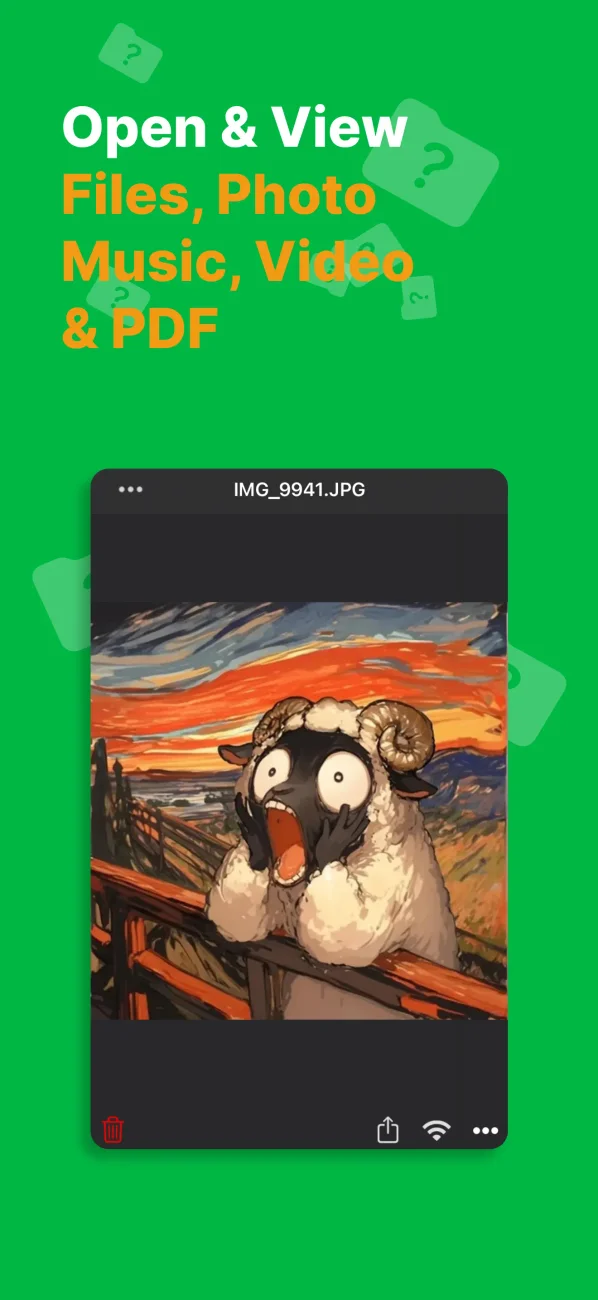
Photos and videos, music, PDFs, code and text with an editor, web pages and property lists, each in a viewer made for it. Show any folder as a list, icons, columns or an album.
MADE FOR IPAD AND MAC
Open folders, viewers and tools side by side in as many windows as you like, float one in Slide Over, and use keyboard shortcuts: ⌘K to search, ⇧⌘N for a new folder, ⌘I for info.
ANY PREMIUM
Core file management is free, always. Any Premium removes all ads and keeps the Pro tools: more than one network server, more than 3 Smart Folders, video and photo tools, PDF editing and signing, Convert To and Wi-Fi Share. Every Pro tool is free for your first 15 days, no subscription needed.
Premium is offered as a monthly or yearly auto-renewing subscription. Payment is charged to your Apple Account at confirmation of purchase. The subscription renews automatically unless it is cancelled at least 24 hours before the end of the current period, and your account is charged for renewal within 24 hours before that. Manage or cancel it in Settings › Apple Account › Subscriptions.
Terms of Use: https://onebuffer.com/termofuse.html
Privacy Policy: https://onebuffer.com/privacypolicy.html
What’s new
Version 7.7 · Nov 21, 2026
Fix bugs
App privacy
What Phuoc Thanh Cao declares on the App Store about how this app handles data.
-
Data used to track you
May be used to track you across apps and websites owned by other companies.
- Usage data
- Diagnostics
-
Data linked to you
May be collected and linked to your identity.
- Usage data
- Diagnostics
Privacy practices may vary, for example with the features you use or your age.
Information
- Seller
- Phuoc Thanh Cao
- Category
- Utilities
- Version
- 7.7
- Updated
- Nov 21, 2026
- Released
- Feb 15, 2022
- Size
- 89.0 MB
- Requires
- iOS 17.0 or later
- Age rating
- 4+
- Price
- Free
- In-app purchases
- Yes
- Languages
- English
- Copyright
- © onebuffer
You might also like
-
 File ViewerUtilities
-
 File Viewer for AllWaterfall image&video browser
-
 iFiles - File Manager BrowserPDF Scanner & Media Player
-
 My Files - All File ManagerAll file viewer: File Explorer
-
 File manager - Document EditorFile Storage - file explorer
-
 File Manager: Documents ViewerFiles Explorer: Unzip & Opener
-
 easySearch - File Search ToolFind text, bookmark & research
-
 Files ProtectionPrivate Vault & File Manager
-
 MyFiles: File ManagerVideo Player, ZIP & PDF
-
 File Manager - Zip & UnzipPlayer | Cloud | Code Editor