Any Text Widgets
Lock Screen Text
Designed for iPhone, iPad
Free · In-app purchases
- Age rating4+
- CategoryUtilities
- Developer喜兰 梁
- LanguagesEnglish+ 6 more
- Size9.8 MB
Links to the official App Store page
Download.org hosts no file of Any Text Widgets. The button opens its official App Store page, published by 喜兰 梁. Listing last checked on Nov 24, 2026.
Screenshots

About
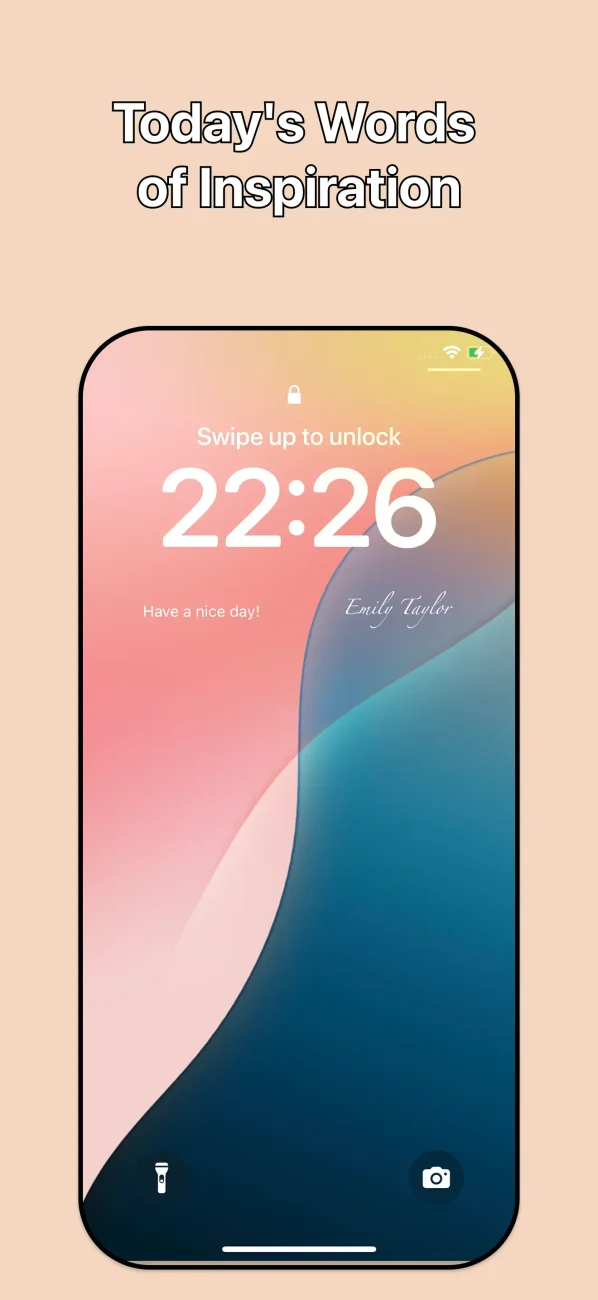
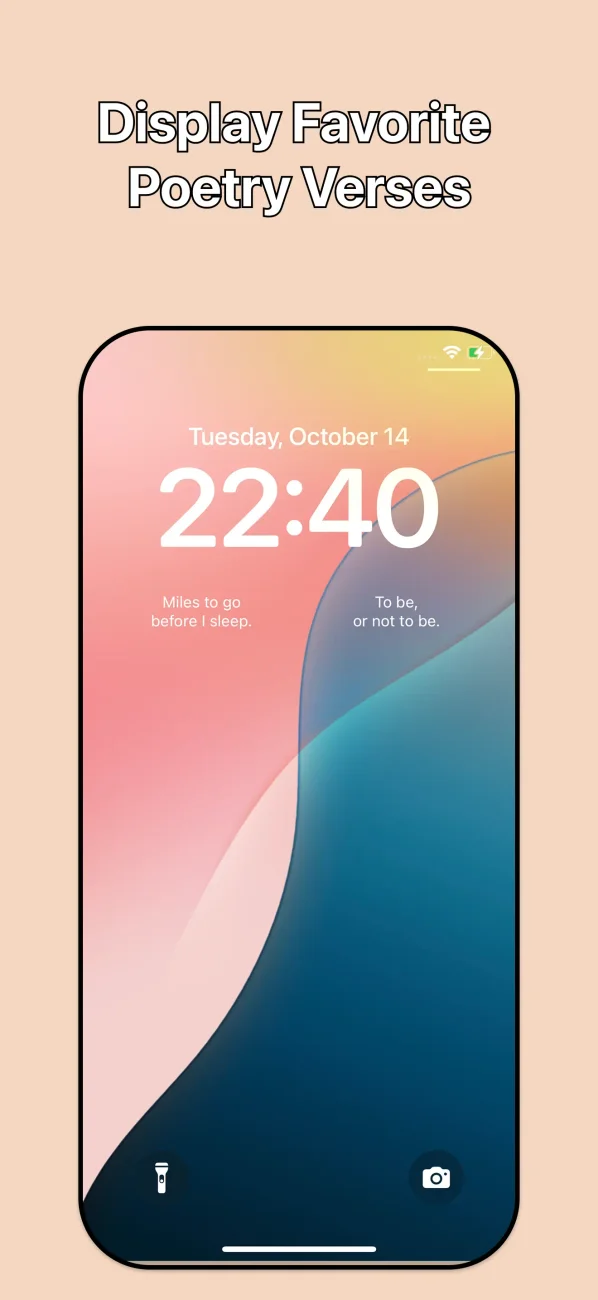
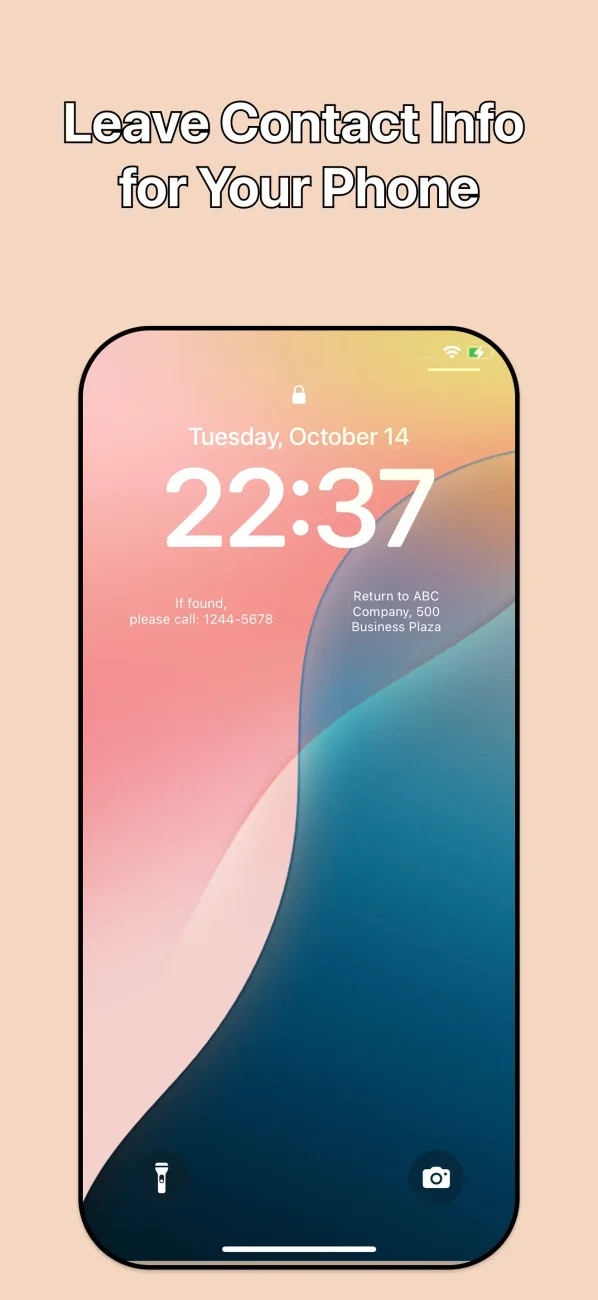
Put any text, tasks, or handwriting on your lock screen or home screen - keep your reminders, goals, to-do lists and notes always visible!
Features
- 30 Text Widgets - Place different content on various Lock Screen configurations or Home Screen layouts
- 3 Widget Modes - Switch between Text, Task, and Handwriting modes for each widget
TEXT MODE
- Quick Notes - Perfect for reminders, quotes, passwords, or any text you want to see at a glance
- Full Widget Customization - Custom background colors, background images, font colors, text styles, and sizes
- Lock Screen Effects - Typewriter effect makes text appear character by character
TASK MODE
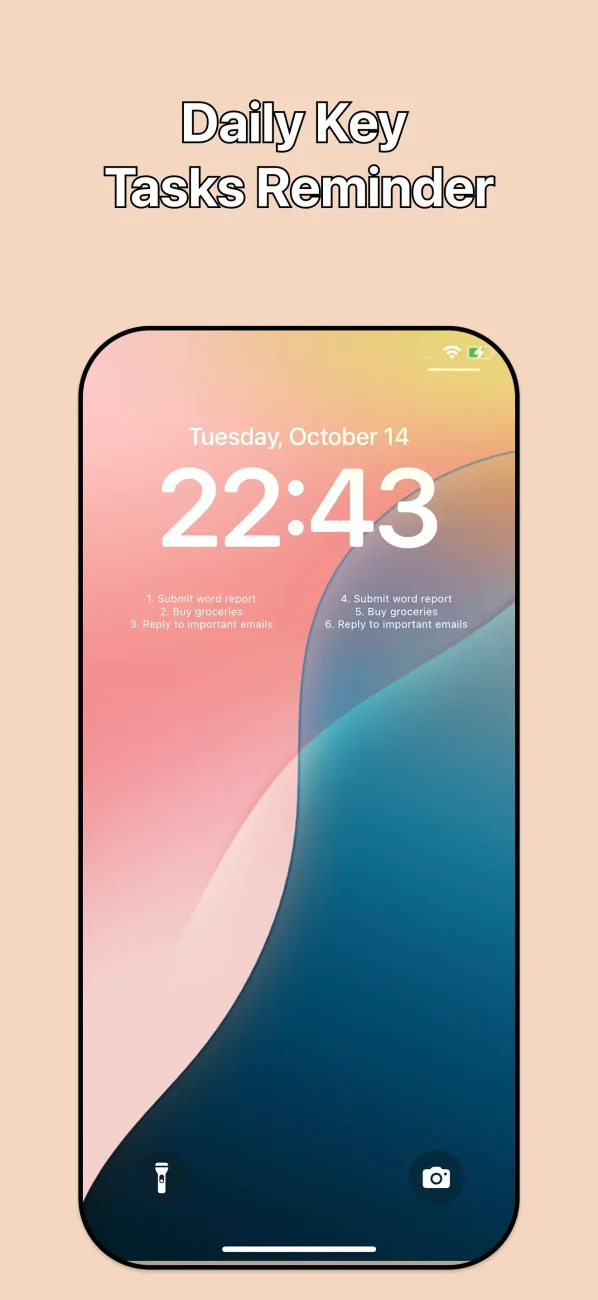
- Interactive Checklists - Check off completed tasks with a simple tap
- Smart Sorting - Uncompleted items automatically stay on top
- Drag to Reorder - Organize your priorities with drag and drop
HANDWRITING MODE
- Free Drawing - Write, sketch, or draw anything with your finger
- Creative Freedom - Perfect for quick doodles, diagrams, signatures, or artistic expressions
ADVANCED FEATURES
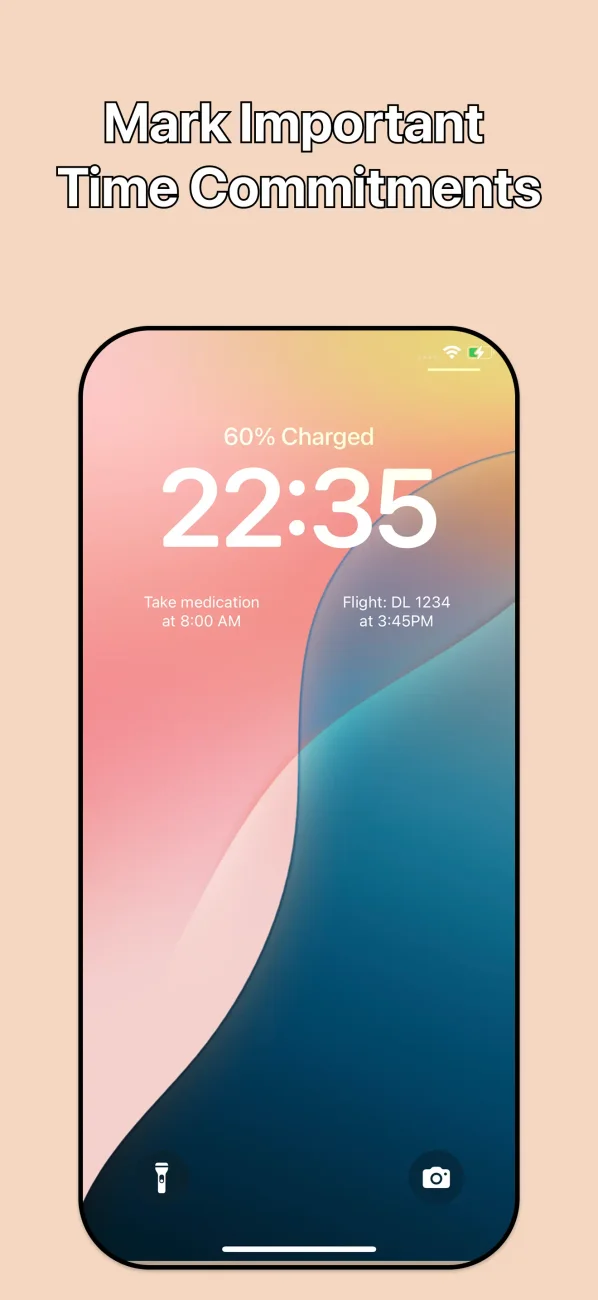
- Date Variables - Live countdowns and anniversaries ("in 20 days", "Day 365"), recurring yearly or monthly events, plus today's date and more right in your text
- One-Tap Editing - Simply tap any widget to open the app and edit your content instantly
- Advanced Tap Actions - Edit content, open a specific URL, run a Shortcut, or disable tap actions completely
- Shortcuts Integration - Create powerful automations to dynamically update your widget content based on time, location, or any trigger you define
- Timed Widget - Schedule different widgets to automatically rotate by time of day, set custom time slots to display the right content at the right moment
SYNC & APPLE WATCH
- iCloud Sync - Widgets, styles, and schedules stay in sync across iPhone, iPad, and Apple Watch automatically
- Apple Watch - View and edit widgets, check off tasks, and pin complications on your watch face
Support available through App Suggestions in settings.
https://any-text-widget-privacy-policy.vercel.app/
https://any-text-widget-term-of-use.vercel.app/
What’s new
Version 2.0 · Nov 6, 2026
- Date Variables - Live countdowns and anniversaries ("in 20 days", "Day 365"), recurring yearly or monthly events, plus today's date and more right in your text
- iCloud Sync - Widgets, styles, and schedules stay in sync across your devices automatically
- Apple Watch - View and edit widgets, check off tasks, and pin complications on your watch face
App privacy
What 喜兰 梁 declares on the App Store about how this app handles data.
-
Data not collected
The developer does not collect any data from this app.
Privacy practices may vary, for example with the features you use or your age.
Information
- Seller
- 喜兰 梁
- Category
- Utilities
- Version
- 2.0
- Updated
- Nov 6, 2026
- Released
- Oct 14, 2025
- Size
- 9.8 MB
- Requires
- iOS 26.0 or later
- Age rating
- 4+
- Price
- Free
- In-app purchases
- Yes
- Languages
- English, French, German, Hindi, Italian, Japanese, Spanish
- Copyright
- © 2026 Liangxilan. All rights reserved.
You might also like
-
 Simple Text Widget - ReminderReminder on Lock/Home Screen
-
 Ai AnyText - Any Text WidgetAny text widgets - Text widget
-
 Any Text · WidgetsPut text on Lock/Home Screen
-
 LockNotes: Note on Lock ScreenLock Screen Notes Widgets
-
 Sticky WidgetsHome & Lock Screen notepad
-
 Sticky Notes WidgetNote Widget & Remind App
-
 Clocks - A fun standby modeA time and weather display
-
 Coverage MapCheck Your Cell Coverage
-
 TimeoraSmart Backgrounds & Wallpapers
-
 WhyNot WidgetsOne-tap apps & premium widgets