AnyMarkdown - PDF to Markdown
File Converter: Docx, Web, OCR
Designed for iPhone, iPad
Free · In-app purchases
- Age rating4+
- CategoryProductivity
- Developer培 李
- LanguagesEnglish+ 31 more
- Size102.1 MB
Links to the official App Store page
Download.org hosts no file of AnyMarkdown - PDF to Markdown. The button opens its official App Store page, published by 培 李. Listing last checked on Nov 26, 2026.
Screenshots
About
Turn almost any file into clean Markdown — right on your iPhone and iPad, with every conversion running offline.
AnyMarkdown converts documents, web pages, and images into well-structured Markdown, then gives you a powerful editor to polish and share the result. Every conversion happens on your device: your files are never uploaded to our servers or to any third party.
CONVERT ALMOST ANYTHING
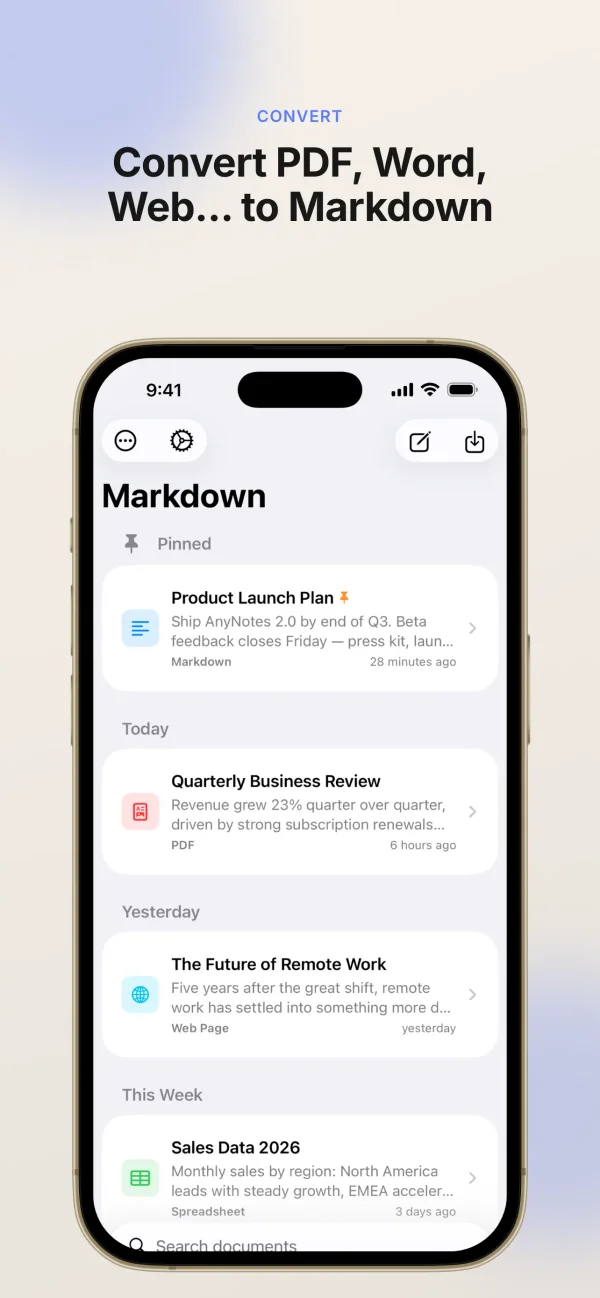
• PDF — text extraction with smart headings, plus OCR for scanned pages
• Word (docx), EPUB, HTML, RTF
• Excel (xlsx) and CSV — turned into Markdown tables
• PowerPoint (pptx) — slides become headings and bullets
• Images and screenshots — text and tables via OCR
• Jupyter notebooks, JSON, XML, and source code files
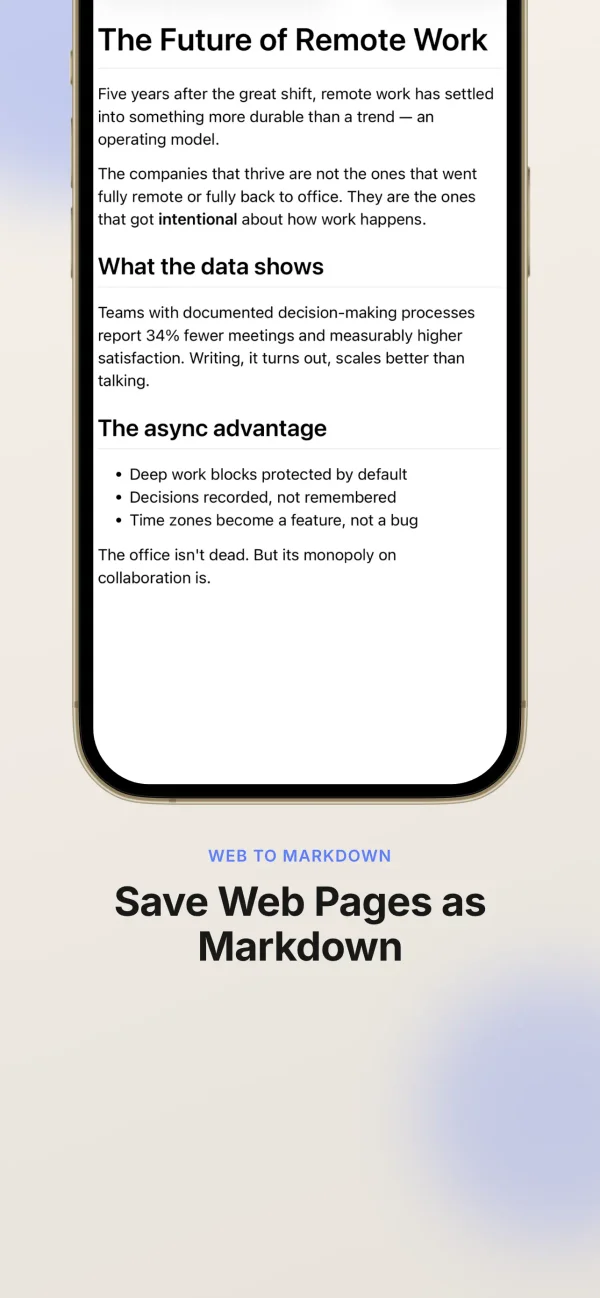
• Web pages — paste a link and get a clean, readable article
BUILT FOR MARKDOWN
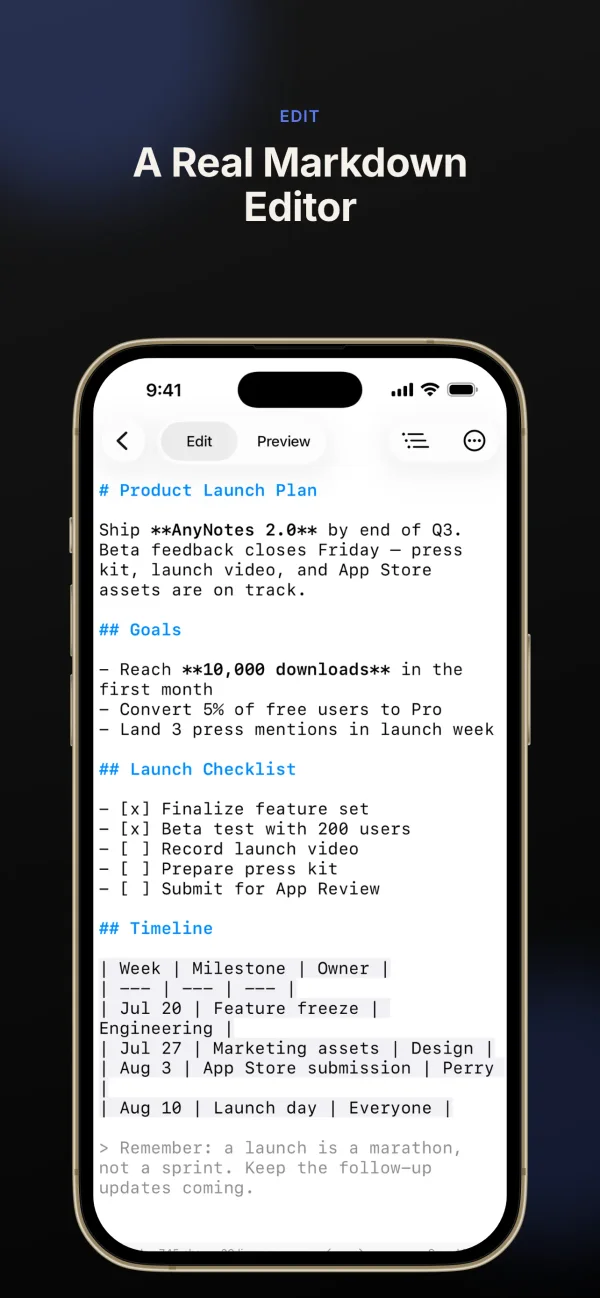
• Full syntax highlighting as you type
• Smart lists, task checkboxes, auto-pairing, and a dedicated keyboard toolbar
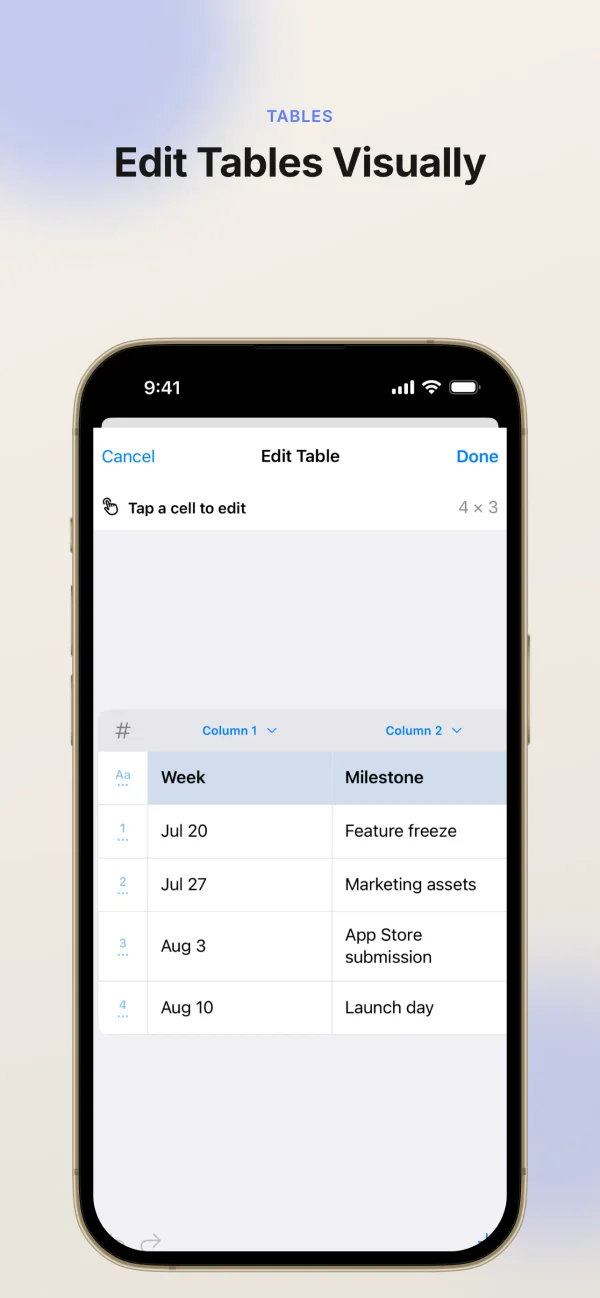
• Visual table editor — no more counting pipes by hand
• Document outline for quick navigation
• Find & replace
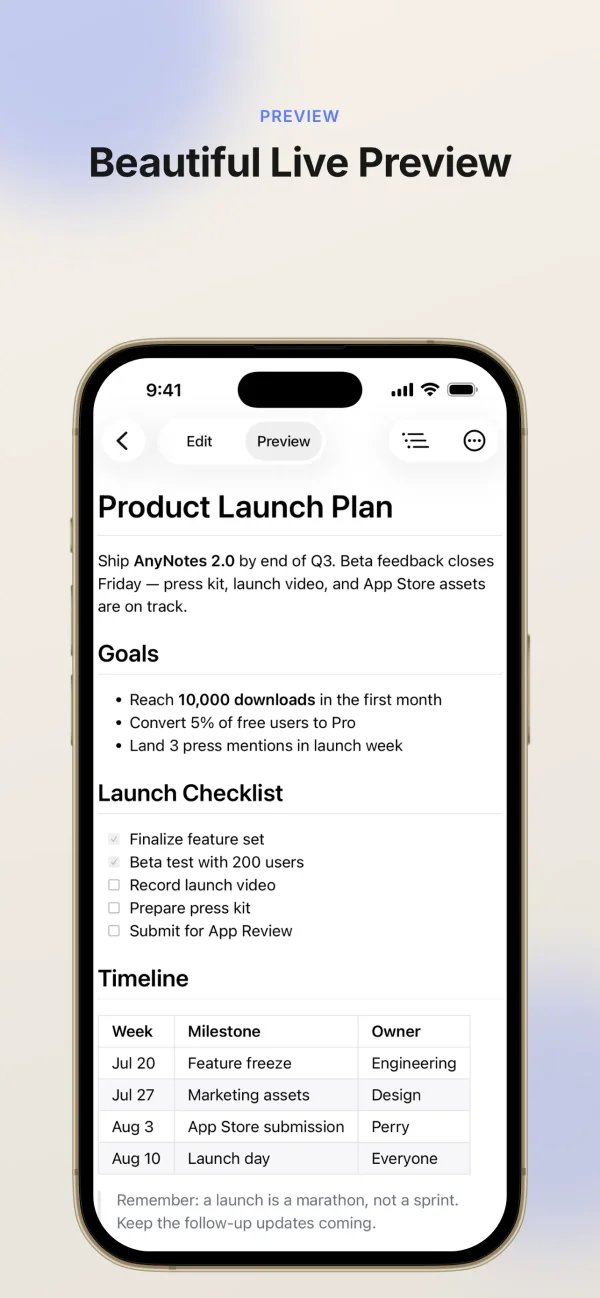
• Live preview with adjustable themes
ORGANIZE & SHARE
• Library with full-text search, pinning, and grouping
• iCloud sync keeps your library identical on iPhone and iPad, with an offline copy always kept on device
• Send files or links from any app via the share sheet
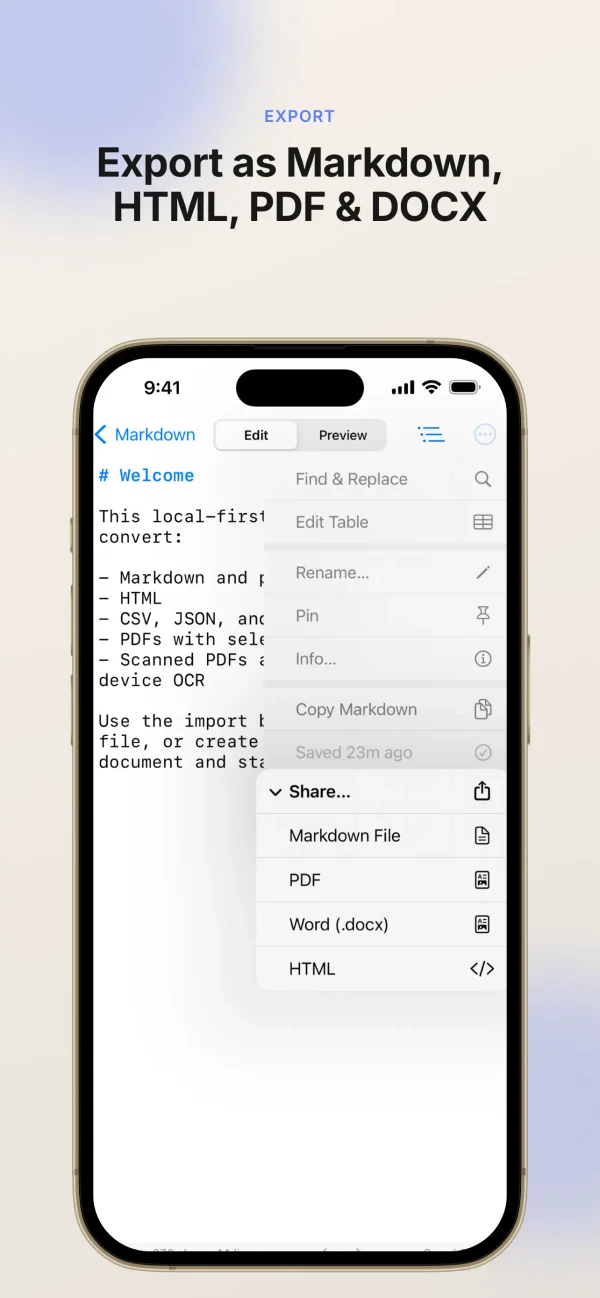
• Export as Markdown, HTML, or PDF
• Word count that handles Chinese, Japanese, and Korean correctly
PRIVATE BY DESIGN
All conversion and OCR run locally on your device — nothing is uploaded for processing. The network is used only when you import a web link, or when your own documents sync through your private iCloud account. No accounts to create, no tracking, no third-party servers.
FREE & PRO
Try it for free. Upgrade to Pro for unlimited conversions — monthly, yearly, or a one-time lifetime purchase.
Whether you are a writer collecting research, a developer keeping notes, or a student turning lecture PDFs into editable notes, AnyMarkdown makes everything Markdown.
Terms of Use: https://www.apple.com/legal/internet-services/itunes/dev/stdeula/
What’s new
Version 1.7 · Nov 24, 2026
Fixed a crash when previewing Markdown documents with long, syntax-highlighted code blocks.
• The redesigned welcome screen shows supported imports and all four export formats (Markdown, PDF, Word (.docx), and HTML).
• An updated sample document walks you through importing, editing, previewing, and sharing.
App privacy
What 培 李 declares on the App Store about how this app handles data.
-
Data not collected
The developer does not collect any data from this app.
Privacy practices may vary, for example with the features you use or your age.
Information
- Seller
- 培 李
- Category
- Productivity
- Version
- 1.7
- Updated
- Nov 24, 2026
- Released
- Jul 30, 2026
- Size
- 102.1 MB
- Requires
- iOS 17.0 or later
- Age rating
- 4+
- Price
- Free
- In-app purchases
- Yes
- Languages
- English, Arabic, Croatian, Czech, Danish, Dutch, Finnish, French, German, Greek, Hebrew, Hindi + 20 more
- Copyright
- © PEI LI
You might also like
-
 PDF to Markdown: PDF LiftPDF Import, Scan, MD Editor
-
 CleanMD: PDF to MarkdownPDF & Scan to Markdown
-
 PDF to Markdown: Smart ExportConvert PDFs to clean Markdown
-
 Anything to Markdown ConverterA Markdown Convertor
-
 Mark'em DownMarkdown to PDF renderer
-
 Markdown Editor : Md ViewerReader. Convert to pdf. LaTex
-
 Markdown to PDF: Pro EditorConvert MD to DOCX, EPUB, HTML
-
 SearchHub - Search quicklyMulti-app search in 2 steps.
-
 Snug: Private Notes & JournalSecure, offline, truly yours
-
 To Markdown: PDF, Word, OCRConvert Files, Images & Web