
Markdown to PDF: Pro Editor
Convert MD to DOCX, EPUB, HTML
Designed for iPhone, iPad
Free · In-app purchases
- Age rating4+
- CategoryProductivity
- DeveloperZain Aaban
- LanguagesEnglish+ 20 more
- Size11.3 MB
Links to the official App Store page
Download.org hosts no file of Markdown to PDF: Pro Editor. The button opens its official App Store page, published by Zain Aaban. Listing last checked on Nov 13, 2026.
Screenshots
About
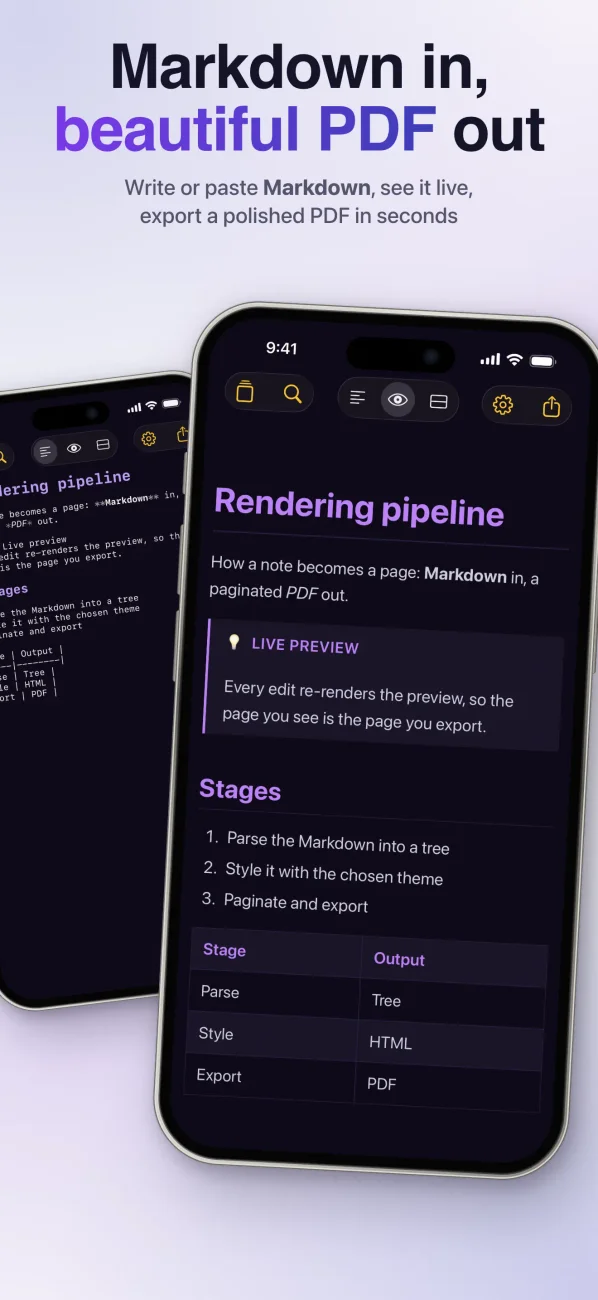
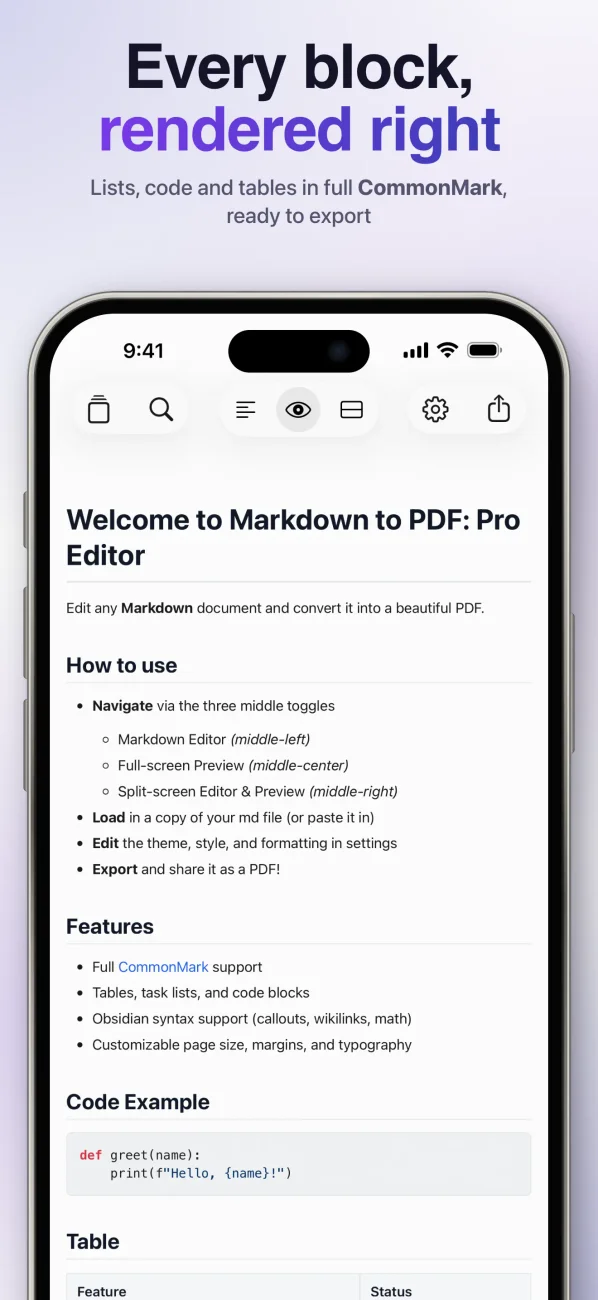
Markdown to PDF turns your Markdown into clean, polished PDFs right on your iPhone or iPad.
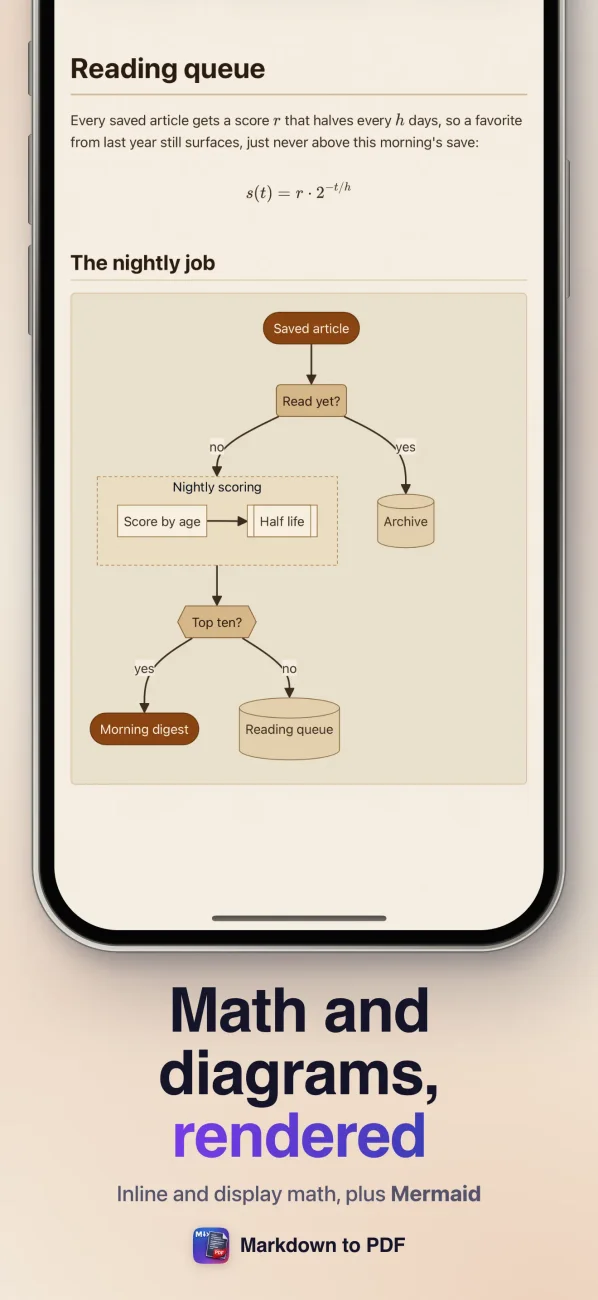
Write or paste Markdown, watch the live preview as you type, and export when you are ready. Turn notes into a document, share a README or print your class notes: the app handles the formatting for you. It goes well beyond basic Markdown: tables, task lists and code blocks are free, and Pro adds math, diagrams, callouts and more. Conversion happens on your device, with no account to create.
Available in 21 languages: English, Danish, Dutch, French, German, Hindi, Indonesian, Italian, Japanese, Korean, Malay, Norwegian Bokmål, Polish, Portuguese (Brazil), Russian, Simplified Chinese, Spanish, Swedish, Thai, Traditional Chinese and Turkish. To change the app's language, open Settings in the app and tap Language.
FREE FEATURES
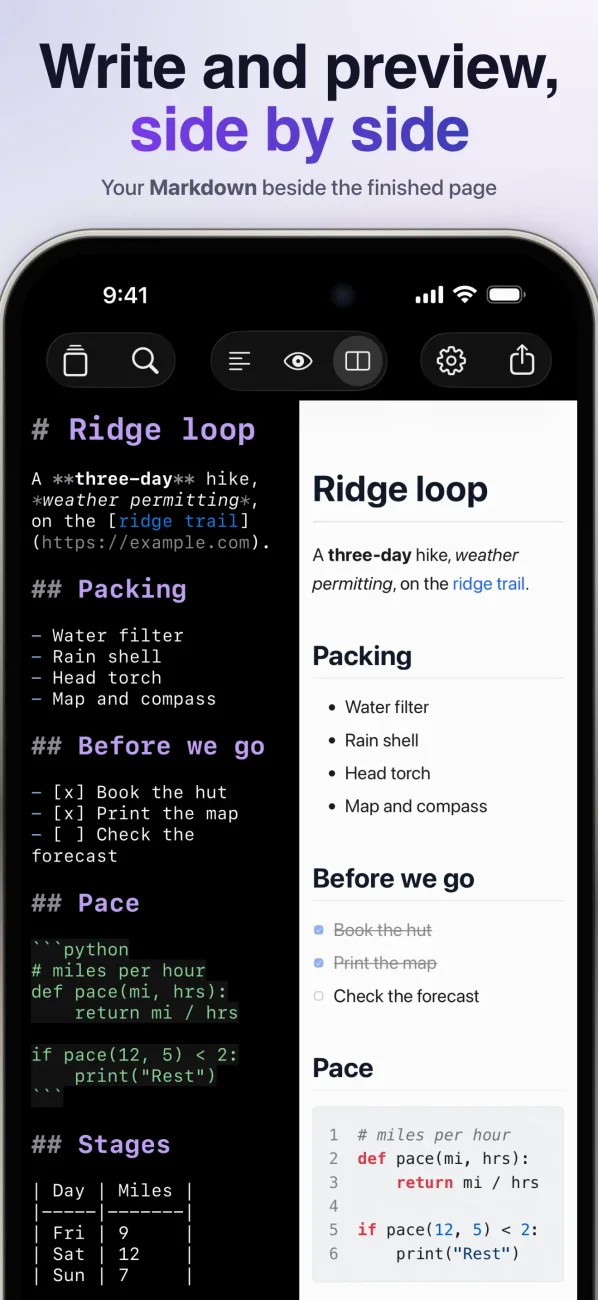
- Live preview as you type, with Editor, Preview and Split modes
- Split mode side by side or stacked
- Rich Markdown editor with live syntax coloring
- Focus Mode: dim every paragraph except the one you are writing
- Soft line breaks: single newlines become line breaks
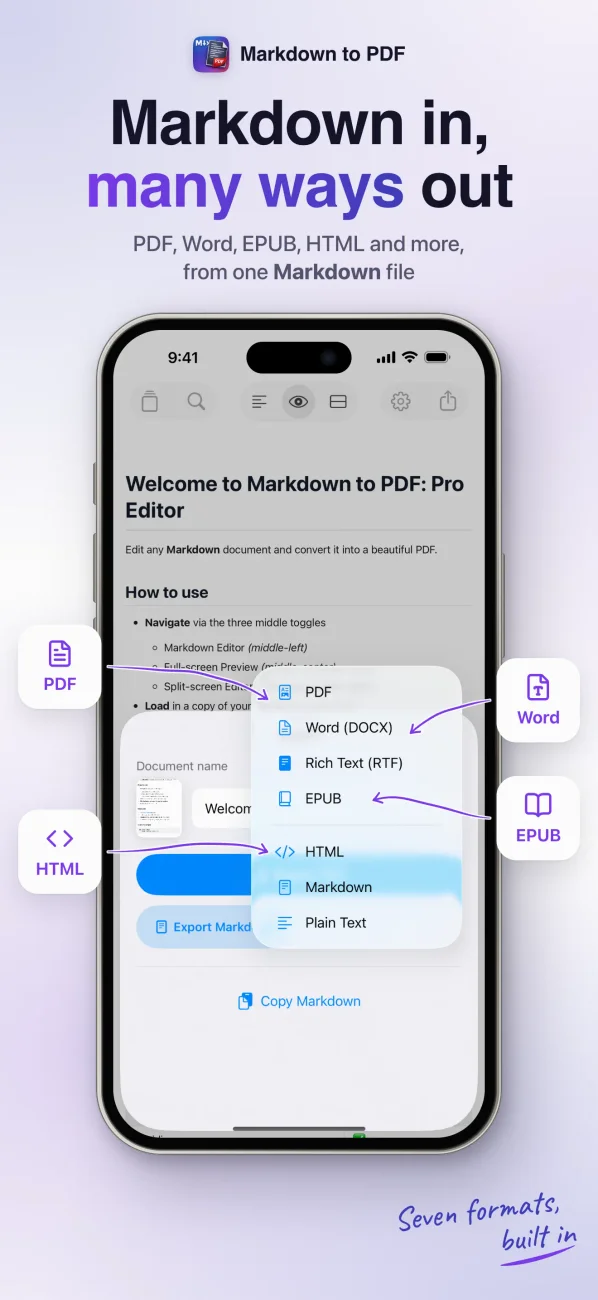
- Export to PDF, Word (DOCX), Rich Text (RTF), EPUB, HTML, Markdown and plain text, then share or save to Files
- Page sizes A4, A3, Letter, Legal and Tabloid, in portrait or landscape, with adjustable margins
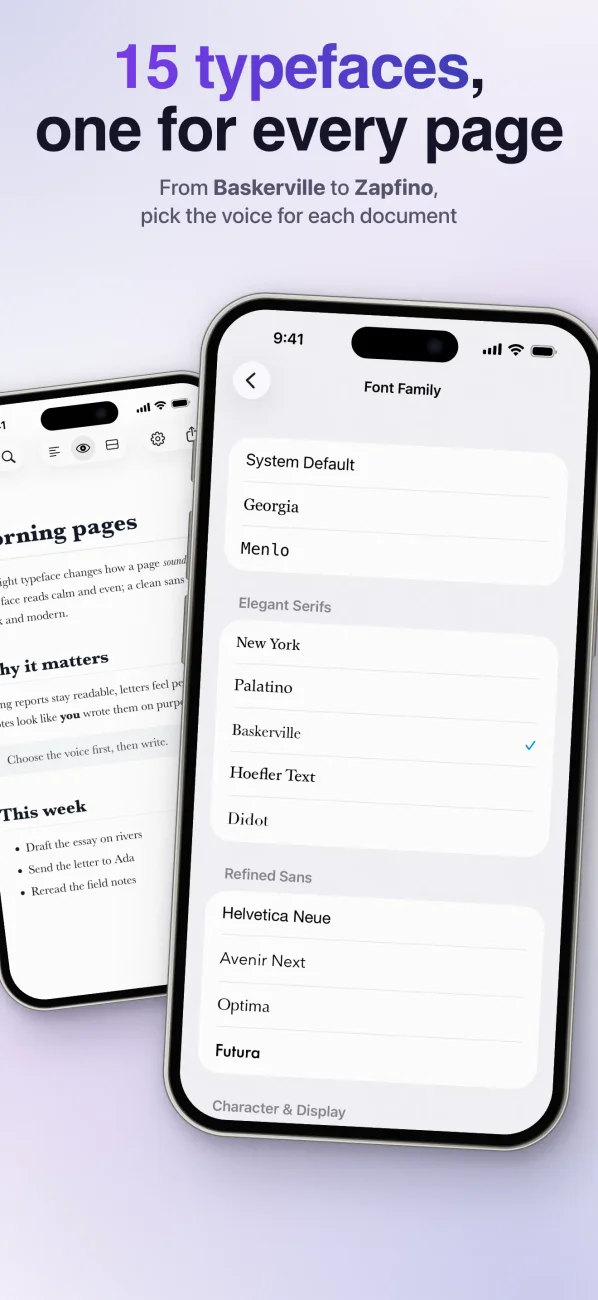
- Font size, line height and three fonts: System, Georgia and Menlo
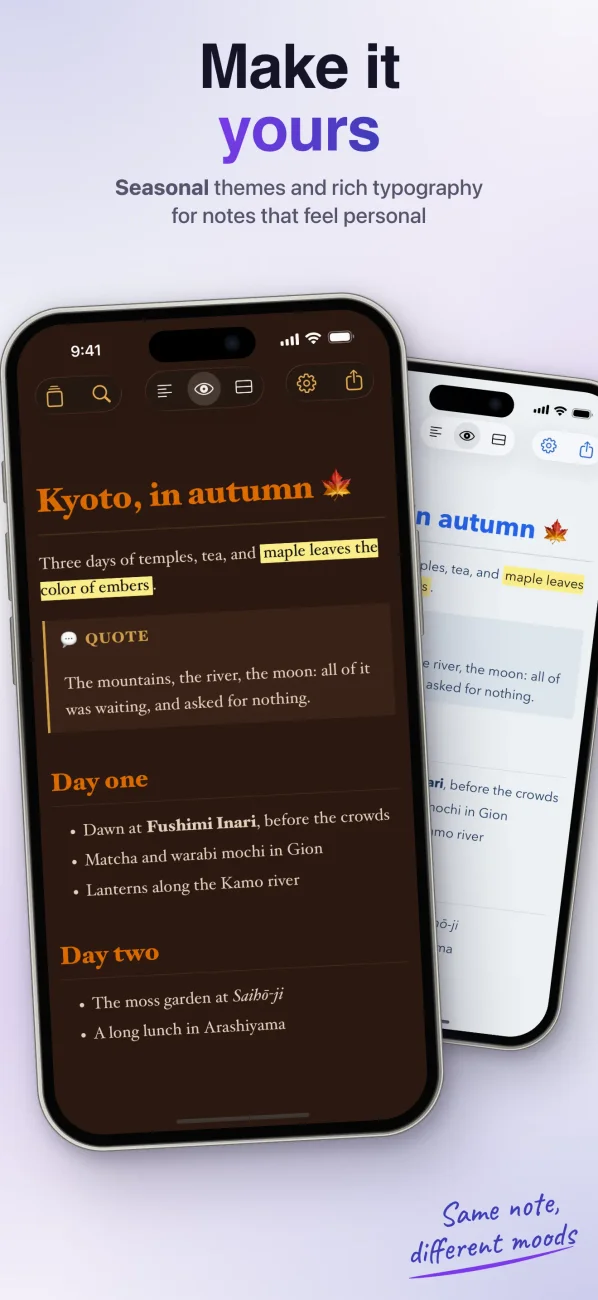
- Light, Dark and Sepia themes, or match the app's appearance
- Manual page breaks wherever you want them
- Keep many documents, import Markdown and text files, and save your edits back to the original file
- Fit the preview to the screen on iPad and iPhone Duo
PRO FEATURES
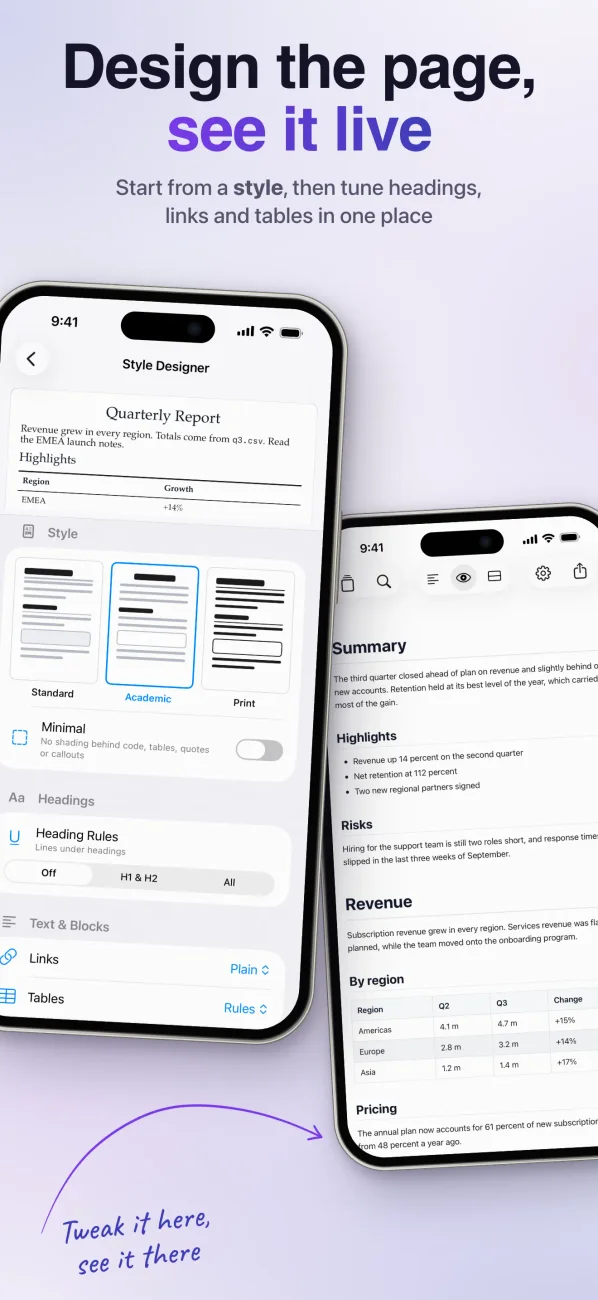
- PDF Styles: Standard, Academic and a black-and-white Print style that saves ink, plus a Minimal switch that takes out the shading. Try any style on the sample page first.
- Heading rules, link, table and code block options
- 22 more themes, including Editorial, Nord, Solarized, Dracula and seasonal themes, or design your own
- 12 more fonts, including Palatino, Baskerville, Avenir Next and Futura
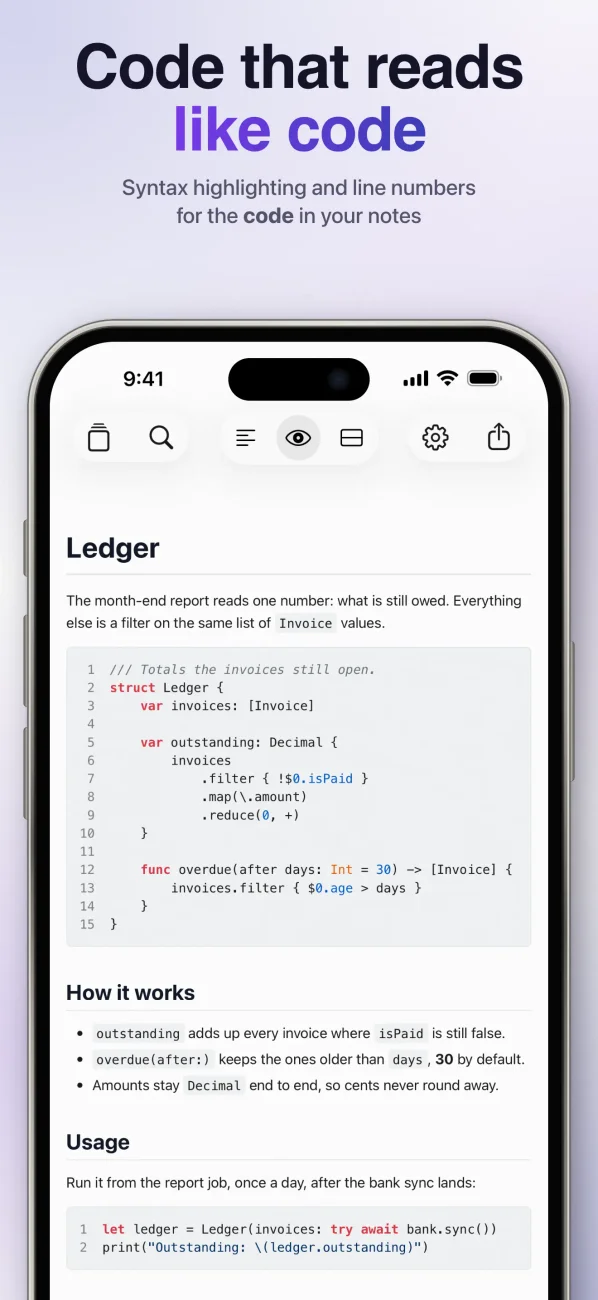
- Syntax highlighting for code in 18 languages, including Swift, Python and JavaScript, with optional line numbers
- Table of contents and page numbers
- Obsidian-compatible syntax: callouts, wikilinks, tags, highlights, properties and note embeds
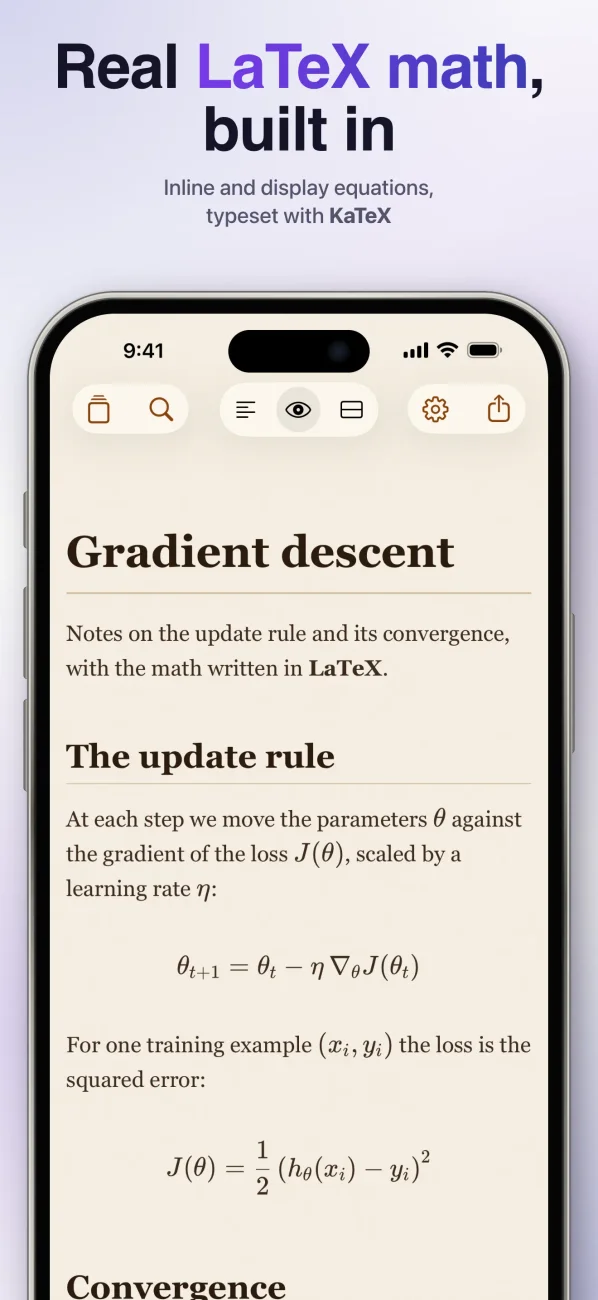
- Math with KaTeX, Mermaid diagrams and footnotes
- Local images and note embeds from folders you link
- Siri and Shortcuts: convert a file or text into a PDF
Pro is available as a monthly or annual subscription, or as a one-time lifetime purchase. The annual plan starts with a 1-week free trial for eligible new subscribers.
Payment is charged to your Apple Account at confirmation of purchase, or when the free trial ends. Subscriptions renew automatically unless canceled at least 24 hours before the end of the current period. You can manage or cancel your subscription in your Apple Account settings. The lifetime purchase is a one-time payment with no recurring charges.
Terms of Use (EULA): https://www.apple.com/legal/internet-services/itunes/dev/stdeula/
Privacy Policy: https://markdownpdf.zainaaban.com/privacy
What’s new
Version 2.36 · Nov 12, 2026
• Table of contents links in exported PDFs work again on iOS 27
• Bug fixes and improvements
App privacy
What Zain Aaban declares on the App Store about how this app handles data.
-
Data not collected
The developer does not collect any data from this app.
Privacy practices may vary, for example with the features you use or your age.
Information
- Seller
- Zain Aaban
- Category
- Productivity
- Version
- 2.36
- Updated
- Nov 12, 2026
- Released
- Mar 25, 2026
- Size
- 11.3 MB
- Requires
- iOS 18.0 or later
- Age rating
- 4+
- Price
- Free
- In-app purchases
- Yes
- Languages
- English, Danish, Dutch, French, German, Hindi, Indonesian, Italian, Japanese, Korean, Malay, Norwegian Bokmål + 9 more
- Copyright
- © 2026 Zain Aaban
You might also like
-
 Stash Anything: Save LinksBookmark Everything for Later
-
 TaskForge: Obsidian TasksMarkdown To-Do List & Widgets
-
 Markdown゜Notes, Diary & Code Editor
-
 Quick Capture - Vault notesCapture notes in Obsidian
-
 Widgets for ObsidianQuick Capture Notes
-
 Actions For ObsidianYour notes + Shortcuts.
-
 Open MinisYour Private On-Device Agent
-
 Obsidian Web ClipperSave the web. Own your data.
-
 LaTeX Editor Tex ProLaTeX compiler typeset writer
-
 DraftsWhere text starts