
AnyTally: Counter & Tracker
Count anything, track goals
Designed for iPhone, iPad, Mac
Free · In-app purchases
- Age rating4+
- CategoryProductivity
- DeveloperSeb Fontan
- LanguagesEnglish
- Size26.7 MB
Links to the official App Store page
Download.org hosts no file of AnyTally: Counter & Tracker. The button opens its official App Store page, published by Seb Fontan. Listing last checked on Nov 27, 2026.
Screenshots

About
Count anything. Reach any goal.
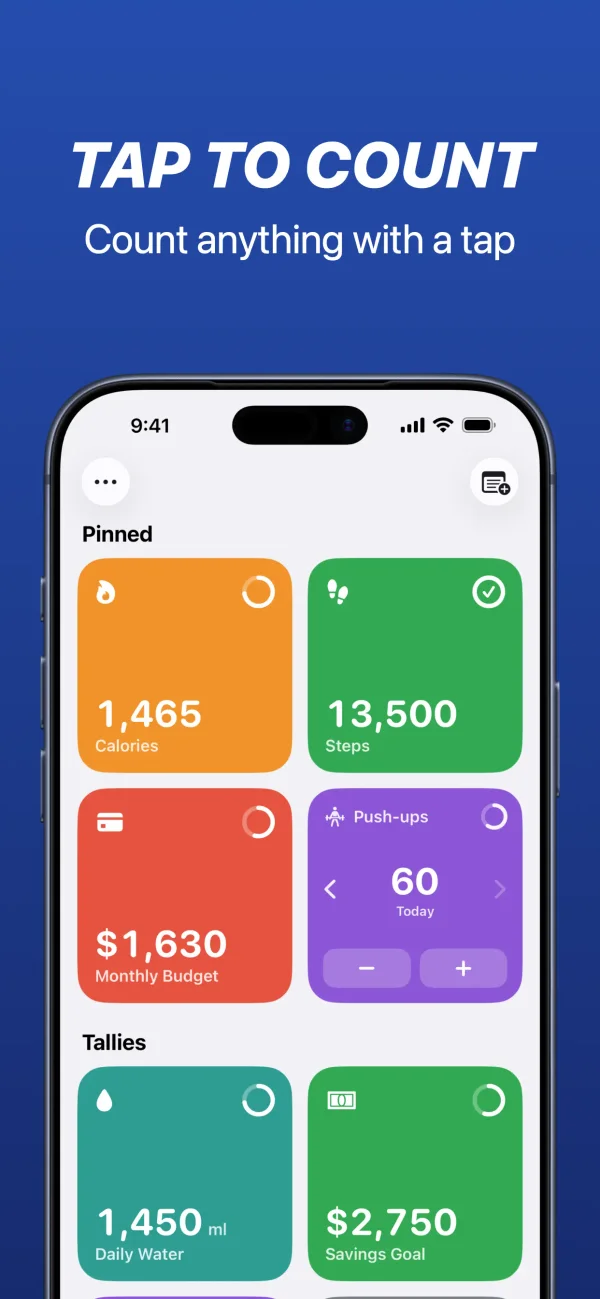
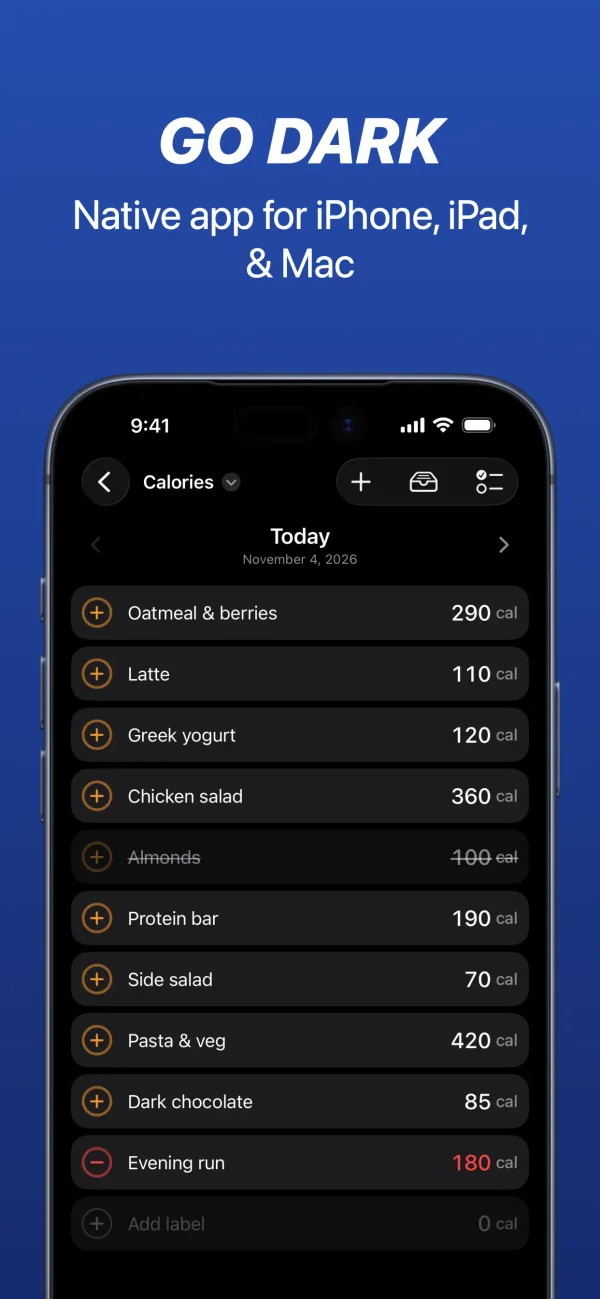
AnyTally turns the simple act of counting into something you can actually stick with. Make a tally for anything you want to track — calories, expenses, water, workouts, pages read, savings, screen time — and build it up row by row.
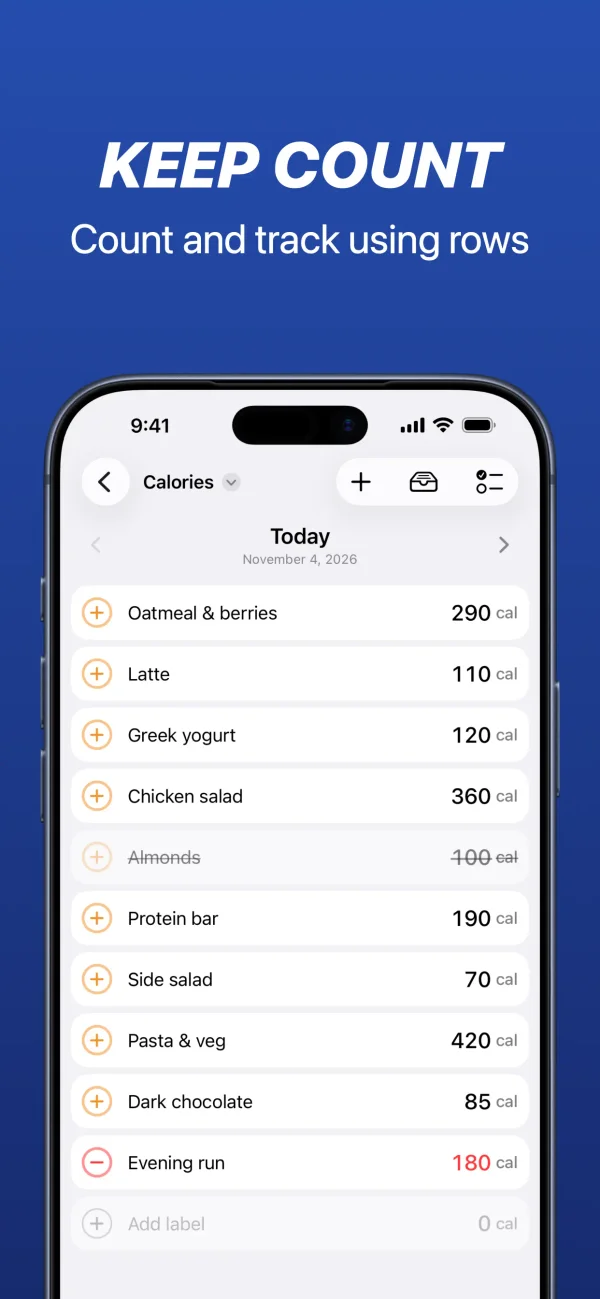
Every tally is made of rows. Each row adds to or subtracts from the total, with an optional label and amount, and the total updates live as you type. Logging a coffee, a 5-mile run, a $40 grocery trip, or a deposit toward savings takes a couple of taps.
SET A GOAL, SEE YOUR PROGRESS
Define a goal — a target to reach or a limit to stay under — and a progress bar tracks how close you are to achieving it. It turns green when you hit a target and warns you clearly when you cross a limit.
TRENDS, STREAKS, AND STATS
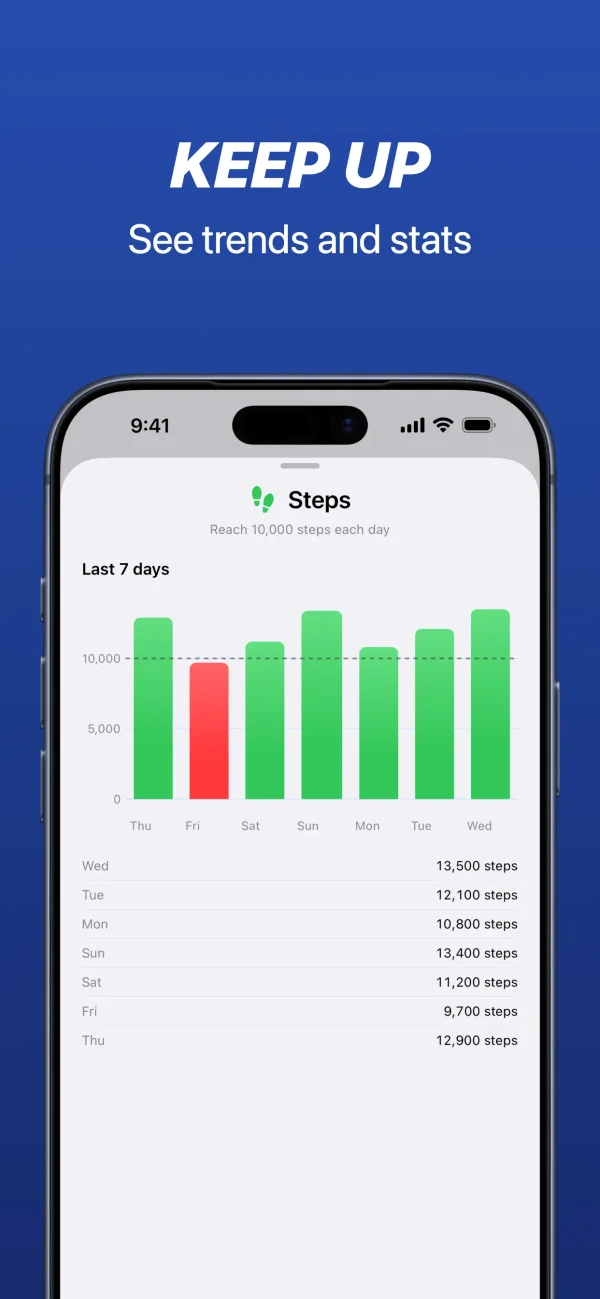
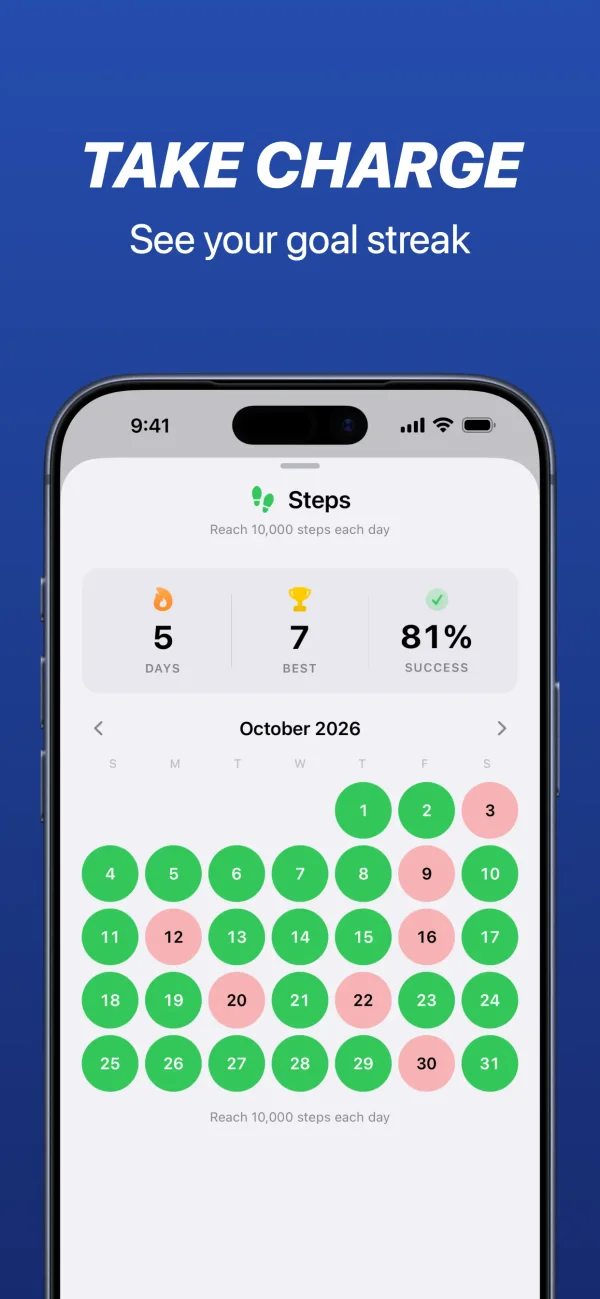
Tap the total to open the Summary — bar charts of your trends over days, weeks, months, or years, your current and best streaks with a success rate, and stats like averages, best periods, and all-time totals.
MAKE IT YOURS
• Daily, weekly, monthly, yearly, or one-off tallies
• Track currency, calories, steps, distance, weight, volume, time, percentages, and more
• Skip rows to exclude them from the total
• Stash rows to re-use them later on
• Group rows under headers
• Reorder and pin tallies in the sidebar
PRIVATE BY DESIGN
Your tallies live on your device and sync across iPhone, iPad, and Mac with iCloud. No account to create, and no tracking inside the app.
NATIVE ON EVERY DEVICE
AnyTally is built natively for iPhone, iPad, and Mac, and feels at home on each.
ANYTALLY PRO
AnyTally is free to use with up to 3 tallies. Upgrade to Pro for unlimited tallies and unlimited rows. Pro is $9.99/year, includes Family Sharing, and helps support ongoing development.
Count anything. Reach any goal.
Terms of Use (EULA): https://www.apple.com/legal/internet-services/itunes/dev/stdeula/
Privacy Policy: https://anytally.com/privacy
What’s new
Version 1.2.4 · Nov 26, 2026
New
• Touch and hold the app icon to start a new tally; on the Mac, it's in the Dock icon's menu
• On iPhone, an open tally's ⋯ menu holds New Row, Select Rows and Stash, and lets you edit the tally without going back
• On the Mac, right-click a row to skip, stash or delete it
Improved
• The selected tally in the sidebar is a soft tint, so its color and goal ring stay easy to see
• On the Mac, the New Tally sheet shows its icons in pages, as on iPhone and iPad
• On the Mac, there's a little more space between the toolbar and the first row
Fixed
• Tapping the + on the empty row at the end of a list adds a row
• On the Mac, the toolbar's background runs the full width of a wide window
• On the Mac, the New Tally sheet no longer shows a field's hint beside it ("Each tap adds" showed 1 twice)
App privacy
What Seb Fontan declares on the App Store about how this app handles data.
-
Data not collected
The developer does not collect any data from this app.
Privacy practices may vary, for example with the features you use or your age.
Information
- Seller
- Seb Fontan
- Category
- Productivity
- Version
- 1.2.4
- Updated
- Nov 26, 2026
- Released
- Jun 24, 2026
- Size
- 26.7 MB
- Requires
- iOS 26.5 or later
- Age rating
- 4+
- Price
- Free
- In-app purchases
- Yes
- Languages
- English
- Copyright
- © 2026 Fontan LLC
You might also like
-
 Tally: Habit & Cost CounterVisual Tally Marks & Habit Jar
-
 ioplannerTimebox Planner
-
 PDF Translate (eb46ac)Read Any PDF, Any Language
-
 Habitly: Habit ProofPhoto & GPS verified habits
-
 Tappy MeterHabit & goal counter
-
 Personal Work Issue TrackerProductivity
-
 Marten: Markdown Code NotesDev notebook, snippets & sync
-
 Reduce: Screen Time ControlApp Blocker & Focus Timer
-
 NaiPay TrackerSalon Payment Tracking System
-
 ChoreTree: Family Chore ChartKids routine & reward chart