- Age rating4+
- CategoryProductivity
- DeveloperJoonhee Cho
- LanguagesKorean
- Size5.3 MB
Links to the official App Store page
Download.org hosts no file of ioplanner. The button opens its official App Store page, published by Joonhee Cho. Listing last checked on Nov 13, 2026.
Screenshots
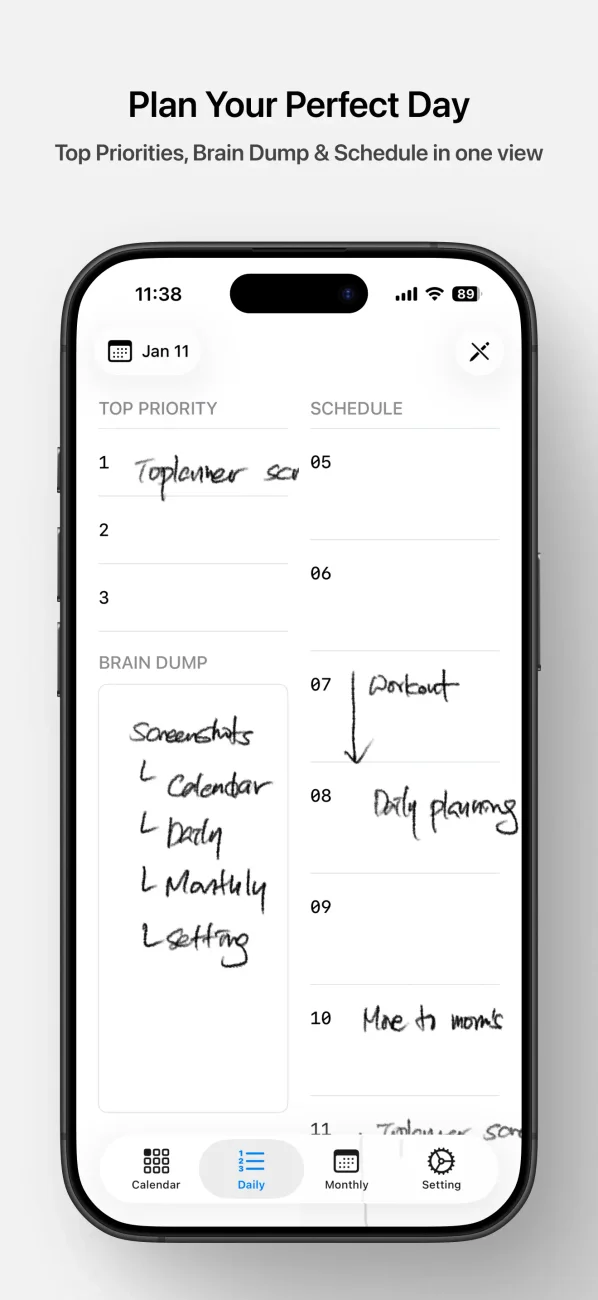
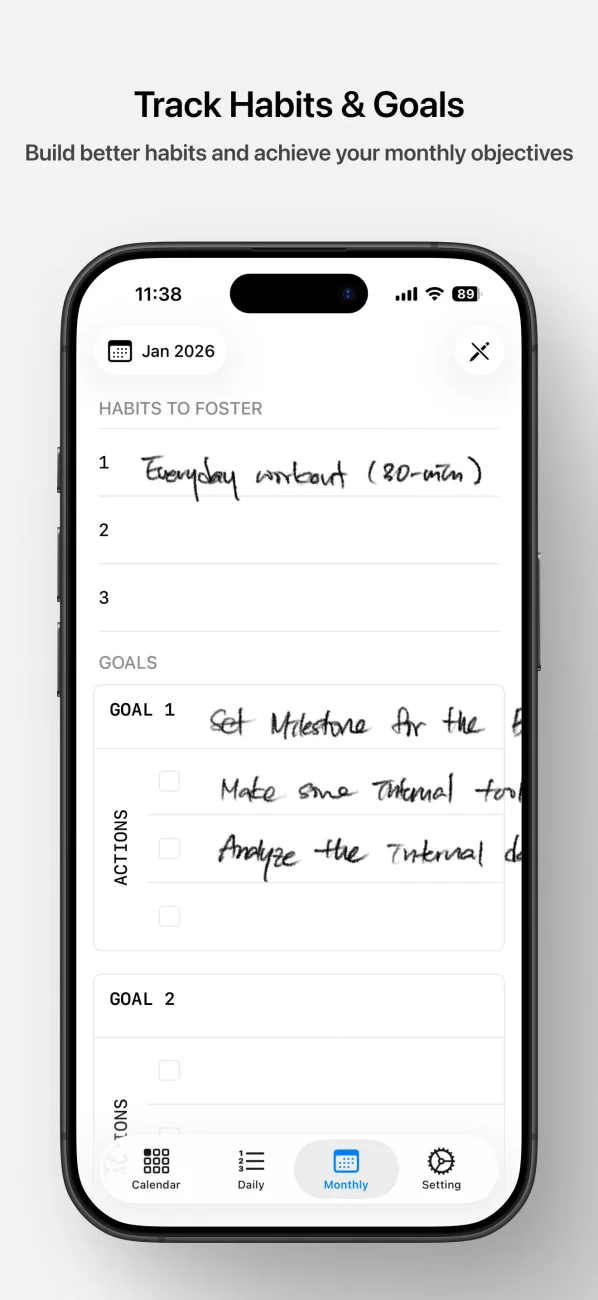
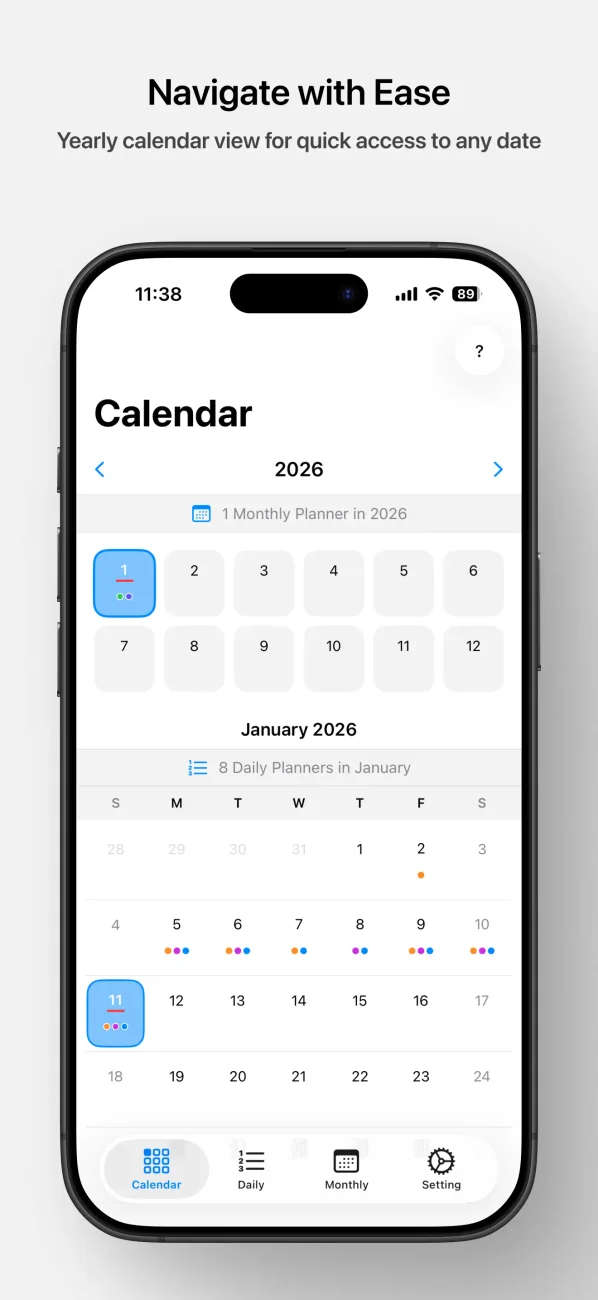
About
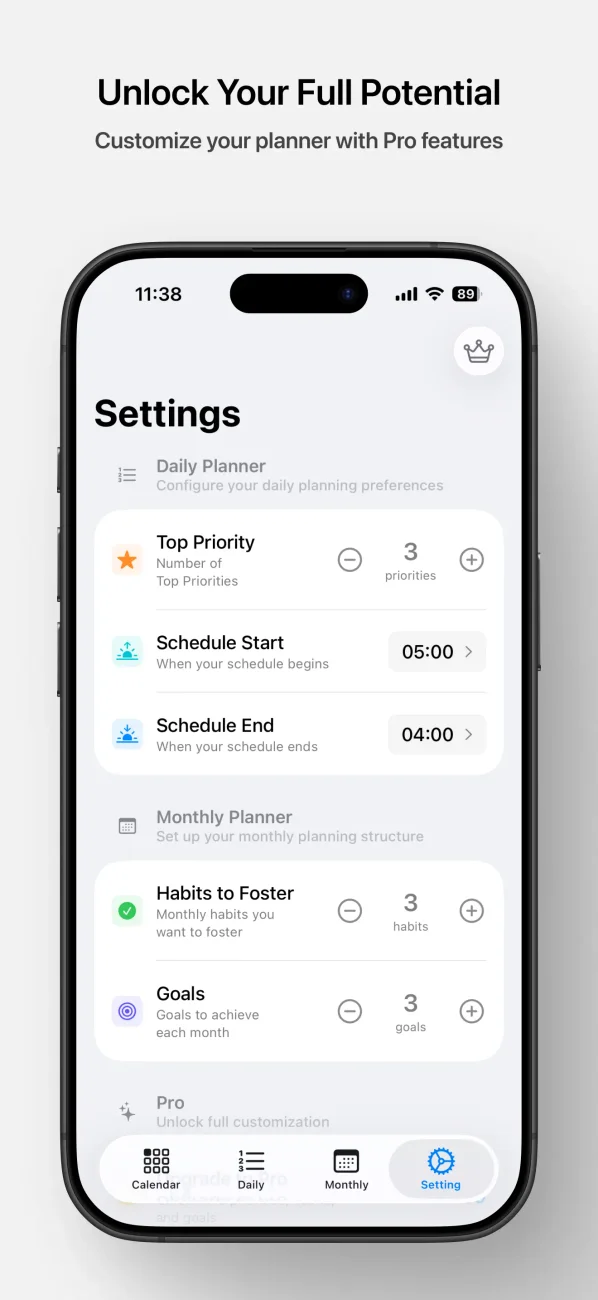
Inspired by the timebox planning method, ioplanner is a powerful digital planning app designed specifically for iPad with Apple Pencil support. Plan your day, track your habits, and achieve your goals with an intuitive handwriting experience.
KEY FEATURES
Daily Planner:
- Top Priority: Focus on what matters most each day (3-5 items with Pro)
- Brain Dump: Capture all your thoughts and ideas freely
- Schedule: Plan your day hour by hour with a visual timebox timeline
Monthly Planner:
- Habits to Foster: Track and build positive habits (3-5 items with Pro)
- Goals: Set and visualize your monthly objectives (3-5 items with Pro)
Apple Pencil Experience
- iPad: Full drawing capability with Apple Pencil only mode
- iPhone & Mac: View your plans seamlessly across all devices
Smart Features
- iCloud Sync: Your plans stay in sync across all your devices
- Auto-Save: Never lose your work with automatic saving
- Gesture Navigation: Swipe left/right to navigate between days and months
- Two-Finger Tap: Quick undo for Apple Pencil strokes
- Yearly Calendar: Navigate easily to any date
- Bilingual Support: Available in English and Korean
Pro Features
Upgrade to ioplanner Pro to unlock:
- Customize Top Priorities (3-5 items)
- Customize Habits to Foster (3-5 items)
- Customize Goals (3-5 items)
Perfect for students, professionals, and anyone who loves the feeling of handwritten planning with the convenience of digital organization.
What’s new
Version 1.0.3 · Feb 8, 2026
- Fixed an issue where the tool picker icon was not displayed when first opening the canvas on iPad.
- Improved canvas drawing tool stability.
App privacy
What Joonhee Cho declares on the App Store about how this app handles data.
-
Data not collected
The developer does not collect any data from this app.
Privacy practices may vary, for example with the features you use or your age.
Information
- Seller
- Joonhee Cho
- Category
- Productivity
- Version
- 1.0.3
- Updated
- Feb 8, 2026
- Released
- Jan 15, 2026
- Size
- 5.3 MB
- Requires
- iOS 26.0 or later
- Age rating
- 4+
- In-app purchases
- Yes
- Languages
- Korean
- Copyright
- © 2026 Joonhee Cho
You might also like
-
 Planzu - Grow with Your PetProductivity
-
 IkeMatrixProductivity
-
 Be Like IkeUse the Eisenhower Matrix
-
 Eisenhower Matrix: PrioritiseUrgent Important Task Planner
-
 ChecklistsProductivity
-
 TRIX: Eisenhower Task PlannerBrain Dump. Focus. Prioritize.
-
 Habica: Habit TrackerMotivation. Progress. Result.
-
 ADHD Timer CollectionFor Time Blindness/Hyperfocus
-
 Refill CalendarHandwriting Schedule Notebook
-
 TodoGPT: To do list & CalendarReminder, tracking task, event