
Anyview Cast: TV Casting
Cast to TV Screen Mirroring
Designed for iPhone, iPad
Free · In-app purchases
- Age rating4+
- CategoryUtilities
- DeveloperThiri May
- LanguagesEnglish
- Size45.4 MB
Links to the official App Store page
Download.org hosts no file of Anyview Cast: TV Casting. The button opens its official App Store page, published by Thiri May. Listing last checked on Nov 23, 2026.
Screenshots
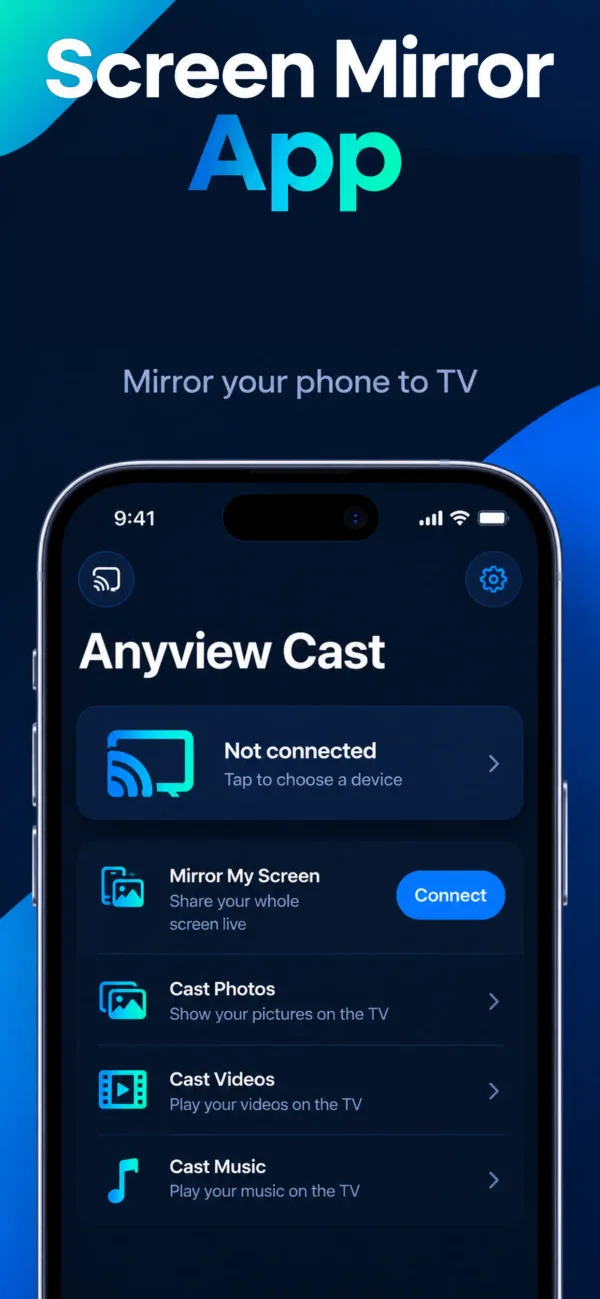
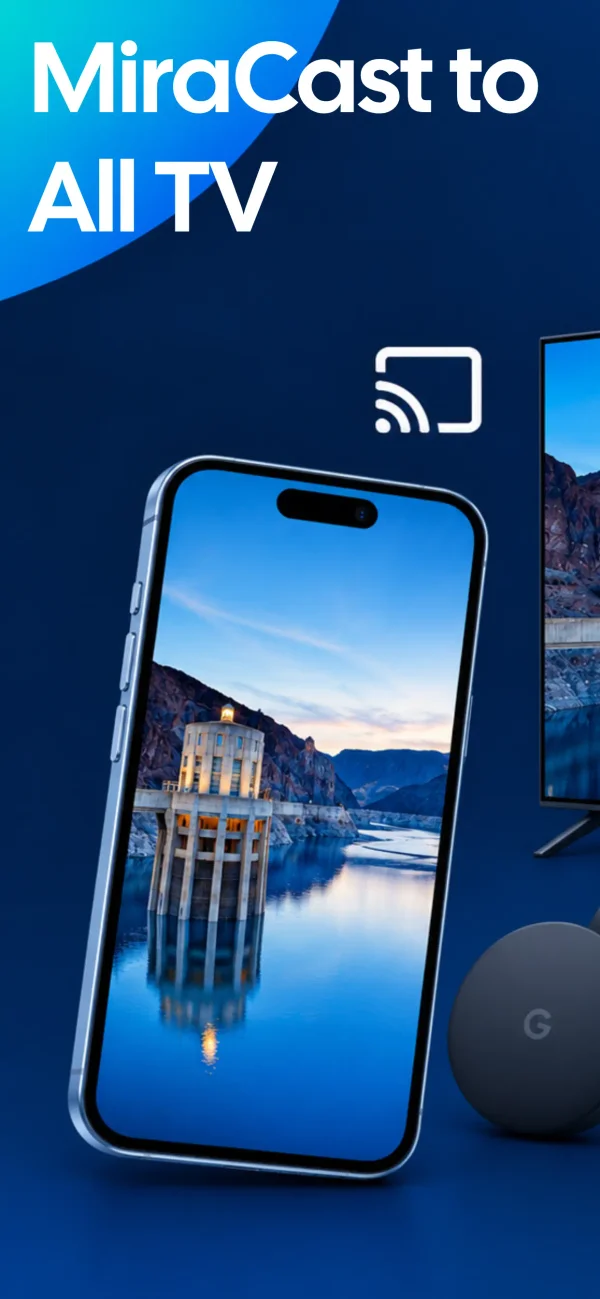

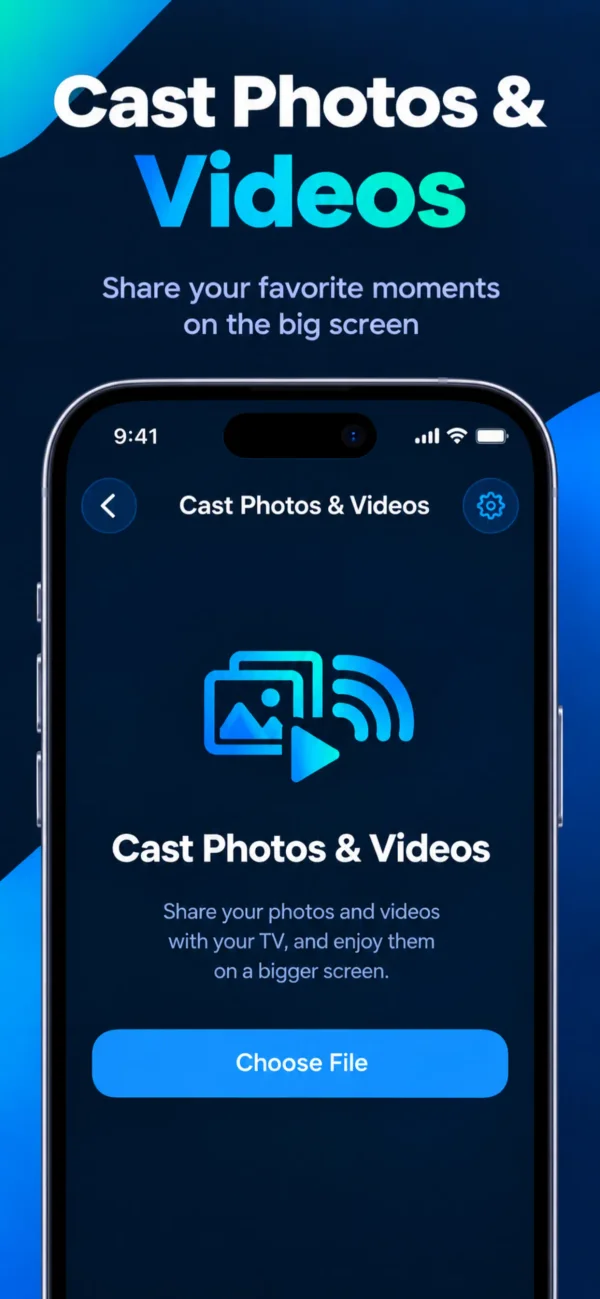
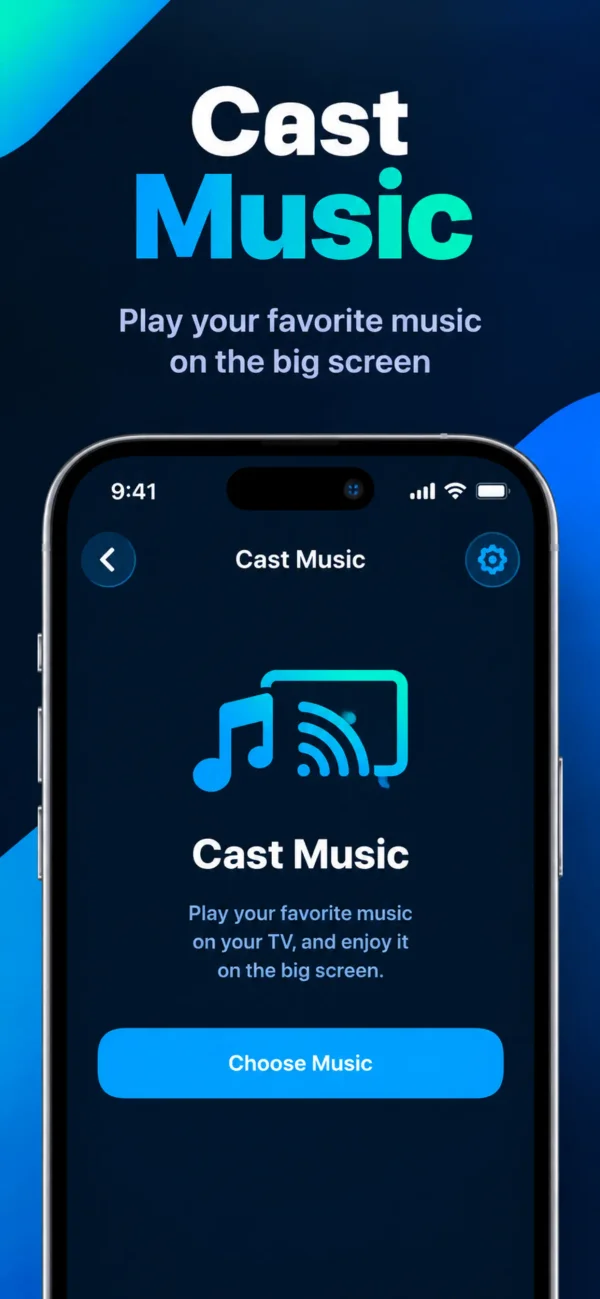
About
Turn your TV into a bigger screen for your favorite content with AnyView Cast. Mirror your iPhone or iPad screen to a compatible TV and enjoy photos, videos, presentations, websites, and more on a larger display.
Whether you're sharing memories with family, watching videos with friends, giving a presentation, or simply want to see your device on the big screen, AnyView Cast makes screen mirroring simple and convenient.
Mirror Your Screen
Display your mobile device screen on your TV and see what you're doing on a larger display. Browse your device, show photos, demonstrate an app, or share content with people around you.
Enjoy Photos and Videos on the Big Screen
Share photos and videos from your device on a compatible TV. Make family moments, travel photos, and favorite videos easier for everyone to see.
Simple TV Casting
Connect your device to a compatible TV and start mirroring with an easy-to-use experience designed for everyday use.
Great for Home Entertainment
Enjoy your personal content on a larger screen at home. AnyView Cast is designed to make it easy to share your device with family and friends.
Useful for Presentations
Use your TV as a larger display when presenting information, demonstrating an app, or sharing content from your mobile device.
Key Features
• Screen mirroring from iPhone or iPad to compatible TVs
• Cast photos and videos to your TV
• View your device on a larger screen
• Share content with family and friends
• Convenient wireless screen sharing
• Simple and intuitive interface
• Ideal for entertainment, photos, presentations, and everyday use
How It Works
Make sure your device and compatible TV are connected as required by the app.
Open AnyView Cast.
Select your available TV or display.
Start mirroring and enjoy your content on the big screen.
AnyView Cast is a convenient way to bring your mobile screen to your TV. Mirror, share, and enjoy more of your content on a larger display.
Note: Screen mirroring and casting compatibility may vary depending on your TV, device, network, and supported connection technology.
Terms of Use (EULA): https://www.apple.com/legal/internet-services/itunes/dev/stdeula/
What’s new
Version 1.3 · Nov 13, 2026
Fixed minor bugs to improve screen mirroring experience.
App privacy
What Thiri May declares on the App Store about how this app handles data.
-
Data used to track you
May be used to track you across apps and websites owned by other companies.
- Location
- Identifiers
- Usage data
-
Data linked to you
May be collected and linked to your identity.
- Diagnostics
-
Data not linked to you
May be collected but is not linked to your identity.
- Purchases
- Location
- Identifiers
- Usage data
Privacy practices may vary, for example with the features you use or your age.
Information
- Seller
- Thiri May
- Category
- Utilities
- Version
- 1.3
- Updated
- Nov 13, 2026
- Released
- Sep 30, 2026
- Size
- 45.4 MB
- Requires
- iOS 16.0 or later
- Age rating
- 4+
- Price
- Free
- In-app purchases
- Yes
- Languages
- English
- Copyright
- © 2026 Thiri May
You might also like
-
 VaelorPre-cools before you leave
-
 Sofacast: Screen Mirroring TVCast Photos & Video with Sound
-
 Screen Mirroring: View TVCast To TV, Mirror, Share
-
 MirrorVO: Screen MirroringMirror to TV & phone
-
 CADViewerUtilities
-
 Screen Mirroring: iPhone to TVCast photos & videos to TV
-
 Cast to TV: Screen MirroringTV Cast for Chromecast-Webcast
-
 Screen Mirroring・AnyCast TVUtilities
-
 Screen Mirroring+ ™Smart View Mirror Screen Share
-
 Cast to TV + Screen MirroringCast Photos,Videos & Mirror TV