
- Age rating4+
- CategoryUtilities
- DeveloperSylvac
- LanguagesEnglish
- Size37.0 MB
Links to the official App Store page
Download.org hosts no file of Anywhere 2. The button opens its official App Store page, published by Sylvac. Listing last checked on Nov 14, 2026.
Screenshots



About
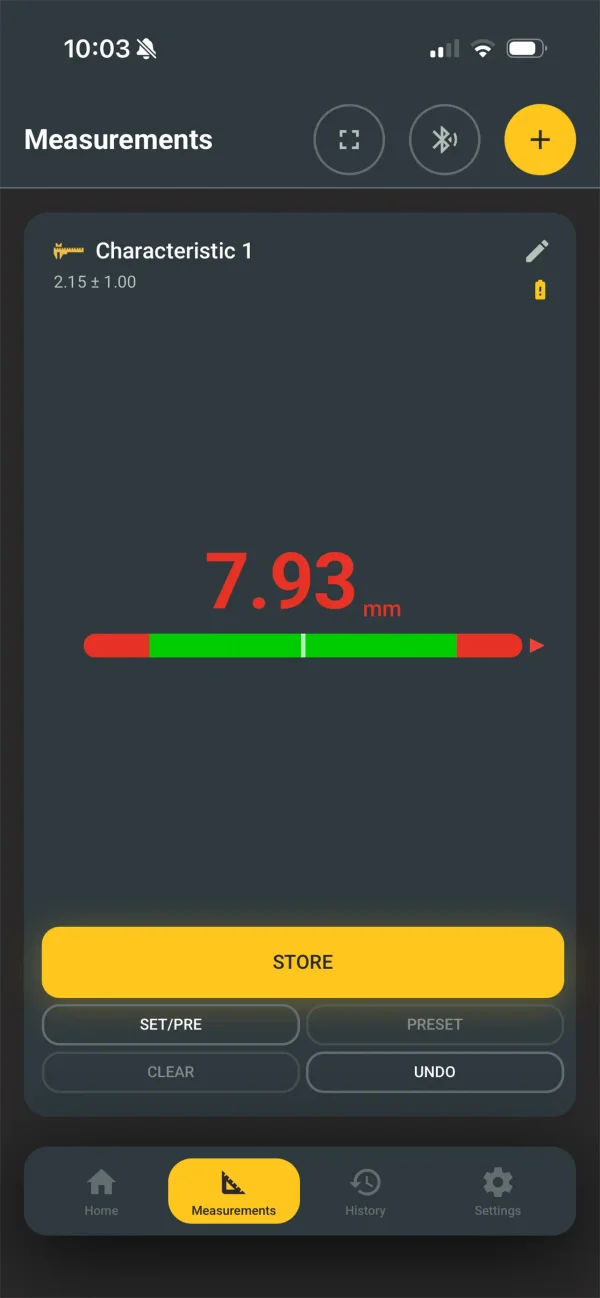
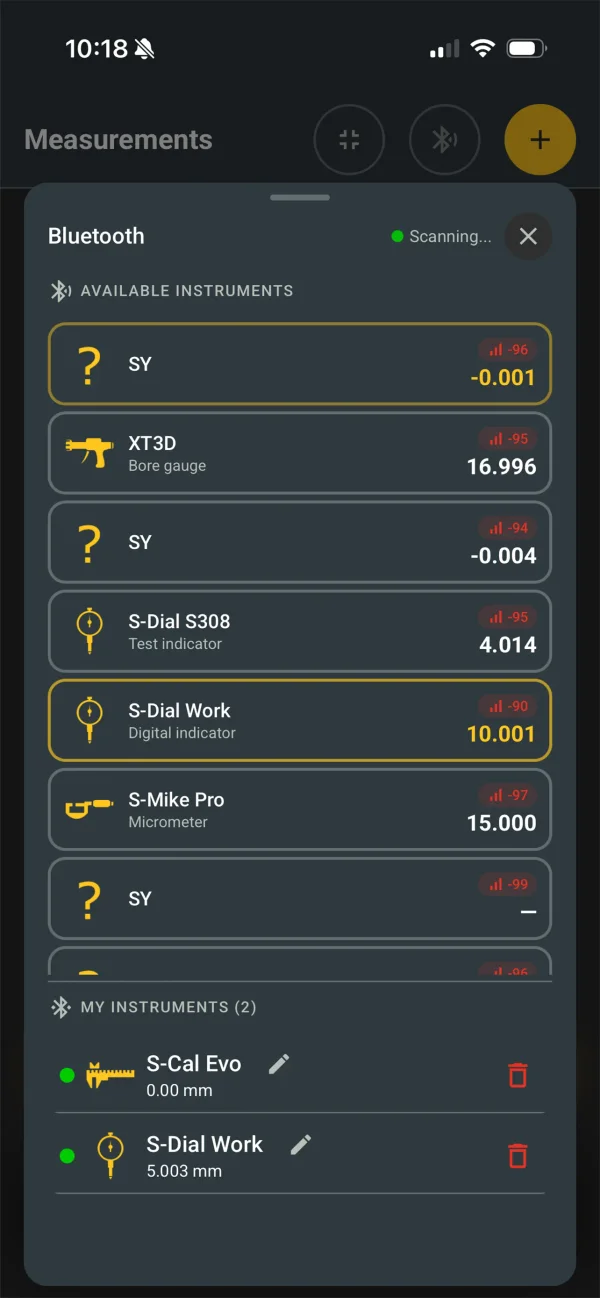
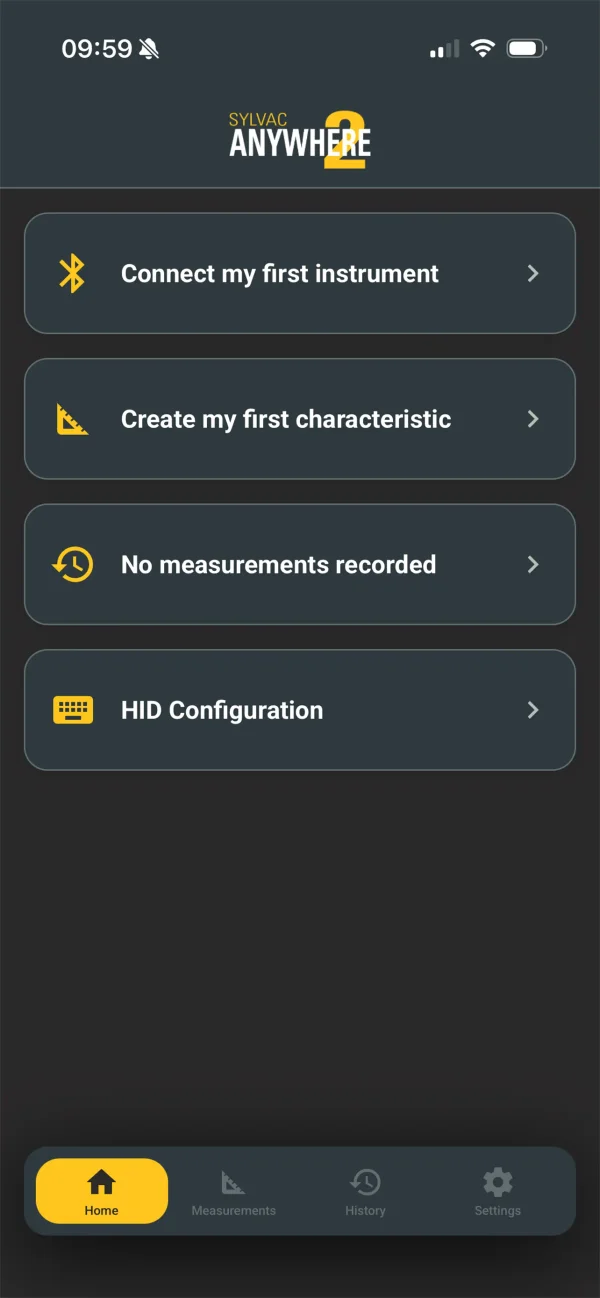
Sylvac Anywhere 2 turns your smartphone or tablet into a smart display for your Sylvac measuring instruments. Connect your instruments via Bluetooth and view measured values in real time — large, clear, right in your pocket.
KEY FEATURES
• Real-time display — Instrument values are displayed live on your screen, formatted according to instrument resolution
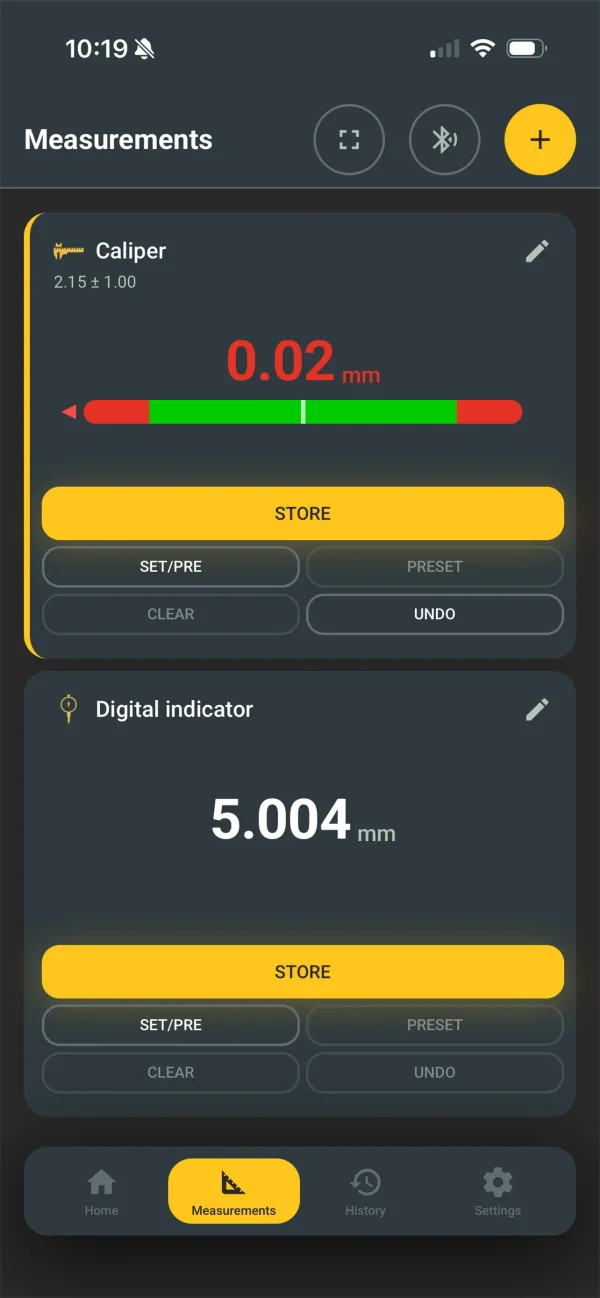
• Multi-instrument — Connect up to 4 Sylvac instruments simultaneously and switch between them with a single gesture
• GO/NOGO tolerances — Color-coded tolerance bar (green = OK, yellow = warning, red = out of tolerance) for instant visual quality control
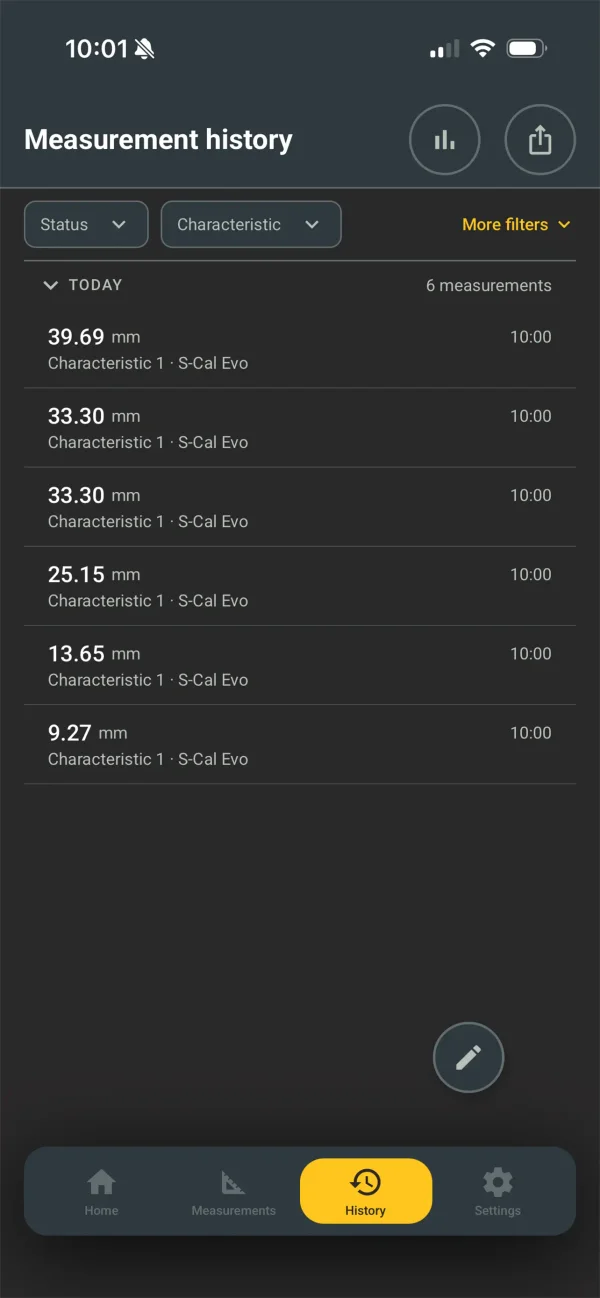
• Measurement recording — Each measurement is saved with timestamp and tolerance status. Trigger recording from the app, the instrument's DATA button, or the phone's volume button
• History and charts — View your measurements as a list or chart, filter by instrument, characteristic, period, or status
• CSV export — Export your measurements for integration into your quality processes (Excel, Google Sheets, SPC software)
• Workshop mode — Extra-large values readable from a distance at the workstation
• HOLD mode — Freezes the displayed value after recording for comfortable reading
• 100% offline — No account, no internet connection required
• 20 languages — Interface available in French, English, and 18 additional languages
COMPATIBLE INSTRUMENTS
Sylvac Anywhere 2 automatically recognizes Bluetooth-equipped Sylvac instruments: calipers (S-Cal Evo, S-Cal Work), micrometers (S-Mike Pro), digital indicators (S-Dial Work, S-Dial Pro, S-Dial Mini), lever comparators, measuring columns (Hi-Cal, Hi-Gage One, Z5), probes (P12D, P25D), bore gages, depth gages, measuring benches, and more — over 39 instrument types supported.
INSTRUMENT COMMANDS
Send commands directly from the app: STORE, SET (zero reset), PRESET (reference value), CLEAR, and UNDO. The app automatically detects which commands each instrument supports.
DESIGNED FOR THE SHOP FLOOR
Large buttons usable with gloves, one hand is enough. Trigger measurements without touching the screen using the volume button or the instrument's DATA button. Haptic, audio, and visual feedback on every recording.
Sylvac Anywhere 2 — your mobile display, simple and reliable.
What’s new
Version 1.1.0 · Oct 30, 2026
New settings panel per instrument: name (also stored in the instrument) and multiplication factor.
HID mode: editable Bluetooth® name, live frame length, full reset.
History: filter for measurements without tolerances.
Inch measurements are now recorded at full resolution.
Measurement triggers work as soon as the app opens.
More reliable Bluetooth® reconnection.
In landscape, the keyboard no longer hides input fields.
App privacy
What Sylvac declares on the App Store about how this app handles data.
-
Data not collected
The developer does not collect any data from this app.
Privacy practices may vary, for example with the features you use or your age.
Information
- Seller
- Sylvac SA
- Category
- Utilities
- Version
- 1.1.0
- Updated
- Oct 30, 2026
- Released
- May 18, 2026
- Size
- 37.0 MB
- Requires
- iOS 15.1 or later
- Age rating
- 4+
- Price
- Free
- Languages
- English
- Copyright
- © 2026 Sylvac SA
You might also like
-
 Level GOUtilities
-
 Microtech Data SystemsUtilities
-
 DiametreUtilities
-
 Plant ConnectUtilities
-
 EL 7Utilities
-
 INSIZE SmartStationInsize Data Management System
-
 ArboTraceUtilities
-
 BK Precision LinkUtilities
-
 BuildCalc: Material EstimatorCivil Construction Calculator
-
 Ruler & Digital CaliperMeasuring Tool for Small Items