
AnyWhere: Find Devices
Find devices, see last places
Designed for iPhone, iPad
Free
- Age rating4+
- CategoryUtilities
- DeveloperReleCompany
- LanguagesEnglish+ 2 more
- Size9.5 MB
Links to the official App Store page
Download.org hosts no file of AnyWhere: Find Devices. The button opens its official App Store page, published by ReleCompany. Listing last checked on Nov 23, 2026.
Screenshots

About
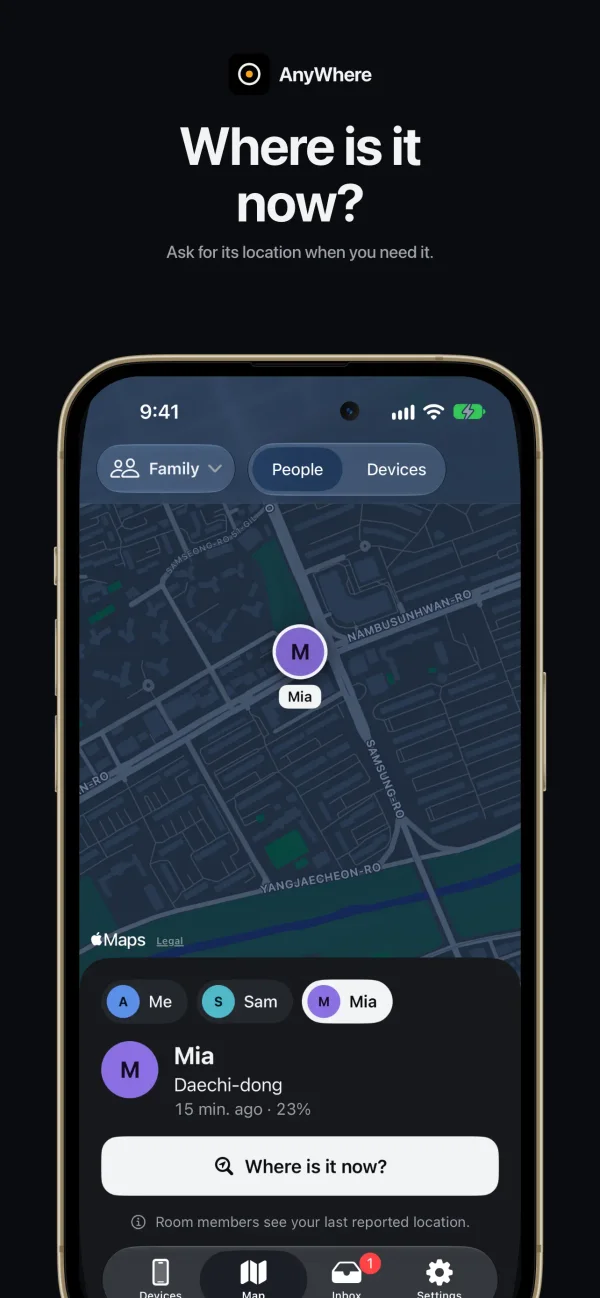
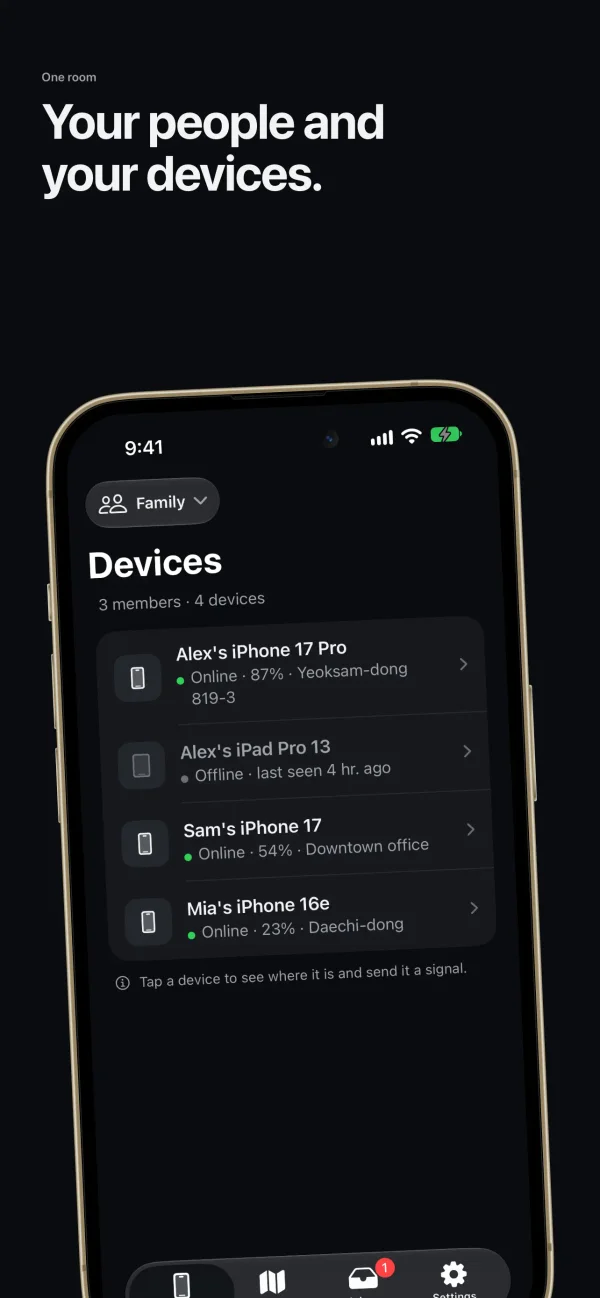
Where is my device? Where was my family member last seen? AnyWhere keeps your people and devices in one room, with each last reported location and its time on a map.
Free to use. Add as many rooms, devices, and members as you need. No subscription or ads.
FIND A DEVICE
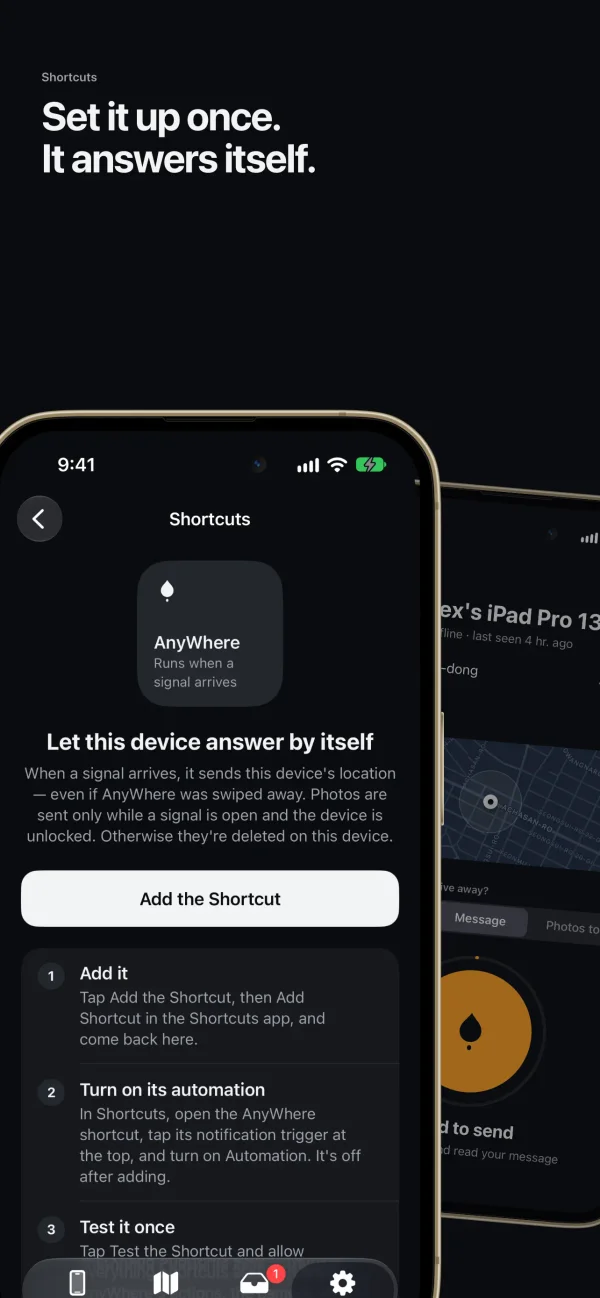
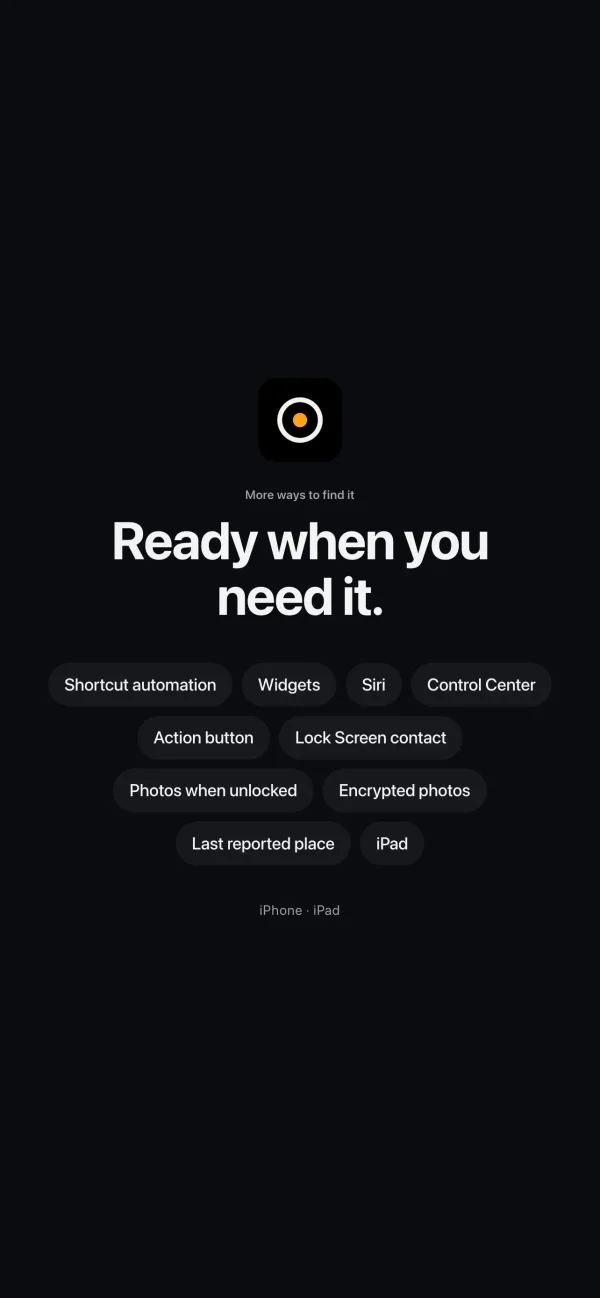
Tap “Where is it now?” to request a device’s current location and battery level. If it does not answer, check its last reported location and time. Siri, Shortcuts, the Action button, Control Center, and widgets help you get to the right device.
SEND A LOST SIGNAL
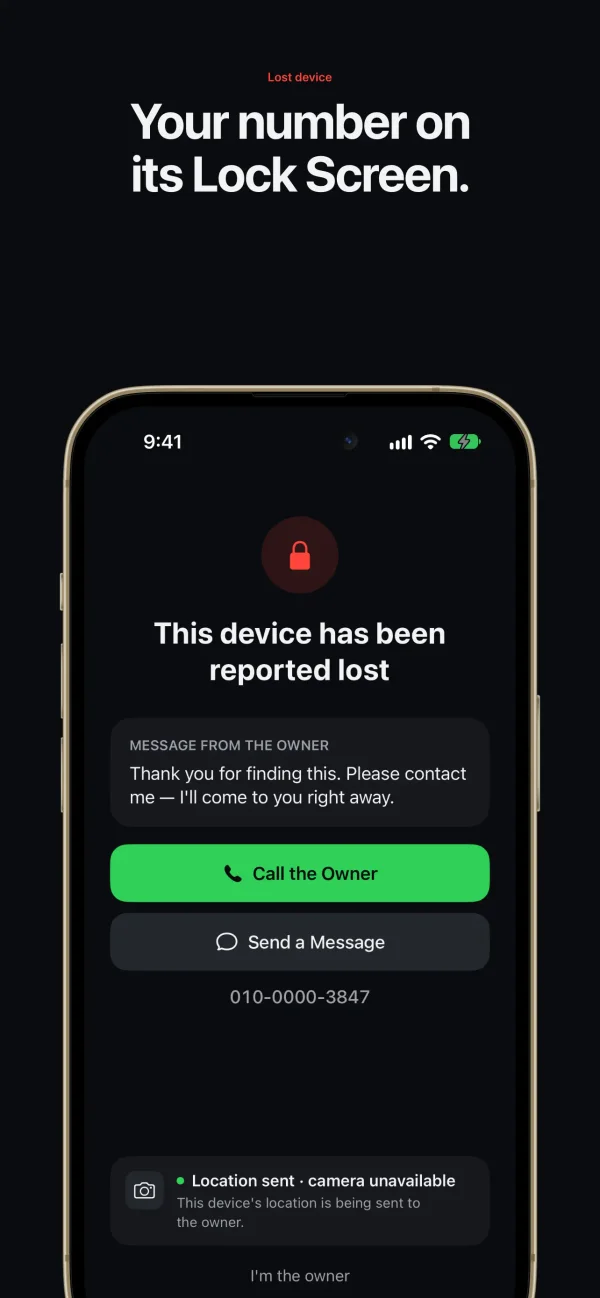
Choose a device and write a message for whoever finds it. A signal can show your contact number on its Lock Screen, send an alert, and request its location while the signal is active. If you ask for sound, it plays at the device’s current media volume, even with the silent switch on.
PHOTOS WHEN THE DEVICE CAN TAKE THEM
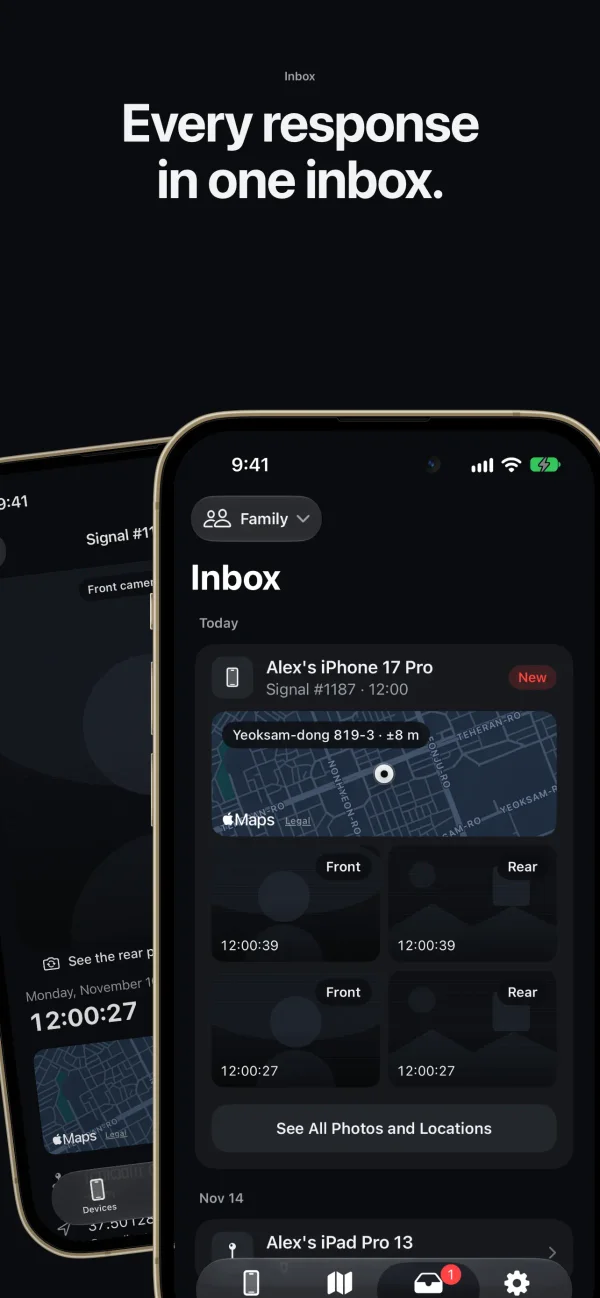
You can request front and rear photos. On an unlocked device, they can be taken when its Shortcuts automation runs or when someone opens the alert. A locked device cannot take photos for AnyWhere. The device shows a notice about the request.
A MAP OF LAST REPORTED LOCATIONS
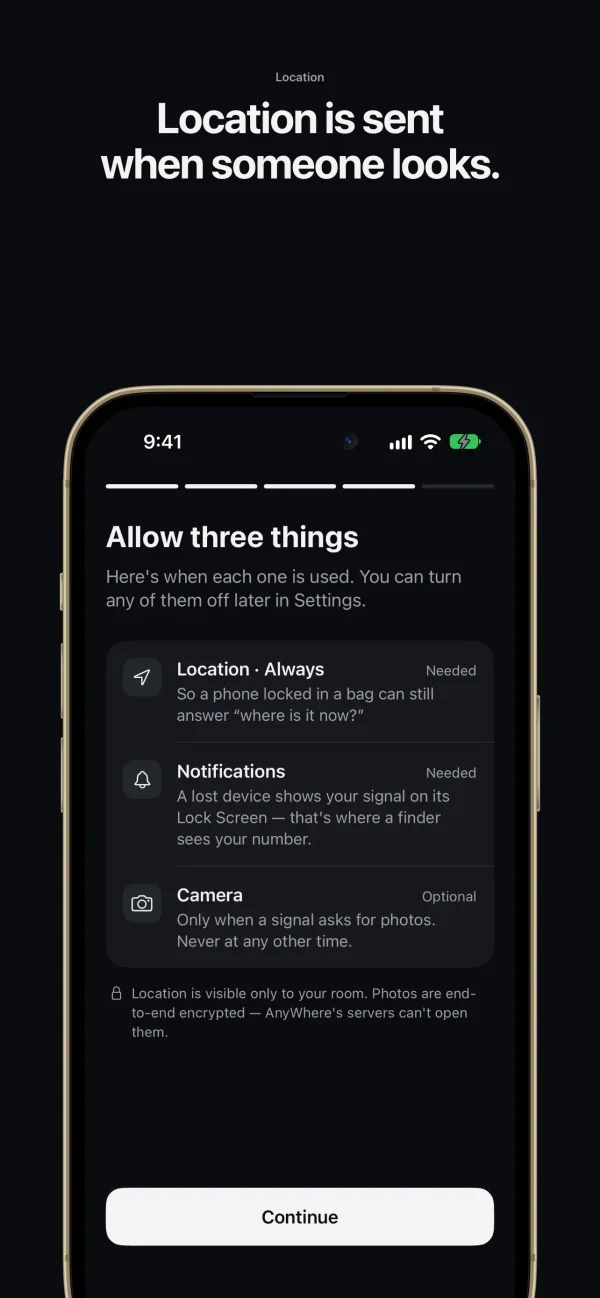
Location is sent only when a signal, a “Where is it now?” request, or the shortcut automation asks for it. Opening the app updates battery and online status, not location. Room members can see one another’s last reported locations. If you check someone else’s device, its owner is notified.
KEEP WHAT COMES BACK
Photos are end-to-end encrypted; AnyWhere’s servers cannot open them. Server copies are deleted after 30 days. Export a PDF with photos, locations, timestamps, and file checksums.
If your phone is missing, sign in with the same account on another iPhone or iPad to reach your room.
What’s new
Version 20261116001 · Nov 16, 2026
A cleaner look for Settings and detail screens.
• Each device opens with its name, status, last place and battery at a glance.
• Rooms show who's in them up front, and the map shows each person's avatar beside where they are.
• Settings shows whether this device's shortcut has been tested.
App privacy
What ReleCompany declares on the App Store about how this app handles data.
-
Data linked to you
May be collected and linked to your identity.
- Location
- Contact info
- User content
- Identifiers
- Usage data
-
Data not linked to you
May be collected but is not linked to your identity.
- Identifiers
- Diagnostics
Privacy practices may vary, for example with the features you use or your age.
Information
- Seller
- ReleCompany
- Category
- Utilities
- Version
- 20261116001
- Updated
- Nov 16, 2026
- Released
- Nov 9, 2026
- Size
- 9.5 MB
- Requires
- iOS 27.0 or later
- Age rating
- 4+
- Price
- Free
- Languages
- English, Japanese, Korean
- Copyright
- © 2026 Rele Company
You might also like
-
 Watch DialsWatch Complications for Dates
-
 Inset: PiP for Every AppAlways Visible, Across Devices
-
 Hotline: Notification AlarmsTurn alerts into real alarms
-
 Shortcut Launcher WidgetRun your Shortcuts, tap once
-
 Wide Web: Full Screen SafariFull-screen Safari
-
 SwipePass: Password GeneratorTruly Random, Fully Offline
-
 Pasty - Clipboard ManagerClipboard history, organized
-
 WatchSpeedUtilities
-
 Backtick: Terminal WidgetsRetro home & lock screen
-
 File Sharing & Transfer: StashSend Large Files, Encrypted