- Age rating17+
- CategoryBooks
- DeveloperBrian Banuag
- LanguagesEnglish+ 6 more
- Size69.9 MB
Links to the official App Store page
Download.org hosts no file of Apogee Reader. The button opens its official App Store page, published by Brian Banuag. Listing last checked on Nov 24, 2026.
Screenshots


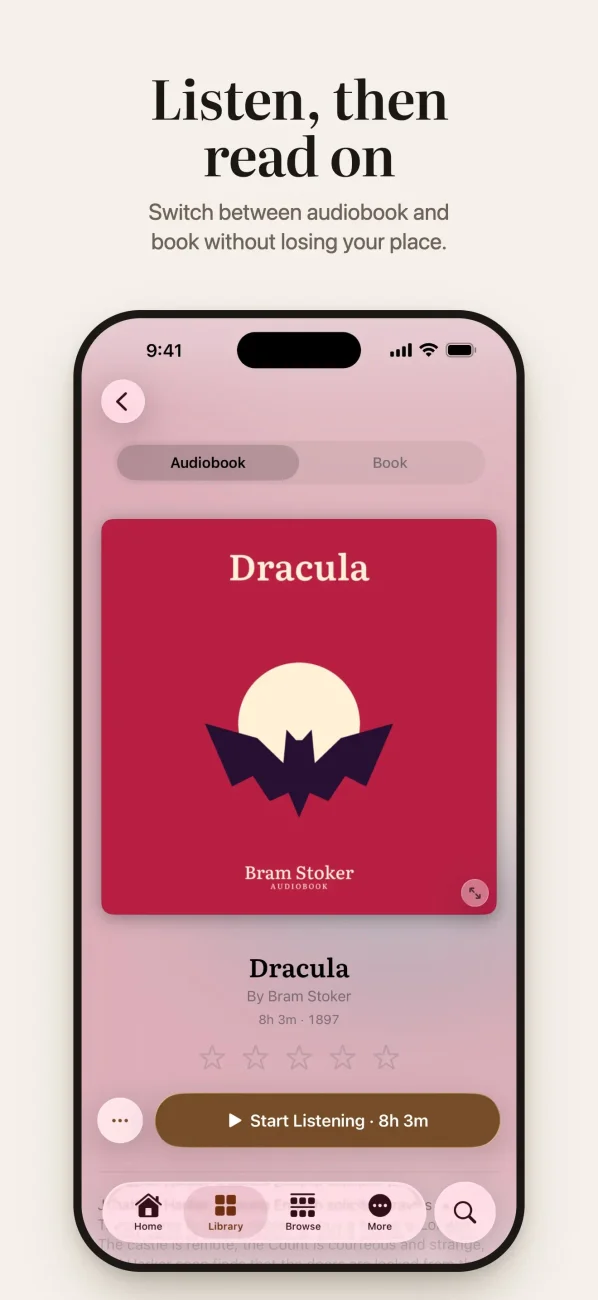
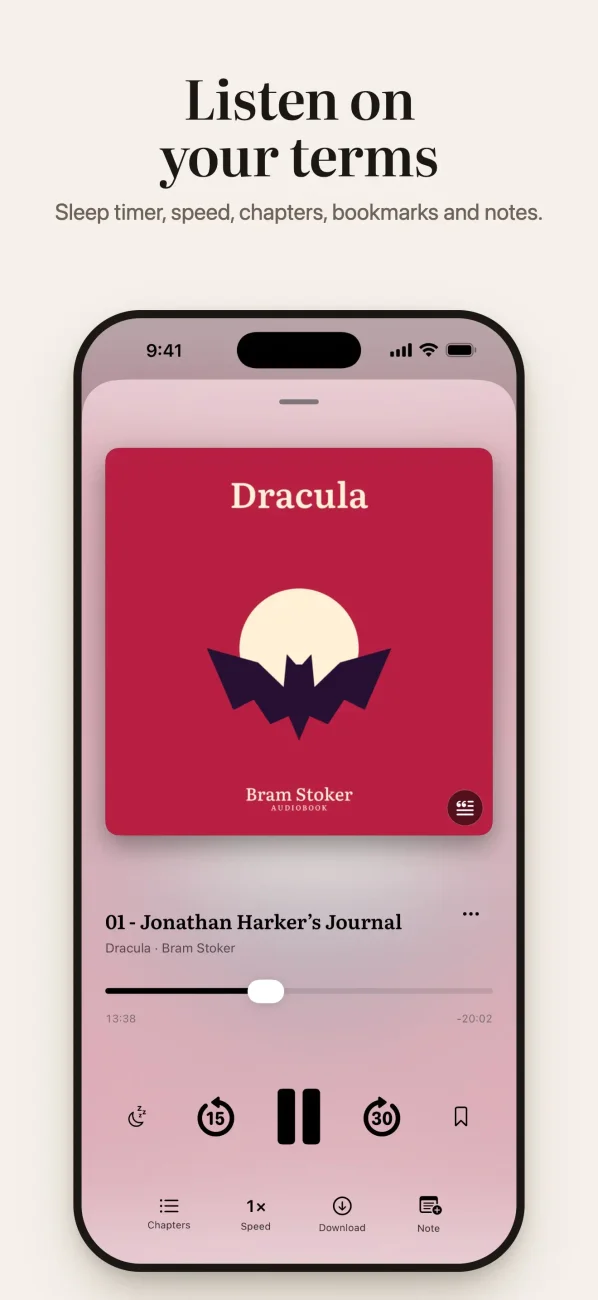
About
Apogee is a native iOS reader for a BookOrbit server you run yourself. Your books stay on your own machine, and there's no account to make beyond the one on your own server.
It reads what your library holds:
• Ebooks. EPUB and MOBI, with your choice of font, theme, margins and page flow. You can add your own font files from the Files app.
• Audiobooks. Chapters, a sleep timer, playback speed, CarPlay and Lock Screen controls.
• Comics. CBZ, CBR and CB7, in paged or webtoon mode.
• PDFs, cropped to the text so the margins don't waste your screen.
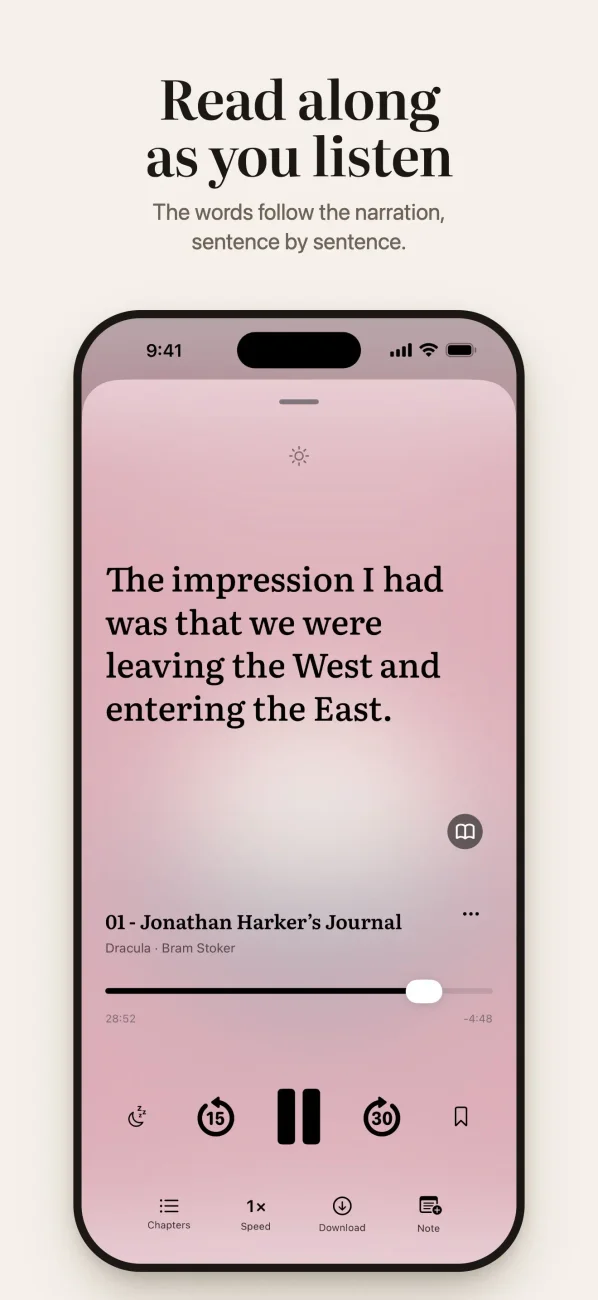
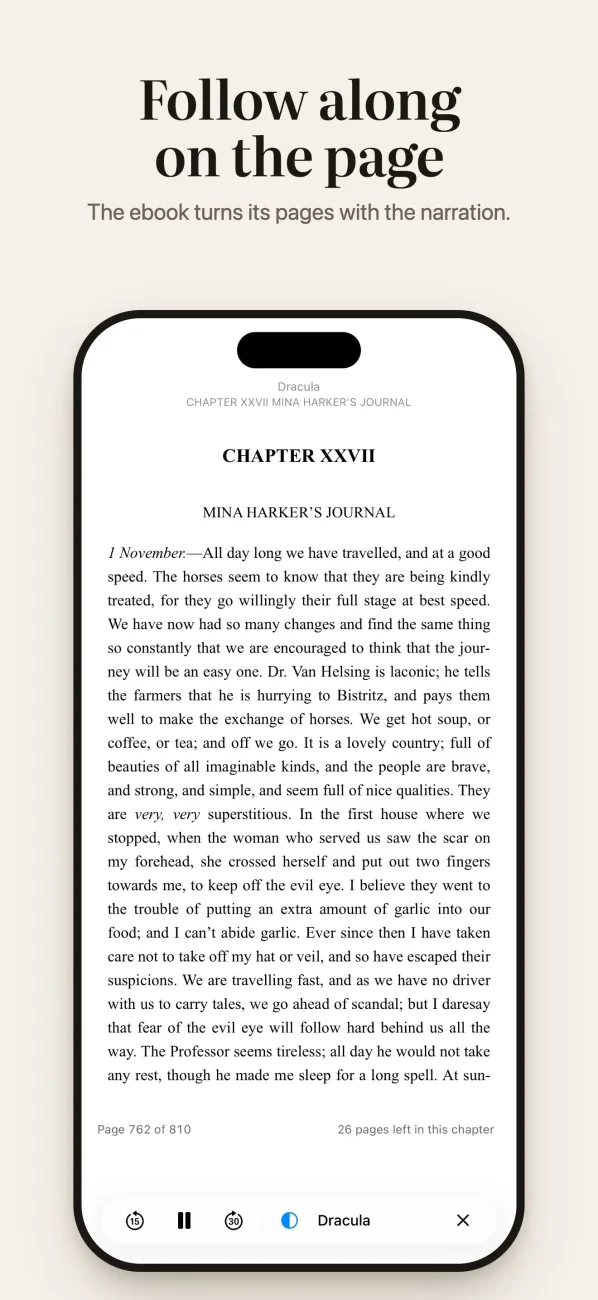
Read & Listen joins a book to its audiobook. Read a chapter on the train, then play the audiobook in the car and it starts where you stopped reading. While it plays, the sentence being read shows on screen.
Your place is kept for every book and sent back to your server, so you can put the phone down and pick up on another device. It uses the same progress format as KOReader, so a Kindle running KOReader and this app stay in step. Your reading time goes to your server's reading log too, and on BookOrbit 3.0 and later it's marked as reading, listening or Read Aloud.
Download a book and it works with no network at all. Your library, your place, your notes and your highlights are all there offline.
It also does:
• Highlights and notes, searchable, and synced to your server.
• Sign in with your password, or with the sign-in provider your server uses.
• Send a book from the Files app to your server's library.
• Send books to a CrossPoint e-ink reader on your Wi-Fi.
• Reading Stats, from your server's reading log.
• Spotlight, so your books turn up in search from the home screen.
• A widget for whatever you're part way through.
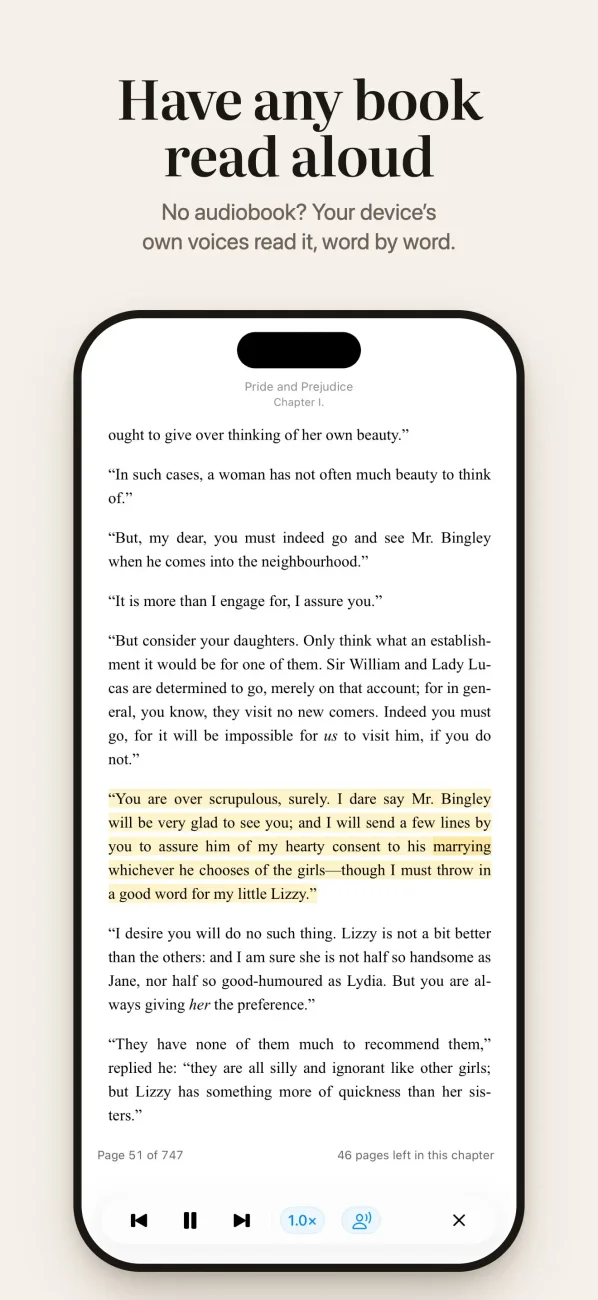
• Read Aloud, using the voices already on your phone.
• Series grouping, collections, and a filing rule for right-to-left manga.
• Fanfic Updates, if you want it: sign in to Archive of Our Own and Apogee checks the works you follow and brings new chapters into your library. Apogee is an unofficial app, not made or endorsed by AO3 or the Organization for Transformative Works.
• iPad layouts, not a stretched phone app.
• Guides for every feature at apogeereader.app.
Apogee talks to your server. It talks to AO3 only if you sign in to Fanfic Updates, and your audiobook notes sync through your own iCloud account. Nothing comes to me unless you choose to send it.
Apogee needs a BookOrbit server to be useful. It isn't a shop. It doesn't sell, supply or recommend books. It reads the library you already have.
Apogee is built by one person. It's free, with no ads, no in-app purchases and no tracking.
What’s new
Version 1.2.1 · Nov 23, 2026
Home now picks up where you left off, however you were reading. If you have a book in more than one format, say the ebook and the audiobook, the big card on Home opens the one you used last, so you can listen in the car and keep reading in bed without hunting for your place.
Also new:
• A tidier Library header, with Sort and a ••• menu for everything else
• A new pull to refresh on iPhone: a drop falls from the top of the screen in your accent colour, or turn on Native Pull to Refresh in Settings if you prefer the system one
• Mark the reading status of several books at once, with Undo
• Genre and tag pages group books by series and give the list more room as you scroll
• Search keeps the keyboard while you type, and you can tap anywhere on a result to open it
• A book's card opens more smoothly, most of all on older iPhones
• A swipe can turn the page with a different animation from a tap
• Fanfic Updates builds the EPUB from AO3's web page when AO3 turns off EPUB downloads, and an update that fails partway can be tried again
• Works with BookOrbit 3.9: genres open their books, Browse lists every genre and tag, and you can search your book requests
• Many fixes, including fewer "Offline" and "Couldn't refresh" messages at launch
App privacy
What Brian Banuag declares on the App Store about how this app handles data.
-
Data not collected
The developer does not collect any data from this app.
Privacy practices may vary, for example with the features you use or your age.
Information
- Seller
- Brian Banuag
- Category
- Books
- Version
- 1.2.1
- Updated
- Nov 23, 2026
- Released
- Oct 1, 2026
- Size
- 69.9 MB
- Requires
- iOS 18.0 or later
- Age rating
- 17+
- Price
- Free
- Languages
- English, Finnish, French, German, Polish, Simplified Chinese, Spanish
- Copyright
- © 2026 Brian Banuag
You might also like
-
 Morrow Audiobook PlayerFor BookOrbit & Audiobookshelf
-
 Athene ReaderEPUB, PDF & Calibre Library
-
 Sutra - eBook & Comic ReaderEPUB, CBZ, Manga & OPDS Sync
-
 EPUB Reader - JustReadEbook & PDF Reader + Calibre
-
 Still: for AudiobookshelfAudiobooks, Ebooks, Podcasts
-
 Novelwave: An Audiobook PlayerOffline player for audiobooks
-
 ShelfPlayer - Audio Book ShelfReading Player for Audiobooks
-
 BookFusioneBook Reader, Manager & Cloud
-
 Thorium ReaderRead it your way
-
 Prologue Audiobook PlayerFor Plex & Audiobookshelf