
Apowersoft Screenshot
Long screenshots, OCR & markup
Designed for iPhone, iPad, Mac
Free · In-app purchases
- Age rating4+
- CategoryUtilities
- DeveloperApowersoft Limited
- LanguagesEnglish+ 7 more
- Size160.6 MB
Links to the official App Store page
Download.org hosts no file of Apowersoft Screenshot. The button opens its official App Store page, published by Apowersoft Limited. Listing last checked on Nov 12, 2026.
Screenshots
About
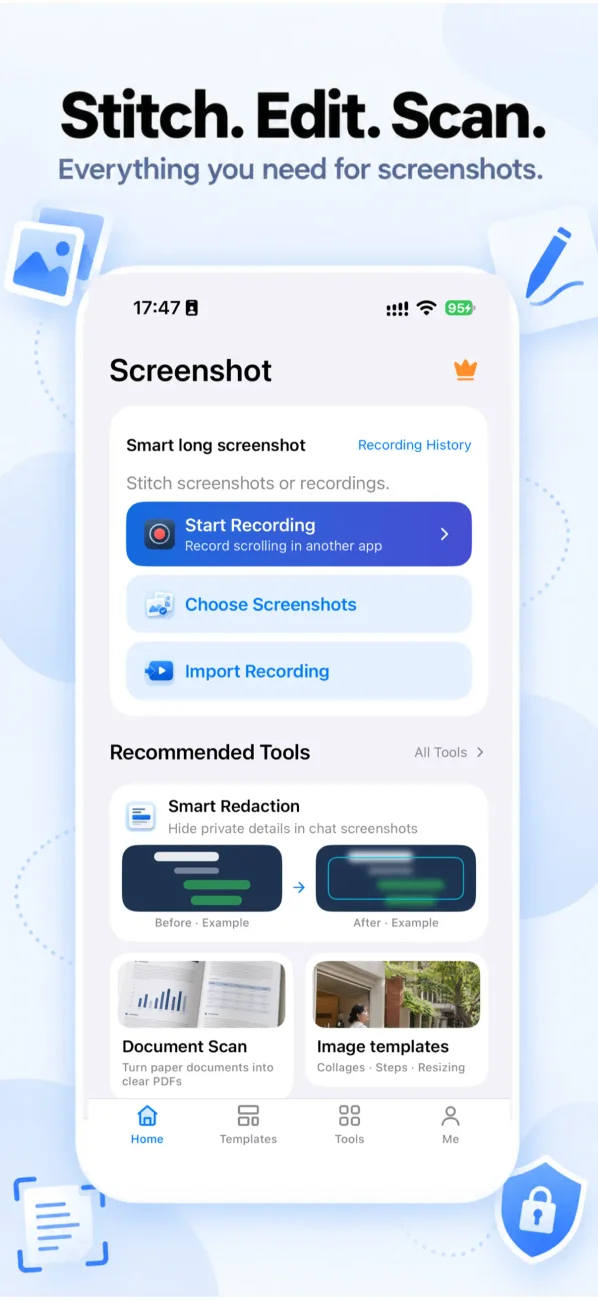
Create long screenshots, edit images and share across devices with Apowersoft Screenshot. Save conversations, articles and tutorials in full, then annotate, extract text or scan documents on iPhone and iPad. Share files over Wi-Fi and sync copied text between connected iPhones and iPads.
TWO WAYS TO MAKE LONG SCREENSHOTS
Combine overlapping screenshots with automatic overlap detection. Use automatic ordering, rearrange images yourself, and fine-tune joins when needed.
Or start a screen recording, scroll through the content you want to keep, and turn the recording into a long image. You can also import an existing recording, adjust the time range, and crop the final result.
FILE TRANSFER OVER WI-FI
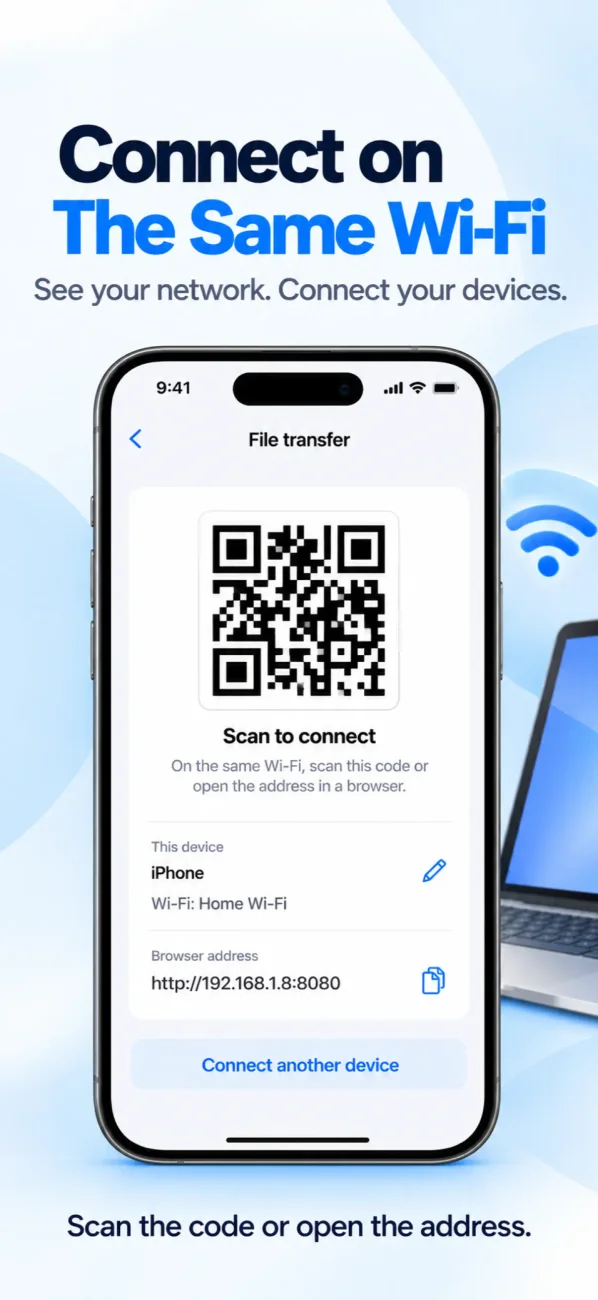
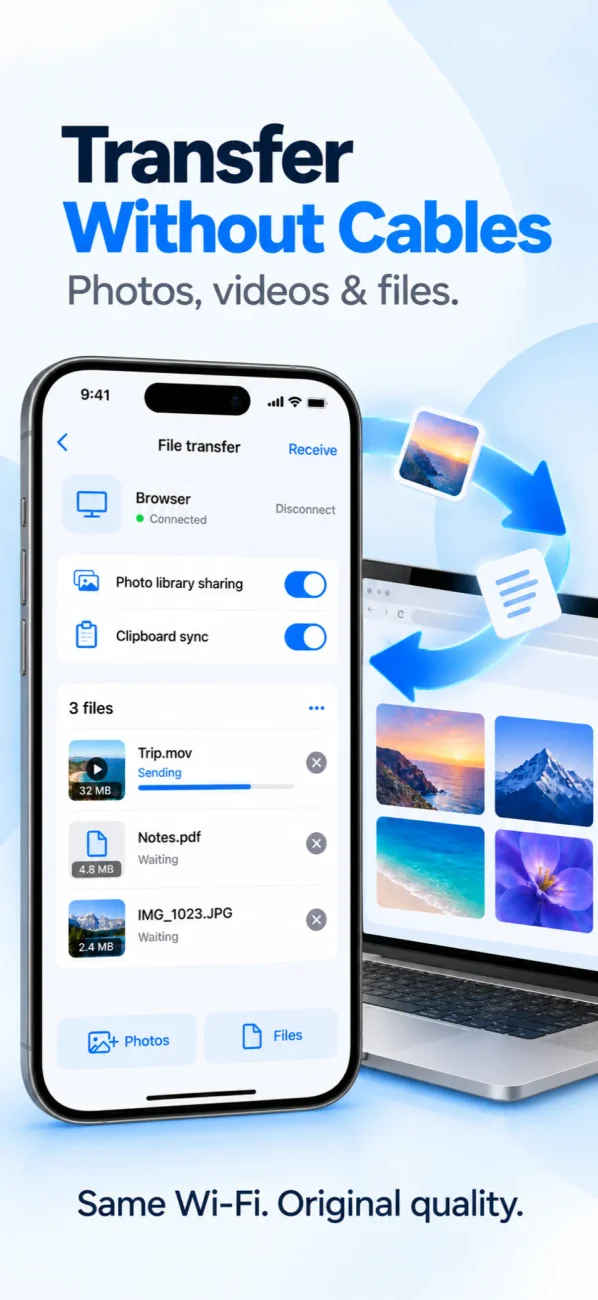
Share screenshots, photos, videos and files between iPhone and iPad on the same Wi-Fi network. Connect using nearby device discovery, a QR code or an address. Computers and other devices can upload, preview and download files in a browser, with no client app to install.
CLIPBOARD SYNC
Connect two iPhones or iPads running this app, then enable clipboard sync for that device and allow paste access. Copy text or a link in another app and return here to sync the new content to your connected device.
Keep the app in the foreground while transferring files or syncing your clipboard.
SMART REDACTION BEFORE YOU SHARE
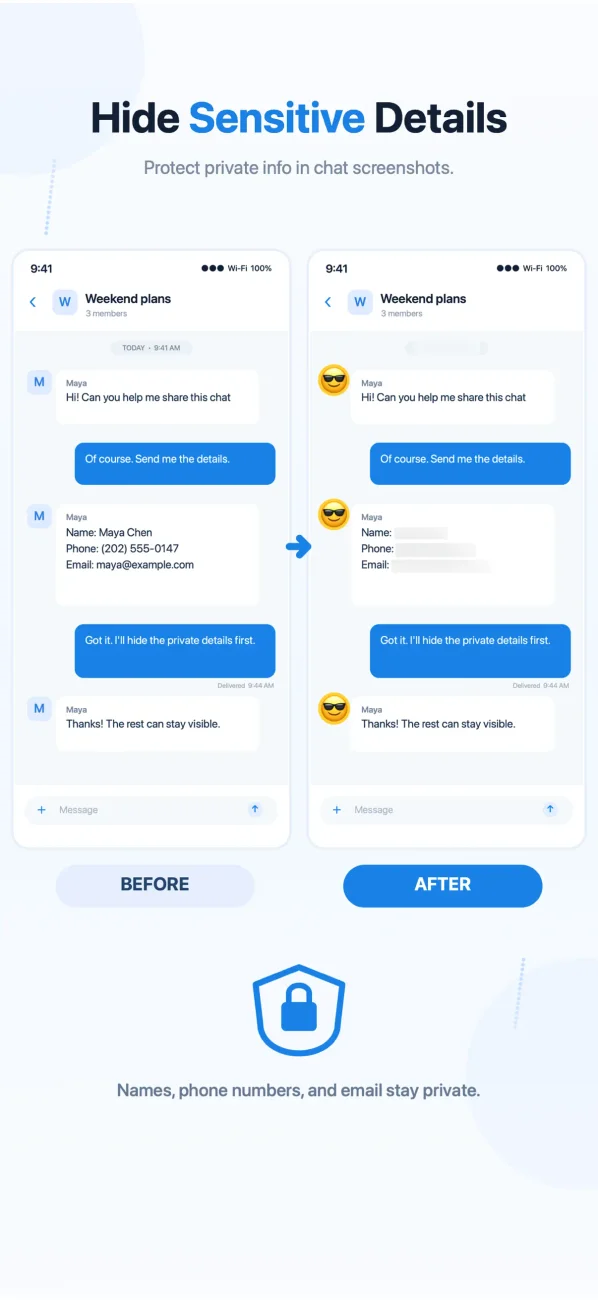
Automatically detect faces and potentially sensitive text, including phone numbers and email addresses. Review detected areas, add your own selections, and use solid covers, pixelation, or blur. Always check the finished image before sharing.
ANNOTATE AND EDIT
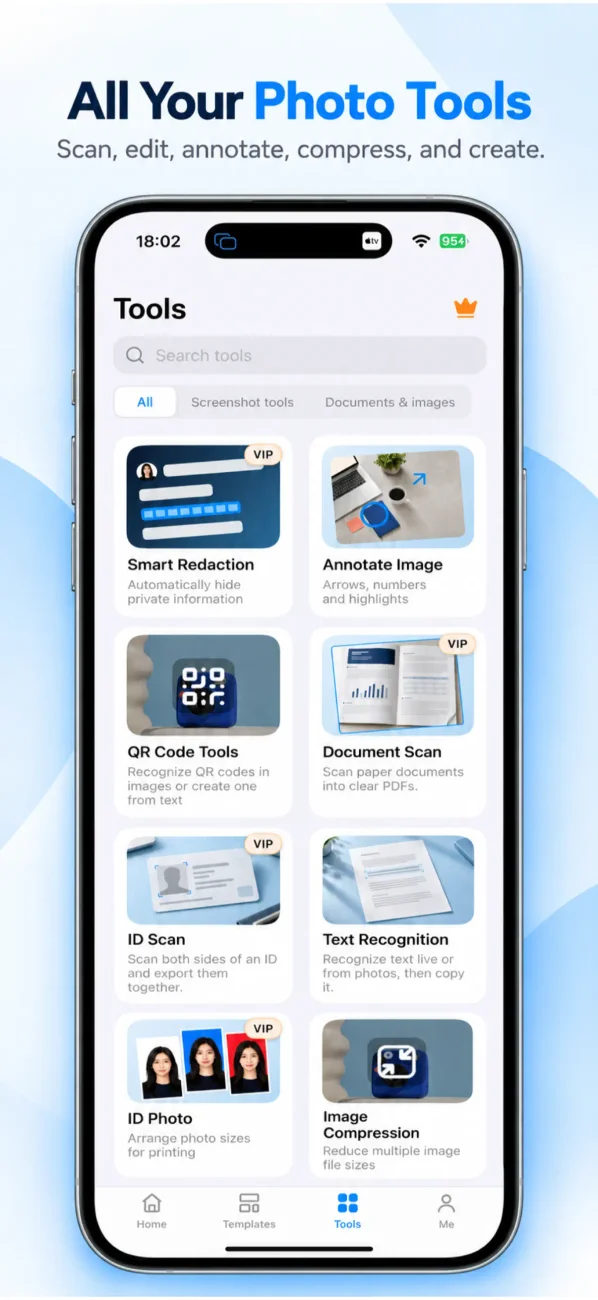
Add text, arrows, shapes, freehand drawings, and numbered steps. Crop screenshots, highlight important details, and create clear instructions or visual feedback.
COPY TEXT WITH OCR
Extract text from screenshots, photos, and scanned pages, or recognize text with your camera. Copy the results into notes, messages, and documents without retyping.
SCAN DOCUMENTS AND ID CARDS
Scan paper documents or import photos, adjust page edges, enhance readability, and organize multiple pages. Export scans as PDF or image files. Place the front and back of an ID card on one page and add a custom text watermark.
COLLAGES AND IMAGE LAYOUTS
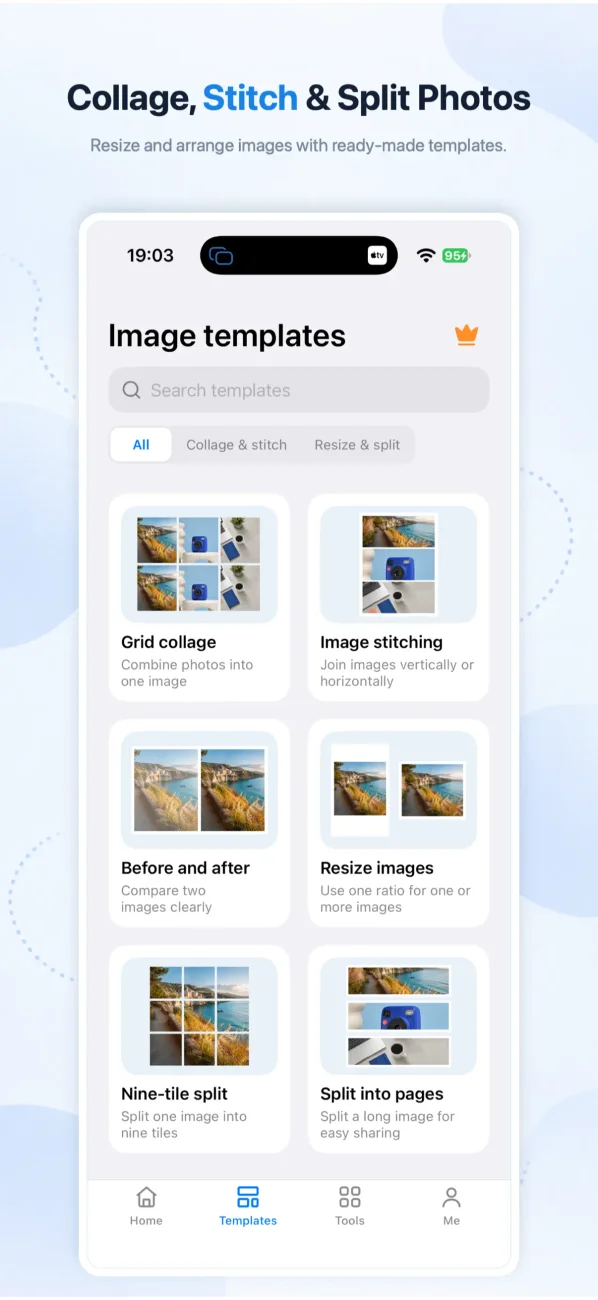
Arrange images in a grid, stitch pictures together or create before-and-after comparisons. Resize images, split them into a 3 × 3 grid or divide a long image into pages for sharing.
MORE PRACTICAL TOOLS
Compress images, prepare ID photos with background and size options, read QR codes from images, and create QR codes from text or links.
Keep the full context. Make the details clear. Share the result.
Some features and export options require a paid membership.
What’s new
Version 1.0.2 · Oct 29, 2026
Improved the file transfer experience, making it easier to send files, images, and text between devices.
App privacy
What Apowersoft Limited declares on the App Store about how this app handles data.
-
Data used to track you
May be used to track you across apps and websites owned by other companies.
- Identifiers
-
Data not linked to you
May be collected but is not linked to your identity.
- Purchases
- User content
- Identifiers
Privacy practices may vary, for example with the features you use or your age.
Information
- Seller
- Apowersoft Limited
- Category
- Utilities
- Version
- 1.0.2
- Updated
- Oct 29, 2026
- Released
- Feb 13, 2015
- Size
- 160.6 MB
- Requires
- iOS 16.0 or later
- Age rating
- 4+
- Price
- Free
- In-app purchases
- Yes
- Languages
- English, French, German, Japanese, Portuguese, Simplified Chinese, Spanish, Traditional Chinese
- Copyright
- Copyright © 2026 Apowersoft Ltd. All Rights Reserved.
You might also like
-
 Link Auth2FA codes and secure transfer
-
 JournaMazeUtilities
-
 CraftZone: Minecraft AddonsAddons, Maps & Skins for MCPE
-
 Rollshot – Long ScreenshotScroll capture, stitch & web
-
 ImageBiu: Stitch & MosaicUtilities
-
 AshareappShare to Any Browser via WiFi
-
 G.style BarbershopUtilities
-
 Reelscap: Long ScreenshotScroll once. Full screenshot.
-
 来电清清:电话号码归属地查询与来电拦截Utilities
-
 ScreenshotAI-AI assistantUtilities