- Age rating17+
- CategoryUtilities
- DeveloperHangzhou Lingke Networks Technology Co.Ltd
- LanguagesEnglish
- Size38.8 MB
Links to the official App Store page
Download.org hosts no file of Link Auth. The button opens its official App Store page, published by Hangzhou Lingke Networks Technology Co.Ltd. Listing last checked on Nov 13, 2026.
Screenshots

About
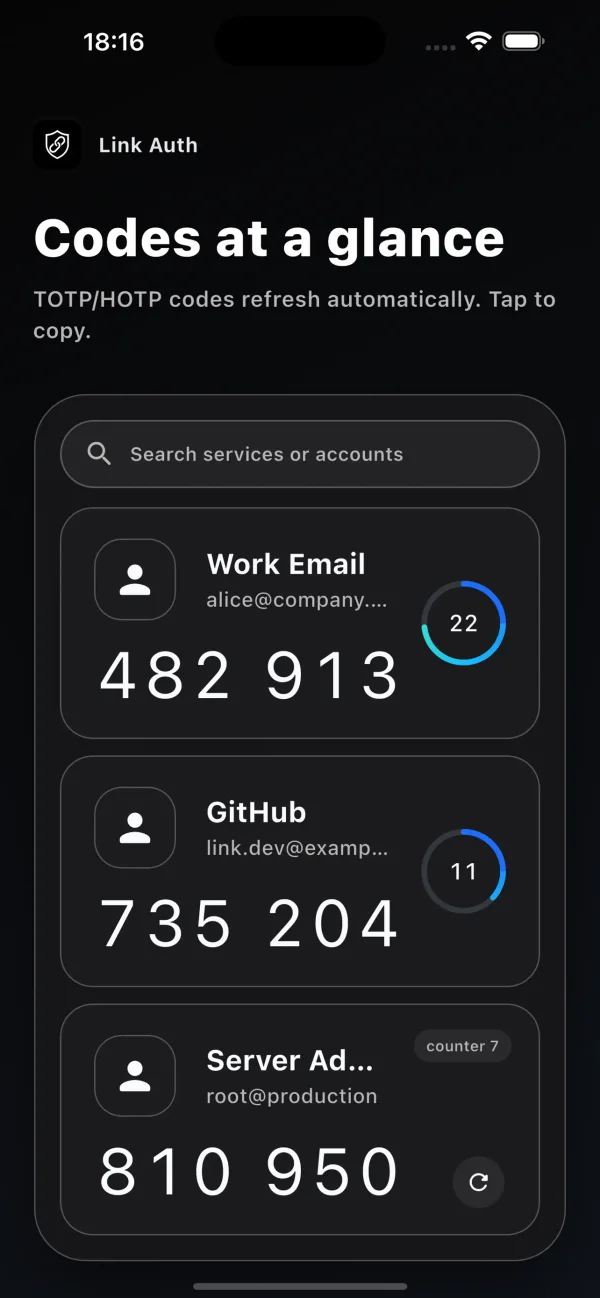
Link Auth is a focused and secure authenticator app for managing two-factor verification codes across email, developer tools, cloud services, finance systems, and other important accounts.
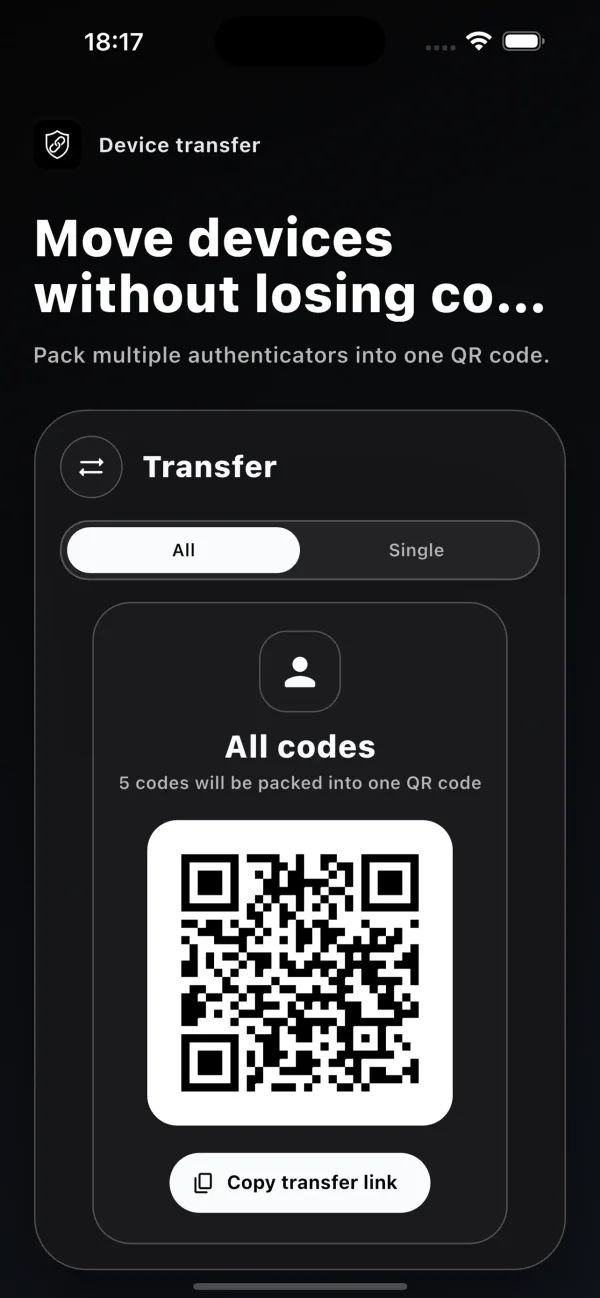
It supports both TOTP and HOTP authenticators. Codes refresh automatically when needed, and you can tap a code to copy it quickly. Add authenticators by scanning a QR code, importing from the clipboard, or entering a secret manually. When moving to a new device, export your authenticators as a QR code for a smoother transfer.
Key features:
- Manage TOTP and HOTP verification codes
- Add codes by QR scan, clipboard import, or manual entry
- Search by service name or account
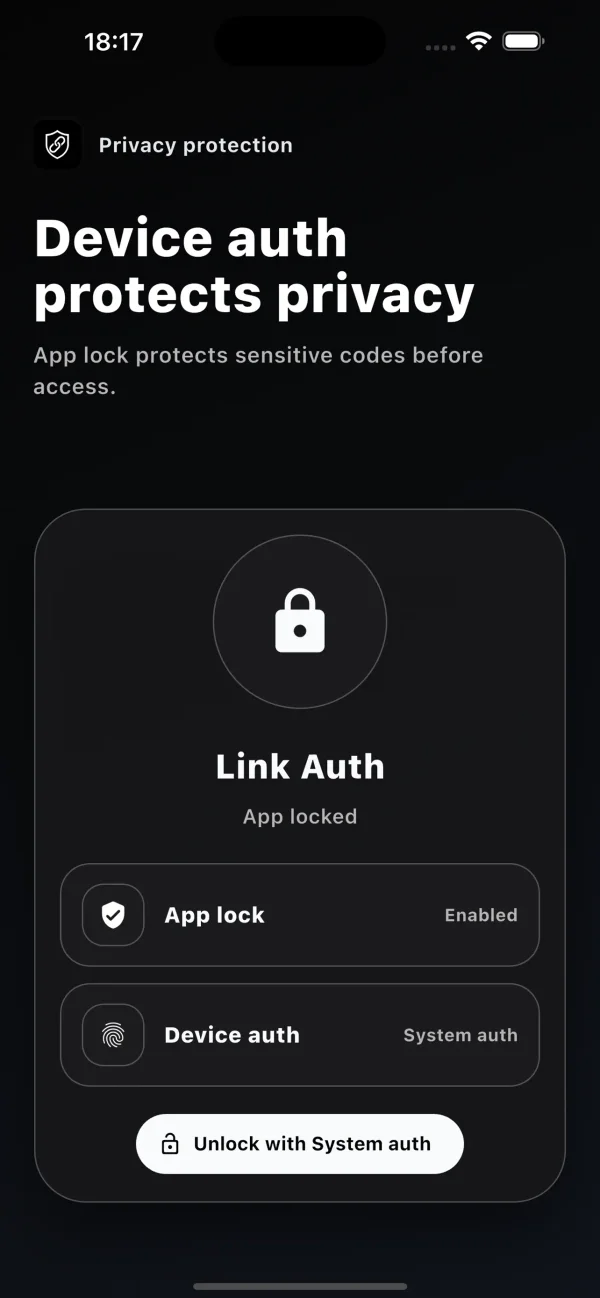
- Protect sensitive codes with device authentication and app lock
- Transfer authenticators by QR code
- Support for dark mode, light mode, and multiple languages
Link Auth keeps two-factor verification clear, organized, and ready for everyday use.
What’s new
Version 1.0.2 · Sep 5, 2026
Add chain import
App privacy
What Hangzhou Lingke Networks Technology Co.Ltd declares on the App Store about how this app handles data.
-
Data not collected
The developer does not collect any data from this app.
Privacy practices may vary, for example with the features you use or your age.
Information
- Seller
- Hangzhou Lingke Networks Technology Co.Ltd
- Category
- Utilities
- Version
- 1.0.2
- Updated
- Sep 5, 2026
- Released
- Jul 9, 2026
- Size
- 38.8 MB
- Requires
- iOS 15.5 or later
- Age rating
- 17+
- Languages
- English
- Copyright
- Copyright © 2026 Link Auth. All rights reserved.