
- Age rating4+
- CategoryHealth & Fitness
- DeveloperCase For Vision LLC
- LanguagesEnglish
- Size715.0 KB
Links to the official App Store page
Download.org hosts no file of Q++. The button opens its official App Store page, published by Case For Vision LLC. Listing last checked on Nov 18, 2026.
Screenshots


About
A simpler, more stable way to magnify
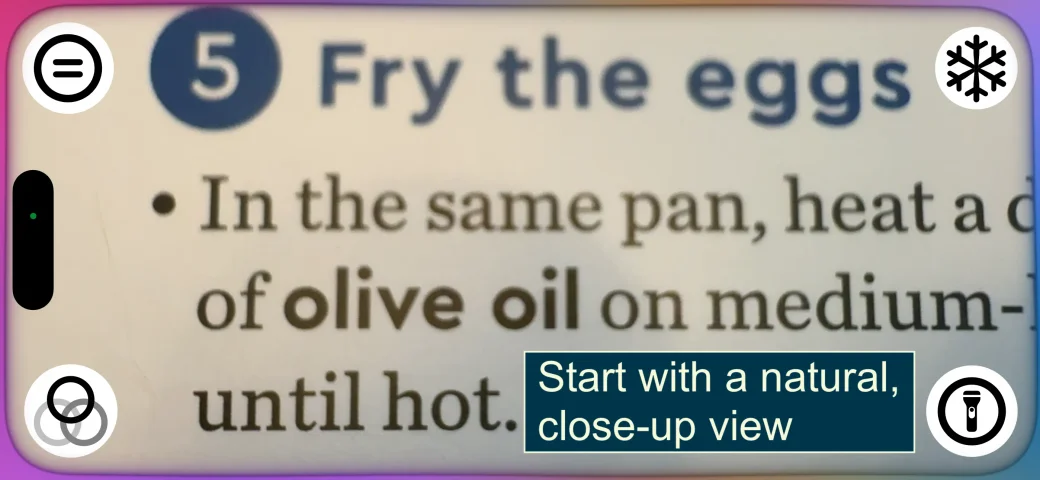
Q++ transforms your iPhone into a hands-free, handheld magnifier, similar to dedicated electronic magnification devices—but without the cost, complexity, or learning curve.
Unlike traditional magnifier apps, Q++ is designed to reduce common challenges like shaky hands, tremors, constant refocusing, and awkward phone positioning. Whether you’re holding your phone or using the app with Case for Vision Ergo or a compatible kickstand, Q++ helps you maintain a clear, steady view.
What makes Q++ different?
- Stable magnification with true hands-free operation
Q++ works beautifully on its own and pairs especially well with compatible MagSafe kickstands or the Case for Vision Ergo. When supported, you can glide the phone smoothly over text or objects—much like a professional handheld video magnifier—without needing to hold it perfectly still.
- Automatic perspective correction
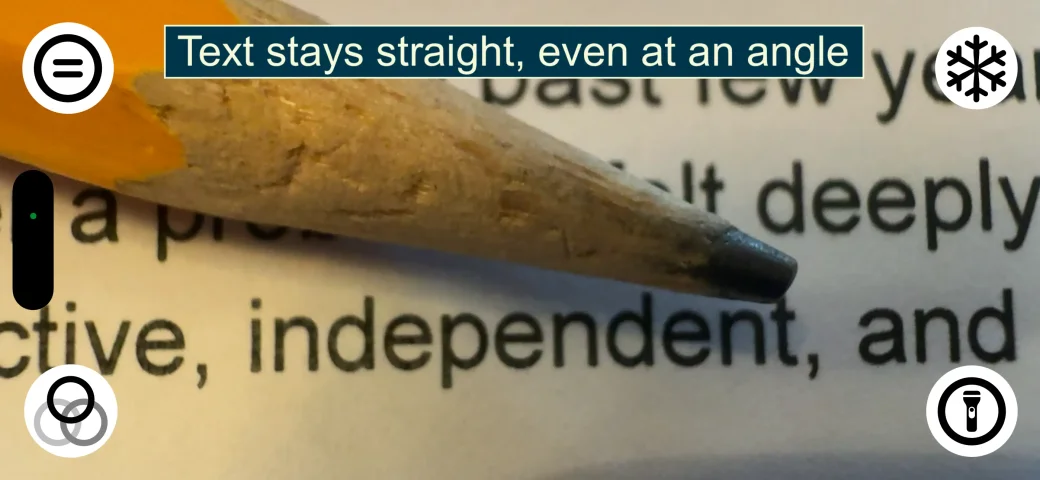
When your phone is angled above printed material, Q++ automatically straightens and corrects the image, keeping text readable and undistorted even when the device isn’t parallel to the page.
- Intuitive zoom and navigation
Use familiar pinch gestures to adjust magnification, and pan around the image to explore different areas with ease.
- Ultra-simple interface
Essential controls are placed intuitively in the four corners of the screen, keeping the view clear and uncluttered.
- Reading guidelines and high-contrast filters
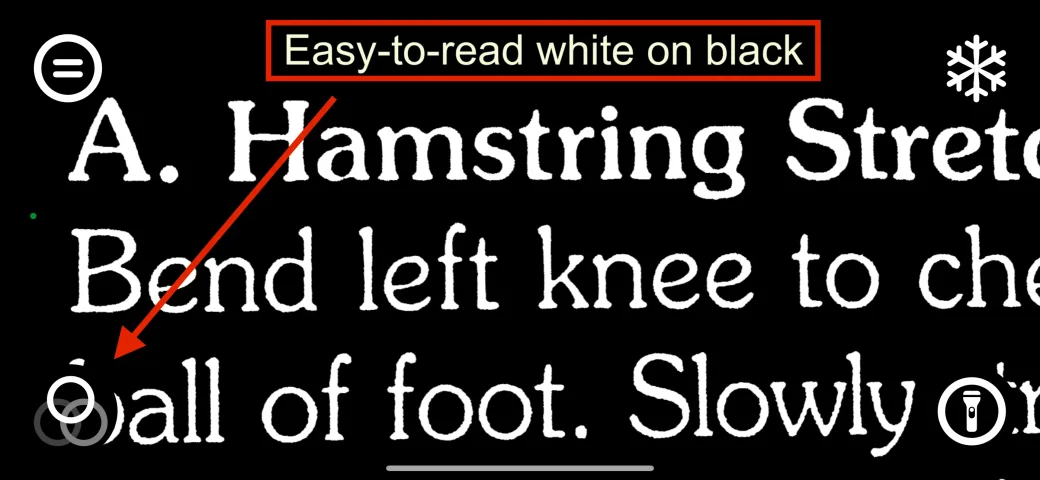
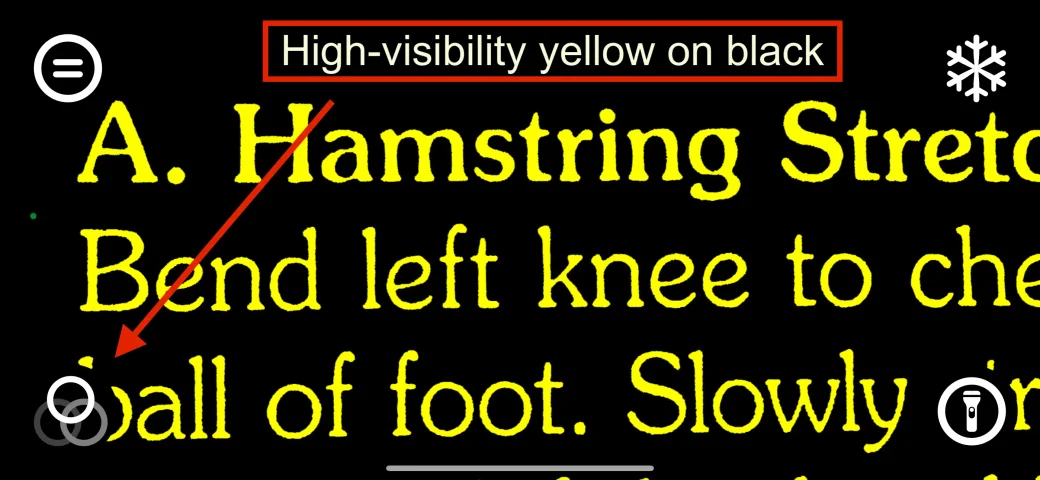
Optional reading guidelines help you focus on a single line of text. Switch between black on white, white on black (inverted), and yellow on black filters to improve readability in different lighting conditions.
- Freeze the image for steady inspection
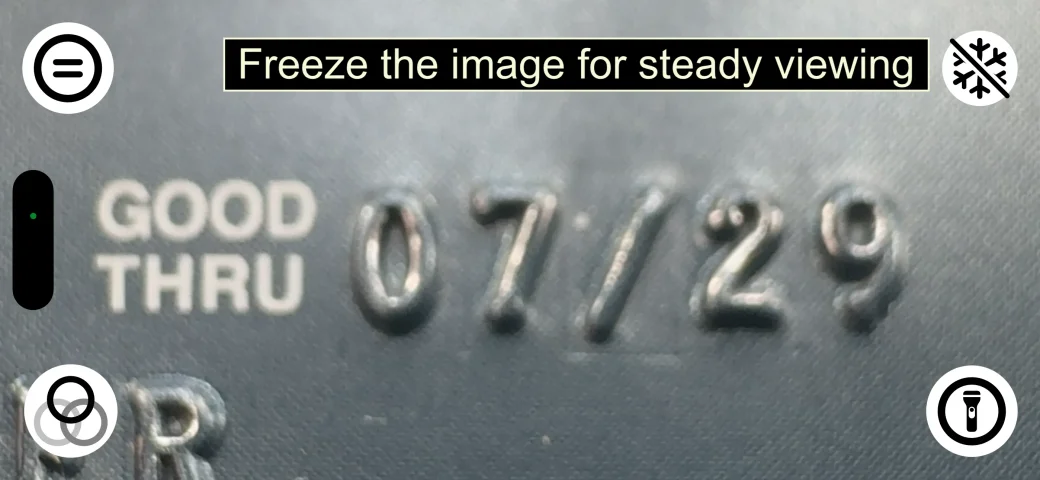
Freeze the view to examine fine details without motion or shaking, ideal for extended reading or close inspection.
- Built-in flashlight control
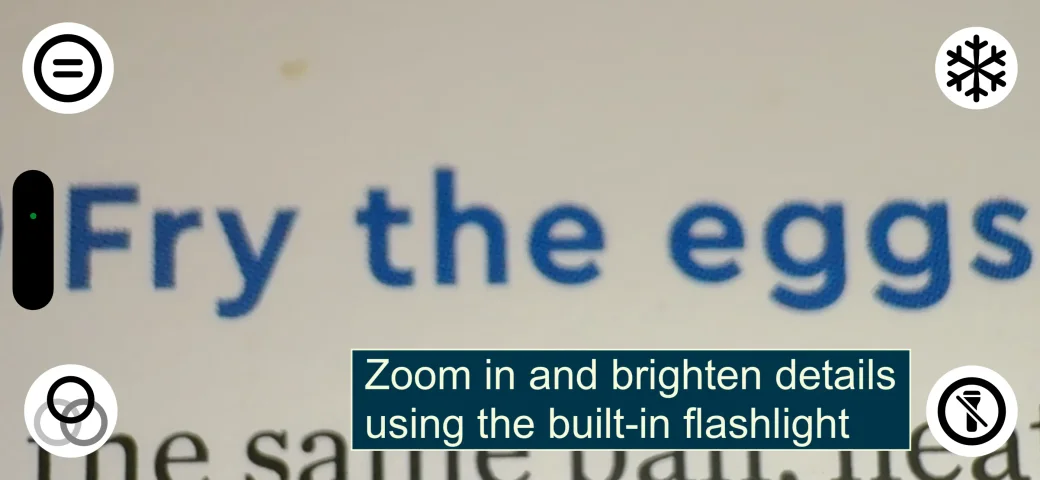
Turn on your iPhone’s flashlight directly within the app to brighten printed material in dim environments, like restaurants or low-light workspaces.
- No setup, no training.
Q++ uses standard iPhone gestures and works seamlessly with Apple accessibility features, including the VoiceOver screen reader.
Includes a 14-day evaluation.
Q++ is free when you purchase a Case For Vision Ergo, which also enables hands-free distance magnification. Purchase Ergo and receive an unlock code for unlimited use of Q++ beyond the trial period
What’s new
Version 1.0.6 · Aug 6, 2026
Bug fixes and performance improvements.
App privacy
What Case For Vision LLC declares on the App Store about how this app handles data.
-
Data not collected
The developer does not collect any data from this app.
Privacy practices may vary, for example with the features you use or your age.
Information
- Seller
- Case For Vision LLC
- Category
- Health & Fitness
- Version
- 1.0.6
- Updated
- Aug 6, 2026
- Released
- Jan 24, 2026
- Size
- 715.0 KB
- Requires
- iOS 18.0 or later
- Age rating
- 4+
- Price
- Free
- In-app purchases
- Yes
- Languages
- English
- Copyright
- © Case for Vision LLC.
You might also like
-
 IowaColorVisionMedical
-
 Tami GuideConfigure Your Smart Eyewear
-
 Hello Practice ScribeHealth & Fitness
-
 Control LITEControl Chart2020 LITE
-
 Color Vision TestsColor blind testing!
-
 XanderGlassesCaption Your World™
-
 MagniLink ViewerFor low vision users
-
 optaro XLTablet-friendly reading aid
-
 MindfulPacerHealth & Fitness
-
 Chart2020 LiteDigital Eye Test Chart