
Tami Guide
Configure Your Smart Eyewear
Designed for iPhone, iPad, iPod touch
Free
- Age rating12+
- CategoryHealth & Fitness
- DeveloperLighthouse Tech SA
- LanguagesEnglish
- Size37.4 MB
Links to the official App Store page
Download.org hosts no file of Tami Guide. The button opens its official App Store page, published by Lighthouse Tech SA. Listing last checked on Nov 19, 2026.
Screenshots

About
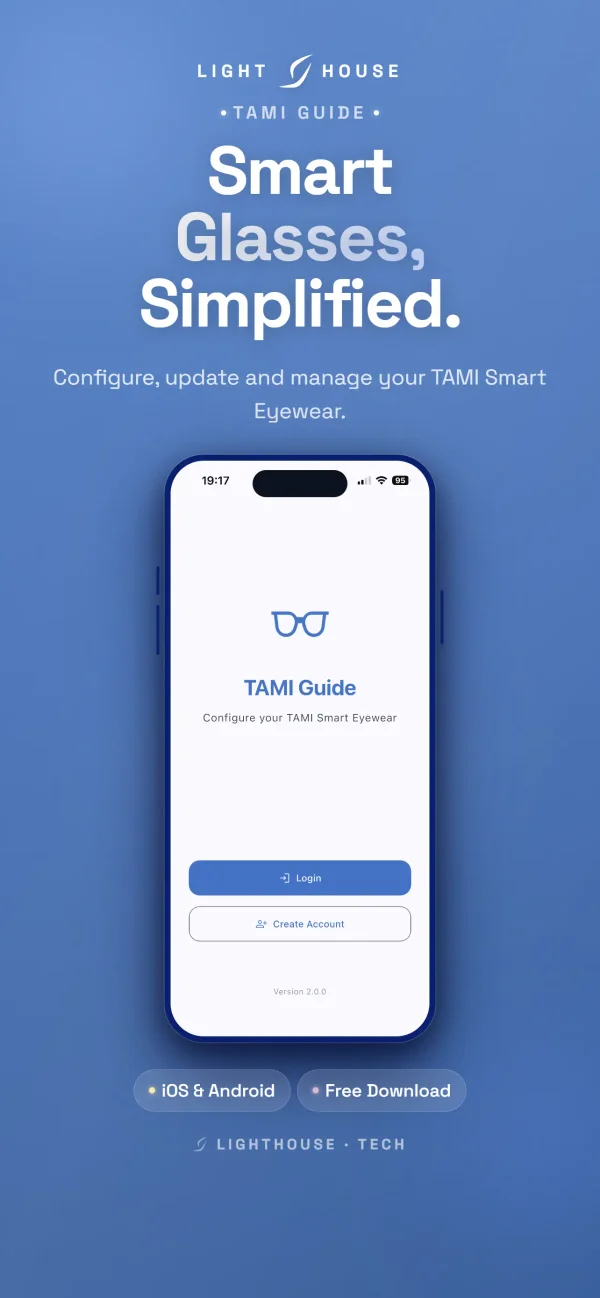
TAMI Guide is the official app for TAMI Smart Eyewear by Lighthouse Tech.
Pair, configure and update your glasses wirelessly — directly from your iPhone or iPad.
——
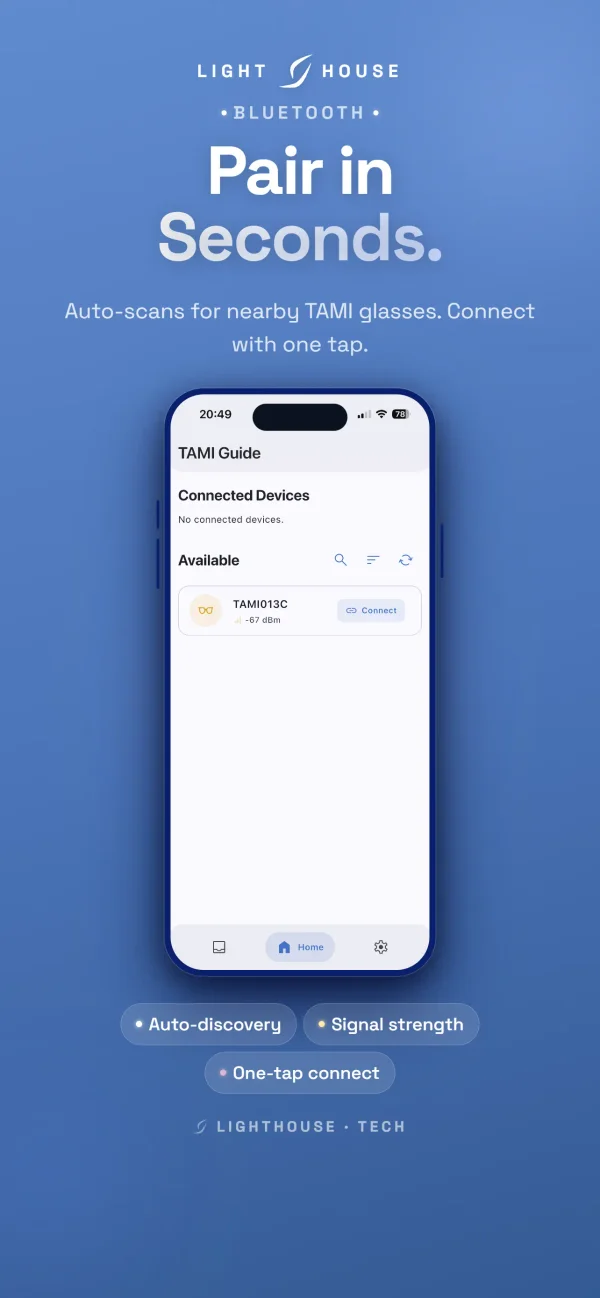
PAIR IN SECONDS
Open the app and TAMI Guide instantly scans for nearby glasses via Bluetooth. Tap once to connect. Signal strength is shown in real time, so you always get the best possible connection.
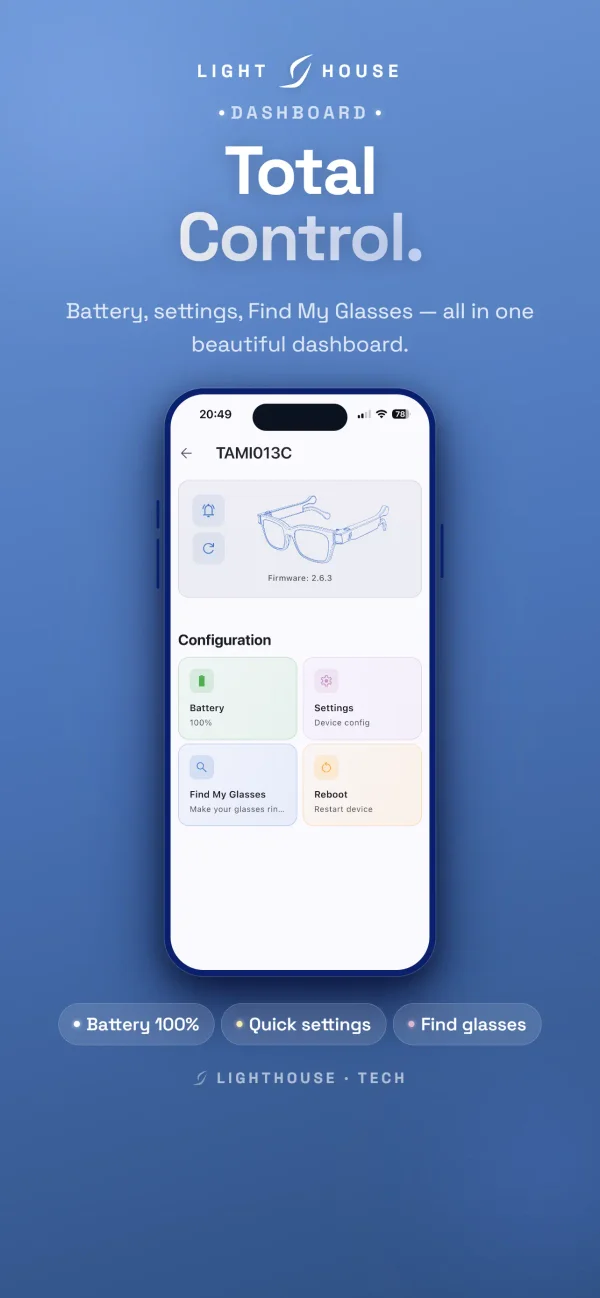
TOTAL CONTROL, ONE DASHBOARD
Battery level, firmware version, device settings, Find My Glasses, reboot — everything you need is one tap away from a single, clean dashboard.
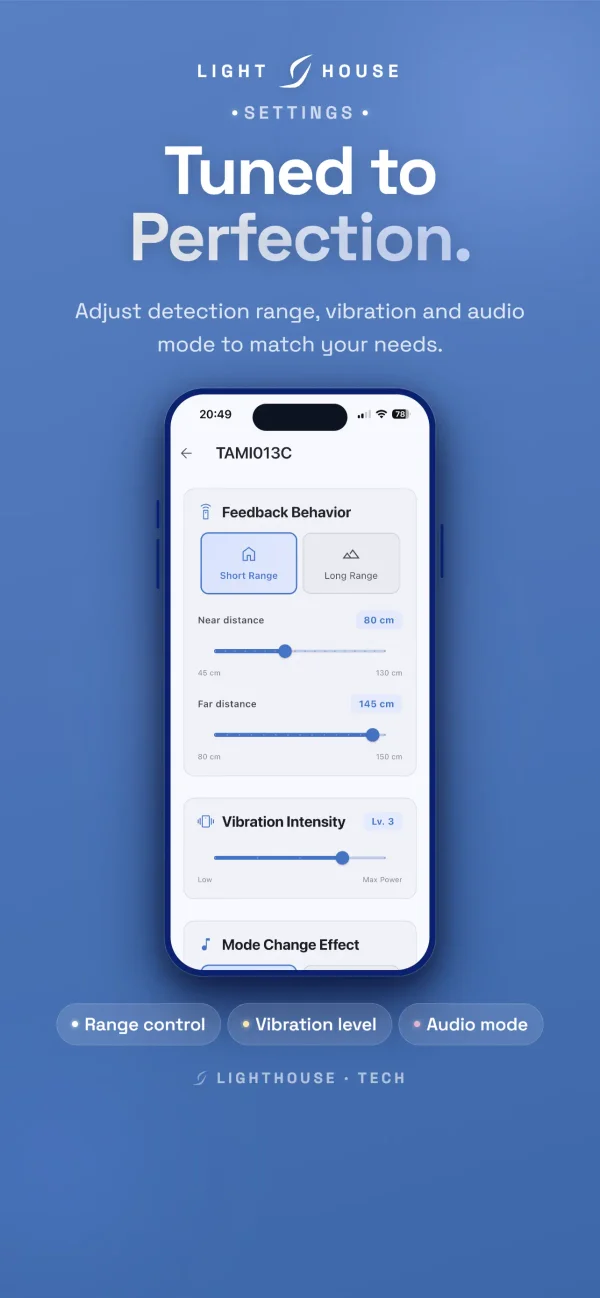
TUNED TO YOUR NEEDS
Choose Short Range or Long Range feedback profile, fine-tune detection distance, vibration intensity and audio mode. Your glasses, your preferences.
FIND MY GLASSES
Can't find your TAMI glasses? Tap once and they ring. Tap again to stop. Simple as that.
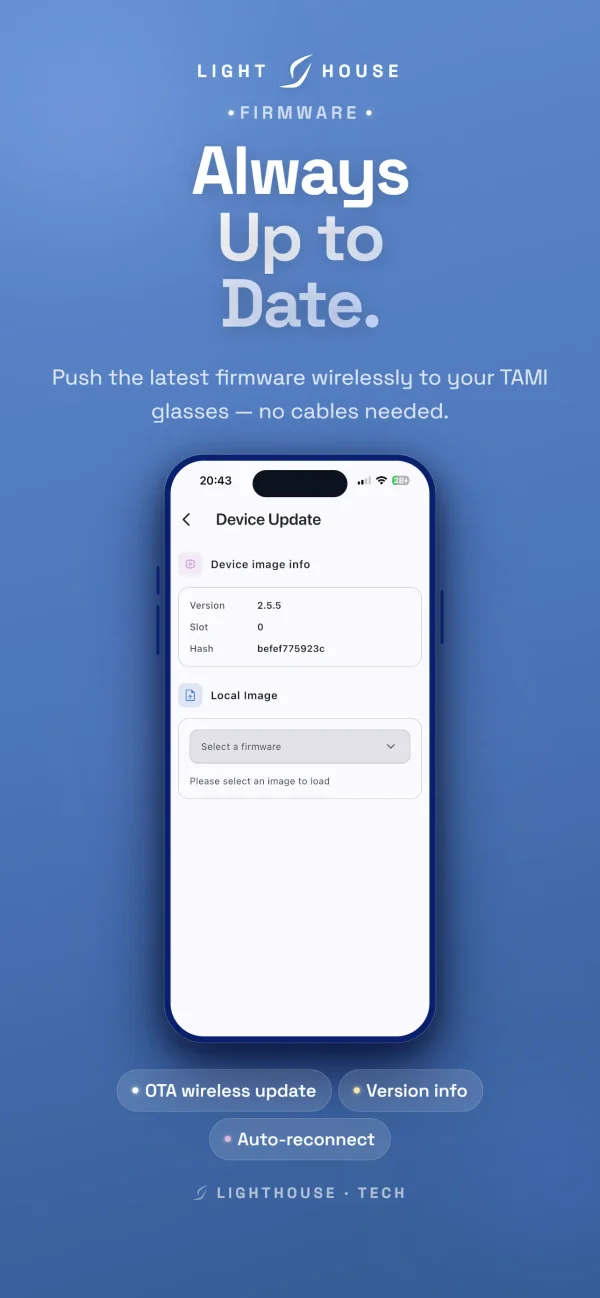
ALWAYS UP TO DATE
Firmware updates happen wirelessly, no cables required. TAMI Guide handles the entire process and reconnects your glasses automatically when done.
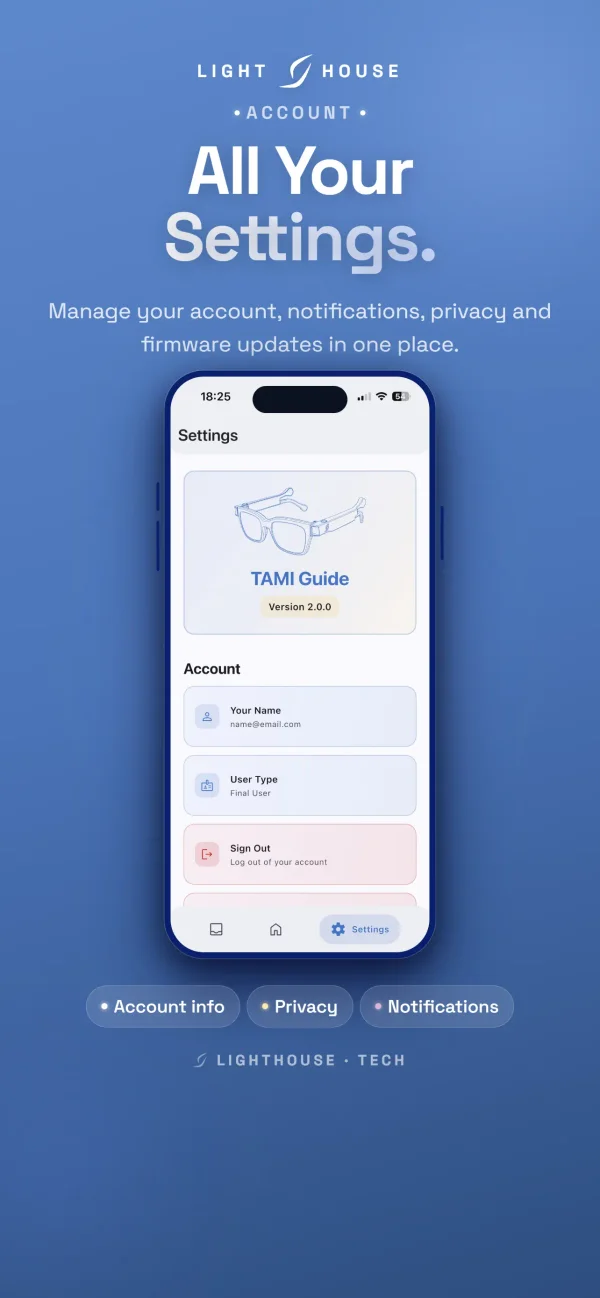
YOUR ACCOUNT, YOUR PRIVACY
Manage your Lighthouse account, update notification preferences and control your privacy settings — all from within the app. You can also permanently delete your account at any time.
STAY IN THE LOOP
Get firmware announcements, product news and messages from Lighthouse delivered straight to your in-app inbox.
——
TAMI Guide is free to download. A compatible pair of TAMI Smart Eyewear is required to use the app.
Support: info@lighthousetech.ch
© 2026 Lighthouse Tech SA — Switzerland
What’s new
Version 2.1.0 · Sep 1, 2026
- Arm vibration mute: new section in Device Settings to mute/unmute the haptic
vibration of the left or right arm independently, during ranging.
- Mode Change Effect: new "Combined" option (vibration + audio together) in
Device Settings, alongside the existing Vibration and Audio choices.
- Low battery notification: a local notification now warns when the glasses
battery drops to 30% or below (the worse of the two arms), while the
device is connected and not charging.
- Beta Tester: new option in Settings to request beta tester status. Once
approved (by an admin, via Firestore), the user's firmware update page will
also show firmware builds marked as beta-only, in addition to the regular
ones.
App privacy
What Lighthouse Tech SA declares on the App Store about how this app handles data.
-
Data linked to you
May be collected and linked to your identity.
- Contact info
- Identifiers
-
Data not linked to you
May be collected but is not linked to your identity.
- User content
Privacy practices may vary, for example with the features you use or your age.
Information
- Seller
- Lighthouse Tech SA
- Category
- Health & Fitness
- Version
- 2.1.0
- Updated
- Sep 1, 2026
- Released
- Jun 27, 2026
- Size
- 37.4 MB
- Requires
- iOS 15.0 or later
- Age rating
- 12+
- Price
- Free
- Languages
- English
- Copyright
- © 2024 Lighthouse Tech SA
You might also like
-
 AccessProfile+Be Understood Instantly
-
 Hindsight - Pedestrian SafetyKeeping you safe on streets.
-
 Q++A simpler way to magnify
-
 Accessibility researchHealth & Fitness
-
 TihiSilent signal, instant support
-
 GoVividAssist Blind Visually Impaired
-
 CalmConnect: Anxiety ReliefCrowds & anxiety support
-
 Accessible PharmacyMedical
-
 Smart Vision UltraSHG Technologies Pvt Ltd
-
 SightAssist AIMagnify, Navigate & Read