
- Age rating4+
- CategoryProductivity
- DeveloperJunyi HE
- LanguagesTraditional Chinese+ 1 more
- Size19.5 MB
Links to the official App Store page
Download.org hosts no file of CaptionNow 廣東話即時字幕・語音轉文字. The button opens its official App Store page, published by Junyi HE. Listing last checked on Nov 12, 2026.
Screenshots




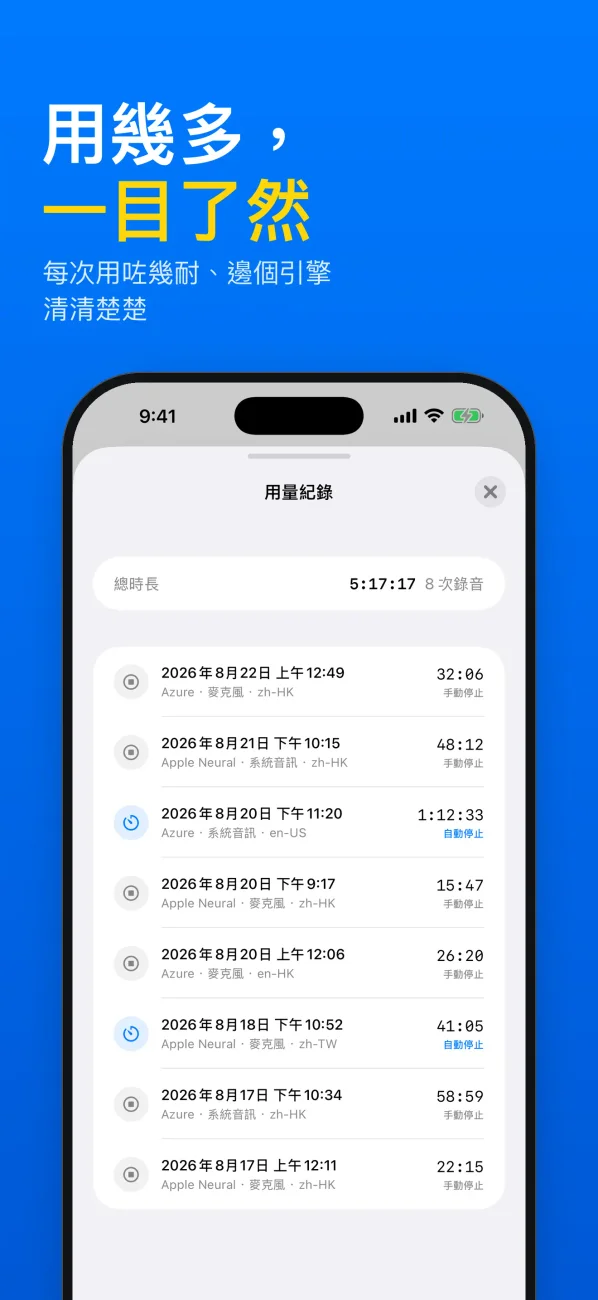
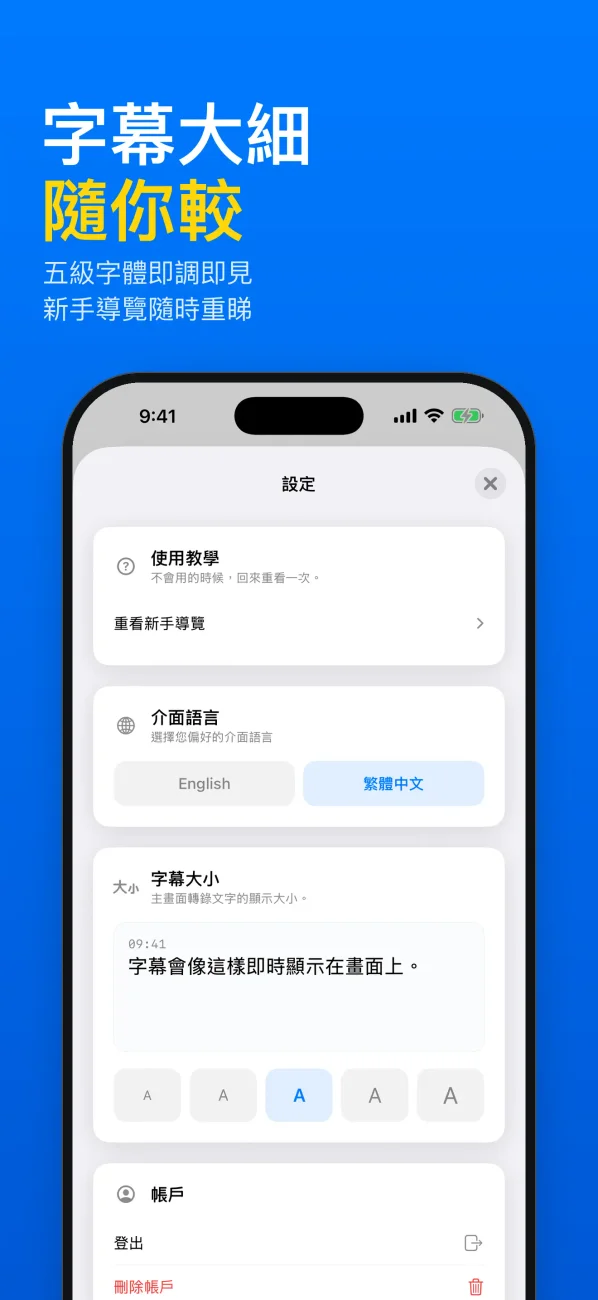
About
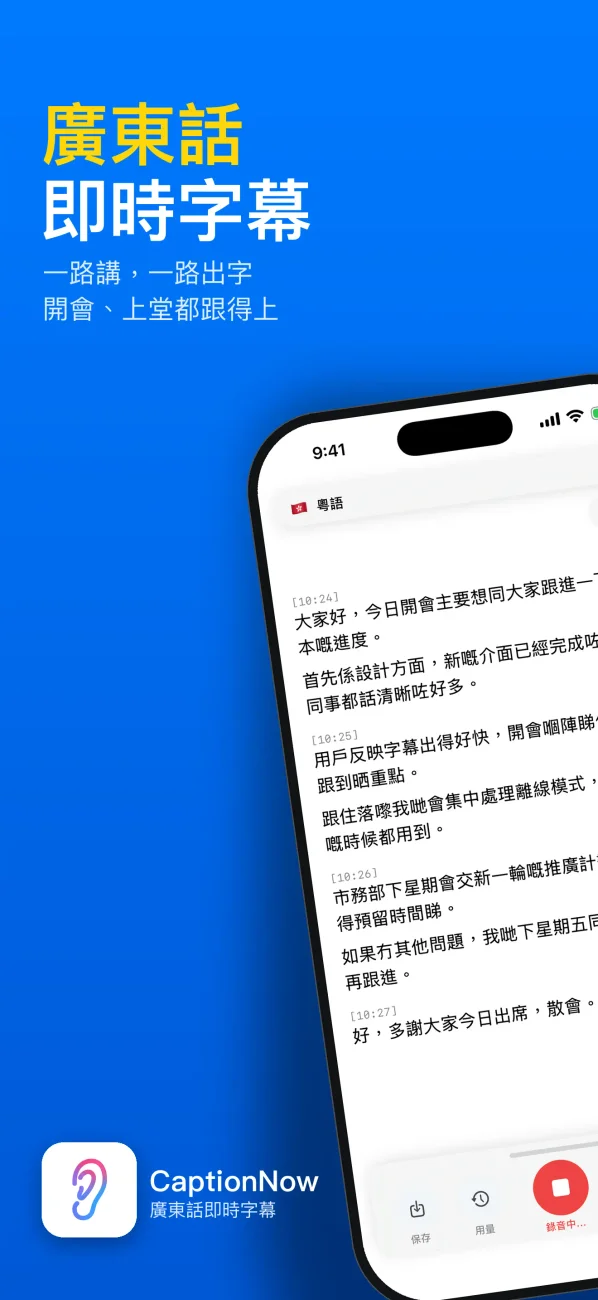
A real-time speech-to-text tool built around two things: accuracy and low latency.
The developer is hard of hearing, and couldn't find a single app that handled Hong Kong Cantonese properly — the code-switching between Chinese and English, the technical terminology — while staying accurate and returning results instantly. So this one got built. Every decision in it comes from what actually holds up in daily use, not from a feature checklist.
Features
Live transcript — Text appears as you speak. No waiting for the sentence to finish.
Captions for audio playing on your phone — Not just the microphone. Video calls, videos, and podcasts get transcribed too, which most comparable tools can't do.
Floating captions — Picture-in-Picture keeps captions on screen while you use other apps.
You pick the language; it doesn't guess — Mandarin (Taiwan / Mainland), Hong Kong Cantonese including Chinese-English code-switching, and English (US / UK / India / Hong Kong). Once you choose, it stays there — no drifting between languages mid-sentence.
Offline recognition — Download a language pack on iOS 26 or later and it works without a network connection.
Built for long reading sessions — No decorative clutter. Comfortable to watch through an entire lecture.
Who it's for
Deaf and hard-of-hearing users — Everyday communication support. See what's being said.
Students — Live lecture notes, without losing the thread while you try to keep up.
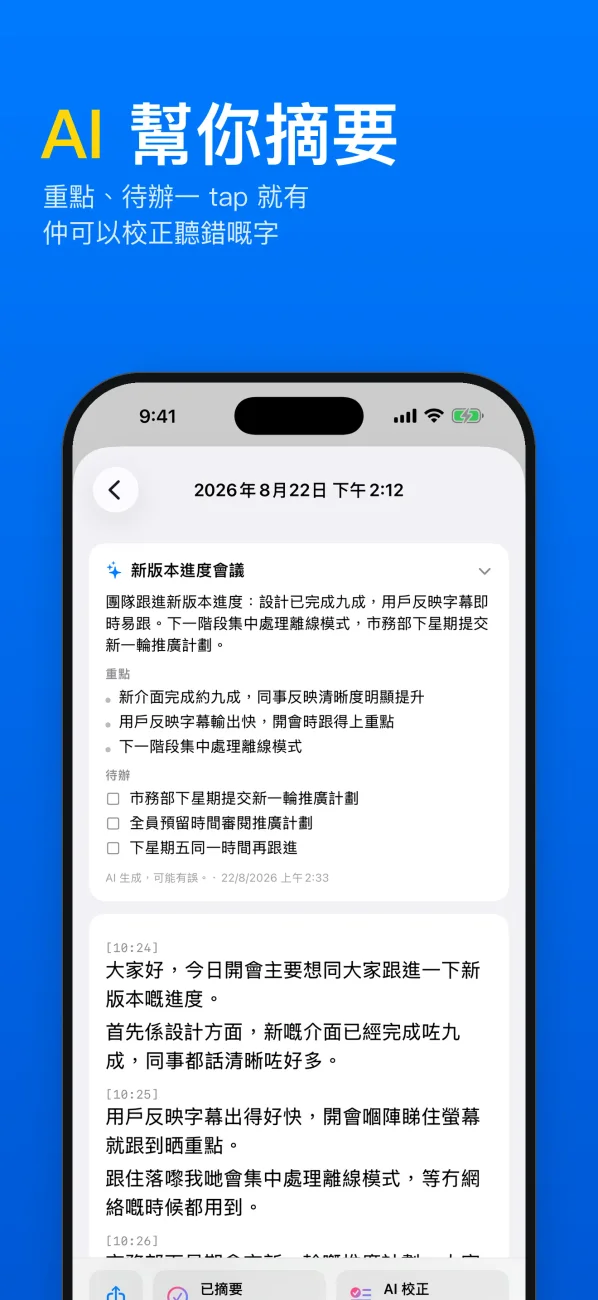
Professionals — Meeting minutes and interview transcripts, handled as they happen.
Specifications
This is transcription, not translation. What goes in is what comes out — with one exception: spoken Cantonese is transcribed into standard written Chinese, with English terms kept inline as spoken.
Online mode uses a cloud recognition engine. Offline mode requires iOS 26 or later.
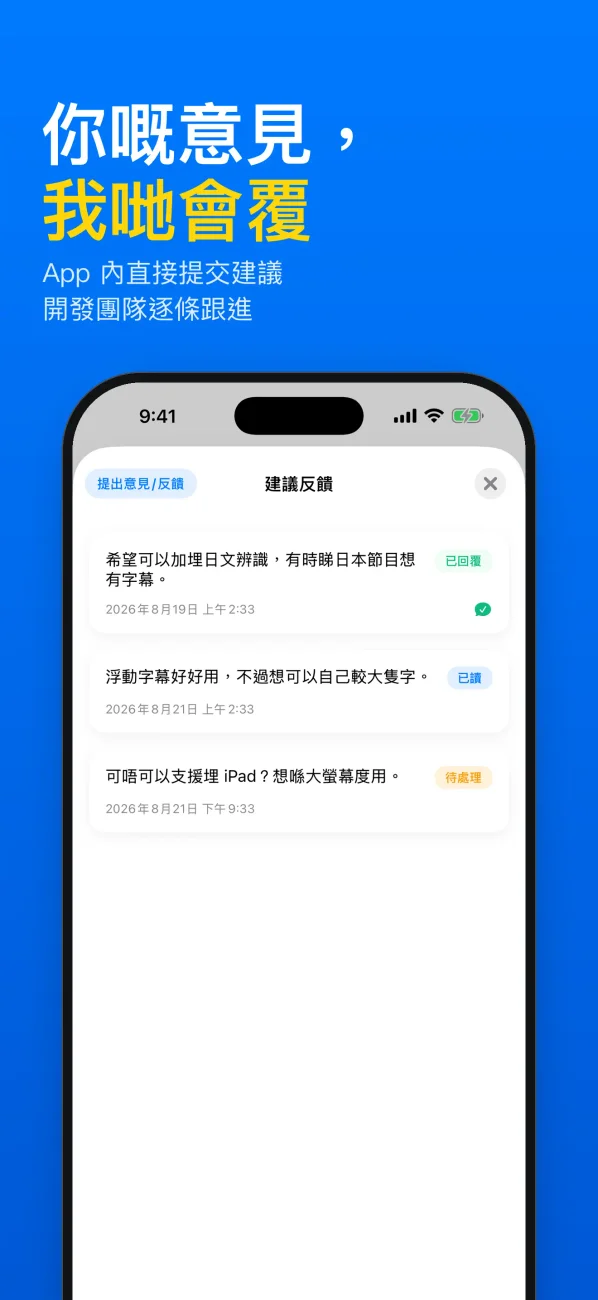
Real examples of recognition errors are welcome — they're the most effective way to improve accuracy right now.
Terms of Use (EULA): https://garnet-marimba-2dd.notion.site/Terms-of-Service-2d2f598ba98e80e5b065d198d8acf404?source=copy_link
Privacy Policy: https://garnet-marimba-2dd.notion.site/Privacy-Policy-2d2f598ba98e80af99bae73136d3a3b9?source=copy_link
What’s new
Version 1.8.2 · Sep 24, 2026
Fixed:
a downloaded Cantonese model could disappear from the language list after you left and reopened the app.
content updated:
The Apple model now recommends iPhone 15 Pro or newer.
Clearer credit rules: Plus credits (180 a month) do not roll over, top-up credits do not expire, and recording uses Plus credits first.
App privacy
What Junyi HE declares on the App Store about how this app handles data.
-
Data linked to you
May be collected and linked to your identity.
- Contact info
-
Data not linked to you
May be collected but is not linked to your identity.
- Purchases
- Identifiers
- Usage data
Privacy practices may vary, for example with the features you use or your age.
Information
- Seller
- Junyi HE
- Category
- Productivity
- Version
- 1.8.2
- Updated
- Sep 24, 2026
- Released
- Mar 4, 2026
- Size
- 19.5 MB
- Requires
- iOS 18.0 or later
- Age rating
- 4+
- In-app purchases
- Yes
- Languages
- Traditional Chinese, English
- Copyright
- Copyright © 2026 Seafather. All rights reserved
You might also like
-
 Canto AICantonese AI transcription
-
 Lugji: Cantonese AI NotesCantonese meeting notes
-
 廣東話轉錄Productivity
-
 LugofficeMeetings into documents
-
 LangLang LiveOffline meeting transcription
-
 ROJIN–Speech-to-TextJapan&Multil Speech-to-Text
-
 Chatable AI - Voice TranslateFace-to-face voice translation
-
 Transcribe Audio to Text: ADRSLive transcribe voice notes
-
 EchosyPrivate AI meeting transcriber
-
 TrueSay: AI Audio TranslatorBilingual Conference & Speech