
- Age rating4+
- CategoryProductivity
- DeveloperLUGJI LIMITED
- LanguagesTraditional Chinese+ 1 more
- Size2.2 MB
Links to the official App Store page
Download.org hosts no file of Lugoffice. The button opens its official App Store page, published by LUGJI LIMITED. Listing last checked on Nov 22, 2026.
Screenshots


About
Lugoffice is now part of Lugji 2.0 and this is its final version; its cloud AI will stop on 11 January 2027 — please switch to Lugji, which can import your existing Lugoffice documents.
The hard part of a meeting isn't the meeting — it's the paperwork after.
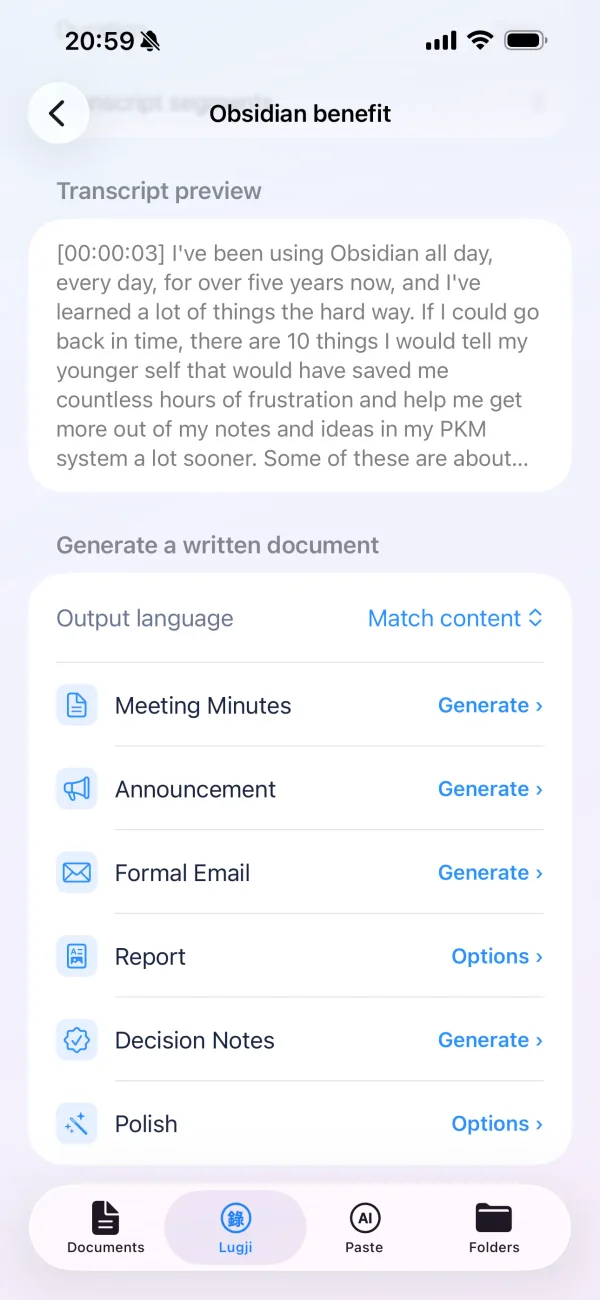
Lugoffice turns a spoken Cantonese meeting into polished written documents you can hand in right away. Lugji captures what was said; Lugoffice gets it done.
Seven document types from one conversation
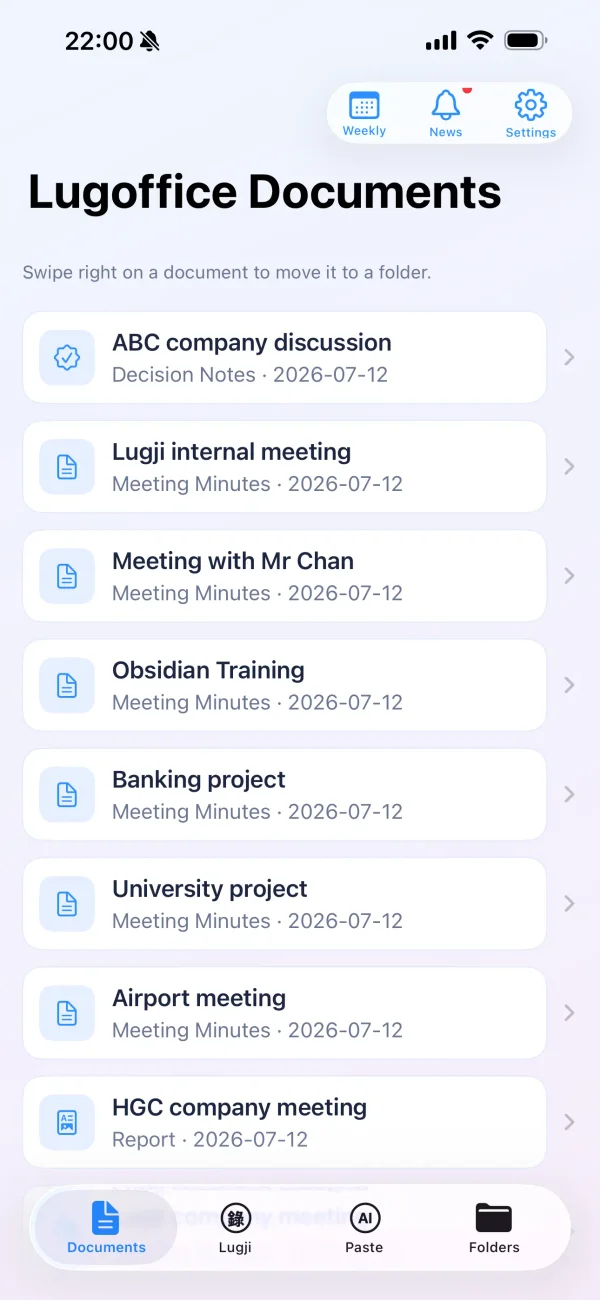
· Meeting Minutes — summary, discussion, decisions, action items
· Announcement — title, audience, body, sign-off
· Formal Email — subject, greeting, body, courteous tone
· Report — a structured report with summary and sections
· Decision Notes — only the decisions actually made, with rationale and owners
· Polish — proofread, tighten or expand your own draft (wording only, nothing invented)
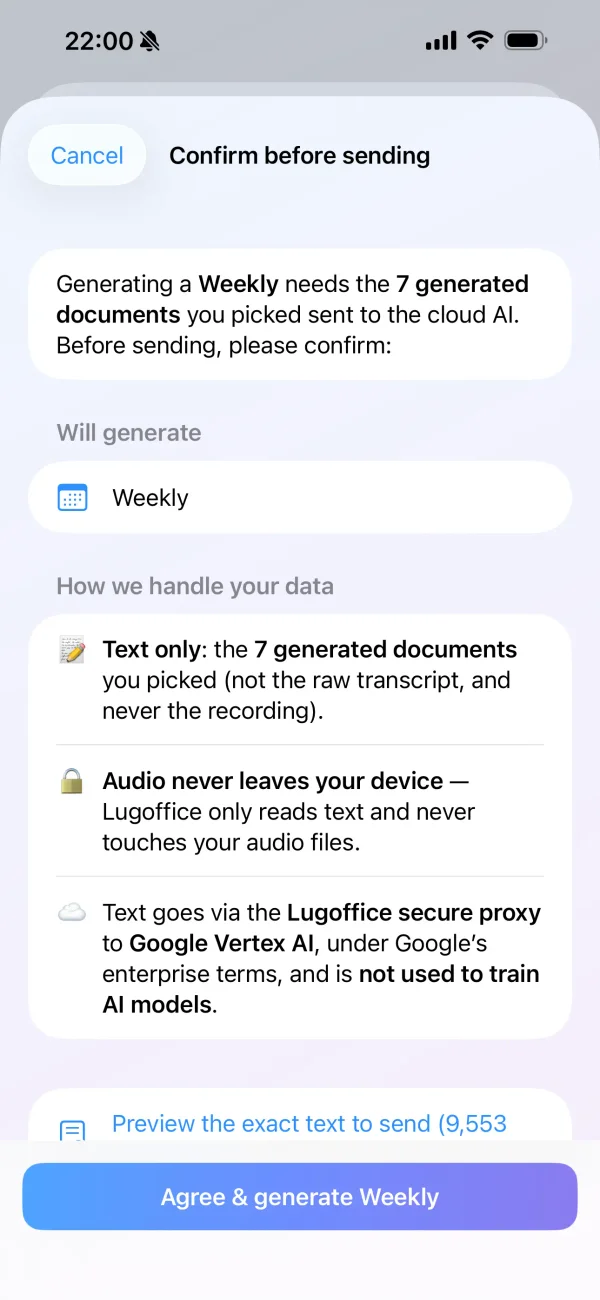
· Weekly Report — combine a week of meetings and notes into one review
Cantonese-first
Built for spoken Cantonese → written Chinese; also handles Mandarin and mixed Chinese/English.
You choose what's sent, and only the text
Lugoffice only handles text and never sends your recordings. Before anything is sent to cloud AI — to generate or to translate — you see exactly what will be sent and confirm first. Text is processed by enterprise Google Vertex AI and is not used to train AI models. Documents are saved automatically to your own iCloud Drive (or on this device if iCloud is off), with optional Obsidian sync.
Lugbox for organizations (license required)
Organizations running a Lugbox can send the documents you mark over their internal network to their own Lugbox, for local AI search and an organization shared library. Enquiries: sales@lugji.app
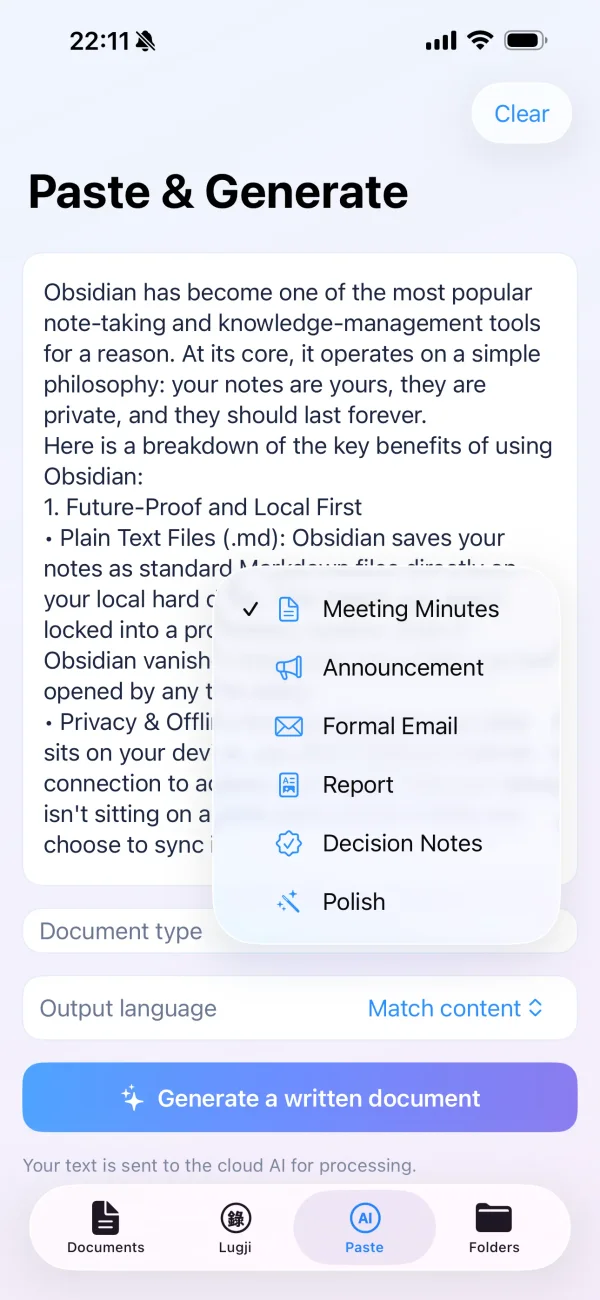
Works best with Lugji (Cantonese meeting recording + transcripts) — it reads your Lugji meetings directly. No Lugji needed either: paste any text and still get documents.
iPhone and iPad · iOS 18.
What’s new
Version 1.4.0 · Nov 21, 2026
This is the final version of Lugoffice. Lugoffice is now part of Lugji 2.0: download Lugji, then go to Settings → Lugoffice → Import old Lugoffice documents (same iCloud account). Your files stay as they are. Lugoffice's cloud AI will stop on 11 January 2027; documents you've already made stay readable. This version adds no new features and doesn't change your documents or how they're stored.
App privacy
What LUGJI LIMITED declares on the App Store about how this app handles data.
-
Data not linked to you
May be collected but is not linked to your identity.
- User content
Privacy practices may vary, for example with the features you use or your age.
Information
- Seller
- LUGJI LIMITED
- Category
- Productivity
- Version
- 1.4.0
- Updated
- Nov 21, 2026
- Released
- Jul 16, 2026
- Size
- 2.2 MB
- Requires
- iOS 18.0 or later
- Age rating
- 4+
- Languages
- Traditional Chinese, English
- Copyright
- © 2026 LUGJI LIMITED
You might also like
-
 ScanoteScan pages to text, instantly
-
 CaptionNow 廣東話即時字幕・語音轉文字即聽即現|聽障輔助・會議課堂逐字稿
-
 Omucloud: Business EmailEmail for your custom domain
-
 EchosyPrivate AI meeting transcriber
-
 Canto AICantonese AI transcription
-
 廣東話轉錄Productivity
-
 NauuA calm space for your tasks.
-
 IntentNote: AI NotesAI coach for workouts & goals
-
 Bookings ONEProductivity