- Age rating4+
- CategoryPhoto & Video
- Developer军 沈
- LanguagesEnglish+ 1 more
- Size2.0 MB
Links to the official App Store page
Download.org hosts no file of 证照拍 - 证件照制作器. The button opens its official App Store page, published by 军 沈. Listing last checked on Nov 16, 2026.
Screenshots

About
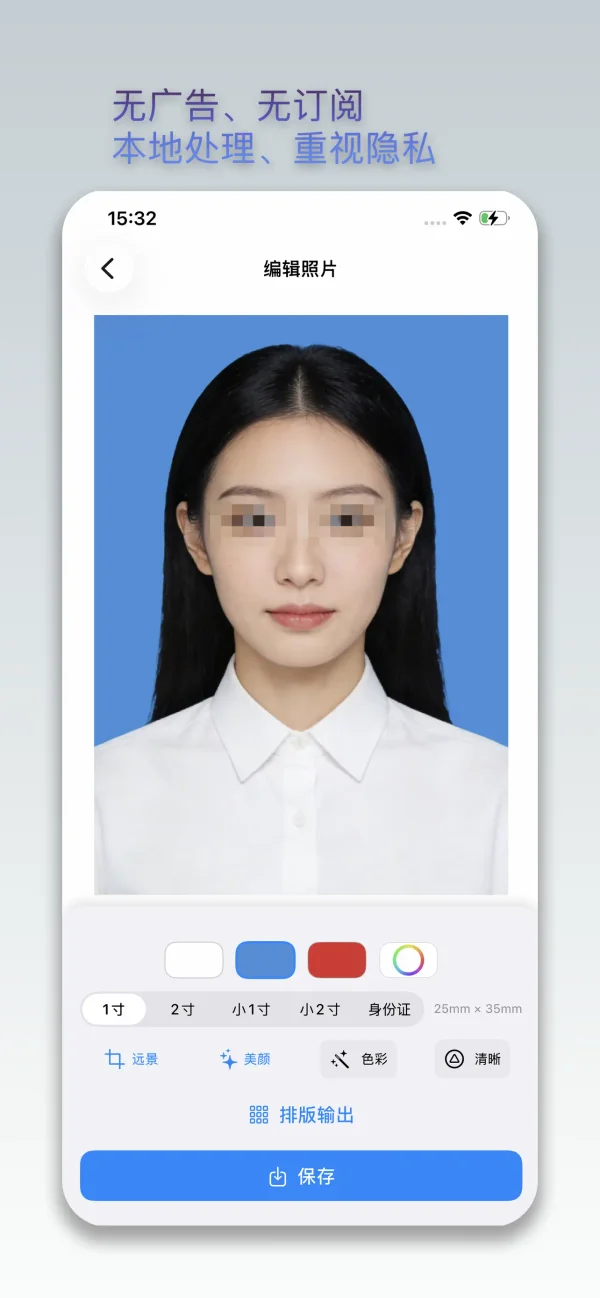
IDShot is a focused ID photo maker that cares about privacy, clarity and simplicity. Take or import a photo, and the app will remove the background, refine the composition and enhance the image directly on your device, helping you quickly generate ID photos for everyday needs.
#### Main Features
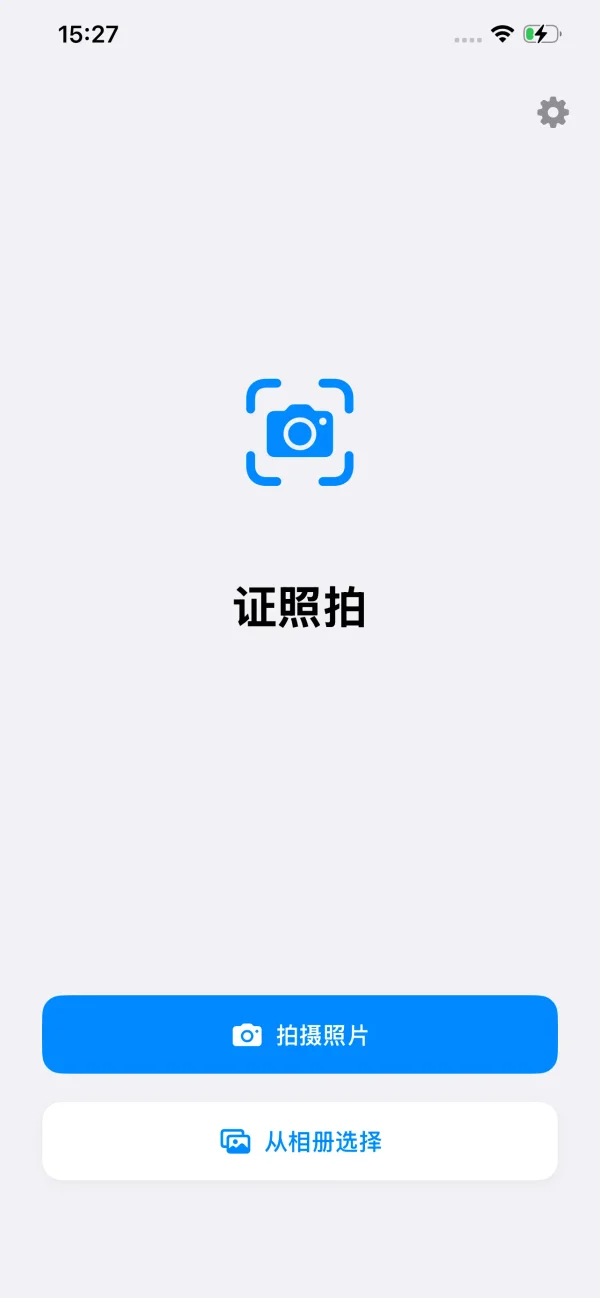
- Capture or import: Take a new photo or pick a clear portrait from your library
- Automatic background removal: Detects the subject locally and removes the background while keeping natural edges
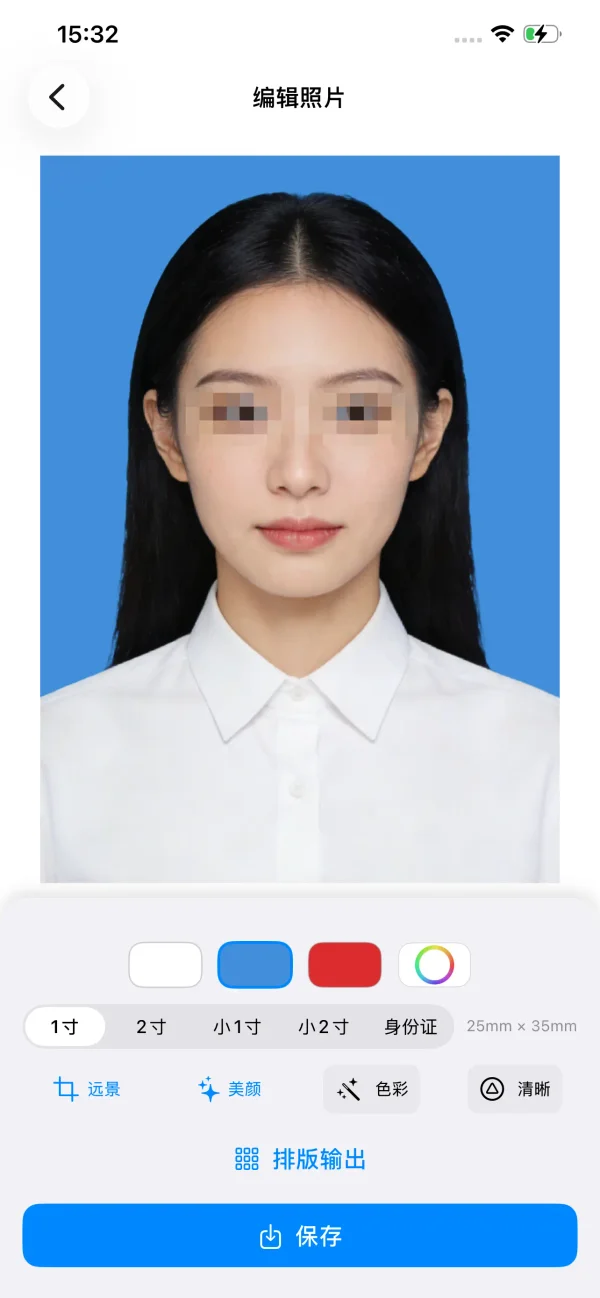
- Background colors: Choose from white, blue, red or a custom color to match different requirements
- Standard sizes: Includes common formats such as 1‑inch, 2‑inch, small 1‑inch, small 2‑inch and ID‑card sizes
- Quality enhancements: Optional beauty, color tuning and sharpening to make your photo cleaner and more defined
- Save to Photos: Export the finished ID photo to your photo library for online submission or printing
#### Pro Features (One‑Time Unlock)
The basic toolkit is free forever and already covers many daily use cases. If you often prepare photos for resumes, forms, applications or family members, you can unlock Pro once to get:
- Full set of common ID sizes: 1‑inch, 2‑inch, small 1‑inch, small 2‑inch, ID card and more
- Smart layout to paper: Choose popular paper sizes such as 3×5, 4×6, 5×7 or A4 and let the app arrange multiple copies on a single sheet
- Layout preview before export: Review the full‑sheet layout first, then confirm to export the composed image to Photos
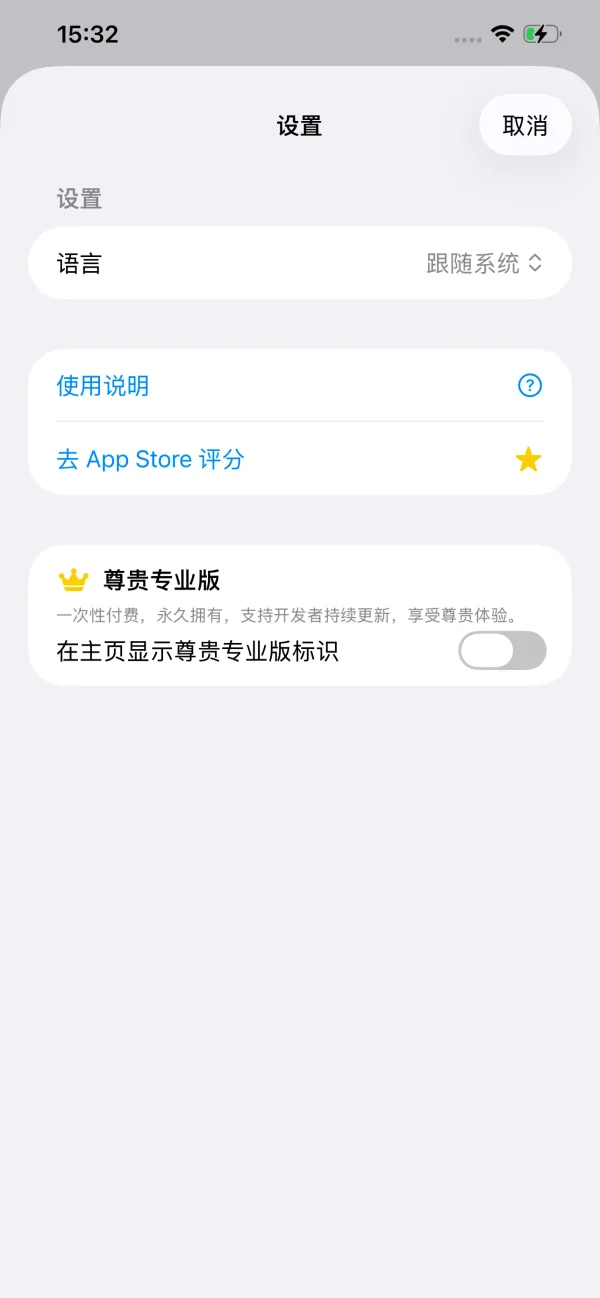
- Pro badge: A small “Pro Member” badge on the home and settings screens indicates that advanced tools are available on this device
Pro is a one‑time purchase with no subscription and no auto‑renewal.
#### Privacy & Security
- Local processing: Background removal, composition and enhancements run on your device; photos are not uploaded to external servers
- No account required: Use the app directly without registration or linking personal identity information
- No ads: A clean interface with no third‑party advertising or disruptive pop‑ups
- Minimal data access: The app only writes images to your photo library when you explicitly save them
- Network access usage: Network access is used only to communicate with Apple services where necessary, for example to validate purchases or open the App Store rating page. It is not used to upload or track your personal photos
#### Tips
- For best results, shoot in a well‑lit environment with a simple, plain background
- Always double‑check the official requirements (size, background color, cropping rules) of your target document, such as passports, ID cards, exams or visa centers, before final submission
- If you prepare ID photos frequently, the Pro upgrade can save time by providing more preset sizes and ready‑to‑print layouts
App privacy
What 军 沈 declares on the App Store about how this app handles data.
-
Data not collected
The developer does not collect any data from this app.
Privacy practices may vary, for example with the features you use or your age.
Information
- Seller
- 军 沈
- Category
- Photo & Video
- Version
- 1.0
- Updated
- Feb 13, 2026
- Released
- Feb 13, 2026
- Size
- 2.0 MB
- Requires
- iOS 18.6 or later
- Age rating
- 4+
- Price
- Free
- In-app purchases
- Yes
- Languages
- English, Simplified Chinese
- Copyright
- ©️Jun Shen 2026
You might also like
-
 Cute ID PhotoOffline ID Photo Maker
-
 ID Photo Maker: Passport PicsVisa, 2x2 & Resume Pic Print
-
 Pocket Photo StudioPrivate Passport & ID Photos
-
 FreeID Photo: Passport & IDOn-device ID photo maker
-
 证件照助手-智能证照Photo & Video
-
 证件照相机 - 专业证件照制作工具Photo & Video
-
 Passport Photo Maker +++Visa, ID Photo Mobile Editor
-
 IC Photo for SingaporeICA passport NRIC ID photo app
-
 最美证件照制作-一键证件照制作换装美颜换背景Photo & Video
-
 证照大师-最美证件照制作拍摄相机求职简历寸照裁剪抠图换底色照片