CAD看图王-手机快速看图大师
建筑工程设计图纸查看、标注和测量
Designed for iPhone, iPod touch
Free · In-app purchases
- Age rating4+
- CategoryProductivity
- DeveloperBamboo Tech Co.,Ltd
- LanguagesEnglish
- Size52.9 MB
Links to the official App Store page
Download.org hosts no file of CAD看图王-手机快速看图大师. The button opens its official App Store page, published by Bamboo Tech Co.,Ltd. Listing last checked on Nov 16, 2026.
Screenshots

About
The developer has not provided this text in your language.
CAD看图软件-手机快速看图大师
CAD软件的应用范围非常广泛,比如汽车/机械行业、建筑/施工行业、电子/芯片行业等,都需要用到CAD软件。
由于工作原因,您需要随时随地查看CAD图纸,电脑端的CAD软件就无法满足您的需求,这时候如果有一款手机端的CAD软件,就可以满足您的需求。
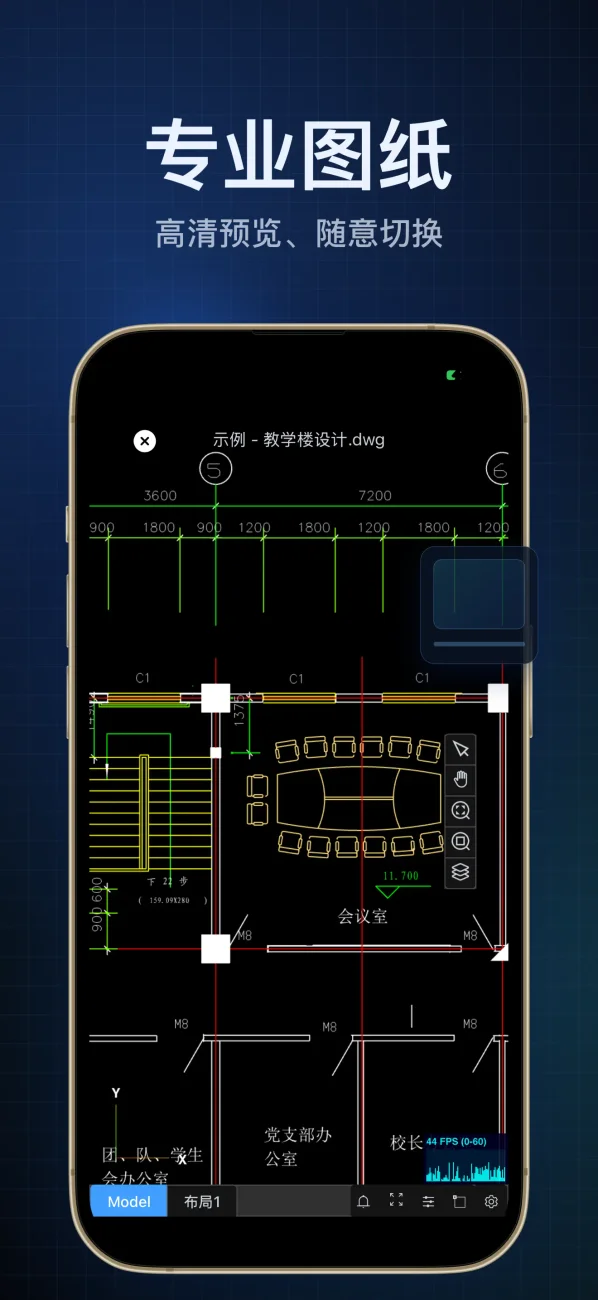
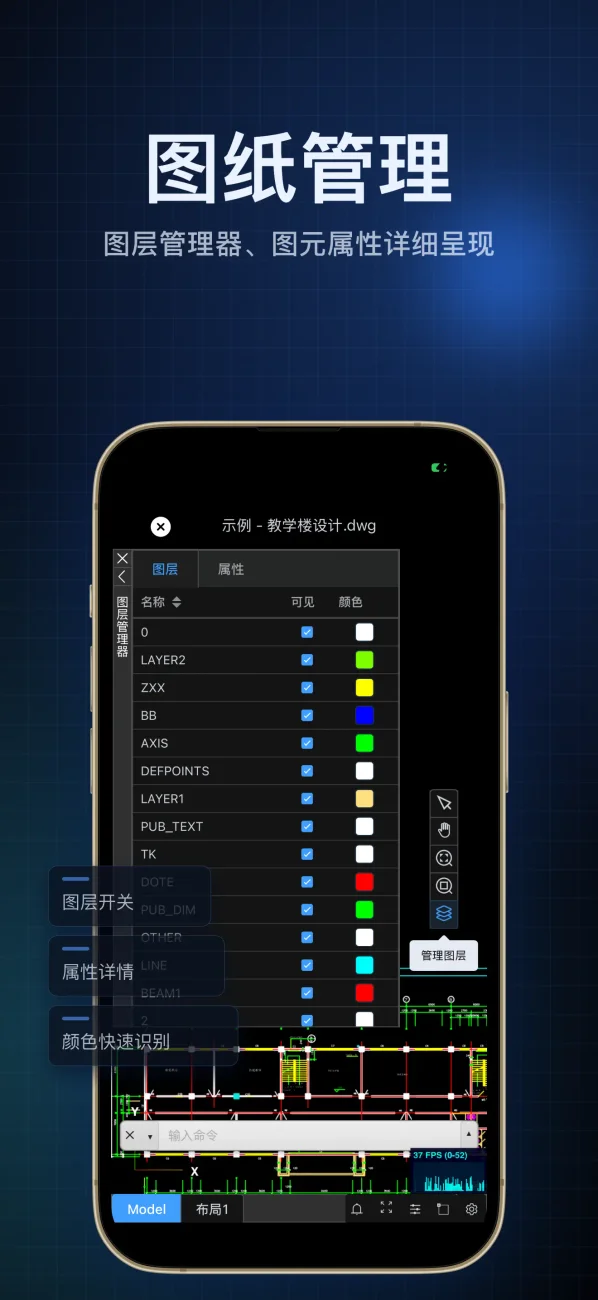
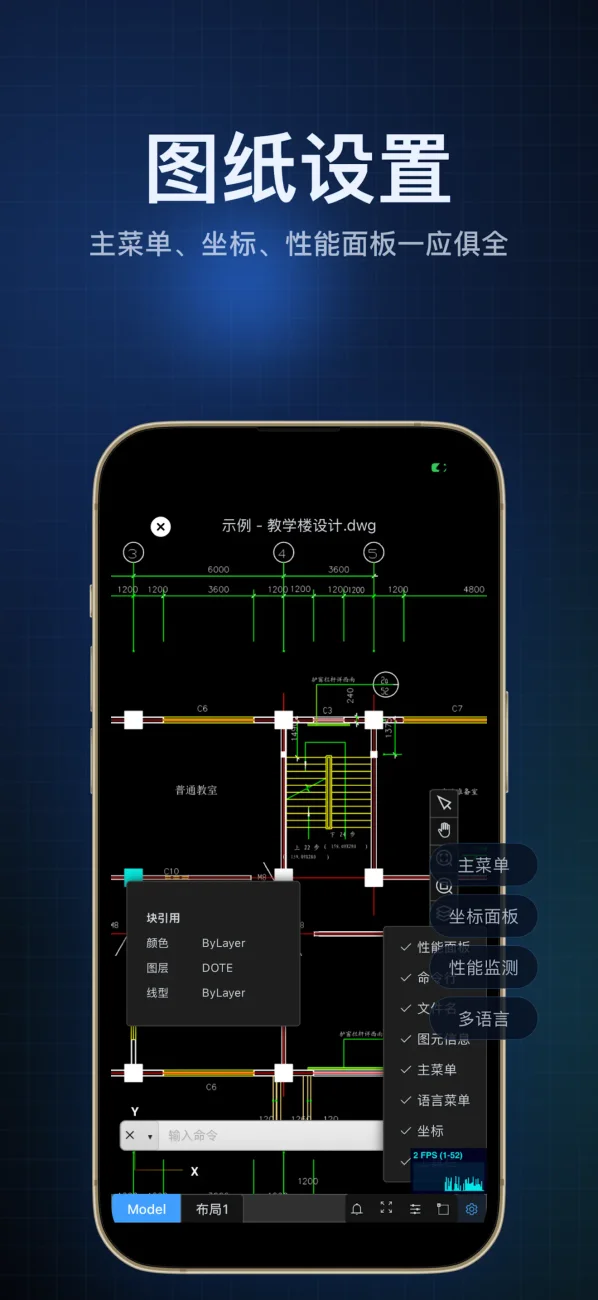
我们的这一款手机端的CAD软件,支持多种图纸文件格式,比如dwg,dxt等,能够精确显示图纸的内容,并且可以快速查看图纸的相关细节,还可以预览2D、3D图纸文件。
您在使用的过程中,如果遇到一些问题,您可以反馈给我们,我们都会给您一个满意的答复的。我们的App也会在大家的建议下,会越来越好的,再次感谢大家使用我们的这款App。
会员订阅:
订阅有两个价格,分别为:每周$3.99、每年$17.99。
订阅会自动续订,除非在当前期间结束前至少24小时关闭自动续订;帐户将在当前期间结束前24小时内收取续订费用,并确定续订费用;订阅可以由用户管理,并且可以在购买后转到用户的AppStore帐户设置来关闭自动续订
服务条款:https://docs.qq.com/doc/DQ2ttdUxHTnpUd01o
隐私协议:https://docs.qq.com/doc/DQ3FWT3J0b0ZHVGFD
What’s new
Version 1.0.5 · Apr 4, 2026
1.优化产品使用体验。
2.已知bug问题修复。
App privacy
What Bamboo Tech Co.,Ltd declares on the App Store about how this app handles data.
-
Data not collected
The developer does not collect any data from this app.
Privacy practices may vary, for example with the features you use or your age.
Information
- Seller
- Bamboo Tech Co.,Ltd
- Category
- Productivity
- Version
- 1.0.5
- Updated
- Apr 4, 2026
- Released
- Mar 12, 2026
- Size
- 52.9 MB
- Requires
- iOS 15.6 or later
- Age rating
- 4+
- Price
- Free
- In-app purchases
- Yes
- Languages
- English
- Copyright
- © Bamboo Team
You might also like
-
 CAD FastView: DWG & DXF ViewerProductivity
-
 PlanInspect CAD DWG PDF ViewerMeasure & Mark Up Plans
-
 CADFast - dwg viewerDWG/DXF 图纸快速浏览、测量标注工具
-
 简历, resume超级简历模板简历制作神器Productivity
-
 小可CAD看图-50多种CAD快速看图,CAD看图王Productivity
-
 CAD Pro - DWG Viewer & EditorDWG,DXF, CAD Viewer & Editor
-
 CAD Reader & EditorView & Edit CAD Files
-
 Caddis: DWG & CAD ViewerMeasure & mark up DXF, STL, 3D
-
 DraftPlanar: PDF Plan ViewerConstruction takeoff & markup
-
 截图回复-轻松帮您交流回复Productivity