
- Age rating4+
- CategoryProductivity
- DeveloperYutzu Hsien
- LanguagesEnglish
- Size7.3 MB
Links to the official App Store page
Download.org hosts no file of 節拍倒數 : 懸浮計時器 & 節奏提示. The button opens its official App Store page, published by Yutzu Hsien. Listing last checked on Nov 15, 2026.
Screenshots
About
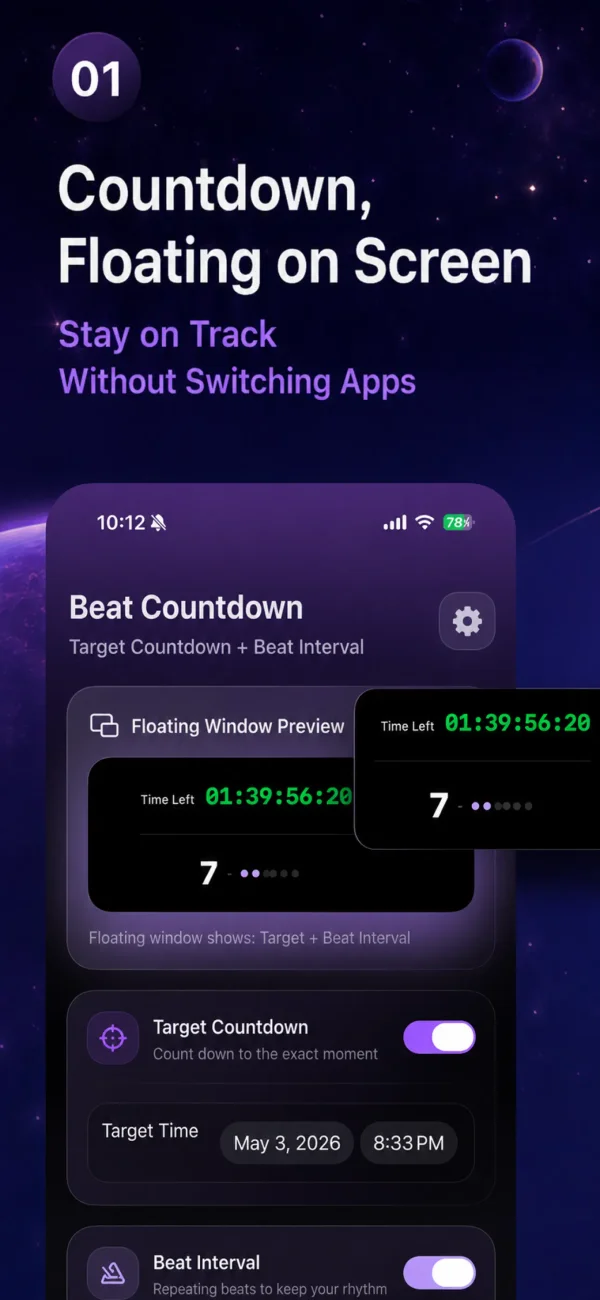
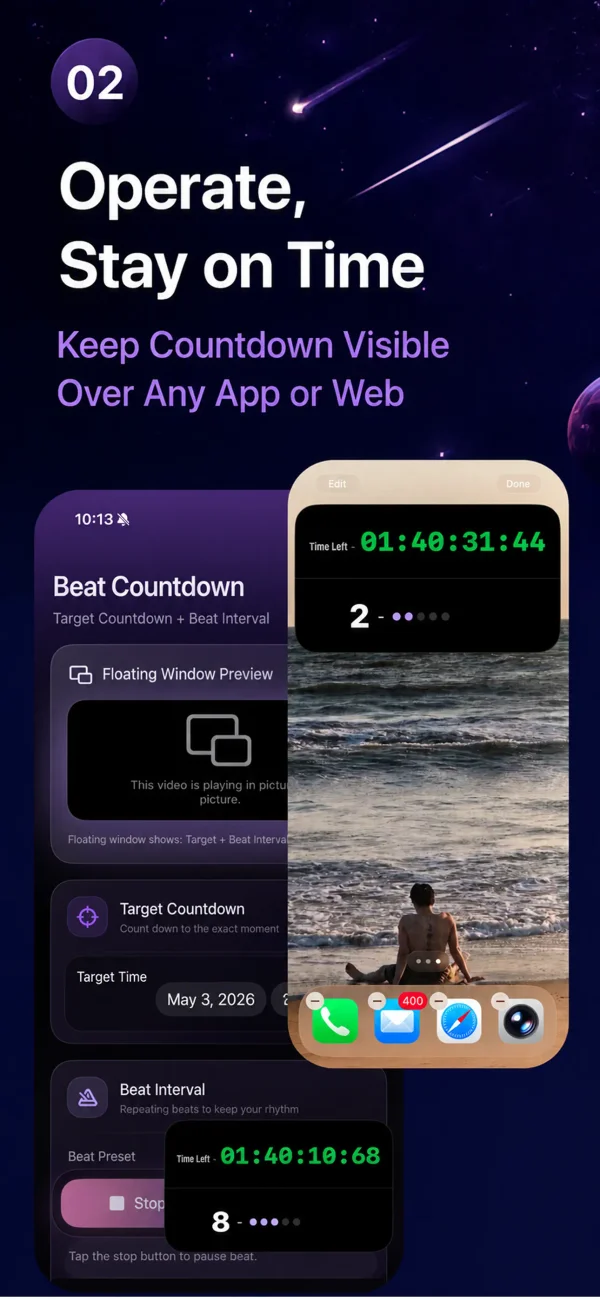
Beat Timer keeps a countdown floating on top of any app — no more switching screens when timing matters.
FLOATING WINDOW (PiP)
Set your target, tap Start, swipe away. The floating window stays visible above any browser or app.
TARGET COUNTDOWN
Pick any date and time. When the moment arrives, it flips to a count-up so you always know how far past the mark you are.
BEAT INTERVAL
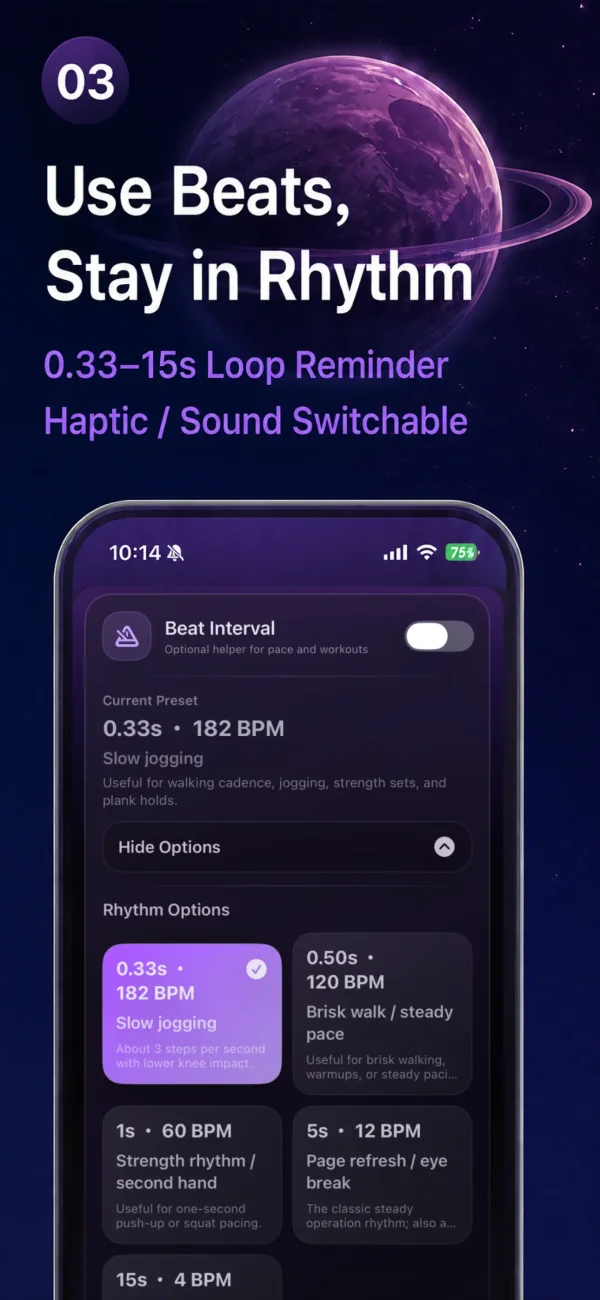
Choose a rhythm from 0.33 s (182 BPM) up to 15 s. A haptic and sound fire on every beat — perfect for walking cadence, slow jogging, strength sets, interval training, or plank holds.
PAUSE & RESUME
Tap the floating window to show playback controls. Pause freezes the beat interval; resume picks up exactly where it left off.
SIRI SUPPORT
Say "Start Beat Timer" to launch the floating window hands-free.
BUILT FOR FOCUS
No clutter. Set your target, choose your rhythm, and get back to what you're doing. Beat Timer stays out of your way and shows up when you need it.
What’s new
Version 1.2.4 · Aug 10, 2026
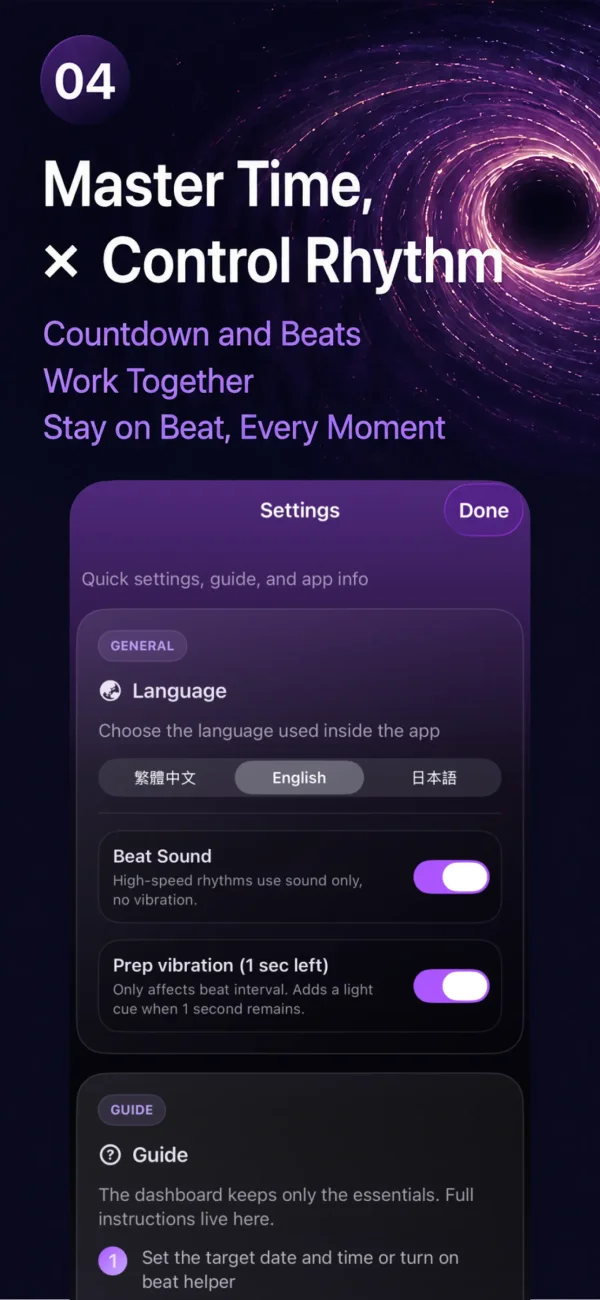
• Redesigned settings: language and feedback options split into dedicated cards for faster access
• Guide and controls sections now collapsed by default for a cleaner settings page
• Fixed haptic tooltip overlapping the interval card
App privacy
What Yutzu Hsien declares on the App Store about how this app handles data.
-
Data not linked to you
May be collected but is not linked to your identity.
- Identifiers
- Usage data
Privacy practices may vary, for example with the features you use or your age.
Information
- Seller
- Yutzu Hsien
- Category
- Productivity
- Version
- 1.2.4
- Updated
- Aug 10, 2026
- Released
- May 5, 2026
- Size
- 7.3 MB
- Requires
- iOS 16.0 or later
- Age rating
- 4+
- Price
- Free
- Languages
- English
- Copyright
- © 2026 CC Studio. All rights reserved.
You might also like
-
 Echo: K-pop Live TranslateSubtitles on any video or app
-
 Picki - Bookmark Social PostsSave tweets & read later
-
 Clipboard Manager - CopyNowText Snippets & Quick Paste
-
 Streaming WatermarkStreaming
-
 賣貨便賣家版Productivity
-
 ThreadPocket - WebLink ManagerSave social posts & web Links
-
 DueDue: Expiry & InventoryStop Waste, Manage Freshness
-
 microAIAI Powered by Your Devices.
-
 Stash: Save Posts & Read LaterThreads, X & IG saves, kept
-
 不揪?- 儲存、分享課表Productivity