- Age rating4+
- CategoryUtilities
- DeveloperYu Cheng Lin
- LanguagesTraditional Chinese
- Size126.9 MB
Links to the official App Store page
Download.org hosts no file of 看座 - 演唱會座位視野. The button opens its official App Store page, published by Yu Cheng Lin. Listing last checked on Nov 23, 2026.
Screenshots



About
The developer has not provided this text in your language.
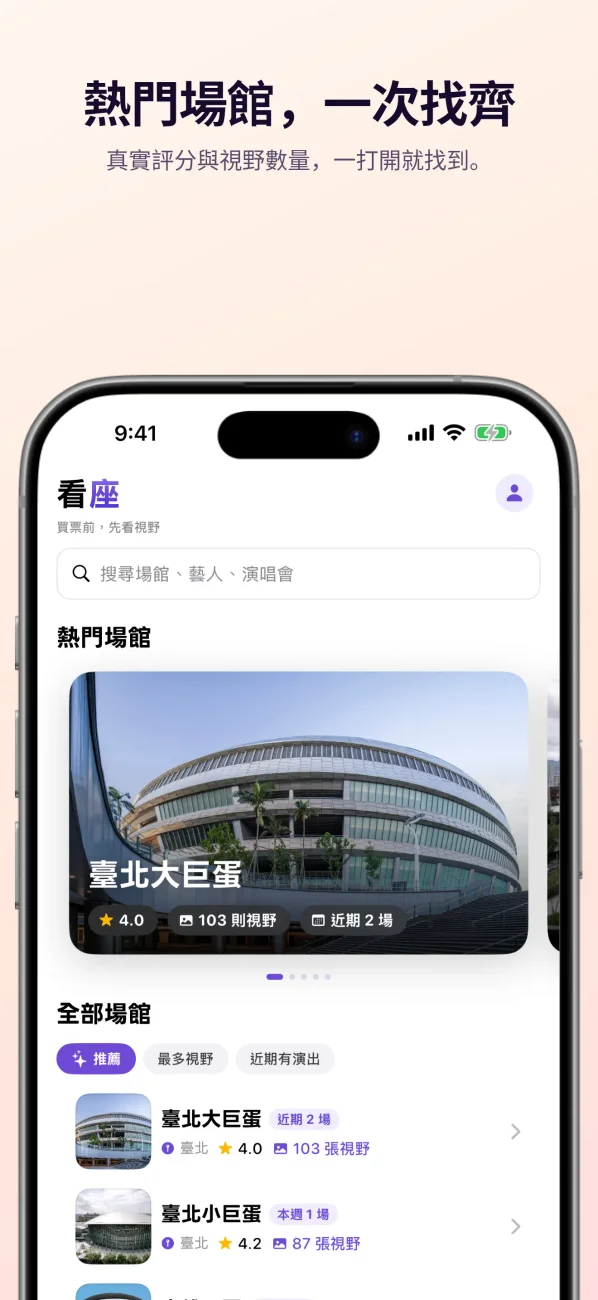
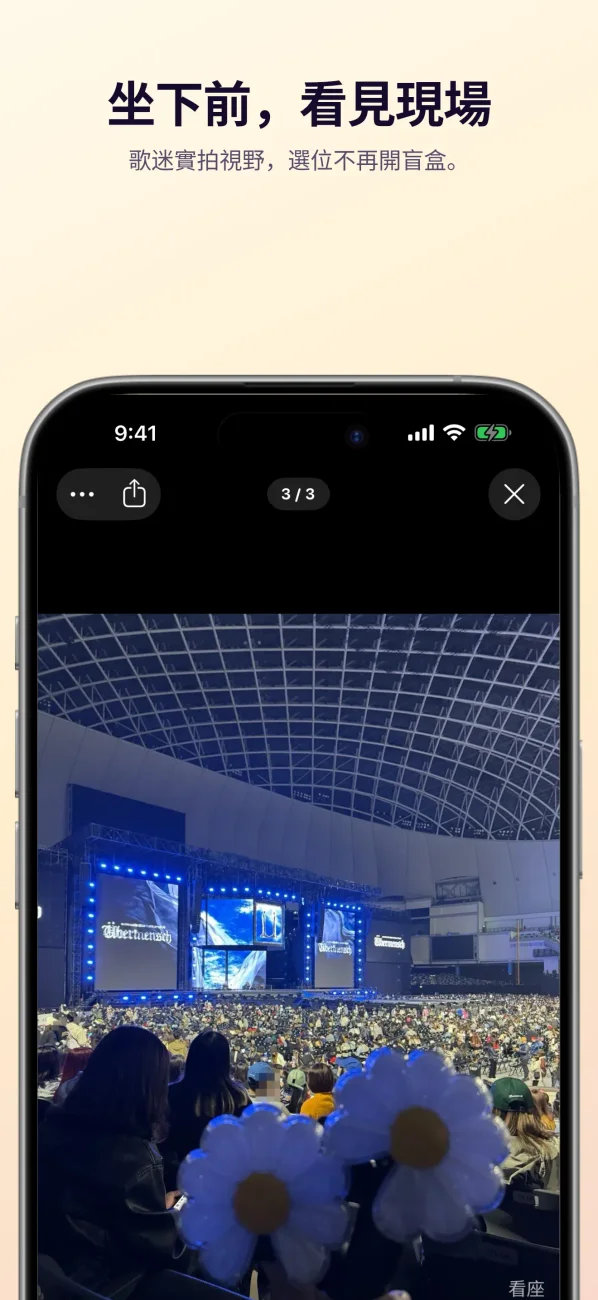
不只是查視野,更是你的看演唱會助手
・我的座位:在行程綁定座位,演出當天直接看到你那一區的最新視野,並優先推薦離你最近的分享。
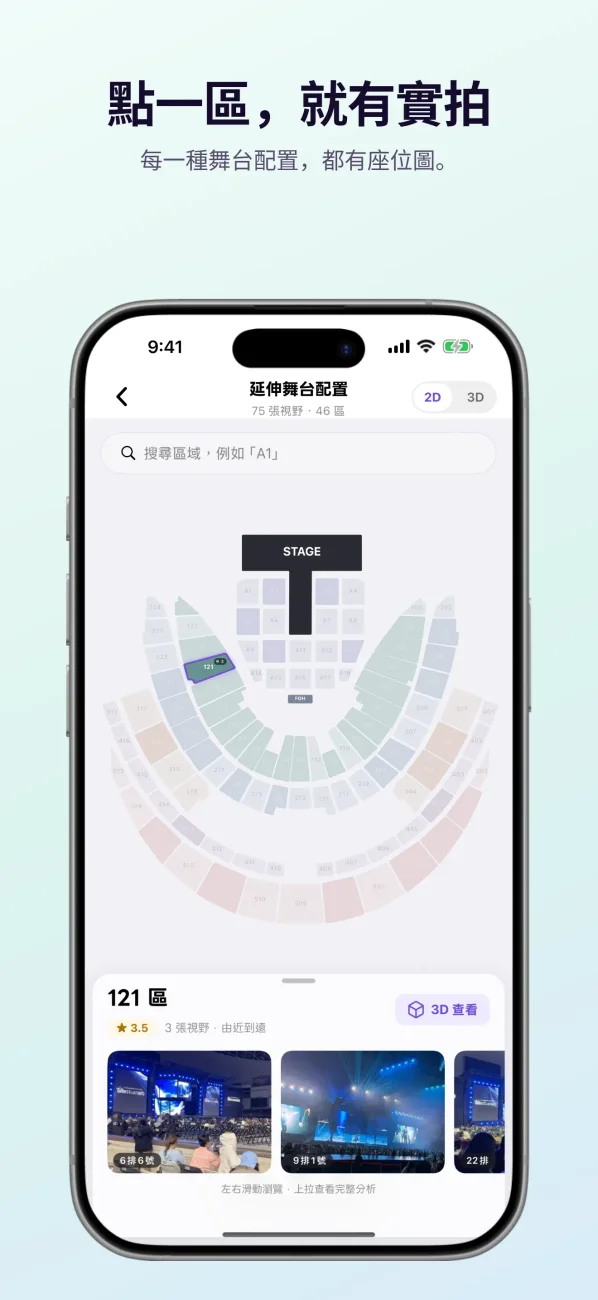
・搶先分享:連搖滾區、自由站席都能在座位圖上標記你站的位置,沒有排號也能貢獻視野。
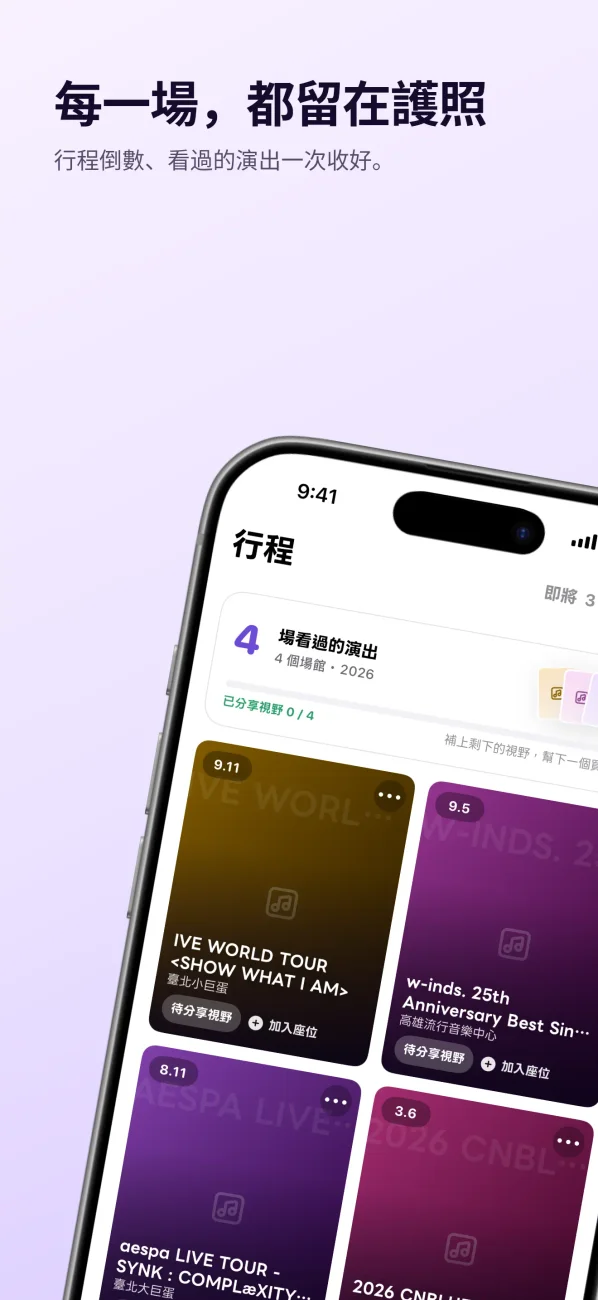
・我的行程:把想去的場次收進來,倒數提醒、演後一鍵分享。
What’s new
Version 1.2.5 · Nov 17, 2026
1.2.5 更新內容
怎麼走:散場趕得上車嗎
演出頁與場館頁新增「怎麼走」:在 App 裡看場館到捷運站的走法、走哪個出口、要幾分鐘,再交給地圖導航。
要接高鐵的話,從當天的高鐵班次挑一班,就告訴你最晚幾點要走出場館,還可以提前 15 分鐘提醒你。
往車站走時,會寫末班捷運與當天的末班高鐵。
支援九座場館。
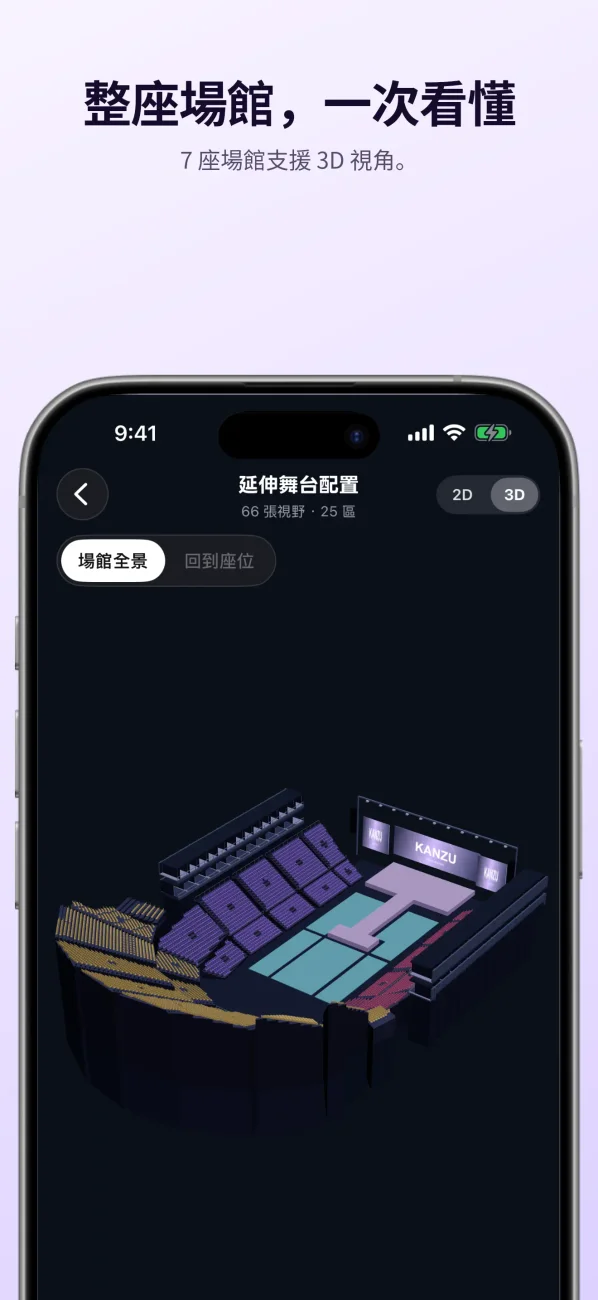
3D 視野
全景下方多了一排位置:我的座位、剛看過的位置、有實拍的區,點一下就飛過去。
設好我的座位後,有入場路線的場館可以接著走一次;演出當天還能直接開「怎麼走」。
新增「上一個位置」,兩個位置來回比;倍率多一個「肉眼」。
在全景選一區,其他區會退後;再點一次就進到那一區的視野。
座位視角拖曳改成畫面跟著手指走。
「分享視角」直接做成座位卡。
場館更接近現場
八座場館的 3D 照圖面與實拍重新校對:屋頂、看台、欄杆、椅子與顏色更接近現場,畫質高的機型還多了柔和的陰影。
小巨蛋與高雄巨蛋的伸縮看台收起時,座位圖與 3D 會照那一場的配置顯示。
行程與上傳
行程填座位改成「照票填」:照票面上的字填,也可以掃描票面或讀截圖。
在 3D「設為我的座位」時,如果行程裡有這一場、還沒填座位,會順手記進去。
上傳視野更快:送出後不用等,網路不好會自己再送。
視野照片可以「回報資料有誤」。
以及多項修正與效能改善。
App privacy
What Yu Cheng Lin declares on the App Store about how this app handles data.
-
Data linked to you
May be collected and linked to your identity.
- Identifiers
- Usage data
-
Data not linked to you
May be collected but is not linked to your identity.
- Location
- Contact info
- User content
- Identifiers
- Diagnostics
Privacy practices may vary, for example with the features you use or your age.
Information
- Seller
- Yu Cheng Lin
- Category
- Utilities
- Version
- 1.2.5
- Updated
- Nov 17, 2026
- Released
- Jul 13, 2026
- Size
- 126.9 MB
- Requires
- iOS 16 or later
- Age rating
- 4+
- Price
- Free
- Languages
- Traditional Chinese
- Copyright
- © 2026 看座 Kanzu