Floating Clock - Server Time
See seconds over other apps
Designed for iPhone, iPad
Free
- Age rating4+
- CategoryUtilities
- DeveloperMoongil Jeon
- LanguagesEnglish+ 4 more
- Size12.8 MB
Links to the official App Store page
Download.org hosts no file of Floating Clock - Server Time. The button opens its official App Store page, published by Moongil Jeon. Listing last checked on Nov 17, 2026.
Screenshots



About
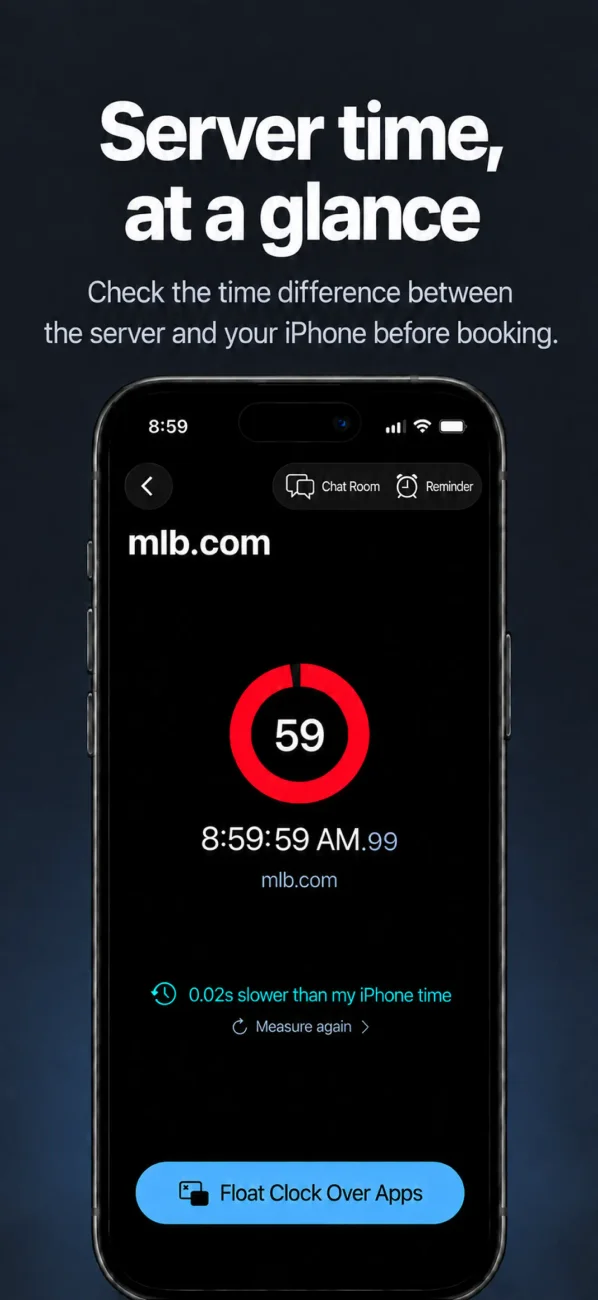
Keep a clock with seconds visible over other apps. Browse, buy tickets or wait for a product drop without switching back to check the time. You can also compare a website's server time with your iPhone's clock.
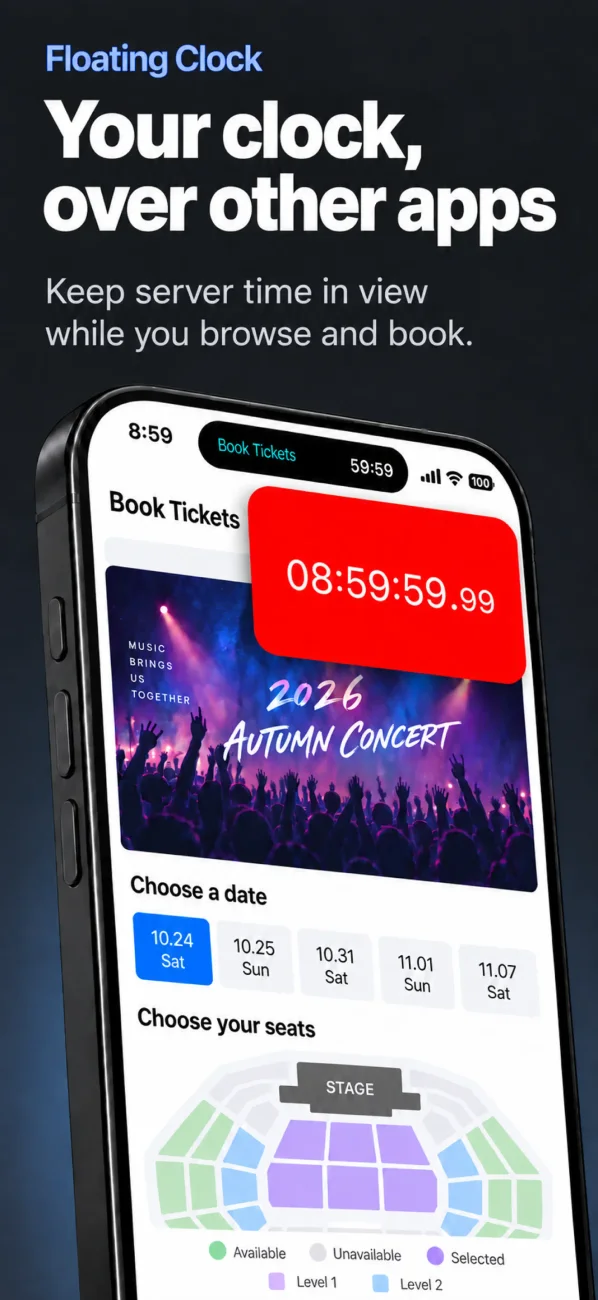
Keep a floating clock over other apps
• Use Picture in Picture (PiP) to keep a clock with seconds visible over another app.
• Choose your iPhone's current time or a website's measured server time.
• Choose how often the clock alerts you, with sound and color cues starting 10 seconds beforehand.
Check server time and the time difference
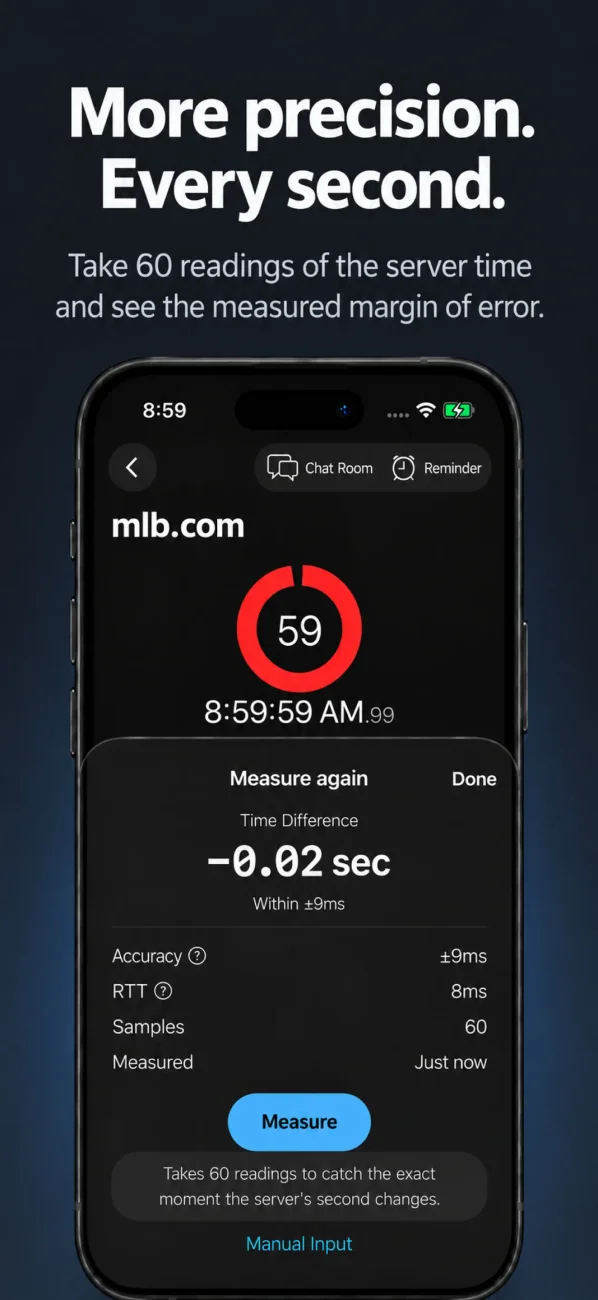
• When you open a site for the first time, the app measures its server time and shows how it differs from your iPhone's clock.
• Time is displayed in hundredths of a second. You can also check the estimated measurement error.
See the time on your Lock Screen and Dynamic Island
• Use Live Activities to see server time, down to the second, on your Lock Screen.
• On compatible iPhones, Dynamic Island shows the site's name and time.
Schedule reminders by server time
• Set a reminder for the top of the next hour or midnight tonight.
• Get a reminder beforehand or at the scheduled time.
iPhone Duo and iPad support
• Stand your Duo on a desk to view server time on a large clock.
Chat while you wait
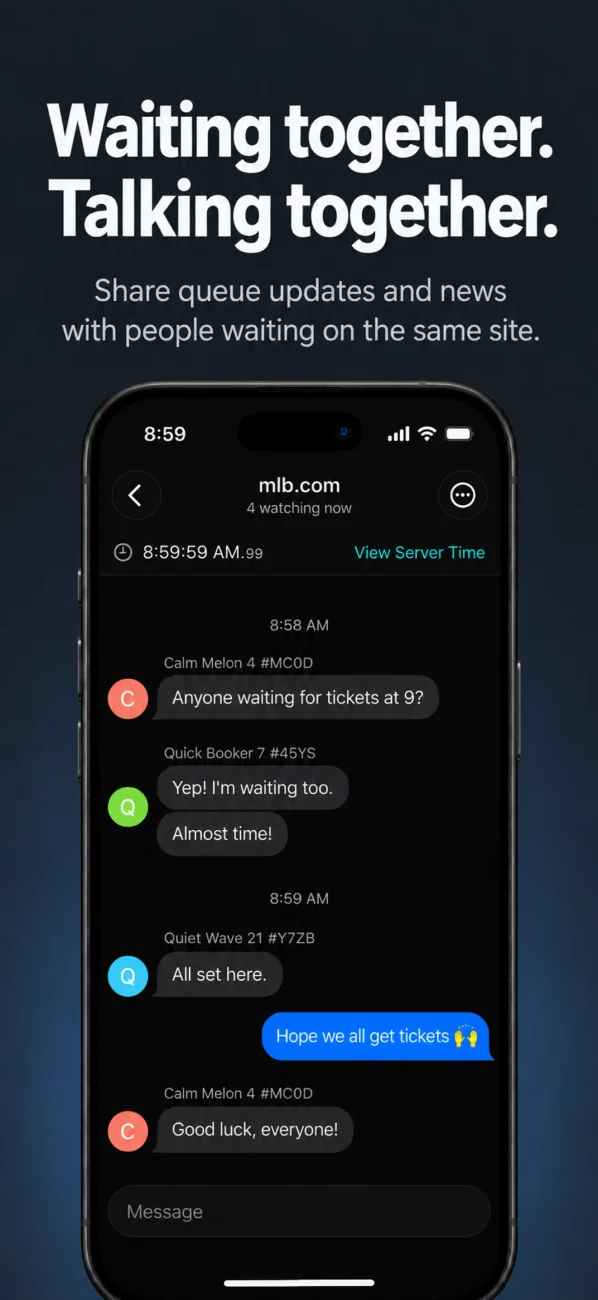
• Share queue numbers and server status in the chat room for your site, and react to messages with emoji.
• Join the Lounge to talk with other app users.
What’s new
Version 1.5.0 · Nov 4, 2026
• Added iPhone Duo and iPad support
• Added an option to keep the screen on while viewing the clock
• Usability and stability improvements
App privacy
What Moongil Jeon declares on the App Store about how this app handles data.
-
Data linked to you
May be collected and linked to your identity.
- Location
- User content
- Identifiers
- Usage data
-
Data not linked to you
May be collected but is not linked to your identity.
- Diagnostics
Privacy practices may vary, for example with the features you use or your age.
Information
- Seller
- Moongil Jeon
- Category
- Utilities
- Version
- 1.5.0
- Updated
- Nov 4, 2026
- Released
- Jul 8, 2024
- Size
- 12.8 MB
- Requires
- iOS 16.4 or later
- Age rating
- 4+
- Price
- Free
- Languages
- English, Japanese, Korean, Simplified Chinese, Traditional Chinese
- Copyright
- Copyright © 2024-2025 Moongil Jeon
You might also like
-
 Second-SyncPiP timer for crucial moments
-
 Floatory: Floating Clock PiPPiP clock, date & speed
-
 Floating Clock &StopWatchOverlay, Always-on screen time
-
 더치트 - 사기피해 정보공유 공식 앱Utilities
-
 Clutter - Screenshot OrganizerClean up. Save what matters.
-
 iFloating Clock - RealtimeClock, Timer and Countdown
-
 Mobile IDentification AppMobile ID
-
 b.stageConnect with your fave star!
-
 悬浮时间-悬浮秒表悬浮窗控时助手Utilities
-
 LED Banner - LED Scroller AppUtilities