- Age rating4+
- CategoryUtilities
- DeveloperWayne Hsu
- LanguagesEnglish
- Size9.9 MB
Links to the official App Store page
Download.org hosts no file of 懶注注 - 注音語音輸入法. The button opens its official App Store page, published by Wayne Hsu. Listing last checked on Nov 12, 2026.
Screenshots
About
The developer has not provided this text in your language.
懶注注是一套為繁體中文使用者做的注音輸入法,讓「用說的」跟「用打的」一樣順手。
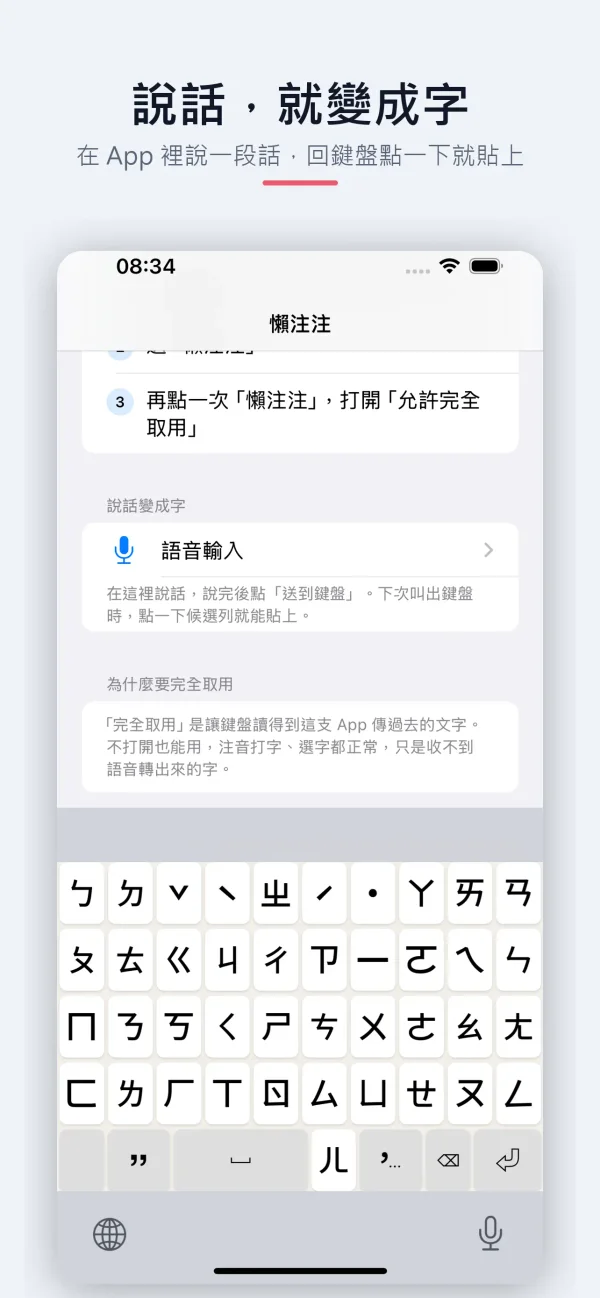
■ 語音輸入:說完就變文字,聲音不離開手機
按下麥克風說一段話,辨識完直接送進輸入框。整段辨識都在這支 iPhone 上完成(Apple 裝置端語音辨識),聲音不會上傳、不會被存起來。說完在容器 App 裡按「送到鍵盤」,下次叫出懶注注鍵盤,候選列第一格就是那句話,點一下貼上。
■ 注音鍵盤:它會記得你怎麼打
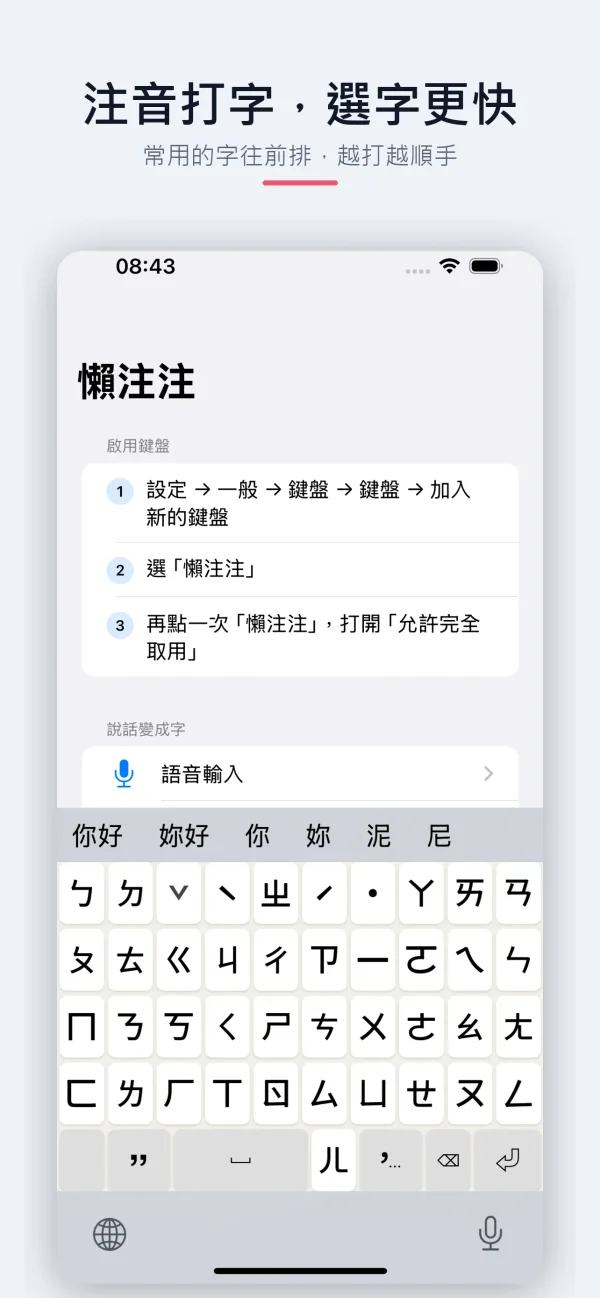
・智慧選字:常用的字詞往前排
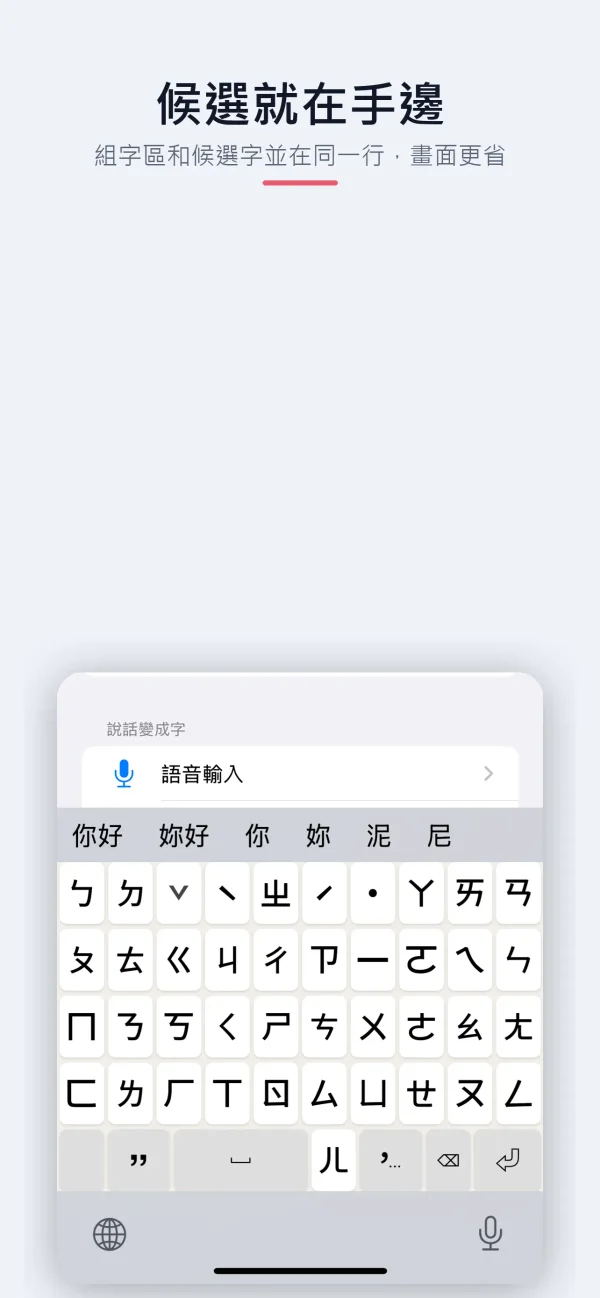
・整合式候選列:組字區和候選字並在同一行,省下一整行螢幕空間給你正在用的 App
・自製鍵面:清楚好按的注音鍵盤
■ 隱私放在第一位
・語音辨識只在你按下麥克風時運作,全程端側,聲音零上傳、零留存
・鍵盤本身沒有網路功能,注音打字、選字都只在裝置上
・沒有帳號、沒有廣告、沒有第三方追蹤
■ 怎麼開始
1. 安裝後到「設定 → 一般 → 鍵盤 → 鍵盤 → 加入新的鍵盤」選「懶注注」
2. 再點一次「懶注注」,打開「允許完全取用」——這是讓鍵盤收得到語音轉出來的文字(不打開也能用,注音打字、選字都正常,只是收不到語音的結果)
適合打字慢、但講話很快,或想要一套越用越懂自己用語的注音鍵盤的人。
註:語音辨識由 Apple 提供的裝置端功能完成,辨識品質與支援語言以 iOS 系統為準。
App privacy
What Wayne Hsu declares on the App Store about how this app handles data.
-
Data not collected
The developer does not collect any data from this app.
Privacy practices may vary, for example with the features you use or your age.
Information
- Seller
- Wayne Hsu
- Category
- Utilities
- Version
- 1.0
- Updated
- Sep 17, 2026
- Released
- Sep 21, 2026
- Size
- 9.9 MB
- Requires
- iOS 16.0 or later
- Age rating
- 4+
- Languages
- English
- Copyright
- © 2026 Hsu Wayne
You might also like
-
 琦琦輸入法Utilities
-
 Keyly - AI Zhuyin KeyboardChat Translator & Instant Copy
-
 Stoat KeyboardUtilities
-
 Panda ZhuyinBopomofo & Taiwanese Hokkien
-
 ShenXun - Cloud Driveencrypted chats and storage
-
 Fidelio: Wallet ProAll your loyalty cards
-
 TapFix: AI Keyboard & GrammarFix typos, translate, reply
-
 ShadowClip: Redact ScreenshotsCovers API keys, cards & faces