CloneVoice — copy your voice
the words change your voice.
Designed for iPhone, iPad
$4.99
- Age rating4+
- CategoryUtilities
- Developer壮 何
- LanguagesEnglish+ 11 more
- Size756.5 MB
Links to the official App Store page
Download.org hosts no file of CloneVoice — copy your voice. The button opens its official App Store page, published by 壮 何. Listing last checked on Nov 23, 2026.
Screenshots


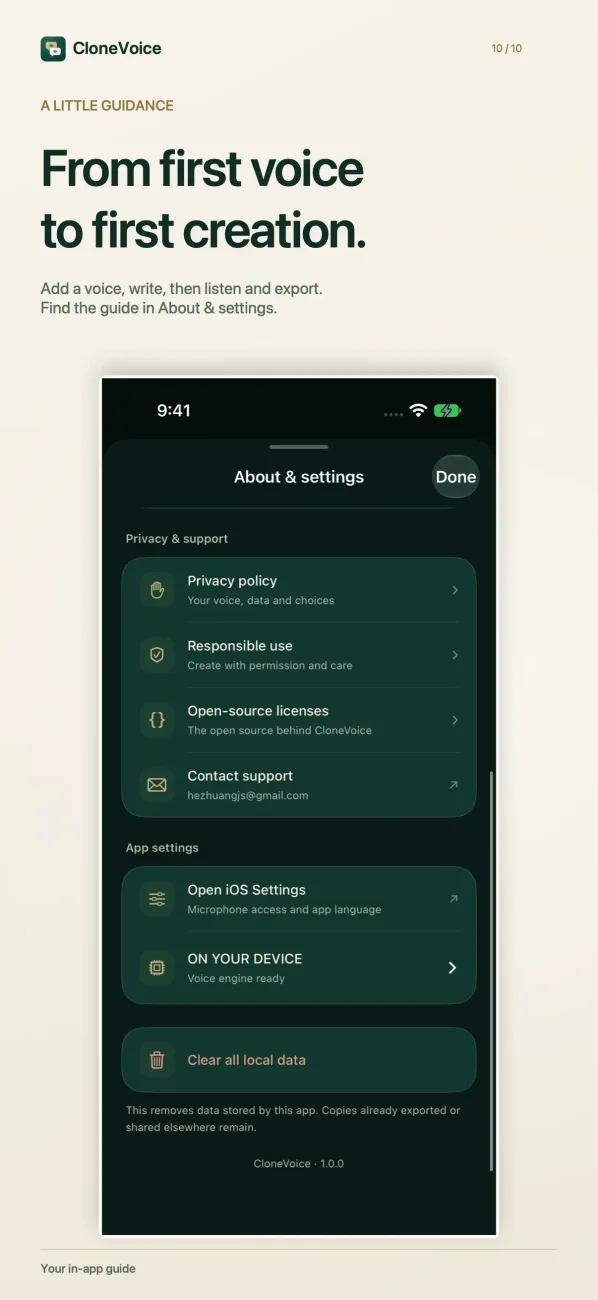
About
Voice Clone Master turns short passages into speech with a familiar voice. Record your own voice, or import a recording you have explicit permission to use, and create Chinese or English speech on your device. Try a video introduction, a story excerpt, a greeting, or a draft you want to hear aloud.
YOUR VOICE STARTS WITH A RECORDING
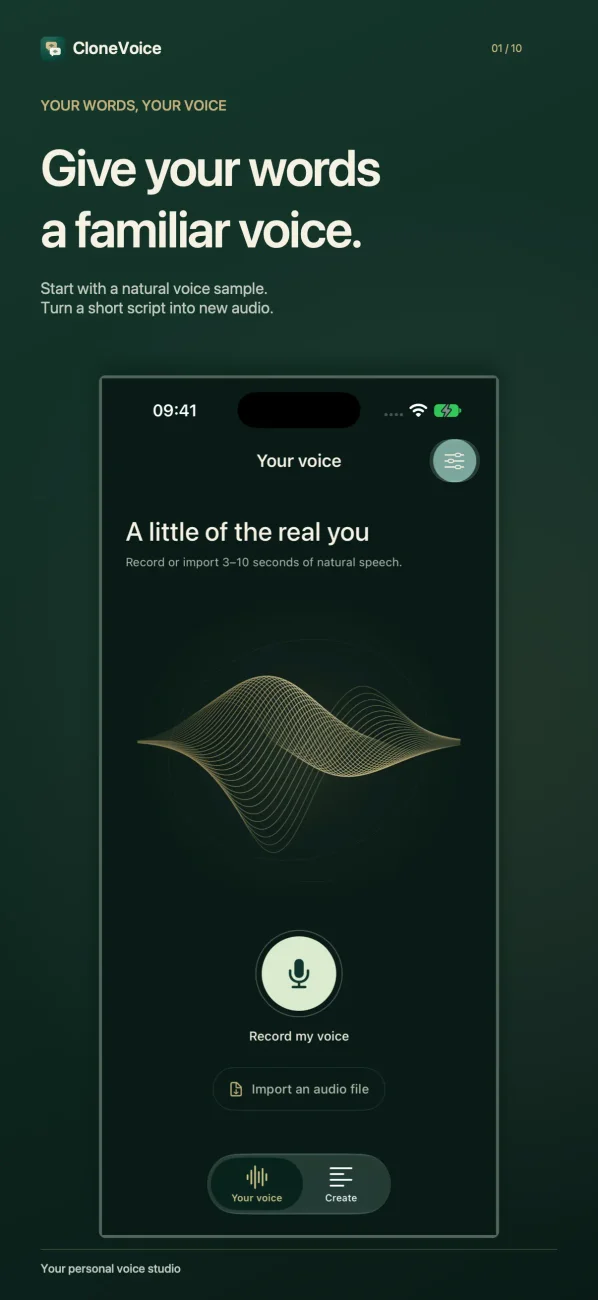
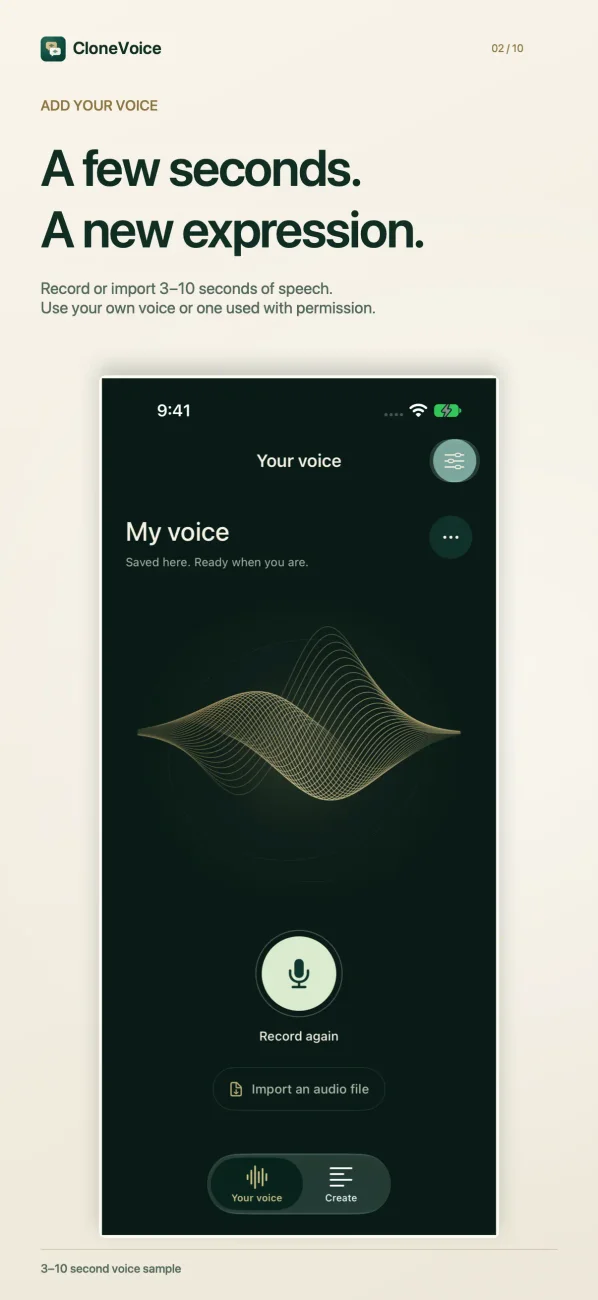
Record or import 3–10 seconds of clear, natural speech as a voice reference. There is no set script to read. Choose a quiet place and avoid background music, overlapping speakers, echo, and long silences. Speak naturally, with a steady volume and distance from the microphone.
Microphone permission is requested when you choose to record. You can decline and import an authorized recording instead, or change access later in iOS Settings. Importing provides a voice reference; it does not transcribe or translate the recording.
WRITE, GENERATE, AND LISTEN
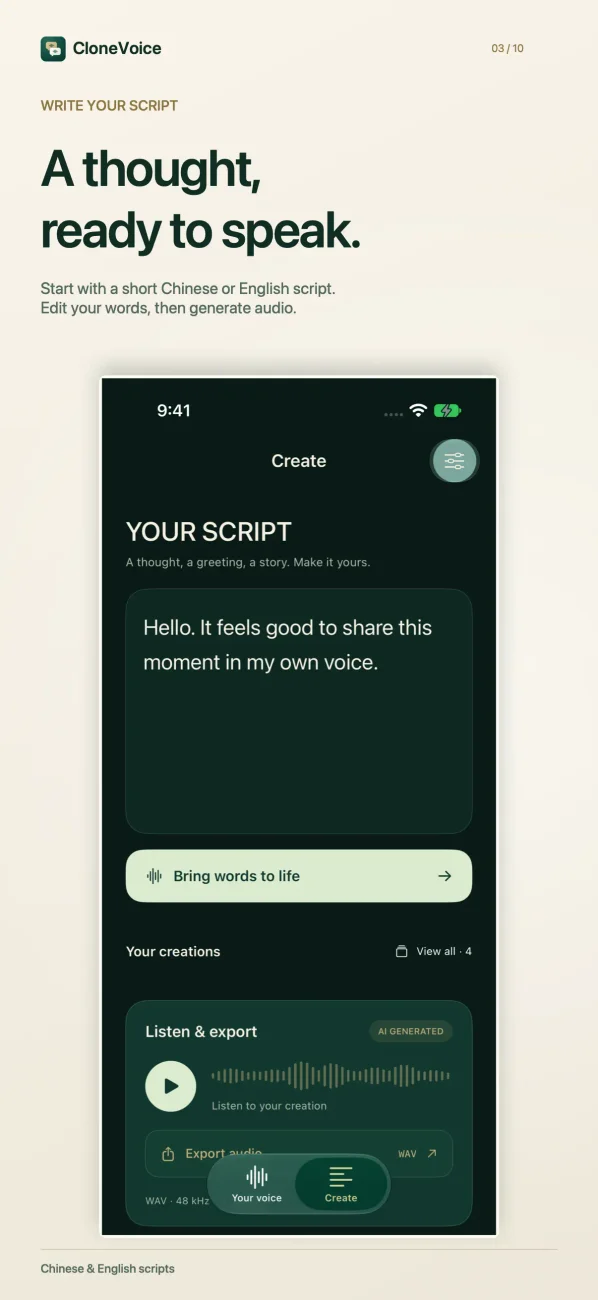
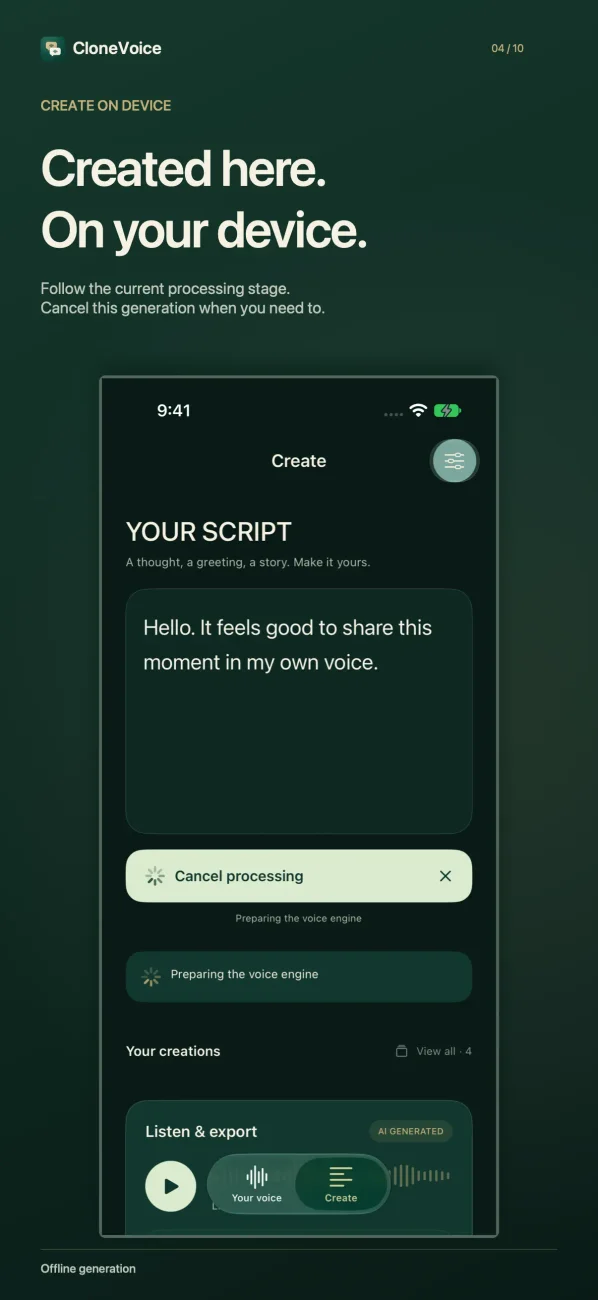
Speech synthesis supports short passages in Chinese and English only. Write one or two complete sentences, then generate audio with your reference voice. Each creation can be up to 30 seconds long. If your passage is too long, shorten it and try again.
Use punctuation to make the text clear. Write dates, numbers, and abbreviations as you want them spoken, especially where several readings are possible. Listen for pronunciation, pacing, and meaning before using a result. You can edit the script and generate again to compare versions.
For short videos, export a narration clip and combine it with your footage in another editing app. For a story or greeting, start with a short excerpt and check the tone. The app creates speech material; editing, mixing, and assembling a larger production can continue in your preferred tools.
OFFLINE PROCESSING ON YOUR DEVICE
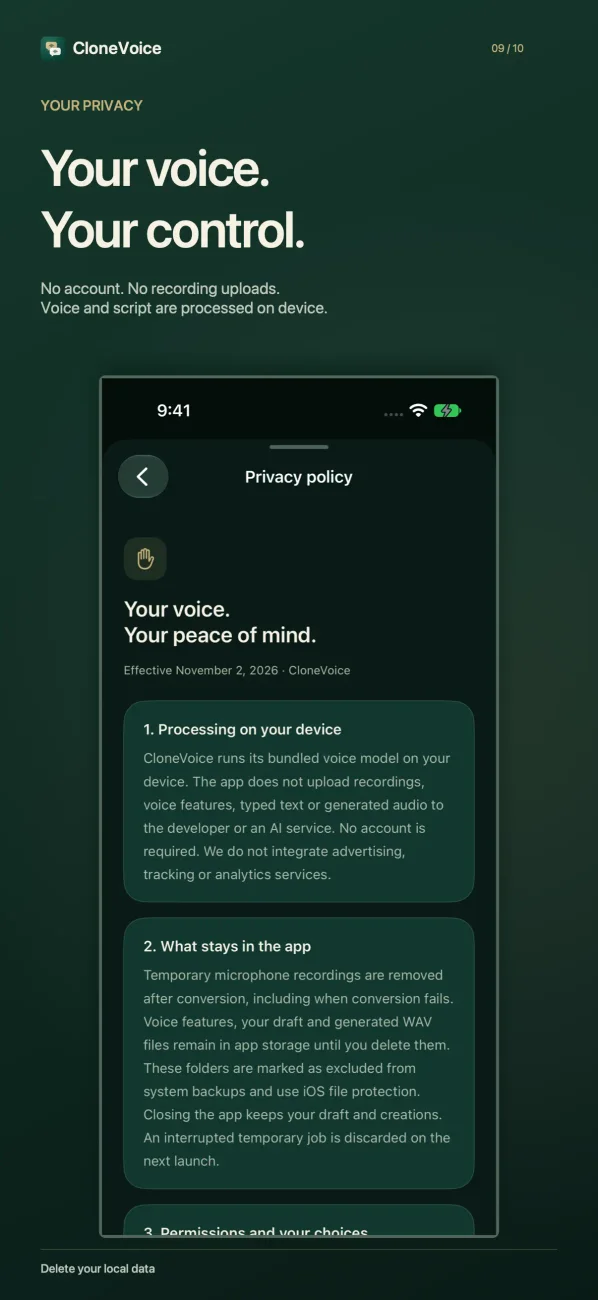
The voice model comes with the app. Voice cloning and speech synthesis run locally, without an account or a cloud AI service. Recordings, voice features, scripts, and generated audio are not uploaded to the developer or an AI service. The app includes no advertising, tracking, or analytics services.
Core creation works offline. Importing from iCloud or another file provider may need that provider's network connection. Sharing is initiated by you through iOS, and destination apps and services have their own network and privacy practices.
KEEP YOUR WORK AND EXPORT WAV
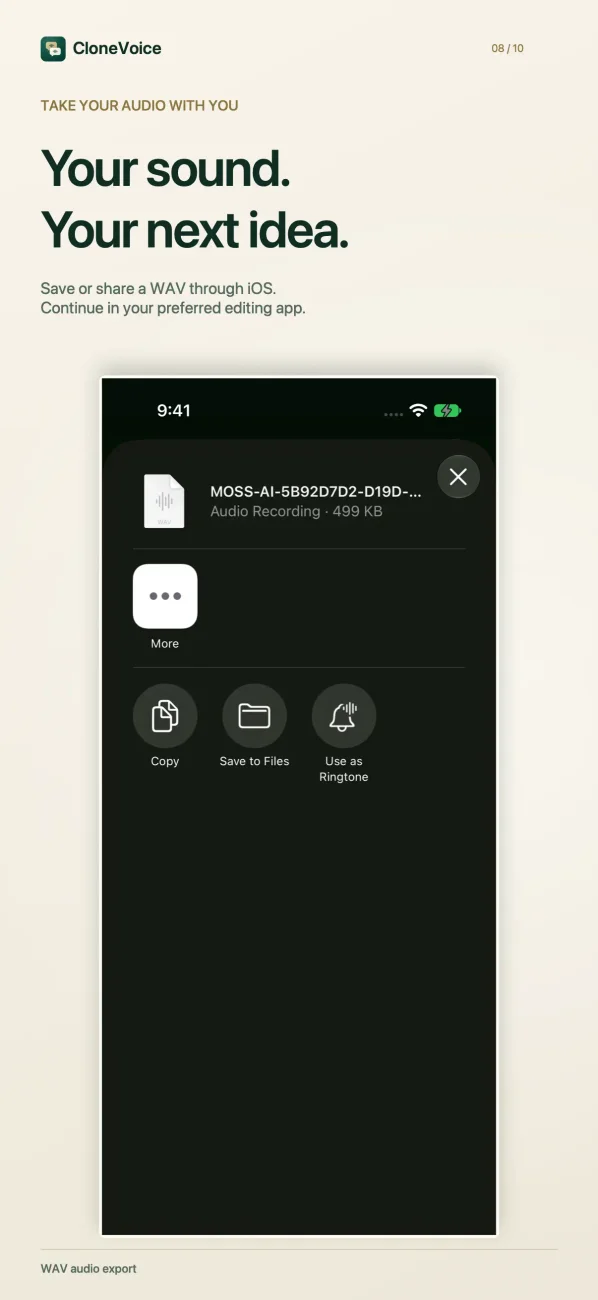
Play generated audio in the app and export through the system share sheet. Files are 48 kHz mono PCM16 WAV, ready to save, share, or import into another audio tool.
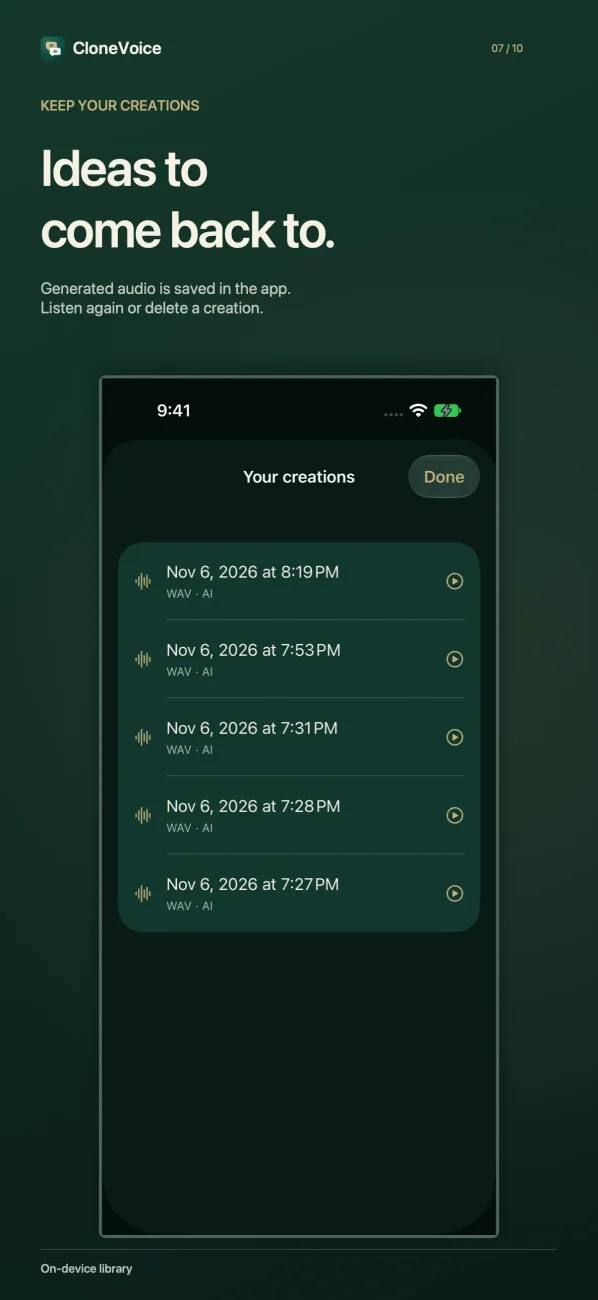
Scripts save automatically and generated creations remain available to revisit. Delete a saved voice, remove an individual creation, or clear local data managed by the app. Deleting a voice keeps existing scripts and creations. Clearing all local data removes the app's voice, script, and generated audio. Originals and copies saved or shared elsewhere need to be managed at those destinations.
BEFORE YOU CREATE
A newer device with at least 8 GB of RAM is recommended. Keep the app in the foreground while generating. Processing may pause or stop in the background or when memory is low. Voice similarity, quality, and speed vary with the reference, text, and device; exact reproduction and real-time generation are not guaranteed.
The interface follows your device language and is available in 12 languages. Interface languages and speech synthesis languages differ: generated speech currently supports Chinese and English only.
CREATE WITH PERMISSION
Use only your own voice or a voice you have explicit permission to use. Do not impersonate others, mislead listeners, commit fraud, or bypass voice authentication. A voice-use confirmation does not verify identity or grant rights to a recording.
Exports include AI-generated metadata, without an added audible AI tone. Keep the labels when sharing and tell listeners the content is AI-generated. Metadata is not identity verification or a tamper-proof watermark.
Support: hezhuangjs@gmail.com
What’s new
Version 1.3.0 · Nov 18, 2026
1. Fixed the issue where model downloads failed.
App privacy
What 壮 何 declares on the App Store about how this app handles data.
-
Data not collected
The developer does not collect any data from this app.
Privacy practices may vary, for example with the features you use or your age.
Information
- Seller
- 壮 何
- Category
- Utilities
- Version
- 1.3.0
- Updated
- Nov 18, 2026
- Released
- Nov 3, 2026
- Size
- 756.5 MB
- Requires
- iOS 17.0 or later
- Age rating
- 4+
- Price
- $4.99
- Languages
- English, Arabic, French, German, Hindi, Italian, Japanese, Korean, Portuguese, Russian, Simplified Chinese, Spanish
- Copyright
- © hezhuang
You might also like
-
 Readmory - Book NotesSave Quotes, Scan & Revisit
-
 ZipEazy: Multi-Format UnZipzip/rar/7zPassword Archives
-
 拾光日记用文字与心情,珍藏每一段时光
-
 PasteKit: Clipboard KeyboardText Snippets & Quick Replies
-
 How Are You TodayTrack Mood & Light Notes
-
 Watermark To Photo: ID & BatchPurpose labels. Local editing.
-
 Duo widget: Battery & WiFiBattery & Wi-Fi, 3-in-1
-
 Alarm Pro: Shift Work ClockRotating Schedule & Smart Wake
-
 THLPlayUtilities
-
 Photo SenderSend photos & videos with EXIF